
"Mastering Portrait Mode: Transforming Regular iPhone Photos with Ease"
TL;DR Summary
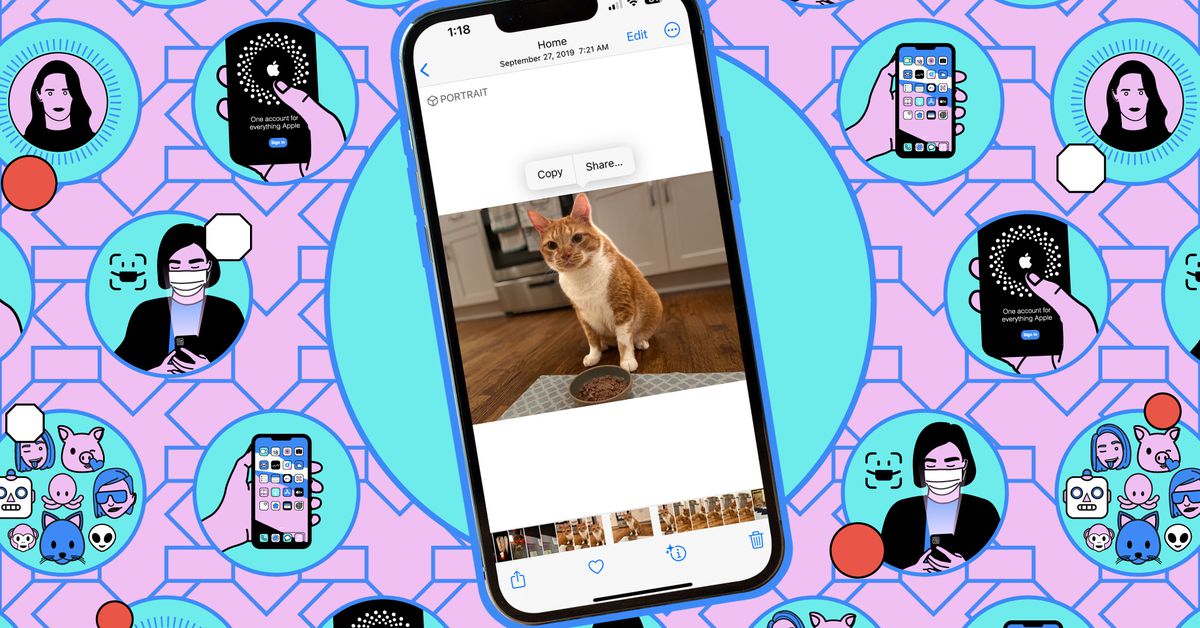
iPhone 15 owners can now apply Portrait mode to photos taken in the standard camera mode, allowing them to add a blurred background and shift focus after capturing the image. The phone automatically saves depth information when it detects faces, cats, or dogs in the frame, or when the user taps to focus on a subject. To apply the Portrait mode effect, users can open the photo in the Photos app, tap the Portrait option, and adjust the background blur strength using the f-stop slider. However, depth information is only saved for the cover frame of Live Photos bursts.
Reading Insights
Total Reads
0
Unique Readers
9
Time Saved
2 min
vs 3 min read
Condensed
83%
571 → 99 words
Want the full story? Read the original article
Read on The Verge