Tag

Graphics Settings

All articles tagged with #graphics settings

Battlefield 6 Launches with Strong Performance and Cloud Gaming Support

Originally Published 3 months ago — by Wccftech

Featured image for Battlefield 6 Launches with Strong Performance and Cloud Gaming Support
Source: Wccftech

Battlefield 6 offers solid performance across current-gen GPUs on PC, with high frame rates achievable at various settings and resolutions, thanks to extensive customization options and upscaling technologies like DLSS, FSR, and XeSS, making it accessible and visually impressive for most gamers.
Silent Hill f: Stunning Graphics, Evolving Gameplay, and Hidden Secrets

Originally Published 3 months ago — by DSOGaming

Featured image for Silent Hill f: Stunning Graphics, Evolving Gameplay, and Hidden Secrets
Source: DSOGaming

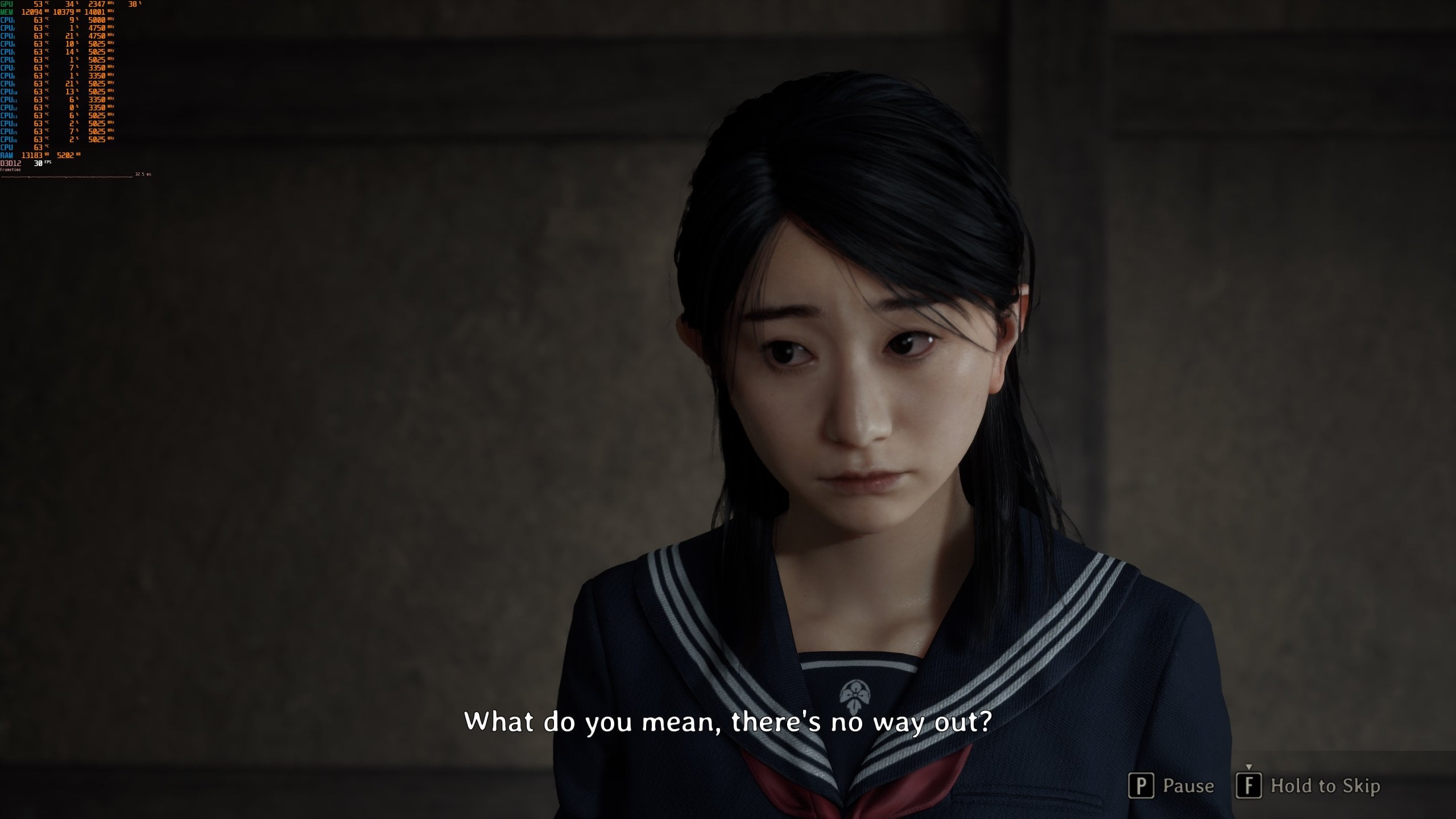
Silent Hill f, powered by Unreal Engine 5, has hidden 'True Epic' graphics settings that significantly enhance its visuals, such as better shadows and AO, but at a performance cost. These settings can be unlocked by editing an INI file, revealing a much more visually impressive game, though they are hidden to prevent performance complaints. The article also advises avoiding the DLSS 4 Multi-Frame Gen Mod due to stuttering issues.

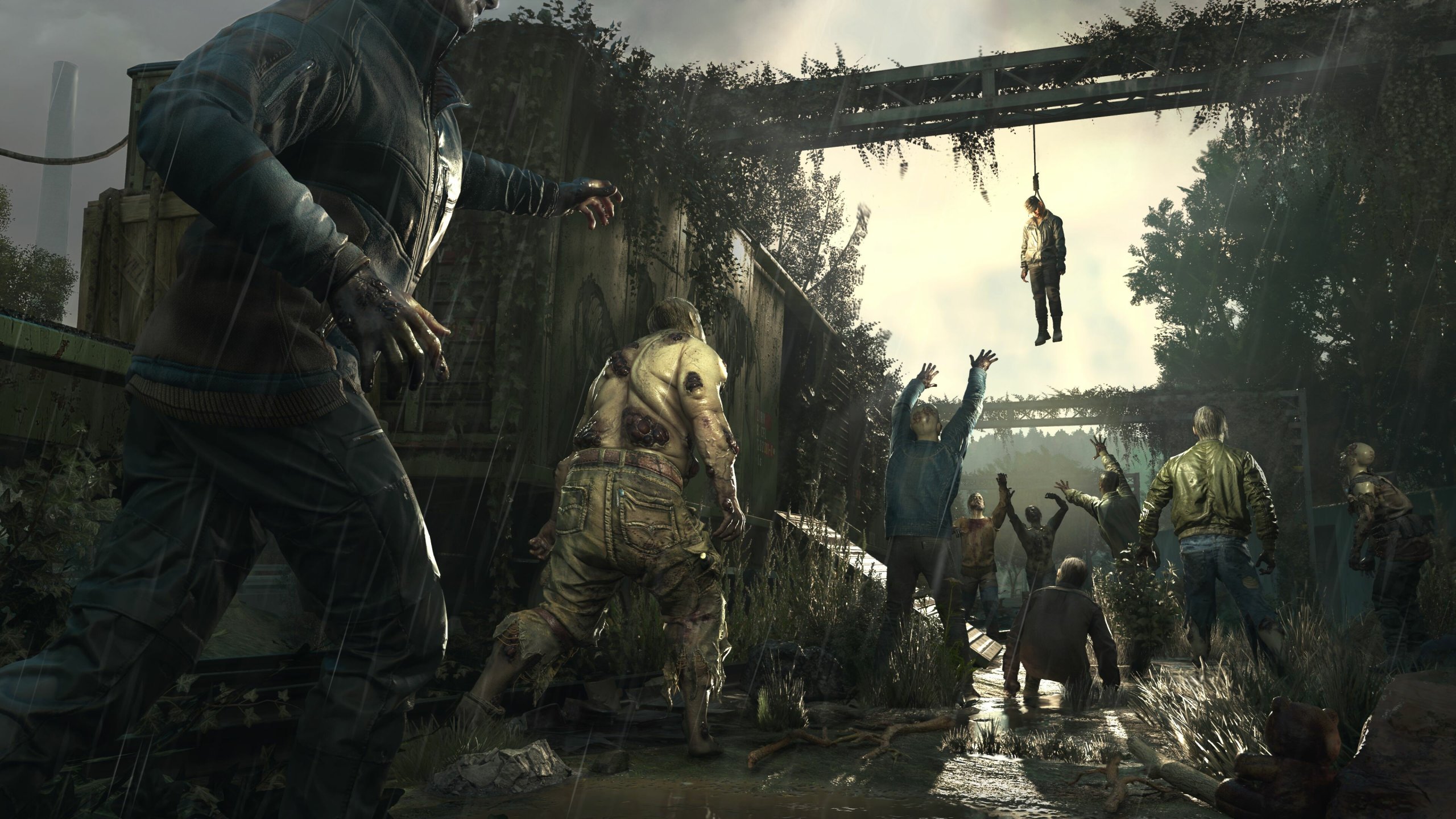
Dying Light: The Beast PC Performance Review

Originally Published 3 months ago — by DSOGaming

Featured image for Dying Light: The Beast PC Performance Review
Source: DSOGaming

Dying Light: The Beast runs smoothly on PC with all tested GPUs achieving 60FPS at 1080p and high settings, but its graphics are considered outdated with issues like pop-in and low texture quality. High-end GPUs like the RTX 4090 and RTX 5090 are needed for 4K gaming at 60FPS, and the game supports various upscaling technologies, though it lacks ray tracing support.

"Manor Lords: Early Access Launch, System Requirements, and Console Availability Explained"

Originally Published 1 year ago — by Rock Paper Shotgun

Featured image for "Manor Lords: Early Access Launch, System Requirements, and Console Availability Explained"
Source: Rock Paper Shotgun

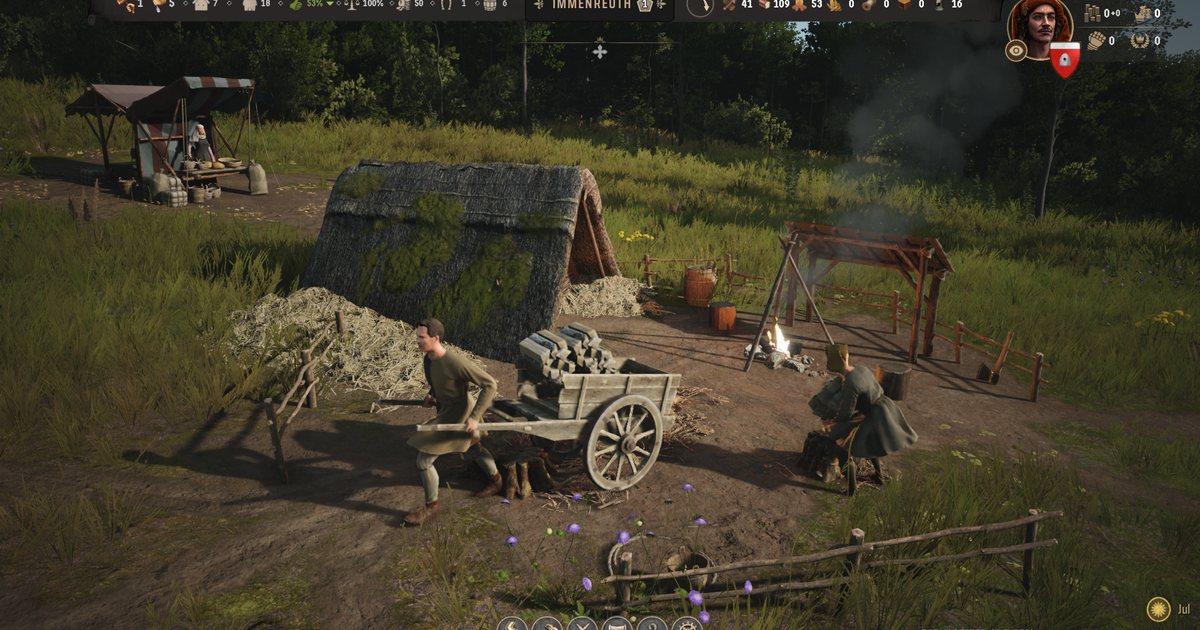
Manor Lords, a citybuilding/RTS hybrid game set to launch in early access, boasts solid technical performance and relatively light hardware demands, making it suitable for older PCs and handhelds like the Steam Deck. With support for FSR and DLSS upscaling, the game offers a range of graphics settings that allow for smooth gameplay on various GPUs, from entry-level to premium rigs. While the game exhibits some technical flax and minor issues in its early access phase, it generally runs well on a wide range of hardware configurations, providing a best settings guide to optimize performance without sacrificing visual quality.

"Avatar: Frontiers of Pandora - PC vs PS5 Graphics Comparison and Performance Review"

Originally Published 2 years ago — by Eurogamer.net

Featured image for "Avatar: Frontiers of Pandora - PC vs PS5 Graphics Comparison and Performance Review"
Source: Eurogamer.net

The article provides an in-depth analysis of the PC user experience, graphics settings, and performance optimization for the game Avatar: Frontiers of Pandora. It compares the PC version to the PS5 version, discusses the "Unobtainium" settings intended for future hardware, and evaluates the use of image reconstruction and frame generation options. The article also provides optimized settings for older low to mid-range GPUs based on the PS5 version's performance mode. Overall, Avatar: Frontiers of Pandora is praised for its excellent PC release, scalable graphics options, and smooth user experience.

"Exploring the Flawed Beauty of Avatar: Frontiers of Pandora"

Originally Published 2 years ago — by Rock Paper Shotgun

Featured image for "Exploring the Flawed Beauty of Avatar: Frontiers of Pandora"
Source: Rock Paper Shotgun

Ubisoft's Avatar: Frontiers of Pandora offers stunning visuals but comes with steep hardware requirements. The game demands a minimum of a GTX 1070 GPU and recommends modern CPUs like the AMD Ryzen 5 5600X or Intel Core i5-11600K. DLSS and FSR upscaling options can significantly improve performance, with DLSS providing sharper visuals and FSR offering smoother gameplay. Adjusting individual settings, such as motion blur, shadow quality, and reflections, can further enhance performance without sacrificing too much visual fidelity. Overall, the game's PC performance is stable, but players may need to optimize settings to achieve desired framerates.

"Lords of the Fallen: Performance Patch Boosts Steam Reviews, Crossplay Disabled, and Next-Gen Ultra Settings"

Originally Published 2 years ago — by Rock Paper Shotgun

Featured image for "Lords of the Fallen: Performance Patch Boosts Steam Reviews, Crossplay Disabled, and Next-Gen Ultra Settings"
Source: Rock Paper Shotgun

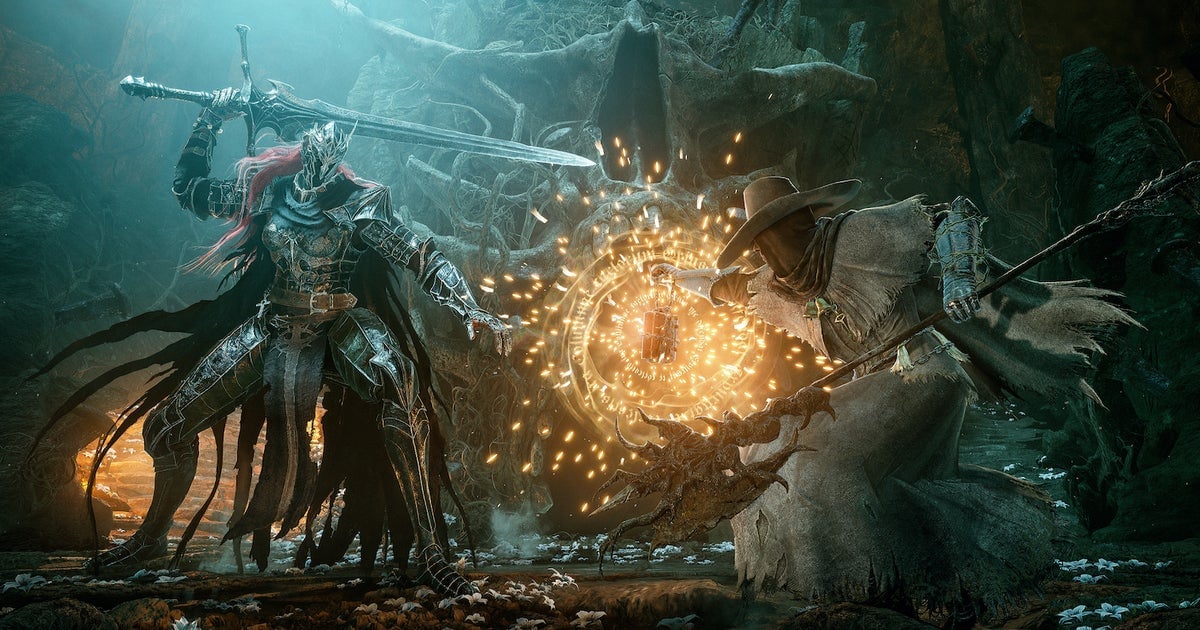
Developers Hexworks have released a major performance patch for the game Lords of the Fallen, addressing several issues causing crashes and improving graphics card compatibility. The patch includes fixes for outdated drivers, frame generation stability, and errors related to graphics quality settings. Hexworks advises players to let the game choose the best settings for their rigs and recommends using the "AUTO-SET" option in the Graphics Settings. The patch also includes balancing tweaks and performance improvements, resulting in improved Steam reviews for the game.

"Immortals of Aveum: Revolutionizing PC Optimization and Console Performance with Unreal Engine 5"

Originally Published 2 years ago — by Digital Trends

Featured image for "Immortals of Aveum: Revolutionizing PC Optimization and Console Performance with Unreal Engine 5"
Source: Digital Trends

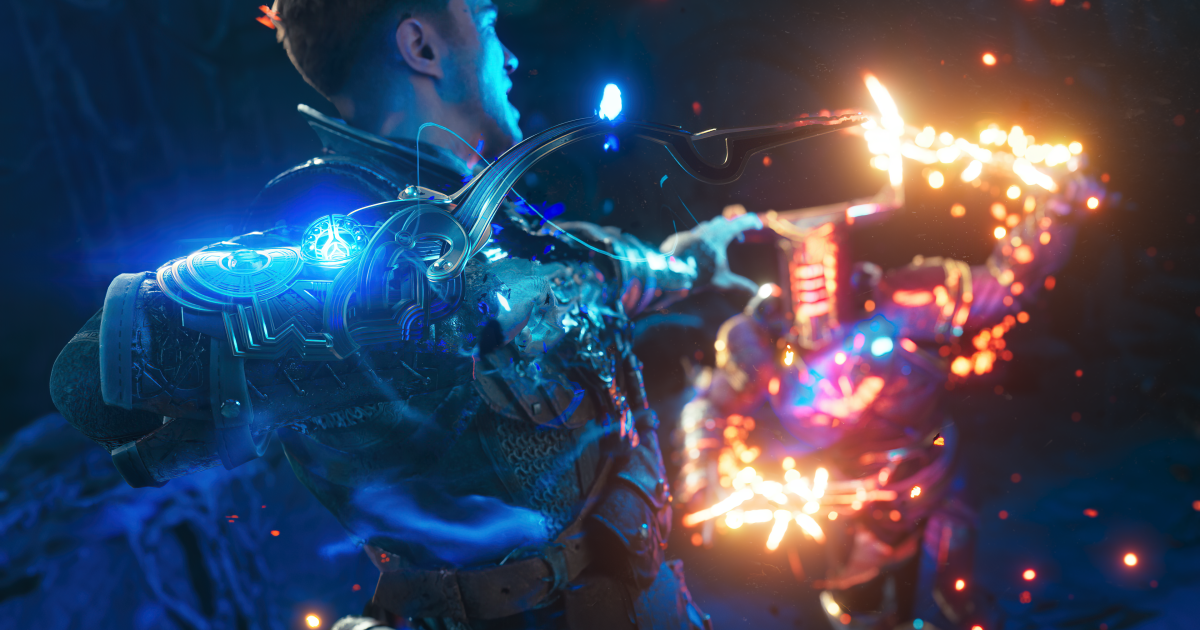
Immortals of Aveum is introducing the Performance Budget Tool, a feature that helps players optimize their PC games by understanding how graphics settings impact performance. The tool assigns CPU and GPU numbers to each setting and allows players to tweak their performance budget in real time. Immortals of Aveum is the first major game to leverage the full capabilities of Unreal Engine 5, including features like Nanite, Lumen, and Niagara, which enable enhanced visual fidelity and scalability. However, it remains to be seen how the game will perform upon release, as it may still face performance issues.

"Baldur's Gate 3: Optimize Your Gaming Experience with Best PC Settings, Class Choices, Co-Op Tips, and Romance Options"

Originally Published 2 years ago — by IGN

Featured image for "Baldur's Gate 3: Optimize Your Gaming Experience with Best PC Settings, Class Choices, Co-Op Tips, and Romance Options"
Source: IGN

IGN provides recommendations for optimizing the gaming experience in Baldur's Gate 3 on a PC. They suggest adjusting settings such as resolution, anti-aliasing, detail distance, and texture quality based on the hardware capabilities. They also highlight the benefits of using FidelityFX Super Resolution (FSR) for AMD graphics cards and Deep Learning Super Sampling (DLSS) for Nvidia graphics cards to improve performance. The article emphasizes the game's robust suite of graphics settings and the ability to customize them for a smoother gameplay experience.