Tag

Google Authenticator

All articles tagged with #google authenticator

technology2 years ago

Seamlessly Sync Your Authenticator with iCloud Keychain

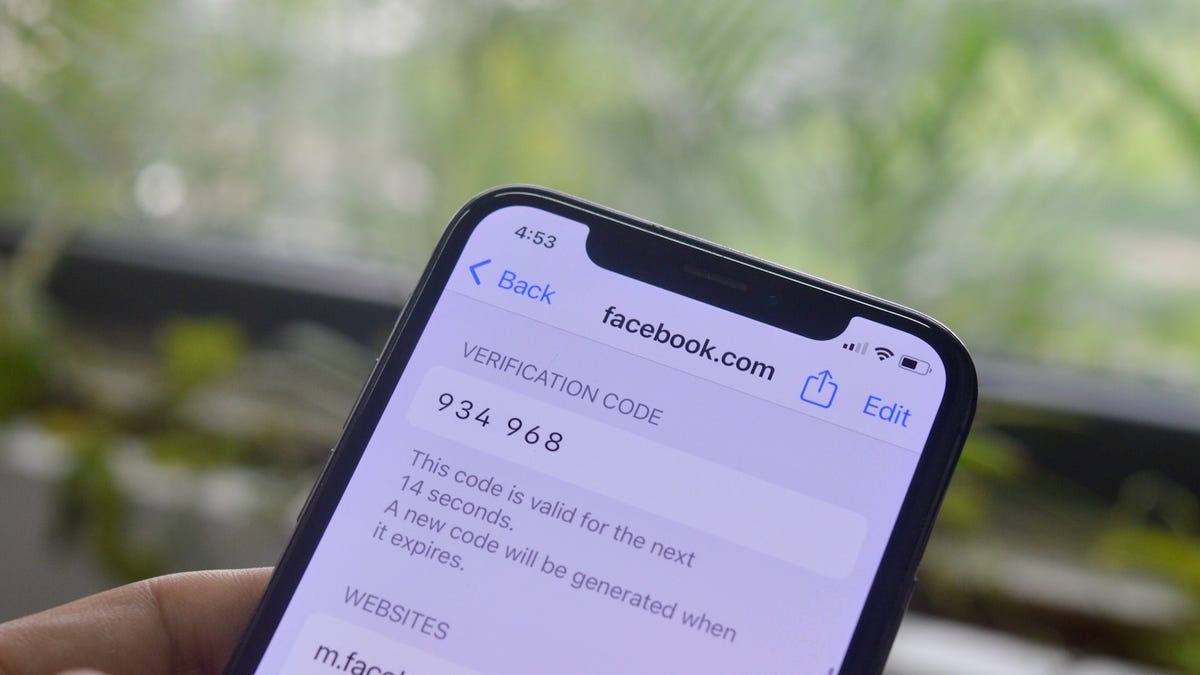
Apple users who are fully invested in the Apple ecosystem may find it more convenient to switch from Google Authenticator to iCloud Keychain for managing one-time passwords (OTPs) for two-factor authentication. With iCloud Keychain, users can easily copy and paste or AutoFill OTPs across all Apple devices, eliminating the need to constantly switch to their iPhone. Additionally, iCloud Keychain offers seamless migration of OTPs to new devices, making it a hassle-free option for Apple users. To import Google Authenticator codes into iCloud Keychain, users need to follow a few steps outlined in the article.


technology2 years ago

Mastering Google Authenticator: A Step-by-Step Guide.

Google Authenticator is a more secure way to manage two-factor authentication (2FA) codes than receiving them via text message. To set it up, download the app, log in with your Google account, and scan a QR code or manually enter the code for the online account you want to set up. Google recently added functionality that enables your codes to be synced across your Google account. To access your codes, open the app and use the impermanent code associated with the account you want to log in to.

technology2 years ago

Google Authenticator's Security Concerns: What You Need to Know.

Google Authenticator is adding an account sync feature and two-factor authentication option to its tool, but it lacks end-to-end encryption (E2EE), which has raised security concerns. Security researchers have criticized Google for not adding a high level of security to its premium tool. Google plans to offer E2EE in the future, but for now, users will have the option to use the application offline. Users are advised not to use the feature until E2EE support is added.

technology2 years ago

Google Authenticator's Encryption Issues and Offline Usage

Google Authenticator's recent update allows users to sync 2FA codes across multiple devices using their Google Account, but this raises security concerns as it is not end-to-end encrypted. To use Google Authenticator offline and turn off syncing, users can tap their profile photo in the app, select "Use without an account," and continue. This limits 2FA codes to the device and provides extra peace of mind.

technology2 years ago

Google Authenticator: Encryption Updates and Risks

Google Authenticator will add end-to-end encryption to its cloud backup feature after researchers warned users against synchronizing 2FA codes with their Google accounts. The lack of end-to-end encryption meant that the data was stored on Google's server in a format that unauthorized users could potentially access. Google has heard users' concerns and said they would add end-to-end encryption to a future version of Google Authenticator. However, Google is rolling out this feature carefully in their products due to the possibility of end-to-end encryption causing users to get locked out of their own data.

technology2 years ago

Google Authenticator introduces cloud backup and syncing for 2FA codes.

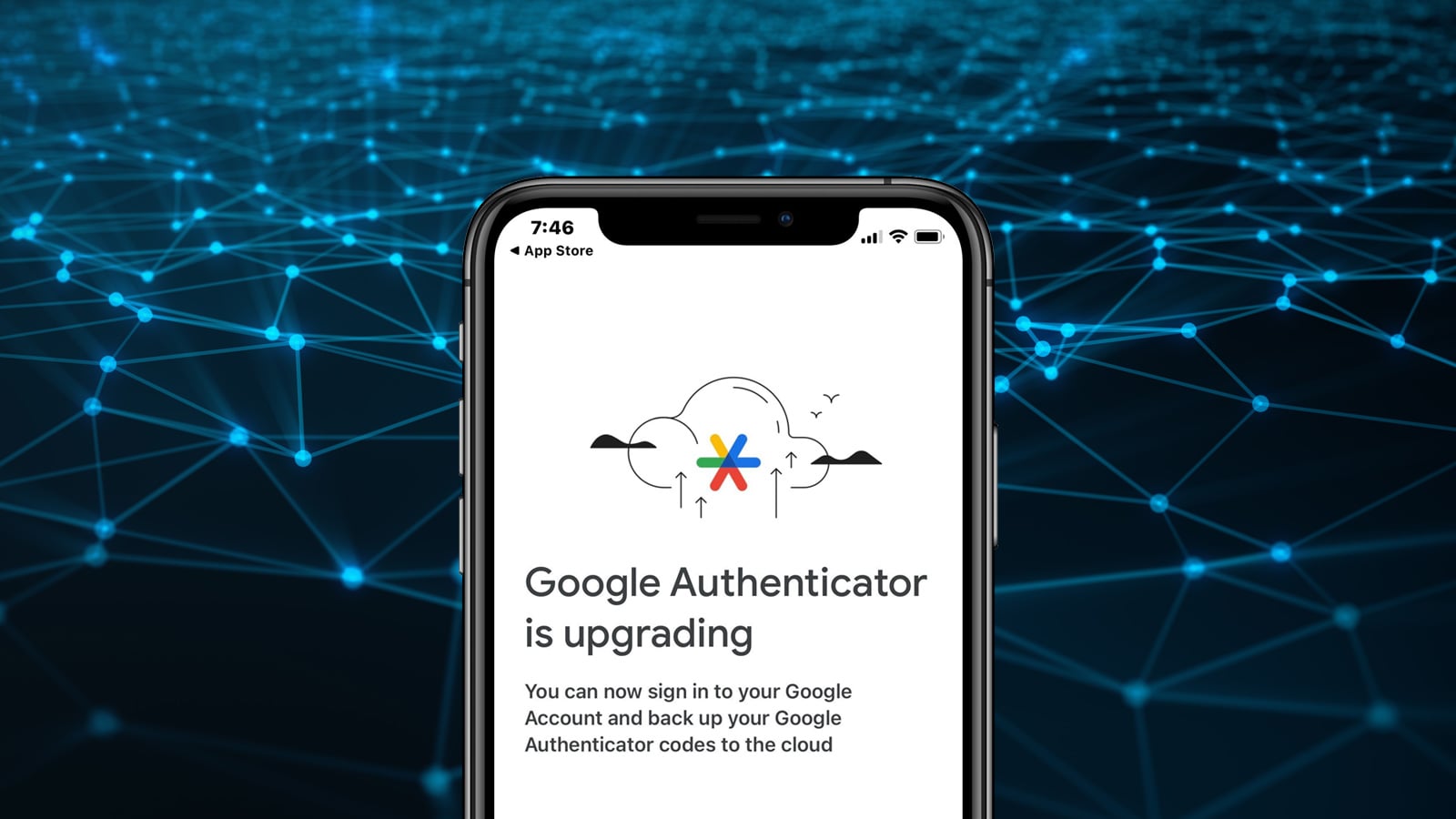
Google Authenticator has released an update for Android and iOS that allows users to back up their two-factor authentication one-time passwords (OTPs) to their Google Accounts and have multi-device support. This update addresses one of the biggest critiques of the app, which was the inability to back up one-time 2FA codes and the lack of multi-device support. With this feature, users can now synchronize their 2FA codes with their Google account and add their 2FA codes to multiple devices.

technology2 years ago

Google Authenticator introduces cloud syncing for 2FA codes.

Google Authenticator now syncs one-time two-factor authentication codes to users' Google Accounts, making it easier to sign in to apps and websites on new devices. Users can also manually transfer their codes to another device. Christiaan Brand, a group product manager at Google, assures users that the new feature is convenient without sacrificing security. However, if users are wary of syncing their codes with Google's cloud, there are alternative 2FA apps available such as Authy and Duo.