Tag

Google Account

All articles tagged with #google account

technology2 years ago

Google Account 'Device Pairing' Feature Now Available for Messages on Web

Google Messages is rolling out a new feature called "Device pairing" that replaces QR codes for signing in to the web version of the messaging app. Users can now sign in using their Google Account and continue conversations across multiple devices. The updated feature also includes a new navigation drawer and allows for simultaneous pairing with a tablet. The rollout is currently limited to certain devices running the latest beta release.

technology2 years ago

Google Chrome Material You redesign: How to Disable and Get Rid of It

Google Chrome is rolling out a Material You redesign for its desktop version, introducing rounded corners, taller tab strips, and address bars. The lock icon in the Omnibox has been replaced with a new icon that provides site controls and information. The redesign also includes outline-style icons for improved legibility, reordered menu items, and a sub-menu for signed-in Google Accounts. Color palettes have been updated to better complement tabs and toolbars, and users can customize Chrome's appearance on the New Tab Page. The redesign is currently available on Mac, Windows, and Linux, with ChromeOS rollout expected soon.

technology2 years ago

Google Messages for Web Introduces Enhanced Account Pairing with Emoji Authentication

Google Messages is rolling out a new feature called "Device pairing" that replaces QR codes for signing in to the web version of the messaging app. Users are prompted to confirm their Google Account and match an emoji displayed on their phone to complete the pairing process. The updated UI includes a navigation drawer and specifically names the Android device in use. The new feature is currently available on one device running the latest beta release.

technology2 years ago

"Google Passkeys: The Future of Account Security and Password-Free Access"

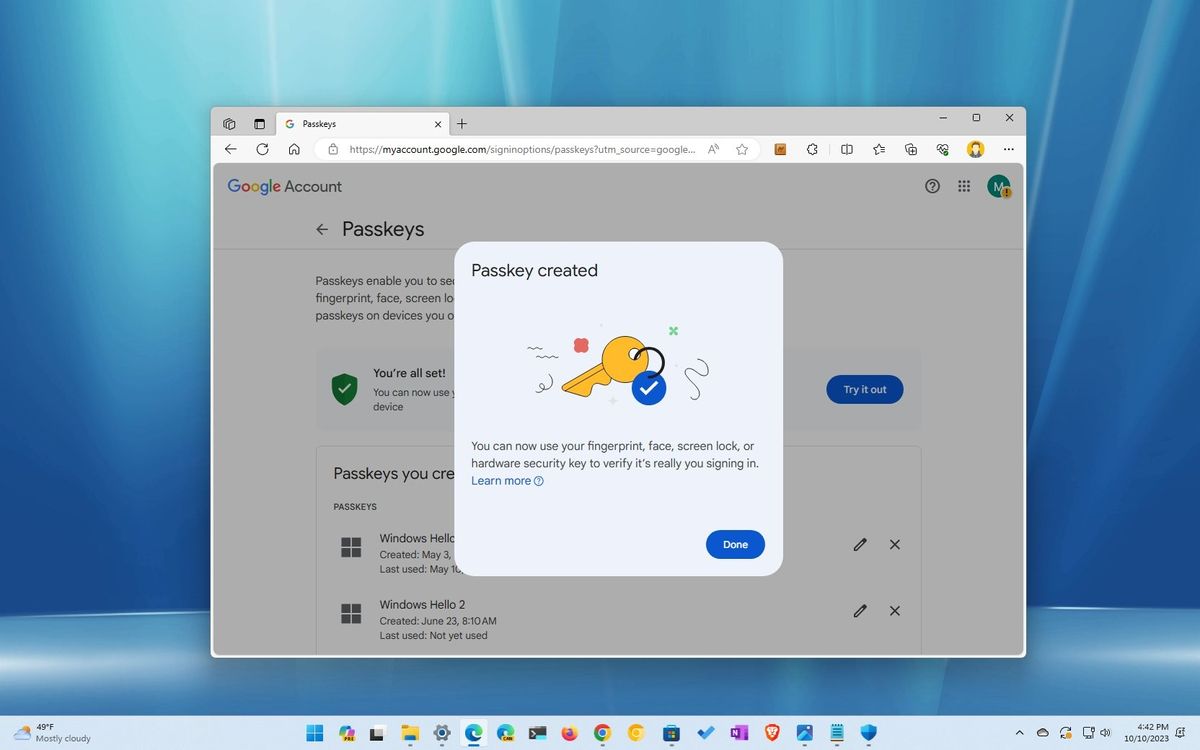
Windows 11 now allows users to create passkeys for signing in to apps and services, including Google accounts, without using a password. This feature, integrated with Windows Hello, provides a more secure and convenient way to access accounts and makes it harder for malicious individuals to steal credentials. Users can generate and save a passkey for their Google account through the Chrome or Edge browser, and can delete the passkey from Windows 11 settings if needed.

technology2 years ago

"Google's Pixel Watch 1.4 Update Enhances Account Linking and UI"

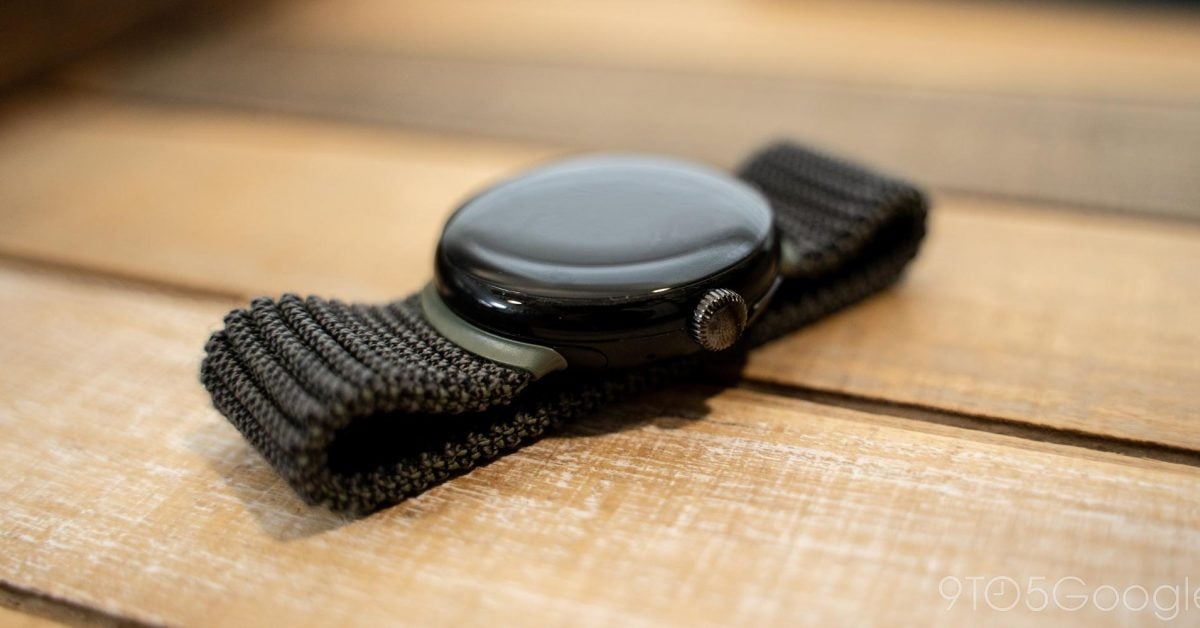
The Pixel Watch app version 1.4 brings minor visual changes and the ability to link your Google Account. The update prompts users to sign in to Google and link their watch to access all settings. However, no additional Pixel Watch preferences are available yet, as the watch transfer feature tied to Wear OS 4 is not yet implemented. The update also includes UI changes, such as the account avatar appearing in the top-right corner and a new watch switcher design. Work on syncing Do Not Disturb and Bedtime Mode across devices is ongoing.

technology2 years ago

Google Authenticator introduces cloud syncing for 2FA codes.

Google Authenticator now syncs one-time two-factor authentication codes to users' Google Accounts, making it easier to sign in to apps and websites on new devices. Users can also manually transfer their codes to another device. Christiaan Brand, a group product manager at Google, assures users that the new feature is convenient without sacrificing security. However, if users are wary of syncing their codes with Google's cloud, there are alternative 2FA apps available such as Authy and Duo.

technology2 years ago

"Unlocking Android's Hidden Protection Features for Enhanced Security"

Android users have been informed of a hidden setting called "Phone Protection" that can help prevent others from using their device and protect their data. To set it up, users need to add a Google Account on their phone, set a screen lock, and follow the on-screen instructions. If the screen lock is not set, the phone can be locked remotely with Find My Device. To turn off phone protection, users need to remove their Google Account from their phone or turn it off from the Developer options in the Settings app.