
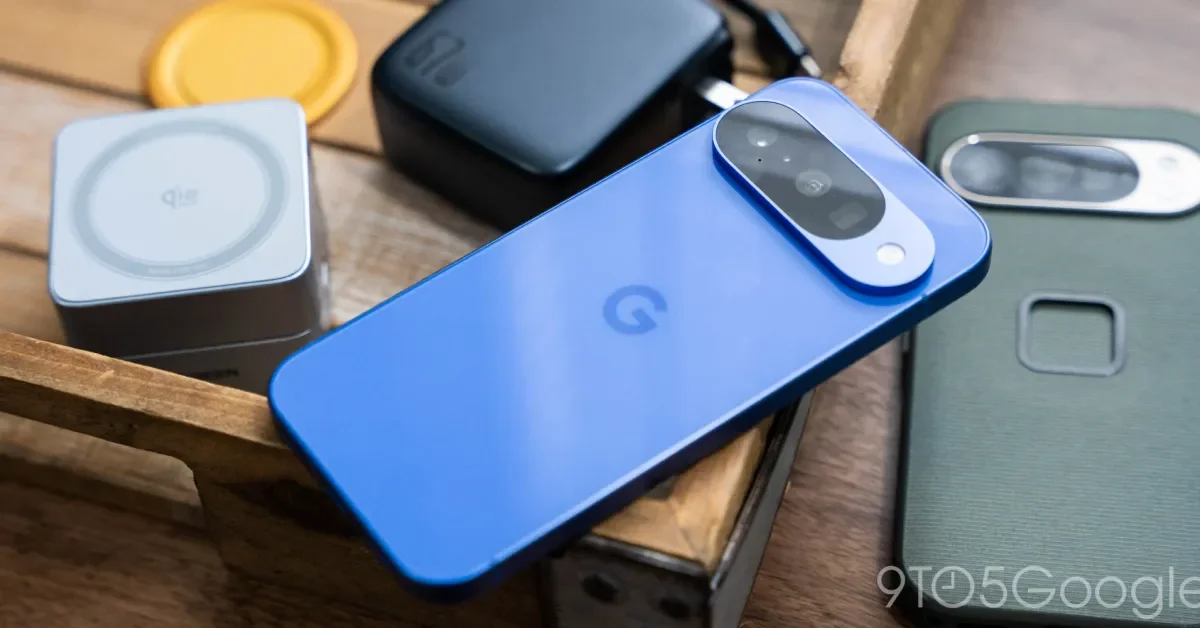
The article recommends essential accessories for a new Google Pixel phone, including protective cases, screen protectors, upgraded charging bricks, portable power banks, and Qi2 magnetic accessories, emphasizing affordability and functionality to enhance the user experience.
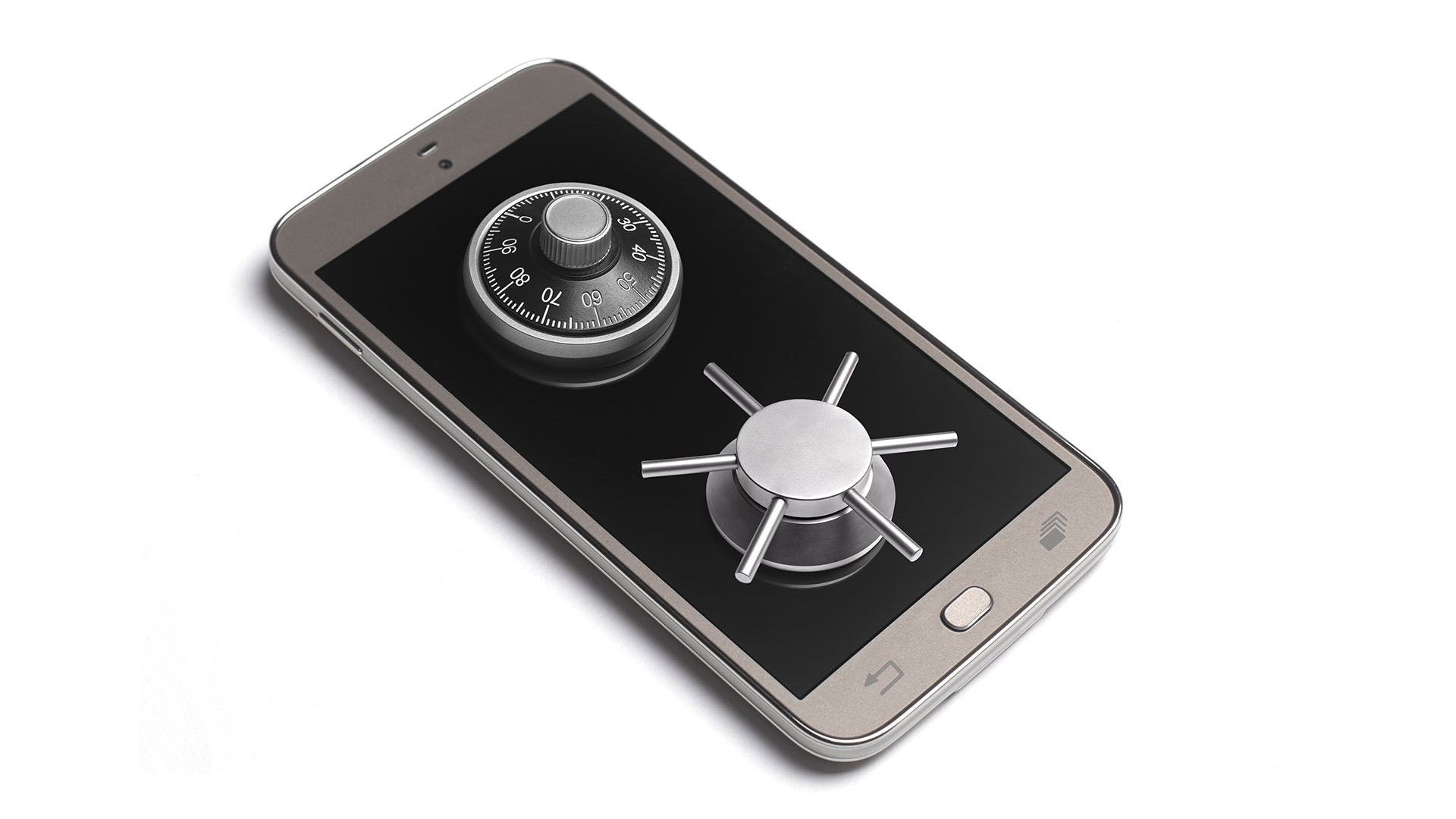
Android users have been informed of a hidden setting called "Phone Protection" that can help prevent others from using their device and protect their data. To set it up, users need to add a Google Account on their phone, set a screen lock, and follow the on-screen instructions. If the screen lock is not set, the phone can be locked remotely with Find My Device. To turn off phone protection, users need to remove their Google Account from their phone or turn it off from the Developer options in the Settings app.