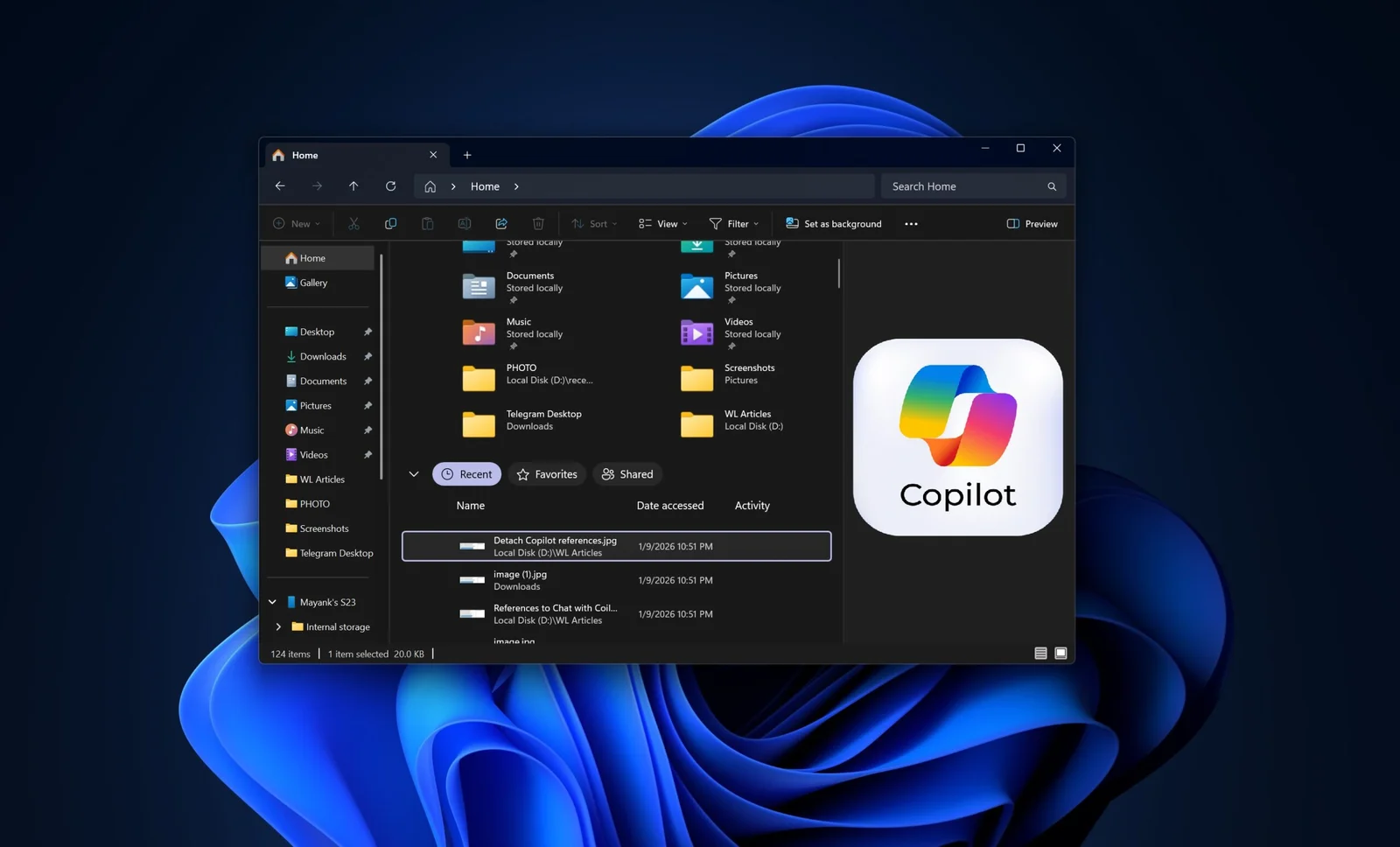
Microsoft is testing a new feature to integrate Copilot directly into Windows 11's File Explorer, likely as a sidebar or chat pane, moving beyond the current right-click 'Ask Copilot' option. This could allow users to chat with Copilot within Explorer itself, with references suggesting a dockable or detachable interface. Despite ongoing development, Copilot's market share on the web remains low, and Microsoft has not yet confirmed the full rollout.
The article provides 31 essential tips and tricks for Windows 11 users, covering customization, AI assistance with Copilot, multitasking with virtual desktops, improved file management, and new features like widgets, snap layouts, and security enhancements to maximize productivity and user experience.
Microsoft is rolling out an update for Windows 11 that improves File Explorer's search performance by eliminating duplicate file indexing, which reduces RAM usage and speeds up searches, initially available in Insider Preview builds with plans for wider deployment.
Microsoft released a December update for Windows 11 Insider builds, introducing AI enhancements like the Model Context Protocol, new AI connectors for File Explorer and Settings, updates to the update platform, expanded MIDI support, and improvements to gaming, File Explorer dark mode, and the Settings app, along with new AI features for the taskbar and Narrator personalization.
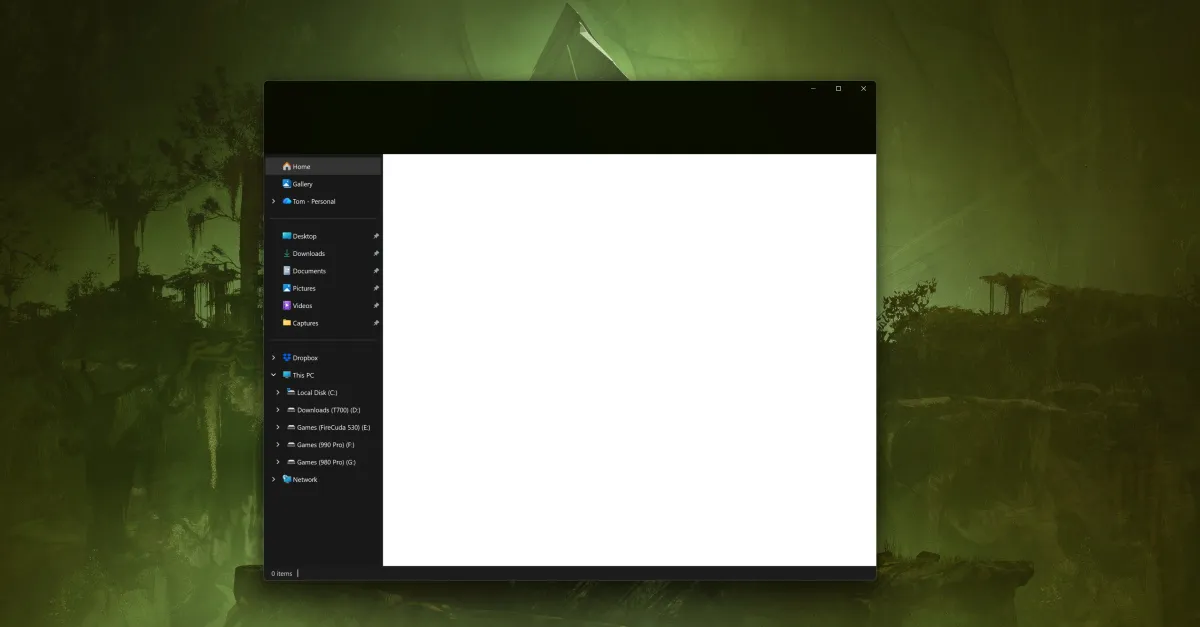
Microsoft's KB5070311 preview update for Windows 11 causes a white flash when opening File Explorer in dark mode, with Microsoft working on a fix. The update improves dark mode consistency but introduces this visual bug, prompting users to disable dark mode temporarily. The update also addresses other File Explorer issues and system responsiveness bugs.
Microsoft released a Windows 11 update aimed at improving dark mode consistency, but it introduced a bug causing a white flash when opening File Explorer in dark mode, with a fix in progress.
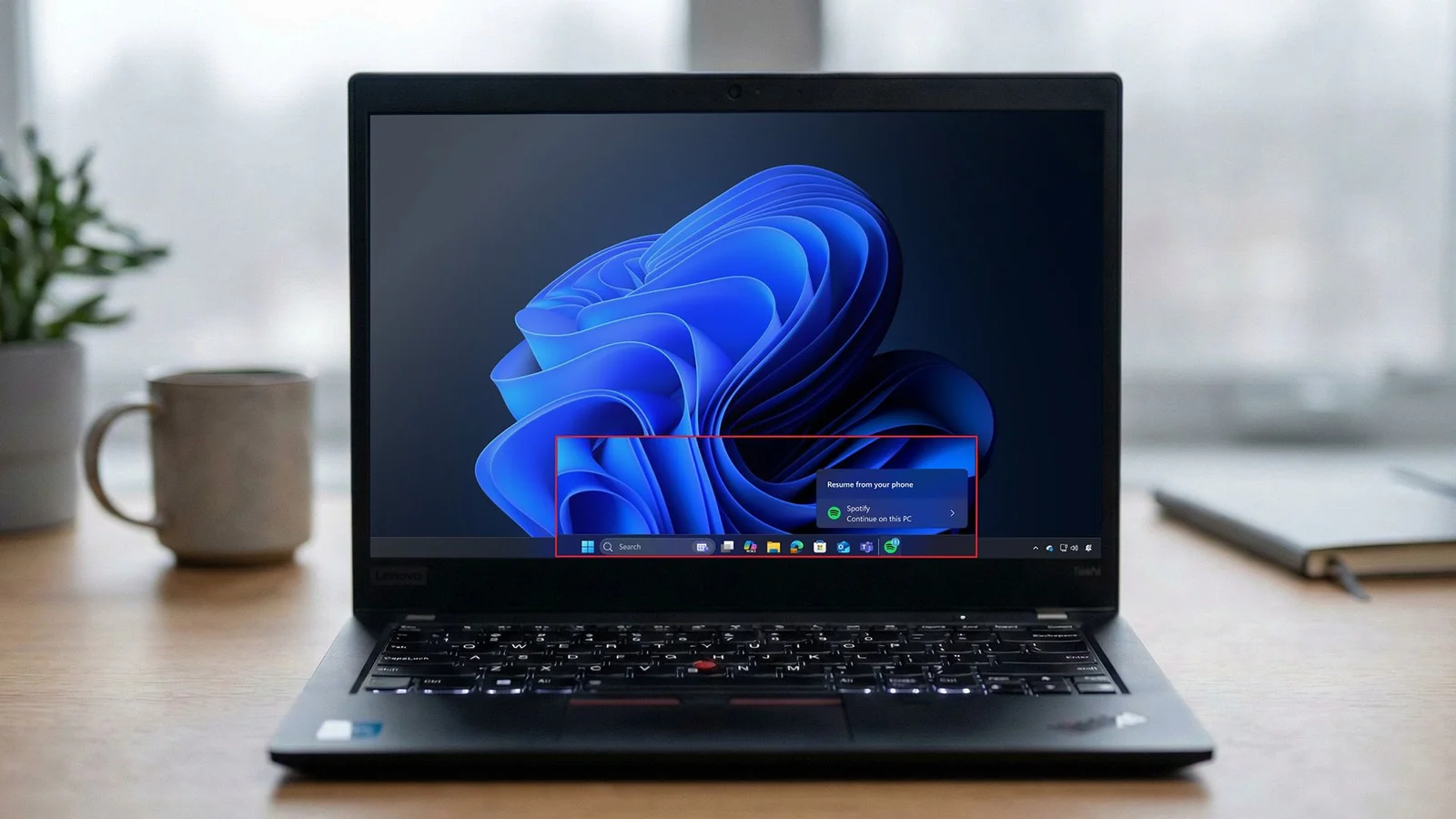
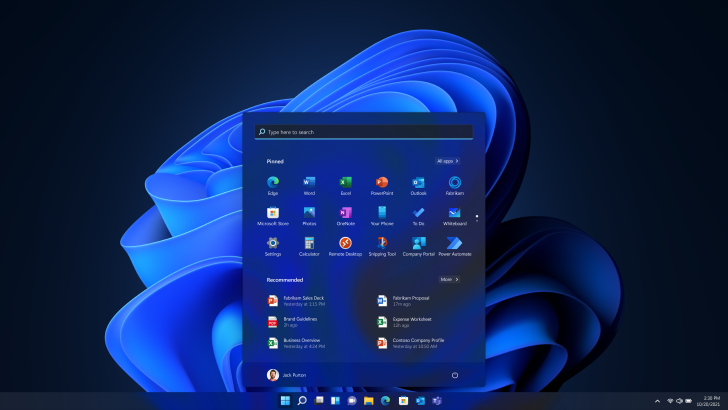
Microsoft has rolled out a new Start menu for Windows 11 versions 24H2 and 25H2, featuring a scrollable app section, new views, and Phone Link integration, along with improvements to File Explorer and battery indicators, available via optional update KB5067036.
Microsoft is testing a major Windows 11 update that includes a redesigned, more customizable Start menu, improvements to the Taskbar such as a new battery icon and animations, and new features for File Explorer, with a rollout expected soon for general users.
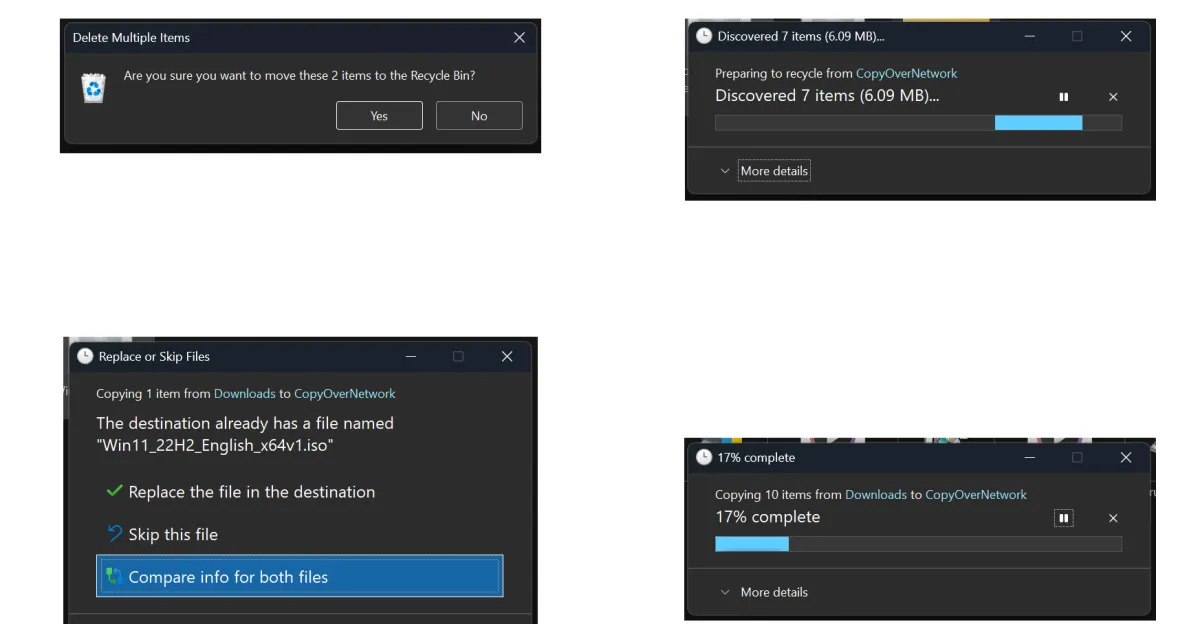
Microsoft is enhancing the consistency of dark mode in Windows 11, particularly in File Explorer actions like copying, moving, and deleting files, with plans to improve other UI elements for a more uniform dark mode experience.
Microsoft's Windows 11 File Explorer remains clunky, but the popular third-party Files App has received a significant update to version 4.0.12, introducing a new 'Discovering' phase for better user feedback and improved 'Cancel' button placement, enhancing overall usability.
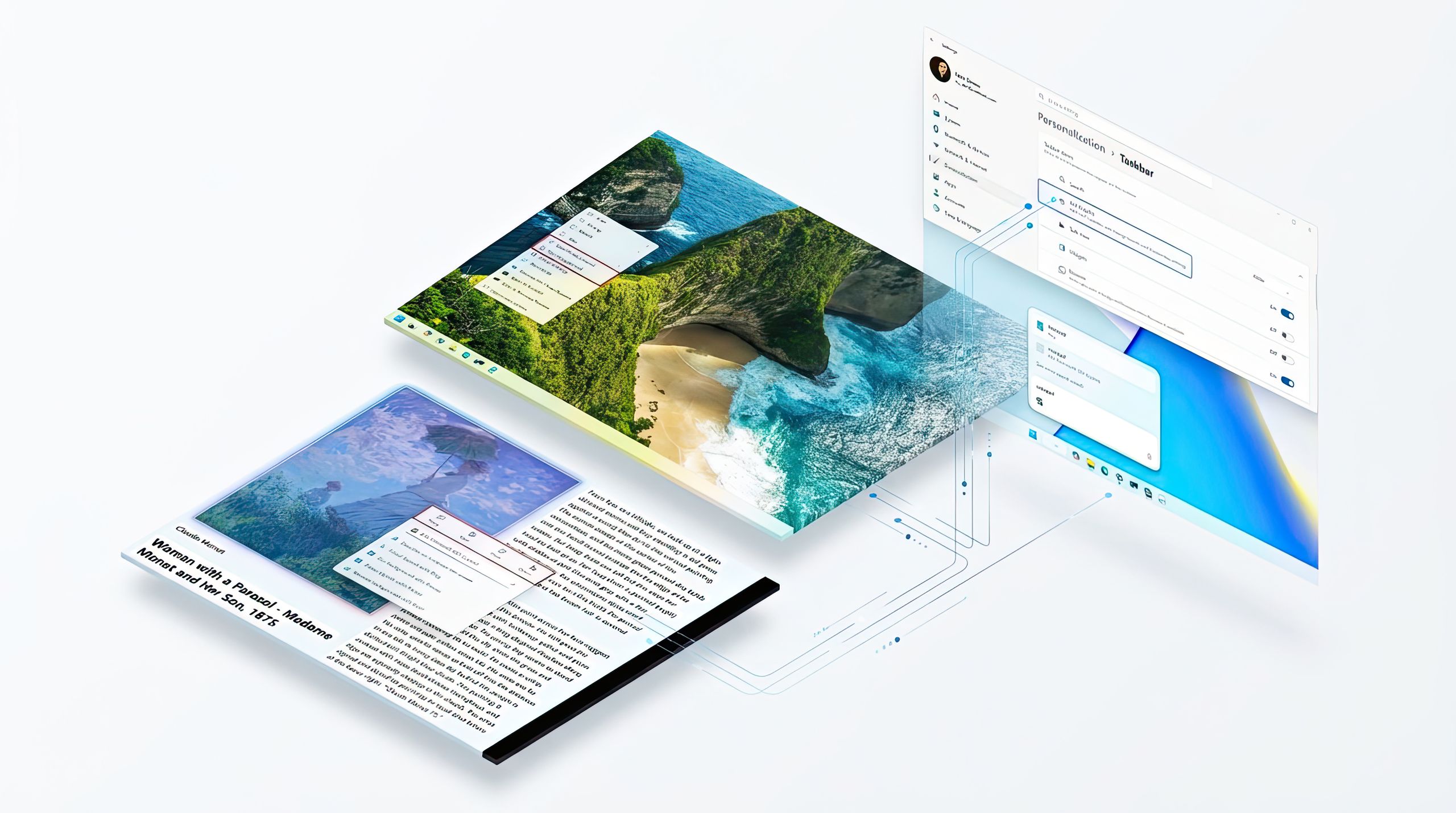
Microsoft is enhancing File Explorer in Windows 11 with AI-powered features, improved context menus, better sharing options, and performance upgrades, aiming to improve user experience and productivity.
Microsoft is testing new AI-powered features in Windows 11 File Explorer called 'AI actions,' which allow users to perform tasks like background removal, object erasing, and image blurring directly within the file explorer, along with reverse image search. These features are currently available to Windows Insiders in the Canary Channel with the latest preview build, and Microsoft is also enhancing privacy controls for AI usage and introducing AI agents for easier system settings management.
Microsoft is finally making progress on completing dark mode for Windows 11, with recent preview builds showing themed dark interfaces in File Explorer and other UI elements, after over six years of incomplete implementation. The update hints at more improvements to come, possibly in the 25H2 release later this year, addressing a long-standing user demand for a fully system-wide dark mode. Despite the slow progress, this development is seen as a positive step forward for Windows users who have been waiting for a consistent dark mode experience.
Microsoft is preparing to release a new Windows 11 feature update in July, introducing enhancements such as dynamically resizing Taskbar icons, improved sharing options, better archive extraction performance, and a new PC migration experience, with some features available early through the Windows Insider program.
Microsoft is finally addressing one of the oldest and most infuriating problems in Windows: the issue where a File Explorer window unexpectedly jumps to the foreground and seizes focus. The fix is included in the recently issued Windows 11 non-security preview update, and it is expected to be released in stable versions in January. The update also addresses two other File Explorer issues, but the reliability and performance problems still persist.