Tag

Passcode

All articles tagged with #passcode

technology1 year ago

"Trouble Resetting Your Apple Vision Pro Passcode? Here's What You Need to Know"

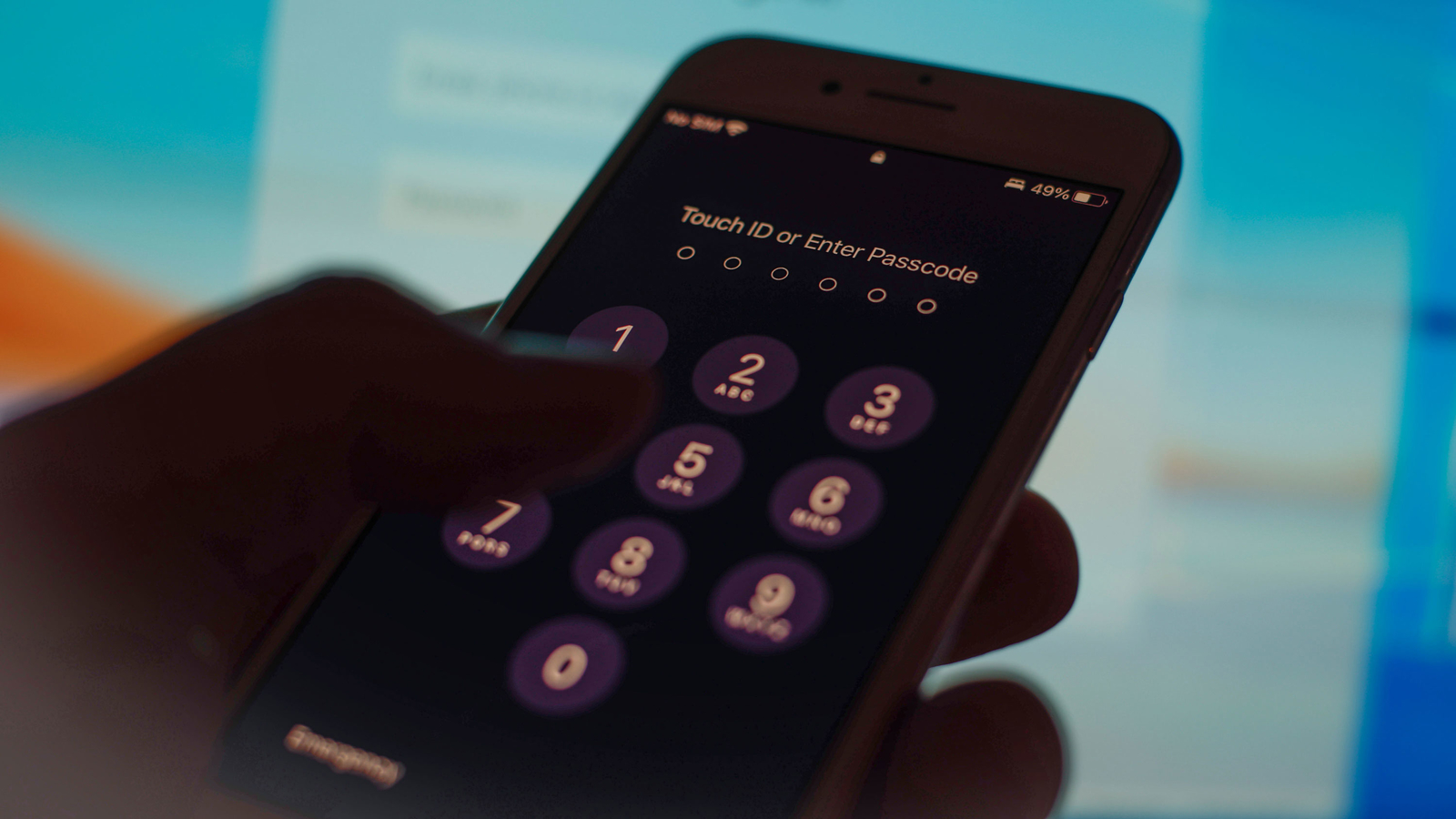
Apple Vision Pro owners who forget their passcode will need to visit an Apple retail store for a reset, as there is no on-device way to do so. The device asks for a six-digit passcode by default, and opting for a longer or shorter passcode is possible. Forgetting the passcode can lead to the device being disabled, with a waiting period before a new passcode can be entered. Erasing the device requires a visit to an Apple Store or shipping it to Apple, and there is no way to reset it using a combination of button presses.

technology1 year ago

"Resetting Your Apple Vision Pro Passcode: Store Visit Required"

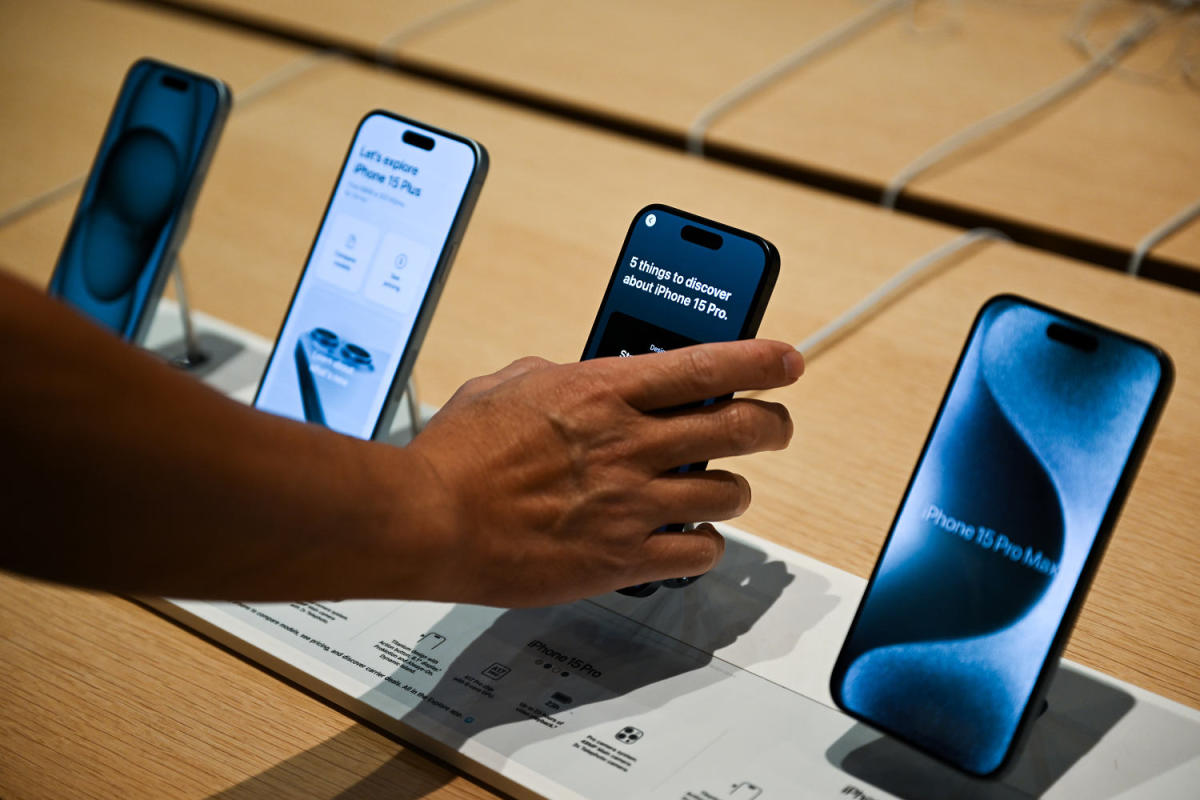
Buyers of Apple's new Vision Pro headset are encountering difficulties with passcode issues, as forgetting the code requires them to bring the device to a store or mail it to AppleCare for a reset, erasing all content. This is causing frustration among users, as the device lacks a mechanism to reset the passcode like other Apple products. Additionally, early customer-service snags include struggles with setting up Optic ID and the built-in Apple Music app, while the headset's lack of a USB-C port for troubleshooting poses another challenge for users. Despite these issues, the product's reception has been generally positive, with reviewers praising its immersive video playback and productivity features.

technology2 years ago

Apple's Enhanced iPhone Security Mode Thwarts Passcode Theft and Deters Thieves

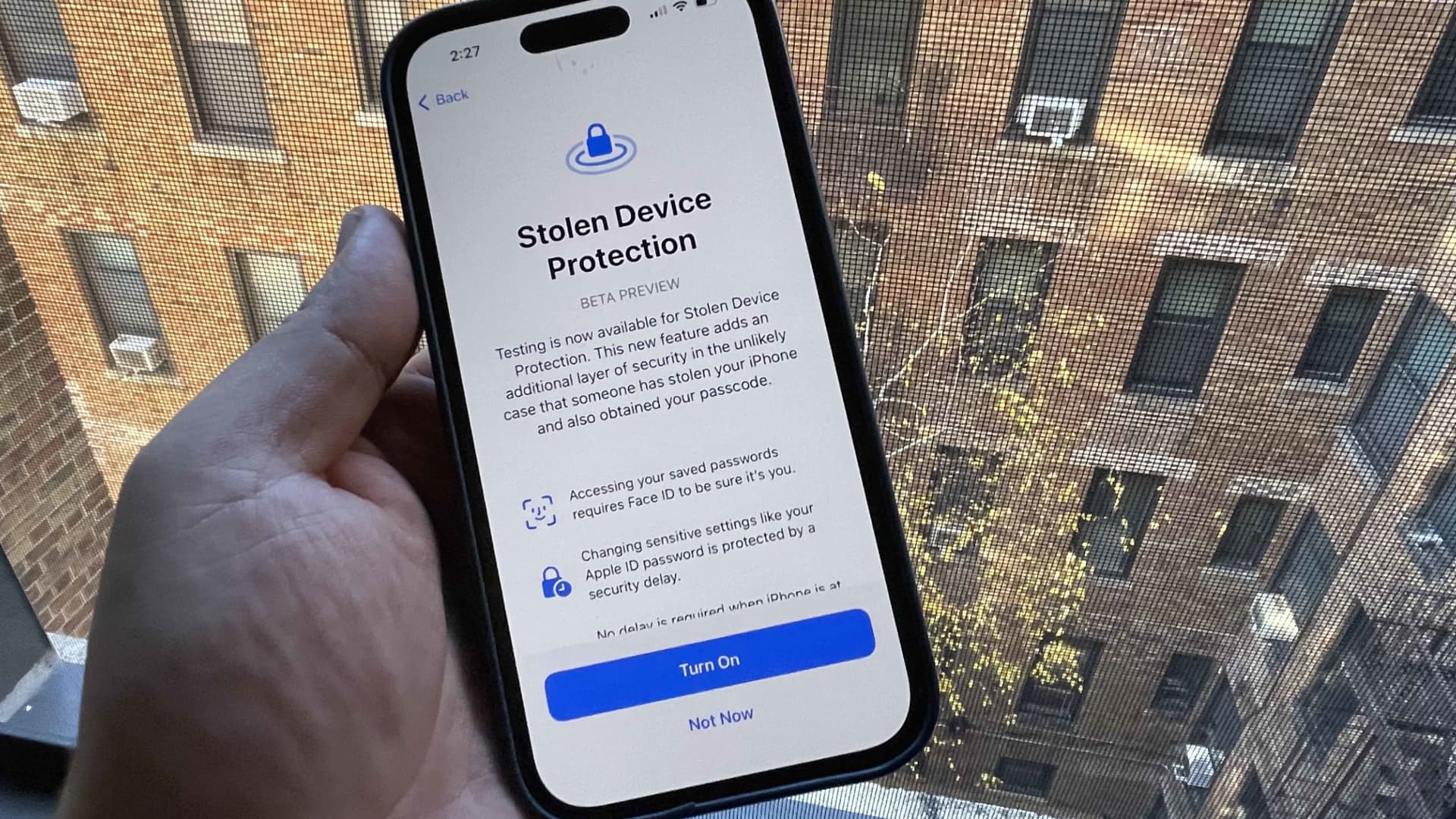
Apple is introducing a new security mode called Stolen Device Protection for iPhones to protect users from thieves or attackers who learn their passcode. This feature adds an extra layer of security by requiring Apple's FaceID facial recognition in addition to a passcode for sensitive actions when the phone is not at home or work. Attackers won't be able to make changes or access settings with just a passcode, and there will be a mandatory one-hour delay for changing the Apple ID password or removing FaceID. The new feature addresses a scam where attackers befriend or spy on victims to obtain their passcode and turn off theft protections. Stolen Device Protection can be enabled in the latest developer beta of iOS 17.3 and will be available to other iPhone users in the coming weeks.

technology2 years ago

Apple enhances iPhone security with new Stolen Device Protection feature in iOS 17.3

Apple is introducing a new security mode called Stolen Device Protection for iPhones, aimed at protecting users when their private passcodes are stolen. This feature adds an extra layer of security by requiring Apple's FaceID facial recognition in addition to a passcode for sensitive actions, such as viewing stored passwords or wiping the phone, when the device is not at its usual location. The move comes after reports of attackers befriending victims to obtain their passcodes and then stealing their phones. Stolen Device Protection is currently available in the latest developer beta of iOS 17.3 and will be rolled out to other iPhone users in the coming weeks.

crime2 years ago

Cracking the Code: Unveiling the Alex Murdaugh Murder Case

Investigators in the murder trial of Alex Murdaugh recovered a crucial cellphone video that captured his voice at the scene of the crime, despite months of difficulty accessing the locked device. The passcode to the phone was as basic as Paul Murdaugh's birthday, but it took time to crack. The video, taken by Paul and stored on his phone, showed that Alex was present at the dog kennels where his wife and son were fatally shot. The discovery of the video shattered Alex's alibi and played a significant role in his conviction.

technology2 years ago

"Protecting Your iPhone from Thieves: Tips and Warnings"

iPhone thieves are exploiting a security setting called the recovery key, which makes it nearly impossible for owners to access their photos, messages, data and more. This type of takeover is hard to pull off and requires a criminal to watch an iPhone user enter the device's passcode or manipulate the device's owner so they'll share their passcode. Apple warns that if users lose both their trusted devices and recovery key, they could be permanently locked out of their account. To protect themselves, users can protect their passcode, set up a secondary password, and regularly back up their iPhone.

technology2 years ago

"Preventing iPhone Theft: Tips to Keep Your Device Secure"

iPhone thieves are exploiting a security setting called the recovery key, which makes it nearly impossible for owners to access their photos, messages, data and more. This type of takeover is hard to pull off and requires a criminal to watch an iPhone user enter the device's passcode or manipulate the device's owner so they'll share their passcode. Apple warns that if users lose both their trusted devices and recovery key, they could be permanently locked out of their account. To protect themselves, users can protect their passcode, set up a secondary password, and regularly back up their iPhone.

technology2 years ago

"Preventing iPhone Theft: Tips to Keep Your Device Secure"

iPhone thieves are exploiting a security setting called the recovery key, which makes it nearly impossible for owners to access their photos, messages, data and more. This type of takeover is hard to pull off and requires a criminal to watch an iPhone user enter the device's passcode or manipulate the device's owner so they'll share their passcode. Apple warns that if users lose both their trusted devices and recovery key, they could be permanently locked out of their account. To protect themselves, users can protect their passcode, set up a secondary password, and regularly back up their iPhone.

technology2 years ago

"Preventing Phone Theft: Tips and Tricks for iPhone and Android Users"

iPhone thieves are exploiting a security setting called the recovery key, which makes it nearly impossible for owners to access their photos, messages, data and more. This type of takeover is hard to pull off and requires a criminal to watch an iPhone user enter the device's passcode or manipulate the device's owner so they'll share their passcode. Apple warns that if users lose both their trusted devices and recovery key, they could be permanently locked out of their account. To protect themselves, users can protect their passcode, set up a secondary password, and regularly back up their iPhone.

technology2 years ago

Protecting Your Phone from Thieves: Tips for iPhone and Android Users.

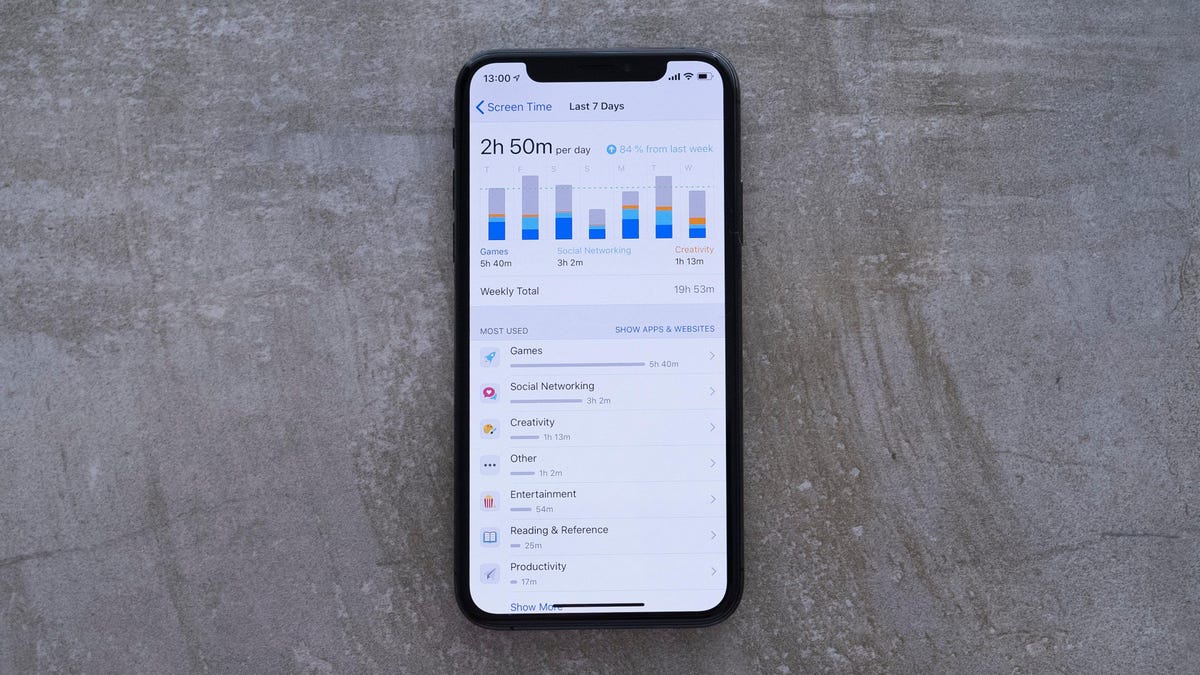
Thieves are using stolen iPhones to lock victims out of their Apple IDs by changing the recovery key. However, Screen Time, a preinstalled iOS feature, can help protect users by disallowing access to specific settings, including Account Settings. Users can set up a Screen Time passcode and block access to Account Changes to prevent thieves from locking them out of their Apple ID. Additionally, using an alphanumeric password instead of a simple passcode can also increase security.

technology2 years ago

Preventing iPhone Theft and Lockouts: Essential Tips.

Some iPhone thieves are exploiting a security setting, called the recovery key, that makes it nearly impossible for owners to access their photos, messages, data and more. Apple requires this key to help reset or regain access to an Apple ID in an effort to bolster the user's security, but if a thief changes it, the original owner will not have the new code and will be locked out of the account. Users can protect themselves by regularly backing up an iPhone, protecting the passcode, and enabling a secondary password within an iPhone's Screen Time setting.

technology2 years ago

"Protecting Your iPhone: Tips to Avoid Lockouts and Security Threats"

Some iPhone thieves are exploiting a security setting, called the recovery key, that makes it nearly impossible for owners to access their photos, messages, data and more. Apple requires this key to help reset or regain access to an Apple ID in an effort to bolster the user's security, but if a thief changes it, the original owner will not have the new code and will be locked out of the account. Users can protect themselves by regularly backing up an iPhone, protecting the passcode, and enabling a secondary password within an iPhone's Screen Time setting.

technology2 years ago

5 Essential Tips to Prevent iPhone Theft and Account Lockouts

Thieves are exploiting a security setting on iPhones called the recovery key, making it nearly impossible for owners to access their data. This takeover requires a criminal to watch an iPhone user enter their passcode or manipulate the owner into sharing it. Once the thief has the passcode, they can change the device's Apple ID, turn off "Find my iPhone," and reset the recovery key. To protect themselves, users should protect their passcode, set up a secondary password, and regularly back up their data.

technology2 years ago

Protecting Your iPhone and Apple ID from Thieves: Tips and Tricks

Thieves are exploiting Apple's recovery key system to lock users out of their Apple accounts for good. However, there are steps you can take to better protect yourself from the consequences of iPhone thievery, including setting up a custom alphanumeric code, using a Screen Time Password to limit Apple ID access, and disabling Control Center access on the lock screen.