
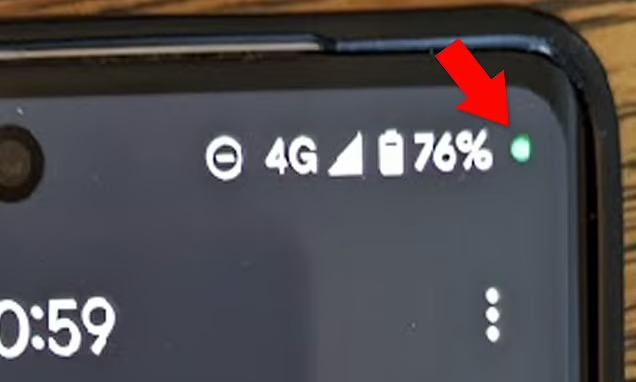
"Cracking the Code: Understanding the Mysterious Green Dot on Your Android Screen"
The green dot that appears at the top of an Android phone's screen indicates that an app is using the microphone or camera. While it can be harmless, it could also be a sign of spyware. To determine which app is using the sensor, swipe down from the top of the screen and tap on the microphone or camera icon. From there, you can revoke the app's permissions or uninstall it if necessary. It is recommended to run a malware scan and change passwords if spyware is suspected. Google's Privacy Dashboard feature allows users to monitor app access to sensors and personal information.