Tag

Taskbar

All articles tagged with #taskbar

Microsoft Enhances Windows 11 with AI-Powered Search and Apps

Originally Published 2 months ago — by Windows Latest

Featured image for Microsoft Enhances Windows 11 with AI-Powered Search and Apps
Source: Windows Latest

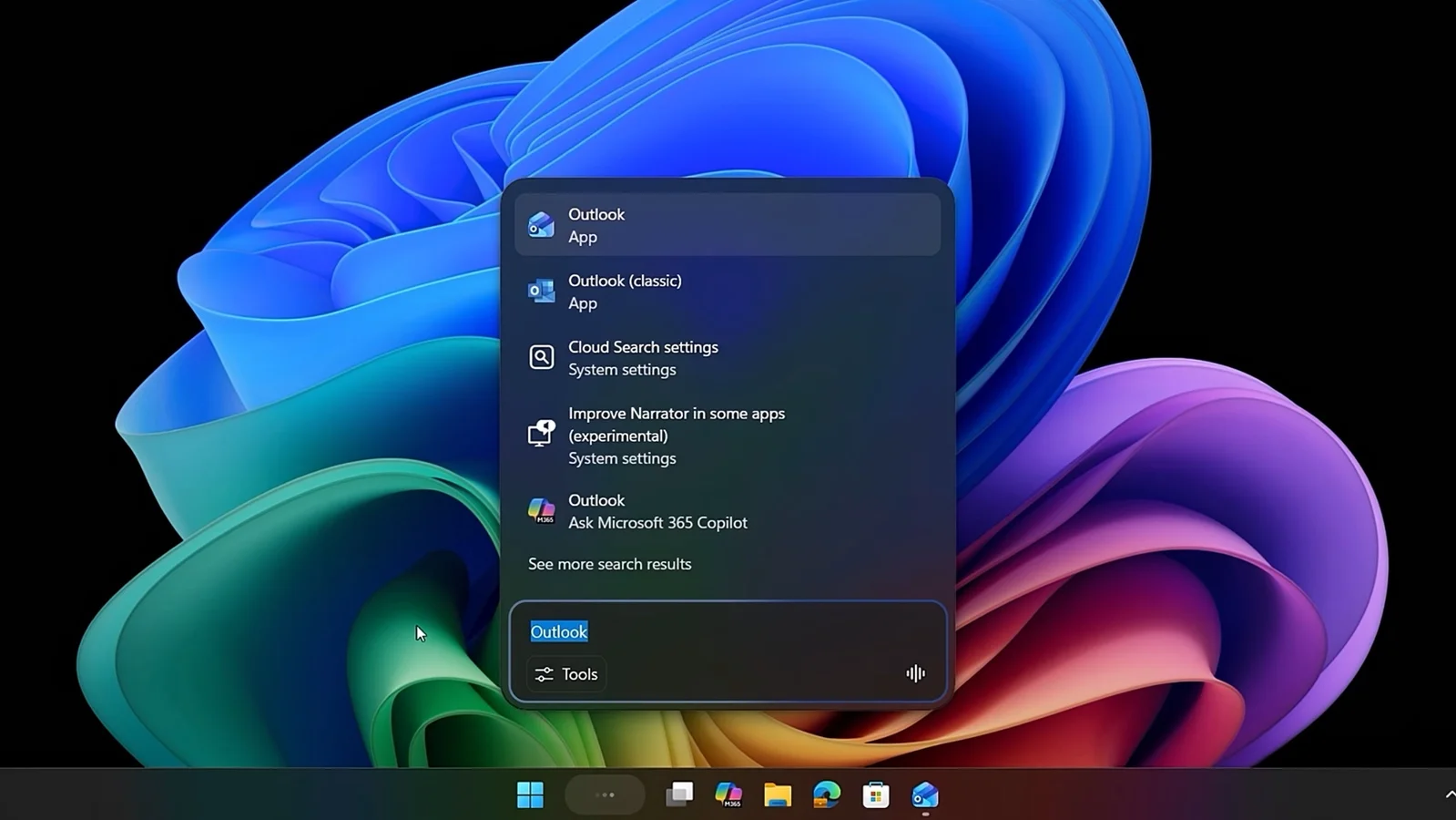
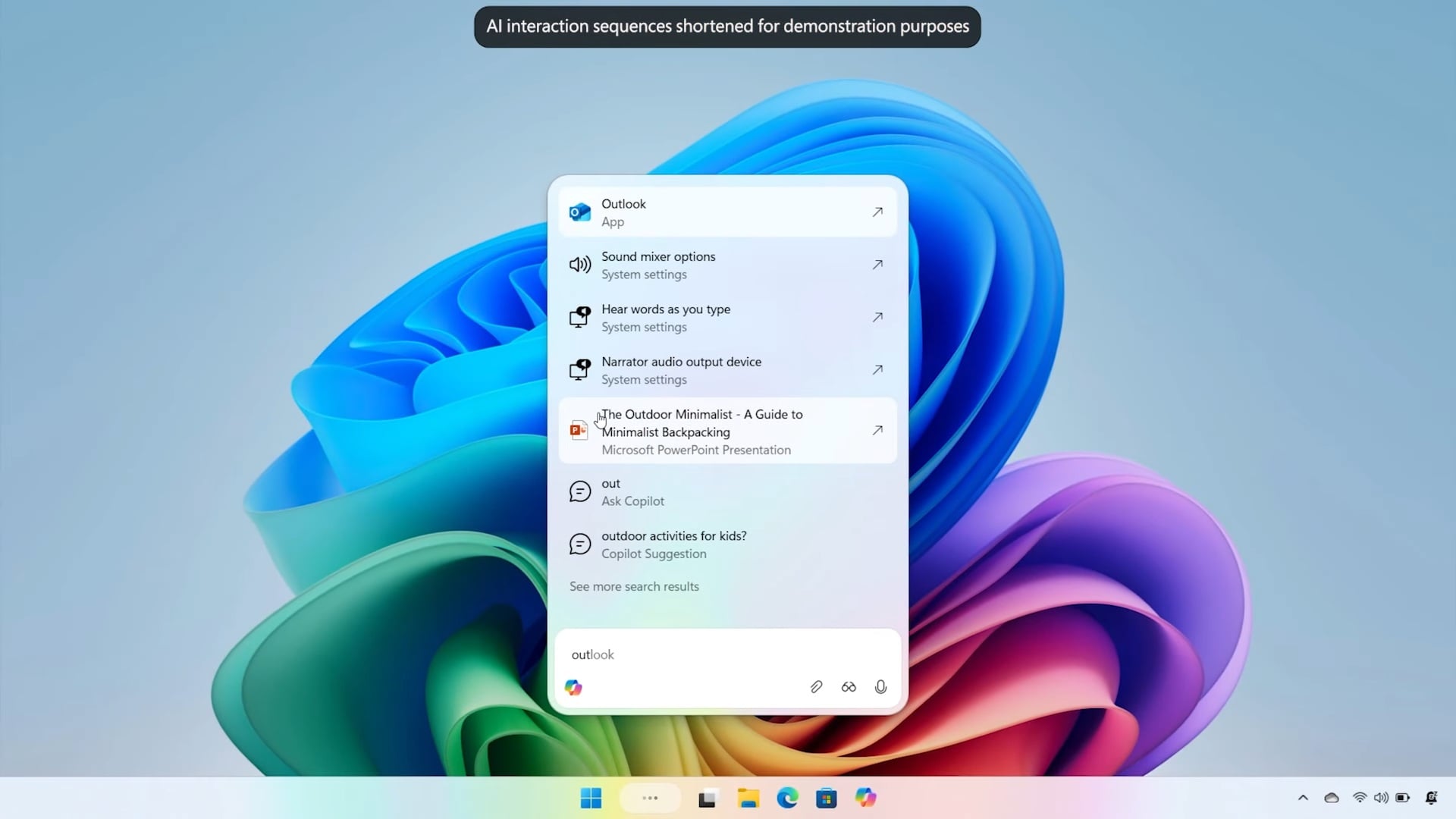
Microsoft is replacing Windows 11's traditional search with 'Ask Copilot' on the taskbar, integrating AI-powered features to improve search and user interaction, while Windows Search remains available but less emphasized, signaling a shift towards AI-driven functionalities in Windows.

Latest Windows 11 Updates and Features Unveiled

Originally Published 3 months ago — by Windows Central

Featured image for Latest Windows 11 Updates and Features Unveiled
Source: Windows Central

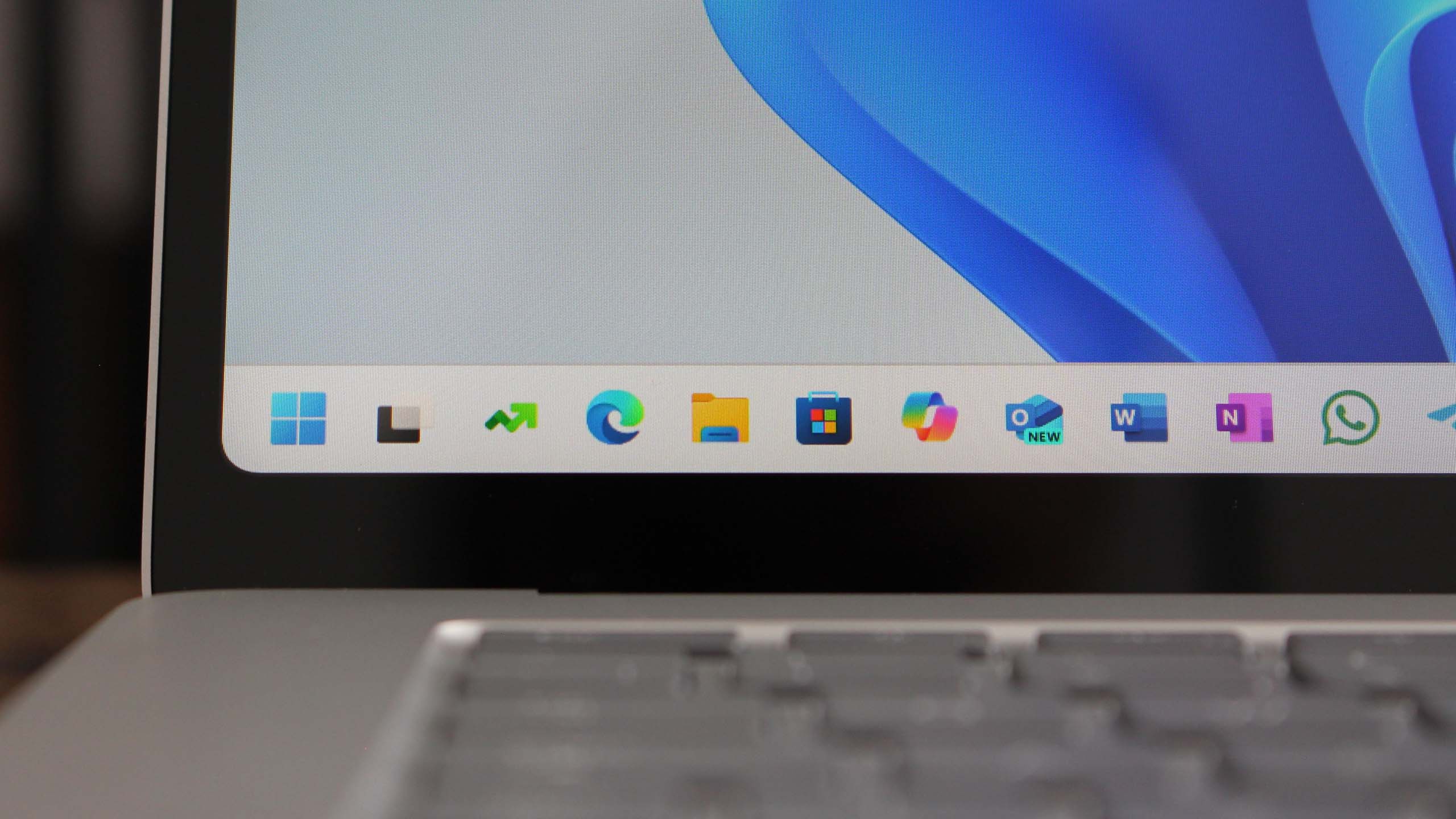
Microsoft has rolled out a Windows 11 update (KB5065789) that allows users to open the Notification Center from the Taskbar on any monitor, including secondary displays, addressing a long-standing request from power users. However, features like moving the Taskbar to the top or sides of the screen are still missing. The update enhances multi-monitor usability, making notifications more accessible across all displays.

Microsoft Enhances Windows 11 with Multi-Monitor Support and Taskbar Improvements

Originally Published 5 months ago — by Neowin

Featured image for Microsoft Enhances Windows 11 with Multi-Monitor Support and Taskbar Improvements
Source: Neowin

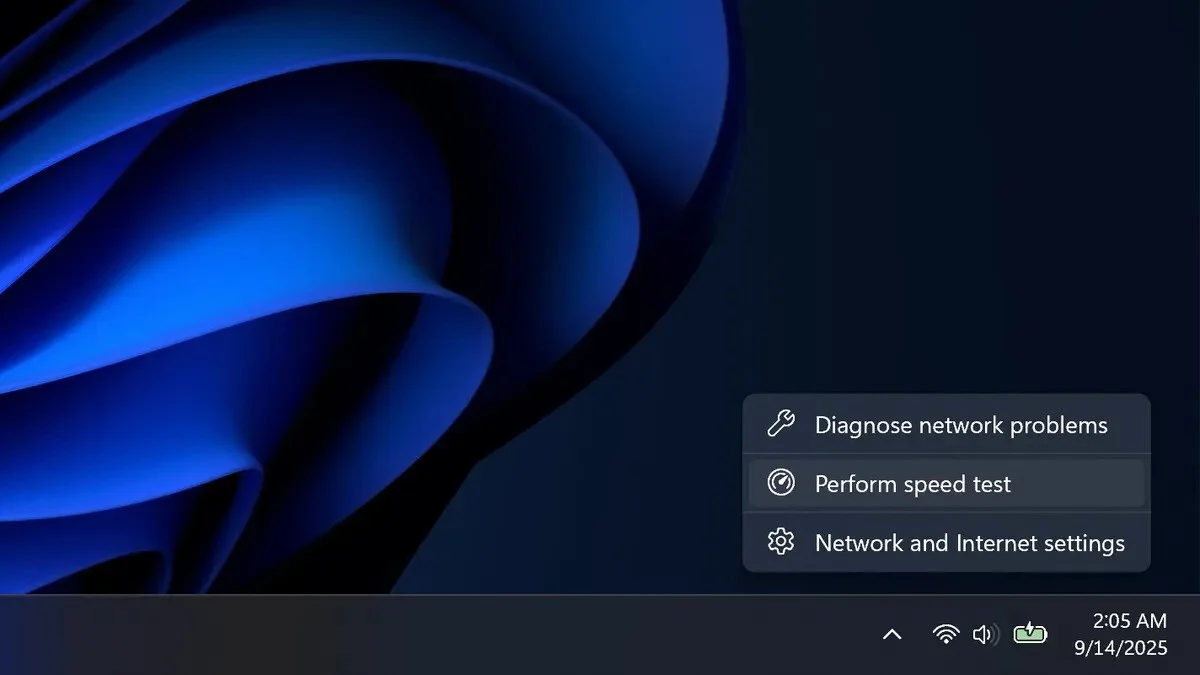
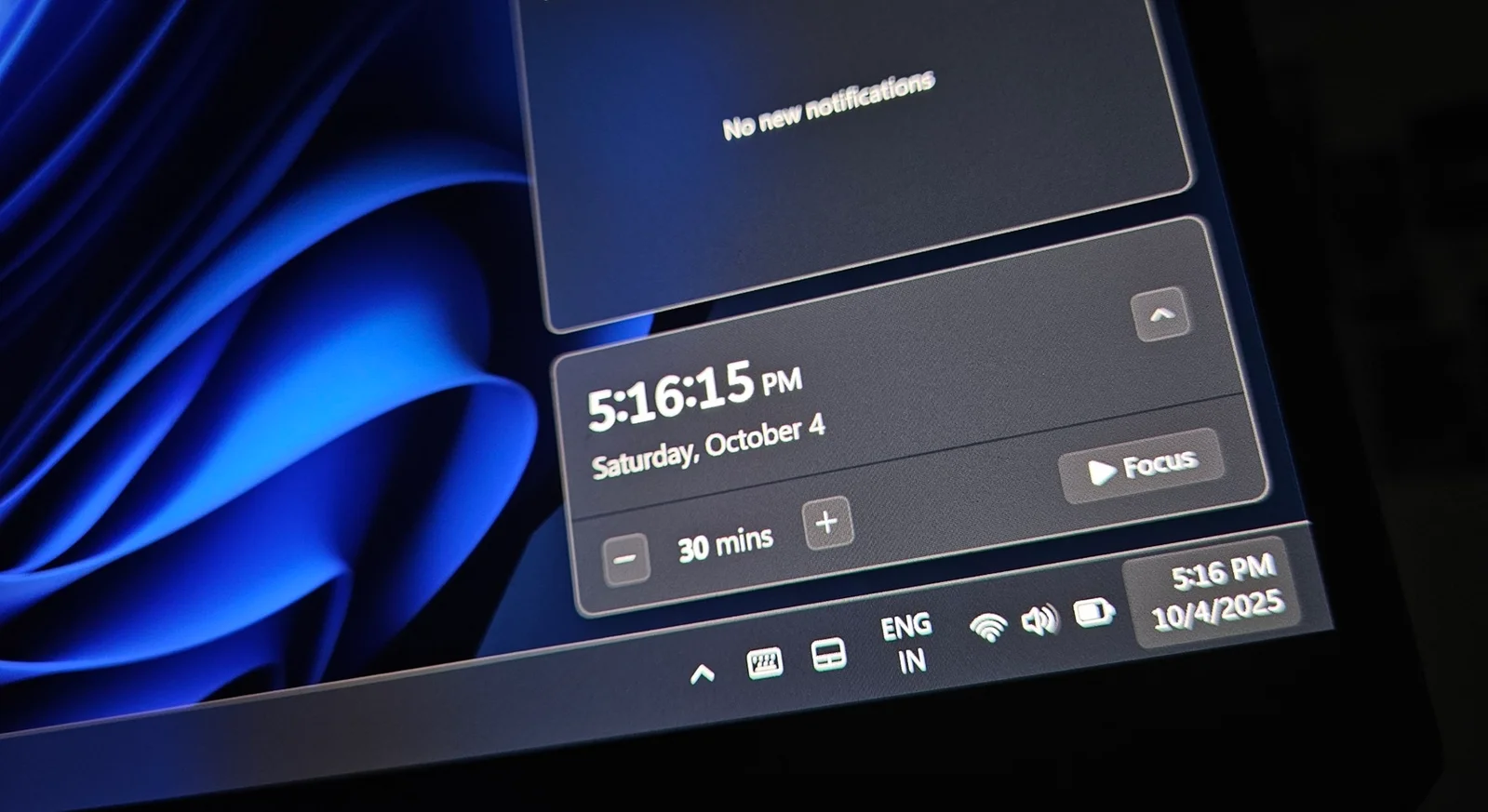
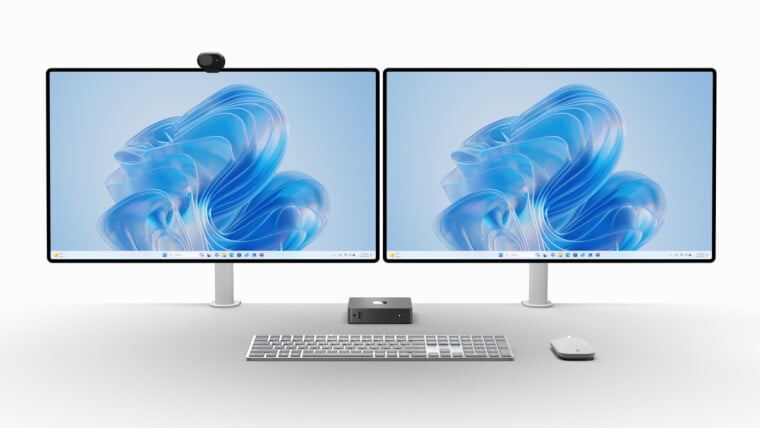
Microsoft is rolling out an update to Windows 11 that allows users with multiple monitors to open the notification center and calendar on any display by clicking the taskbar clock, addressing a long-standing inconvenience for multi-monitor setups. The update is available in Dev and Beta channels, with a workaround using ViVeTool for those who haven't received it yet.

Android 16's Desktop Mode Enhances Productivity and Security

Originally Published 6 months ago — by Android Authority

Featured image for Android 16's Desktop Mode Enhances Productivity and Security
Source: Android Authority

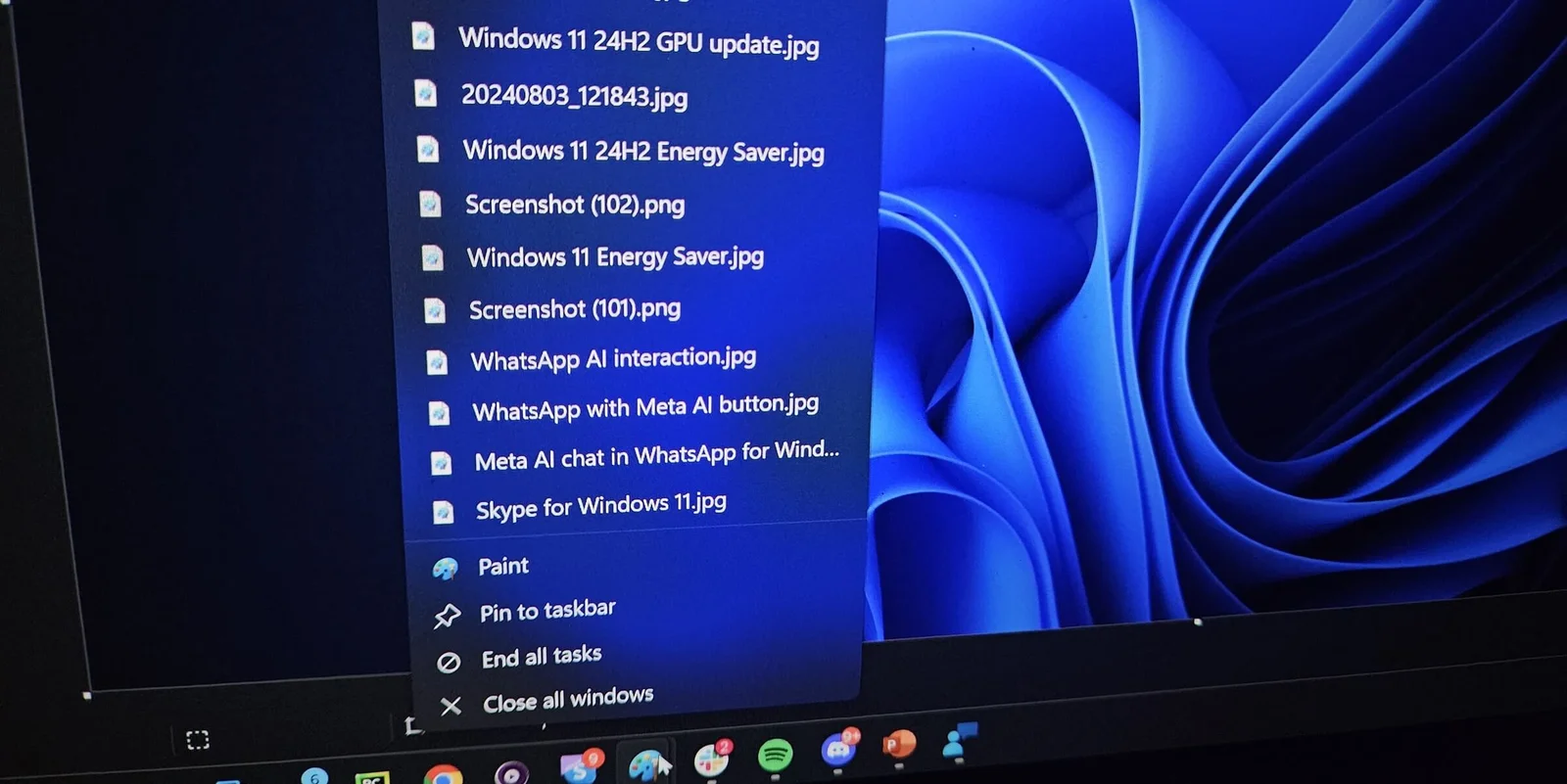
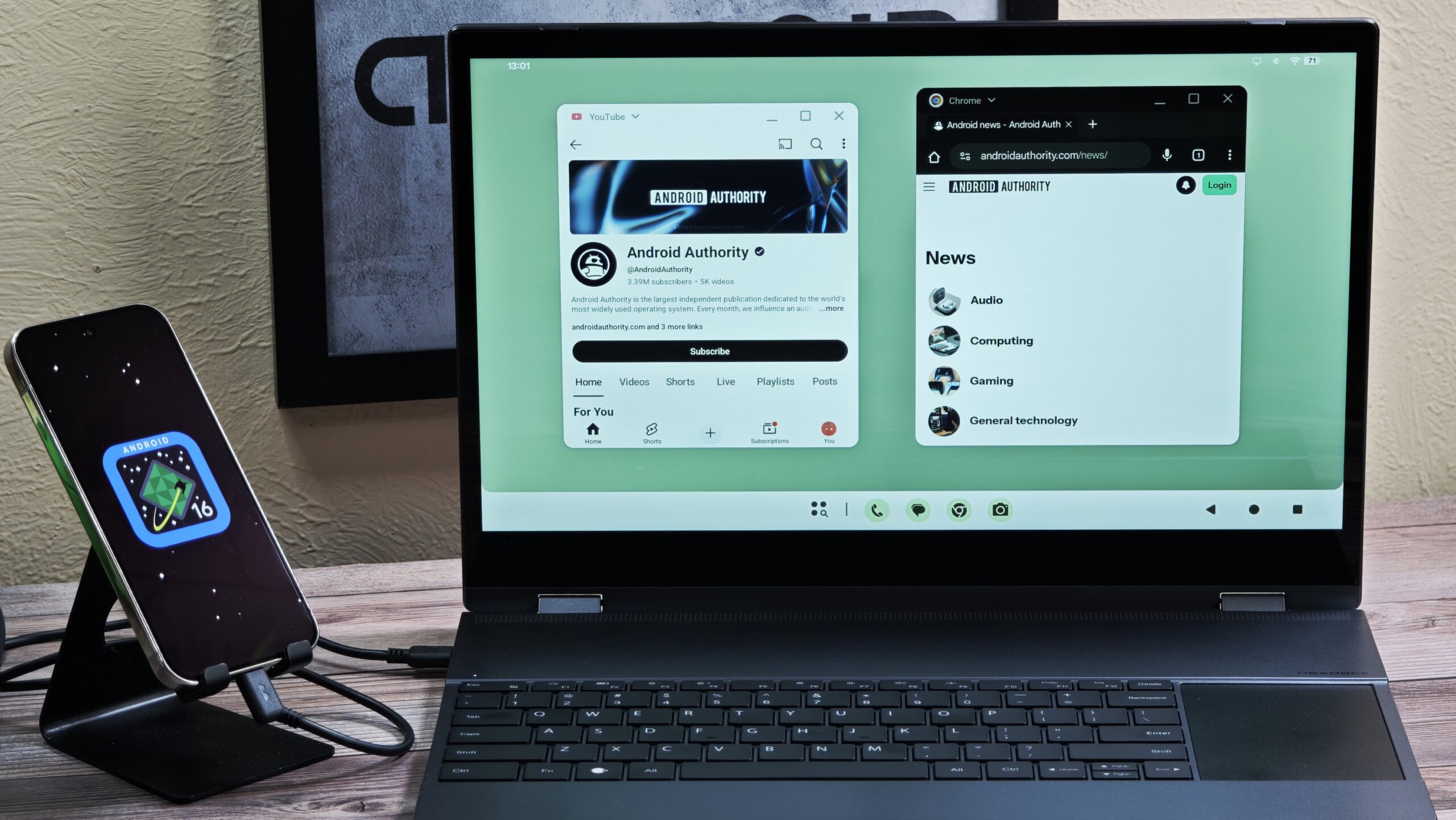
Google is enhancing Android's Desktop Mode by adding a 'pin to taskbar' feature via a shortcut in the app's context menu, allowing users to easily access their favorite apps on the taskbar. This update, currently in the Android Canary build, aims to make Android more competitive with other desktop platforms and is part of Google's broader effort to unify Chrome OS and Android. The feature's rollout to stable versions is yet to be confirmed.

Windows 11 Enhances Taskbar with New Productivity Companions

Originally Published 1 year ago — by The Verge

Featured image for Windows 11 Enhances Taskbar with New Productivity Companions
Source: The Verge

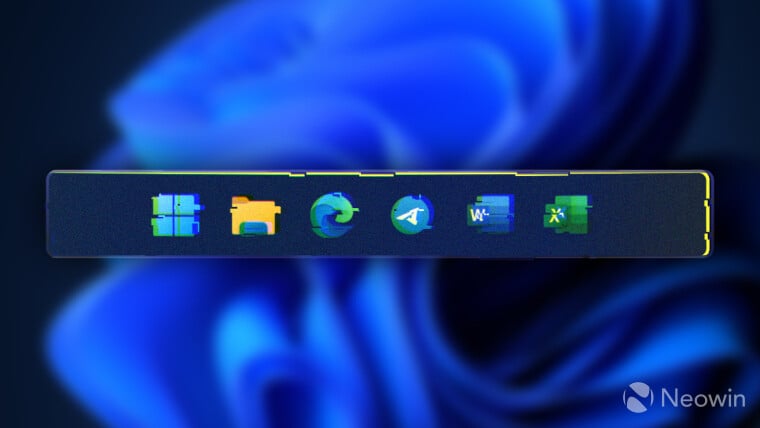
Microsoft is introducing a new 'companions' feature for the Windows 11 taskbar, integrating Microsoft 365 elements like contacts, files, and calendar appointments for easy access. Announced at Microsoft Ignite 2024, this feature aims to make important data accessible with a single click, similar to the Phone Link app's integration. It's unclear if third-party developers will be able to integrate their apps into this new taskbar experience.

"Windows 11 Updates: Taskbar Crashes, New Features, and Bug Fixes"

Originally Published 1 year ago — by BleepingComputer

Featured image for "Windows 11 Updates: Taskbar Crashes, New Features, and Bug Fixes"
Source: BleepingComputer

Microsoft has warned that the May 2024 non-security preview update for Windows 11 is causing taskbar crashes and glitches. The KB5037853 update, which fixes multiple issues, has led to taskbar problems for Windows 11 22H2 and 23H2 users. Microsoft has addressed these issues using Known Issue Rollback (KIR), which may take up to 24 hours to propagate. Users can expedite the fix by restarting their devices, and enterprise admins can deploy KIR via Group Policy.

"Google's Android 15 DP2 Update Brings Back Old Taskbar and Satellite Messaging for Pixel Fold Users"

Originally Published 1 year ago — by Android Central

Featured image for "Google's Android 15 DP2 Update Brings Back Old Taskbar and Satellite Messaging for Pixel Fold Users"
Source: Android Central

With the release of the second Android 15 Developer Preview, Pixel Fold and Pixel Tablet users now have the option to choose between a pinned or hidden taskbar, marking the return of the Android 12L-style taskbar. This change allows for better multitasking and screen real estate management on large-screened Pixel devices, giving users the flexibility to select the taskbar version that best suits their preferences.

"Android 15 DP2: New Features and Updates for Pixel Fold and Tablet Users"

Originally Published 1 year ago — by 9to5Google

Featured image for "Android 15 DP2: New Features and Updates for Pixel Fold and Tablet Users"
Source: 9to5Google

Android 15 DP2 reintroduces the persistent Taskbar feature for Pixel Fold and Tablet devices, allowing for improved multitasking and quick access to split-screen functionality. Users can activate the feature by swiping up for the Taskbar and long-pressing to toggle the "Always show Taskbar" option. This update brings back a useful option for Pixel Fold and Tablet owners, enhancing their overall user experience.

"Android 15 DP2 Enhancements for Pixel Devices and Foldables"

Originally Published 1 year ago — by Android Authority

Featured image for "Android 15 DP2 Enhancements for Pixel Devices and Foldables"
Source: Android Authority

In the latest Android 15 preview, users can now choose between the old persistent taskbar and the new transient taskbar, which was introduced with Android 12L and revamped with the launch of the Pixel Tablet and Pixel Fold. This update gives users the flexibility to switch between the two taskbar styles based on their multitasking needs, offering a more versatile experience for large-screen devices.

"Microsoft's Windows 11: Taskbar notifications revamped, Start menu issues blamed on third-party apps, and more updates"

Originally Published 2 years ago — by Windows Central

Featured image for "Microsoft's Windows 11: Taskbar notifications revamped, Start menu issues blamed on third-party apps, and more updates"
Source: Windows Central

Microsoft is changing how missed notifications are displayed on the Windows 11 Taskbar. Instead of a notification count, a bell icon will now appear, which will be colorized when a notification is received. This change simplifies the notification indicator, as the number of missed notifications will no longer be shown. Other changes in the new Windows 11 preview build include an updated hover UI for files in the Start menu and improvements to the Windows Spotlight experience.