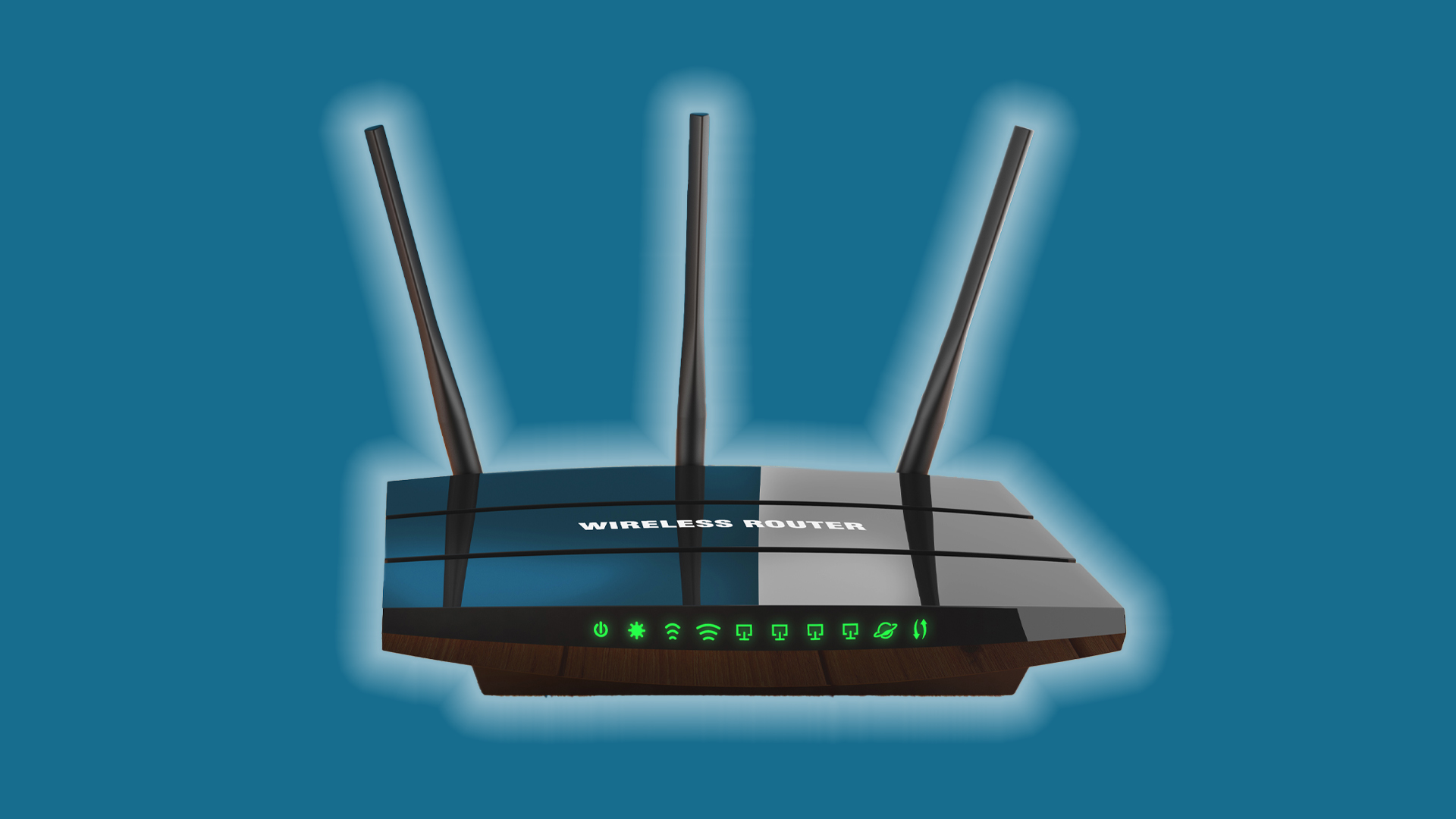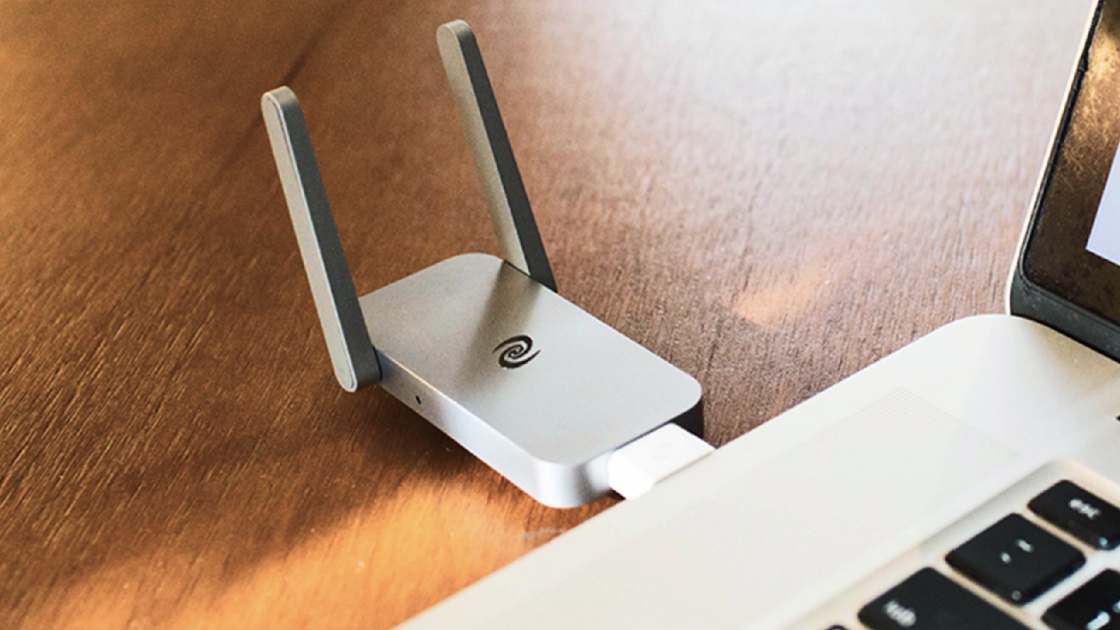
The Deeper Connect Air portable router offers subscription-free VPN protection with a one-time purchase of $169, providing unlimited access to a decentralized VPN network, easy setup, and additional benefits like high speeds and ad blocking, making it a cost-effective alternative to traditional VPN services.
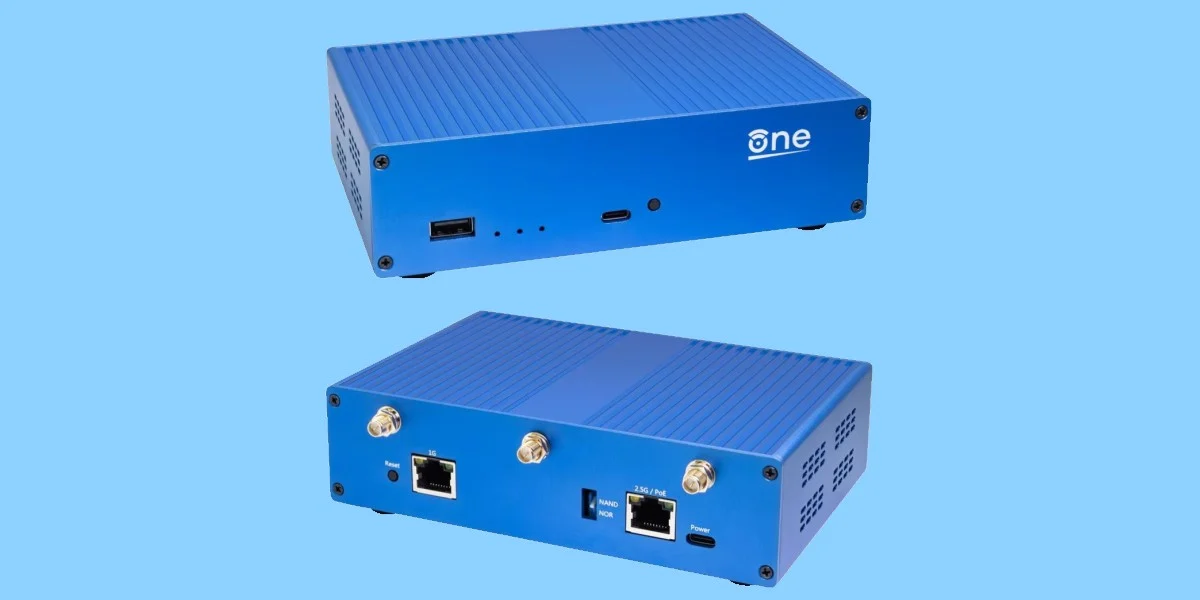
OpenWrt, in collaboration with the Software Freedom Conservancy, has launched its first hardware platform, the OpenWrt One, marking a significant step for the right to repair movement. The router features a dual-core MediaTek processor, Wi-Fi 6 capabilities, and is designed to be "unbrickable" with separate flash memory options. Priced at $89.99, it complies with FCC regulations, challenging the notion that such compliance conflicts with software repair rights. Ten dollars from each sale supports the SFC.
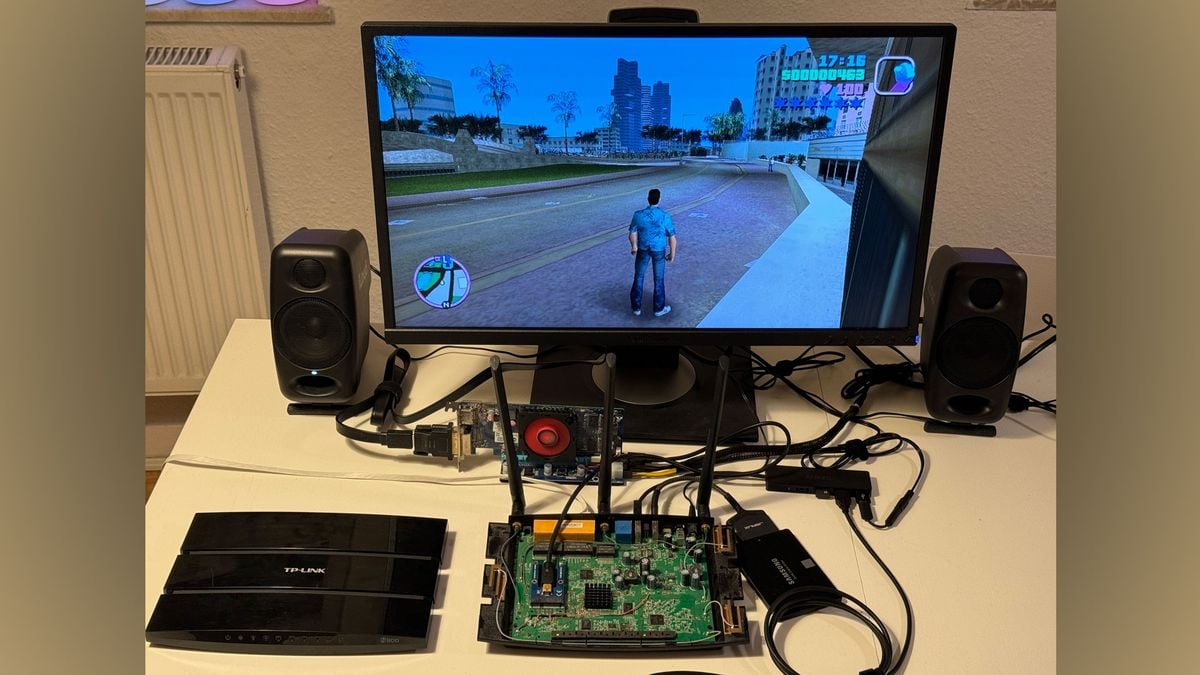
A hardware hacker named KittenLabs managed to run GTA: Vice City on a TP-Link TL-WDR4900 router using an AMD Radeon HD 7470 eGPU and Debian Linux. By designing a custom miniPCIe breakout PCB and updating the Mesa 3D graphics library, they overcame various hurdles to make the game run smoothly, despite initial glitches and compatibility issues. The project showcases the potential for unconventional hardware setups and the ingenuity of the hacker community.
Amazon advises Fire TV Stick users to upgrade to a Wi-Fi 6E or higher generation capable router and configure it to serve the same network name for 2.4 GHz, 5 GHz, and 6 GHz bands to improve performance. Checking for the 802.11ax (Wi-Fi 6) label on the router or its box can indicate if it's suitable for the network, with older routers providing slower speeds and potential congestion issues affecting streaming abilities.
Google is rolling out a free Wi-Fi upgrade for Nest Wi-Fi routers and points, promising improved power management and security enhancements. This major update comes after Google fixed 33 security flaws in Android phones and released a new Google Maps upgrade. Computer experts have also provided advice on router placement for faster internet speeds, while a list of everyday items that can slow down Wi-Fi was revealed. Tips to improve connections and avoid security errors were also shared.
Three easy tricks to improve Wi-Fi speed at home include placing the router centrally, away from metal objects or competing signals, shutting out unauthorized devices by monitoring and removing them from the network, and contacting the internet service provider to inquire about swapping old routers for more compatible ones.
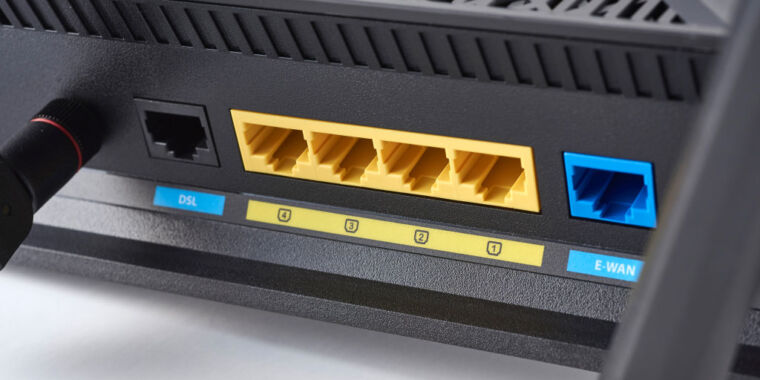
If you're experiencing Wi-Fi connection issues, try connecting your devices directly to the router using an Ethernet cable to determine if the problem lies with your internet service provider. Slow or non-existent Wi-Fi speed may indicate bandwidth shaping, a technique used by providers to intentionally slow down your connection when you exceed your data usage limit. Contact your provider if you suspect this is happening and inquire about potential bandwidth shaping or throttling.
If you're connected to Wi-Fi but have no internet access, try restarting your modem and router, resetting devices, and considering the modem's location. If these don't work, try soft and hard resetting modems and routers or clearing browser and DNS caches. If all else fails, contact your internet service provider.
Get a 10% discount on the ASUS RT-AX88U Pro router and enjoy a blazing-fast internet connection with WiFi 6 support, two 2.5GHz ports, and ASUS RangeBoost Plus feature for maximum coverage. The built-in VPN allows for anonymous browsing and access to content from other regions. This top-of-the-line router is now available for $269 instead of its original price of $299.
ASUS has released firmware updates to fix nine security bugs, including two critical and six high-severity vulnerabilities, impacting a wide range of router models. The impacted products include GT6, GT-AXE16000, GT-AX11000 PRO, GT-AXE11000, GT-AX6000, GT-AX11000, GS-AX5400, GS-AX3000, XT9, XT8, XT8 V2, RT-AX86U PRO, RT-AX86U, RT-AX86S, RT-AX82U, RT-AX58U, RT-AX3000, TUF-AX6000, and TUF-AX5400. ASUS recommends users apply the latest updates as soon as possible to mitigate security risks and periodically audit their equipment.
AT&T has revealed five common issues that can weaken your Wi-Fi signal and slow down speeds, including devices being too far away from the router, Wi-Fi being blocked by walls, doors or floors, construction materials like concrete or rebar, keeping the router away from electrical appliances, and interference from a neighbor's Wi-Fi network. To solve these issues, it is recommended to keep the router central in your home and away from any external interference.
Asus apologized for a connectivity issue that affected its routers after a configuration file update during routine security maintenance introduced an error. The faulty configuration file has since been removed from the company's servers, and affected users are advised to manually reboot their routers or perform a hard reset. Asus apologized to users and stated that it is committed to preventing such incidents from happening again.
Asus has finally responded to the mass outage that affected its routers worldwide, stating that it was caused by an error in the configuration of its server settings file. After fixing the glitch, most users only needed to reboot their devices. However, if the problem persisted, the company advised users to save their current configuration settings and perform a factory reset. The company apologized for the inconvenience caused. The outage was caused by a corrupted definition file for ASD, a built-in security daemon present in a wide range of Asus routers.
Wi-Fi router speed can be negatively impacted by neighbors' routers or by neighbors jumping on your network. To avoid this, try to position your router away from your neighbor's wall, choose a strong Wi-Fi password, and change your Wi-Fi channel to one that fewer people near you are using.
ASUS routers worldwide experienced connectivity issues due to a corrupted definition file for ASD (ASUS AiProtection) that was automatically pushed to all impacted routers, causing them to run out of filesystem space and memory and eventually crash. ASUS has apologized for the server-side security maintenance error and has addressed the issue. Impacted users are advised to perform a factory reset or contact ASUS support for additional help and guidance.