Unlock Secret Fire TV Features with 11 Remote Shortcuts
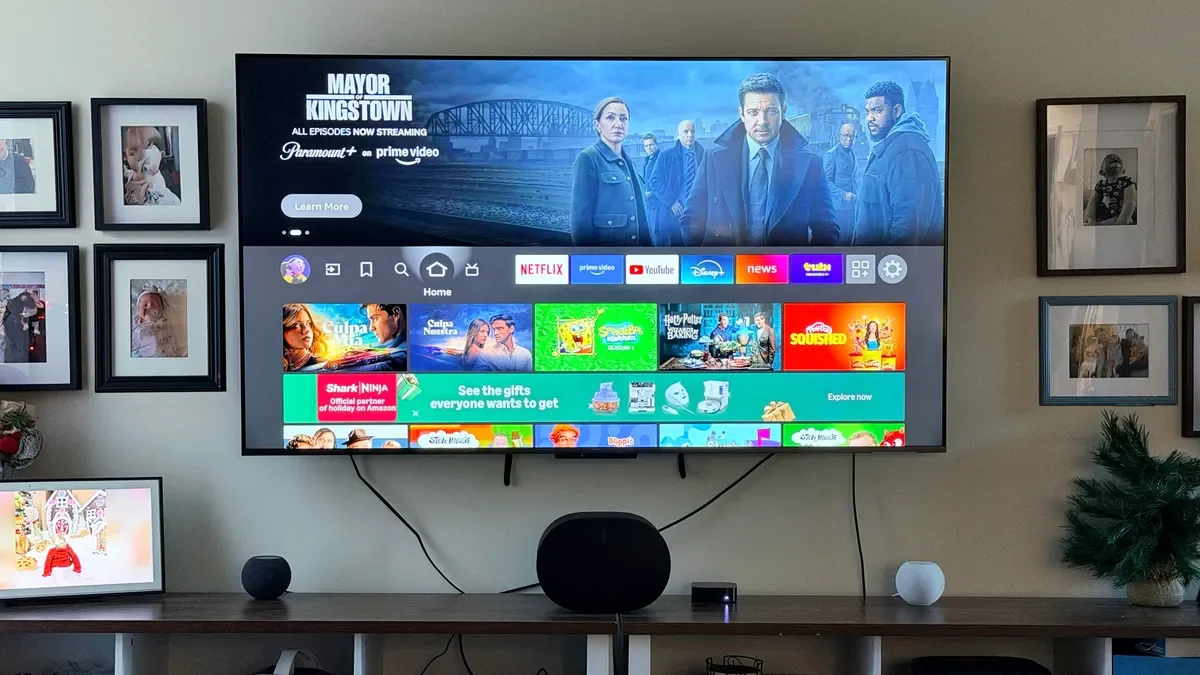
ZDNET reveals 11 hidden Fire TV remote button combos that unlock extra menus, reset options, accessibility tools, and quick tweaks—from cycling display resolutions and rebooting to entering developer tools or pairing a remote. Shortcuts include: adjust display resolution (Up + Rewind), restart (Select + Play/Pause), factory reset (Back + Right), reset remote (Left + Menu + Back), pair remote (Home), open Quick Settings (long-press Home), change Picture mode (Home → Picture), show Text Banners (Rewind + Fast-Forward), Screen Magnifier (Back + Fast-Forward), VoiceView (Back + Menu), and open Developer Tools (Select + Down, then Menu). Availability varies by model and firmware; ensure software is up to date. Factory resets erase data, so use cautiously.