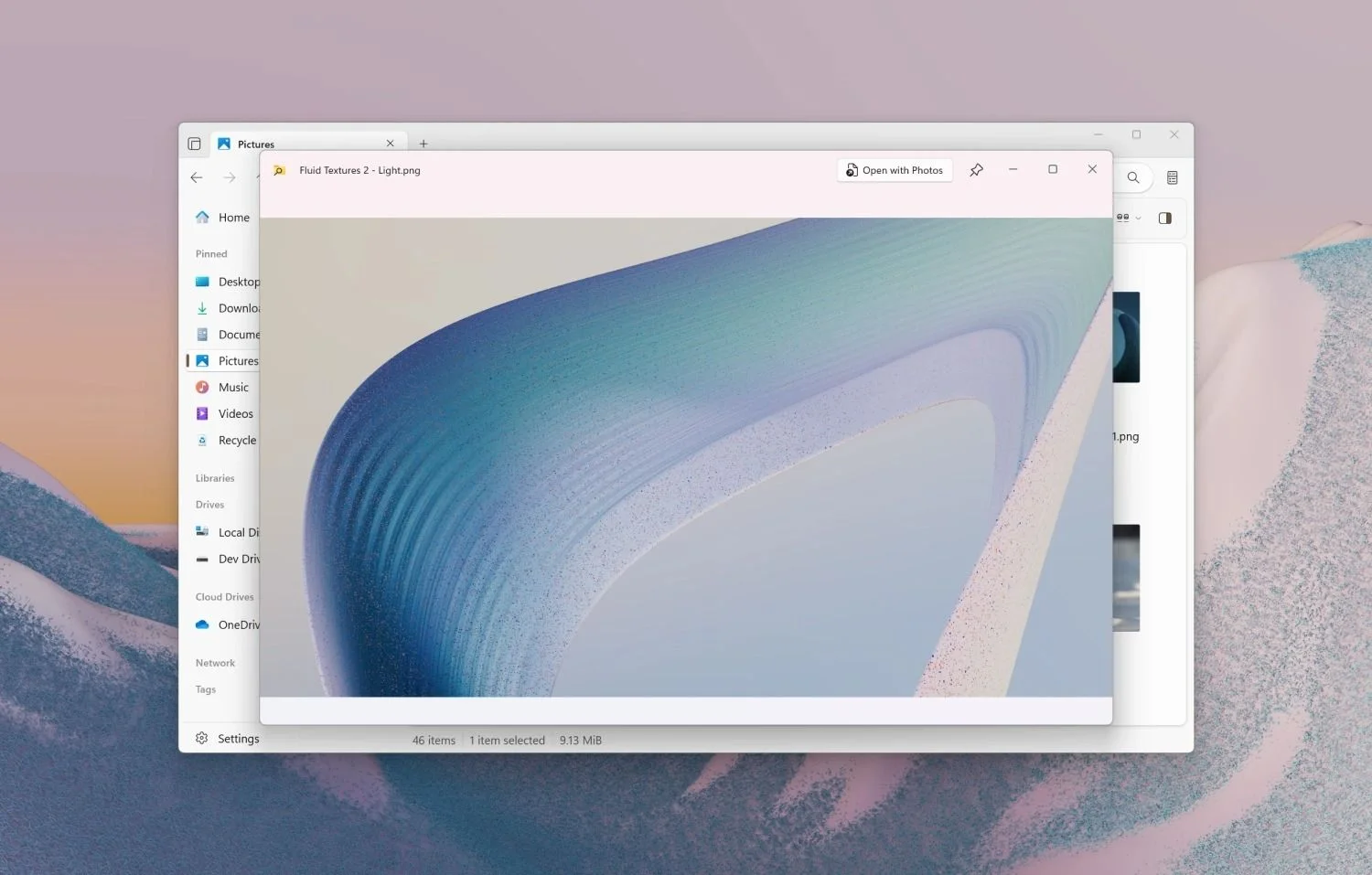
The Windows 11 Files app now supports PowerToys Peek, allowing users to preview files with a simple spacebar press, enhancing file management and user experience.
Microsoft is developing an AI-powered 'Advanced Paste' feature for Windows Clipboard, currently available via PowerToys, which leverages Copilot to enhance data manipulation, such as background removal and format conversion, aiming for deeper integration into Windows 11 to improve user workflows.
Microsoft's PowerToys 0.95 update introduces the Light Switch utility for Windows 11, allowing users to automatically switch between light and dark modes based on schedule or sunrise/sunset, along with various performance improvements and new features to enhance productivity and user experience.
Microsoft's PowerToys for Windows 11 are getting significant updates, including a feature to automatically switch between light and dark modes based on a schedule and a tool to detect keyboard shortcut conflicts, addressing long-standing missing features and enhancing user customization. The new release also includes a revamped Keyboard Manager UI and other utilities, available on GitHub.
Microsoft's PowerToys has been updated to version 0.81, introducing a new AI-powered utility called Advanced Paste. This tool allows users to convert clipboard content into various formats, such as JSON or markdown, and integrates with ChatGPT for contextual content filling. The update also includes several other improvements and fixes, with some features requiring an OpenAI key and credits.
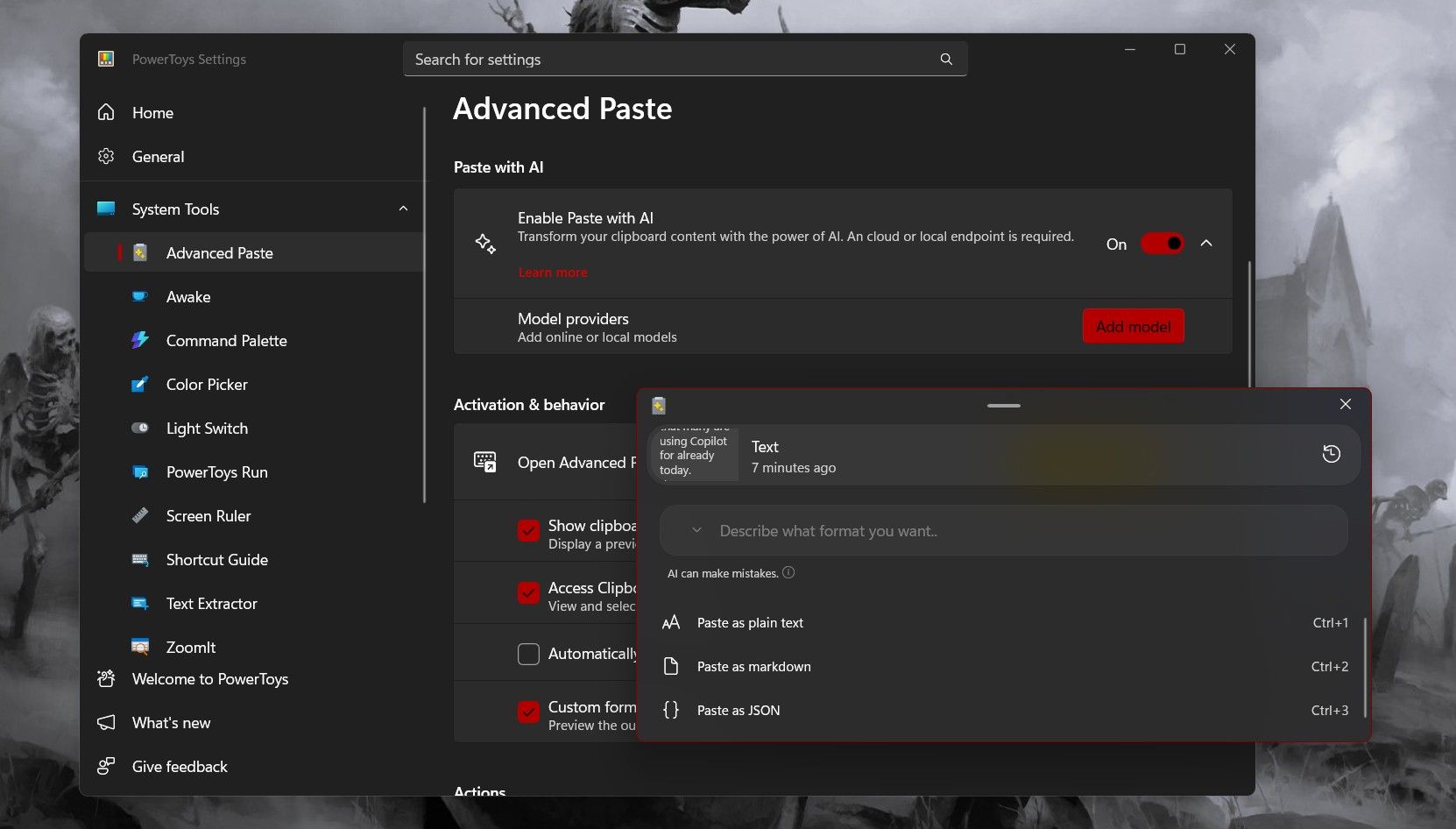
Microsoft has introduced an AI-powered Advanced Paste tool in its PowerToys utility, allowing users to format, summarize, rewrite, or translate copied text. To use the tool, users need the latest version of PowerToys and an API key from OpenAI. The tool offers various pasting options, including plain text, markdown, and JSON, and leverages AI for advanced text manipulation tasks.
Microsoft's PowerToys for Windows 11 has introduced an Advanced Paste feature that utilizes AI to convert clipboard content on the fly, enabling users to speed up workflows by pasting code in different languages and offering options such as plaintext, markdown, and JSON. The feature also allows for paste conversion using OpenAI prompts for tasks like summarized text, translations, and code generation, requiring OpenAI API credits for its best functionality.
Microsoft has released an updated version of PowerToys, which includes two new tools, Mouse Without Borders and Peek. Mouse Without Borders allows users to control up to four computers using a single mouse and keyboard, while Peek lets users preview a wide range of file types without opening them. PowerToys was originally released during the Windows 95 era and was resurrected by Microsoft in 2019 as an open-source utility pack designed to enhance Windows functionality.
PowerToys version 0.70.0 is now available for download with new utilities, Mouse Without Borders and Peek, and Quality of Life improvements to Registry Preview, Awake, and Mouse Jump. The update also includes numerous fixes and improvements to existing utilities. Mouse Without Borders allows users to interact with other computers from the same keyboard and mouse, while Peek lets users preview a file in File Explorer with a keyboard shortcut. PowerToys can be downloaded from the Microsoft Store, winget, or its repository on GitHub.