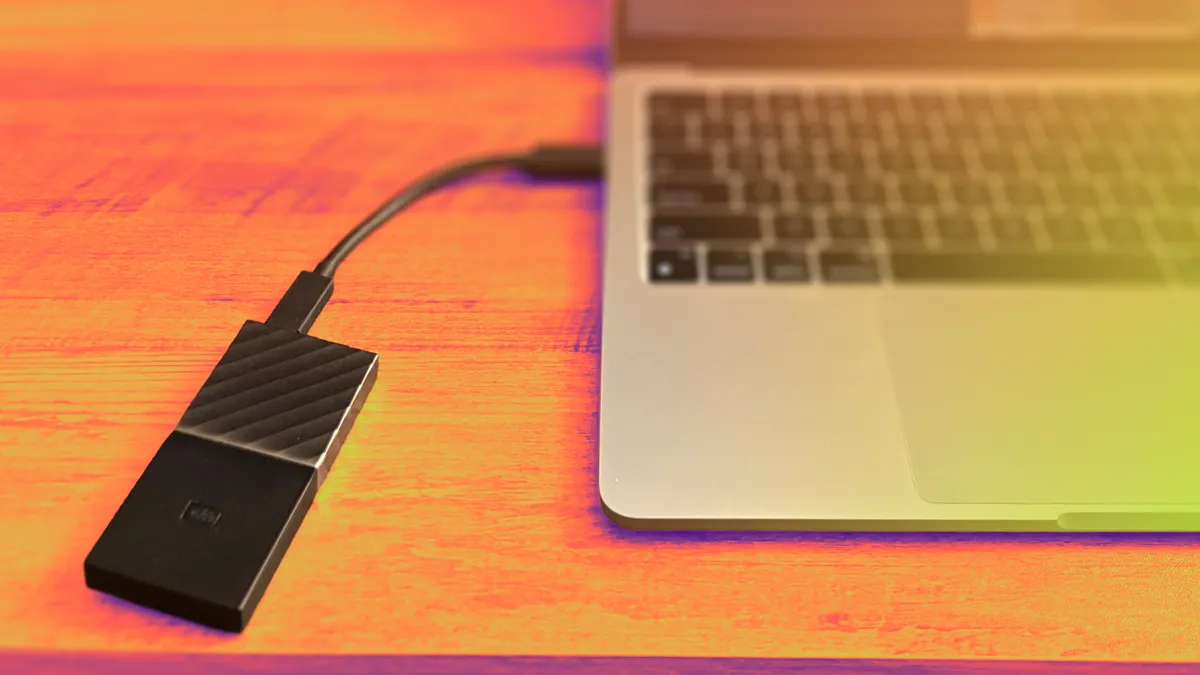
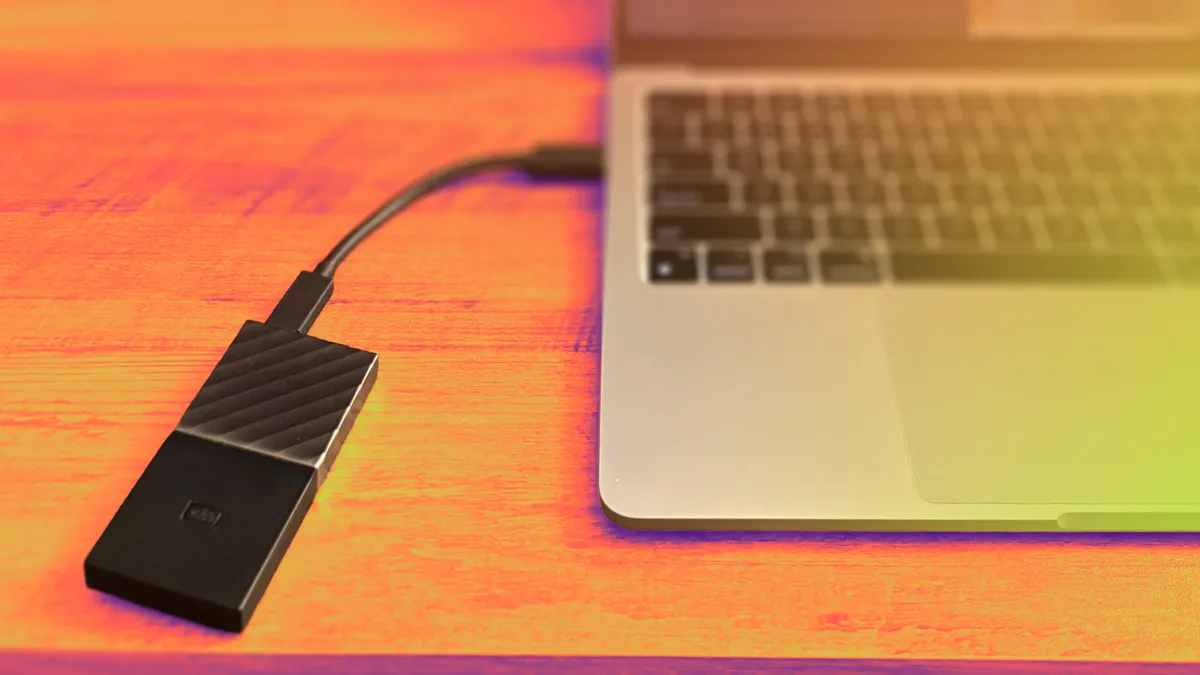
The article discusses a DIY method for storing photos and videos using external hard drives instead of paying for cloud storage, emphasizing cost savings, long-term ownership, and increased control over personal memories.
The article advocates for using external hard drives as a cost-effective and private alternative to cloud storage for backing up photos and videos, emphasizing the long-term benefits and increased control over personal memories.
The article advocates for building a personal DIY cloud using external hard drives to store and manage photos, avoiding ongoing subscription costs and maintaining control over one's data, while also encouraging more intentional photography habits.
The article advocates for using external hard drives as a cheaper and more control-oriented alternative to cloud storage subscriptions for backing up photos and videos, emphasizing the long-term cost savings, increased ownership, and the benefits of manual file management.
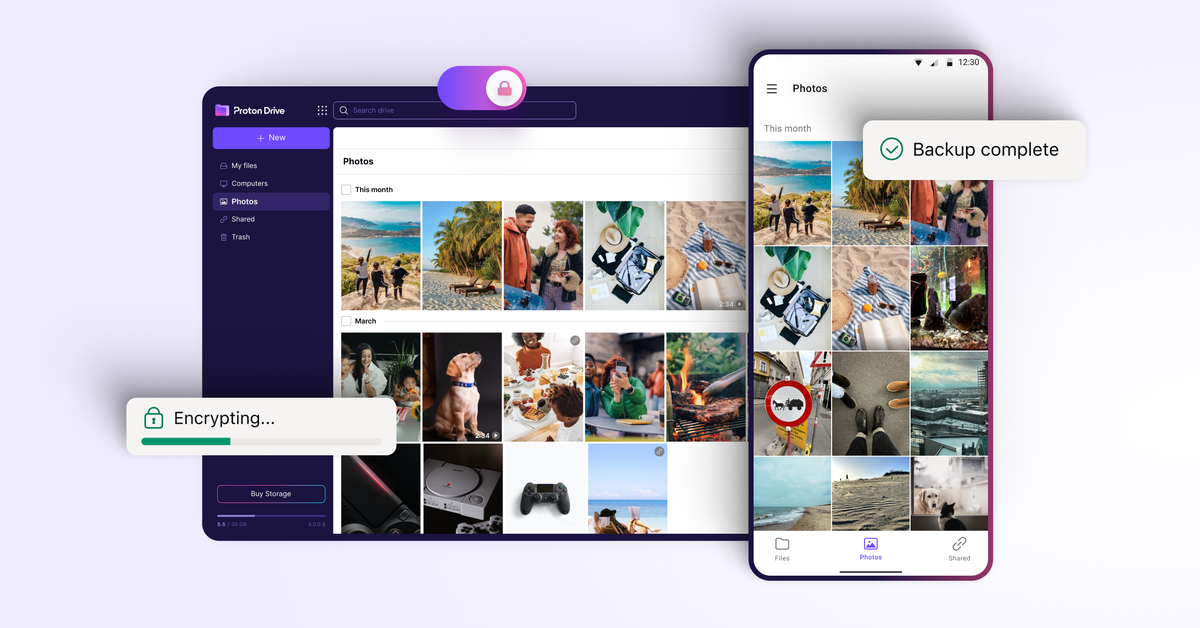
Proton Drive, the end-to-end encrypted cloud storage app, is introducing a photo backup feature on its Android version, making it a more viable alternative to mainstream options like Google Drive and OneDrive. Unlike these services, Proton Drive ensures that files are end-to-end encrypted, preventing third-party access. The update allows for automatic syncing and management of photos, eliminating the need for manual uploads. Proton Drive is free for up to 1GB, with paid plans available for larger storage capacities.
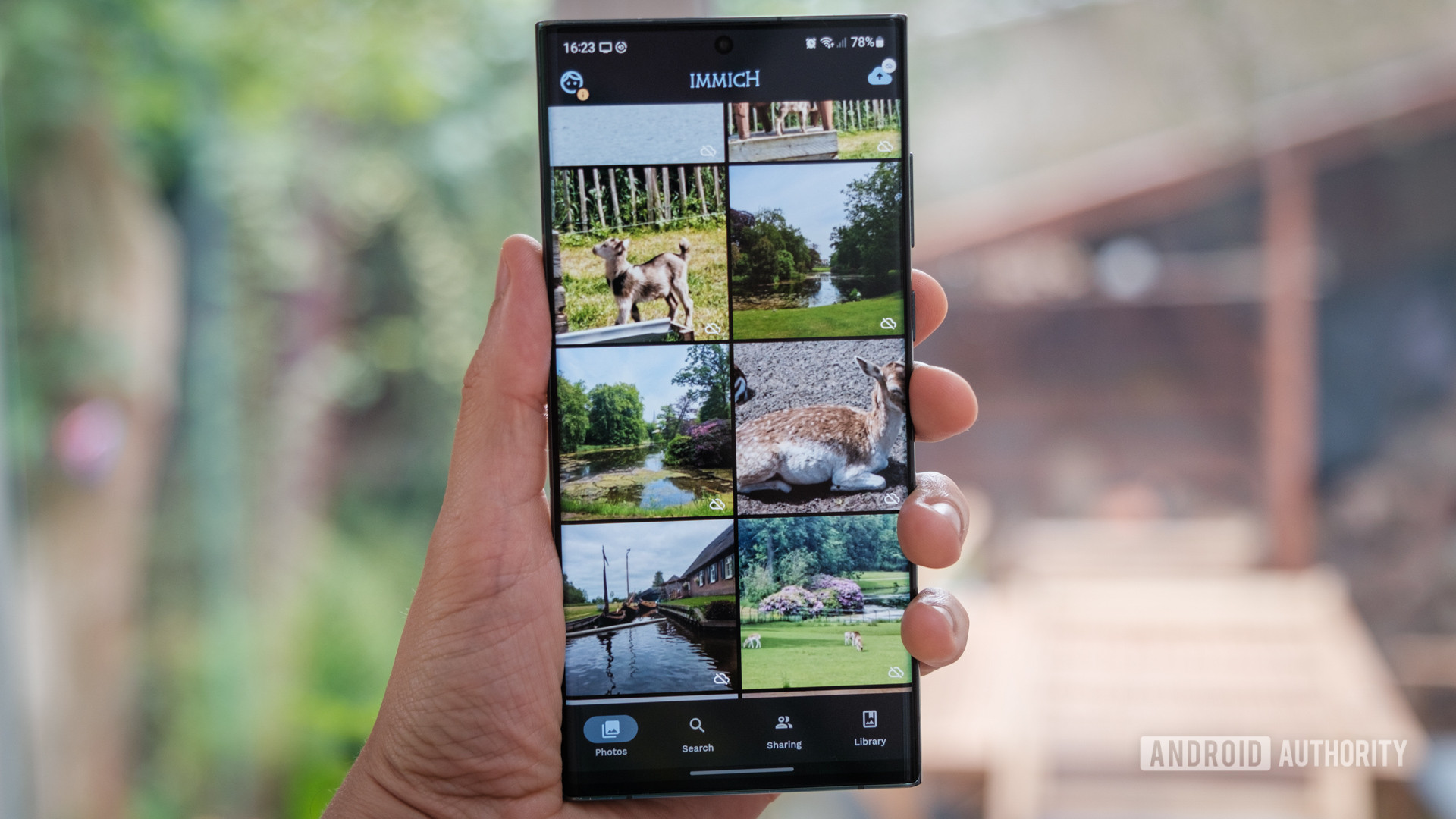
Despite the availability of various self-hosted alternatives, finding a seamless replacement for Google Photos remains challenging. While options like Photoprism and LibrePhotos offer powerful features, they lack the mobile backup and editing capabilities of Google Photos. However, Immich, a self-hosted competitor to Google Photos, shows promise with its interface, multi-user support, album sharing, and basic machine learning features. Although still in active development, Immich could become a viable alternative in the future. In the meantime, users can back up their Google Photos library using Google Takeout and explore other backup options like PhotoSync, Autosync, Resilio Sync, or Syncthing.