Tag

Ios 172

All articles tagged with #ios 172

technology1 year ago

"Understanding and Managing Apple's 'Discoverable by Others' Setting on iPhone"

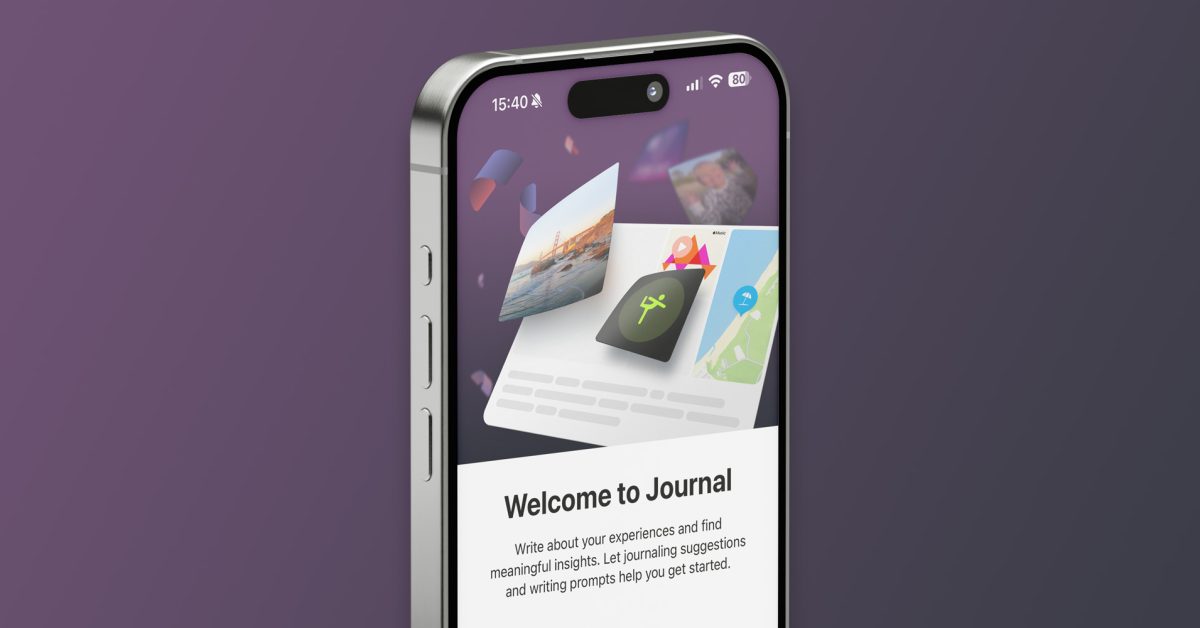
Apple's Journal app includes a "Discoverable by Others" setting that is enabled by default, sparking concerns on social media. However, the feature does not share personal information with others but rather uses Bluetooth to detect nearby devices in contacts to improve and prioritize journaling suggestions. Users can easily disable this feature in the settings menu, ensuring their privacy.

technology1 year ago

"How to Disable Apple's Default 'Discoverable by Others' Setting"

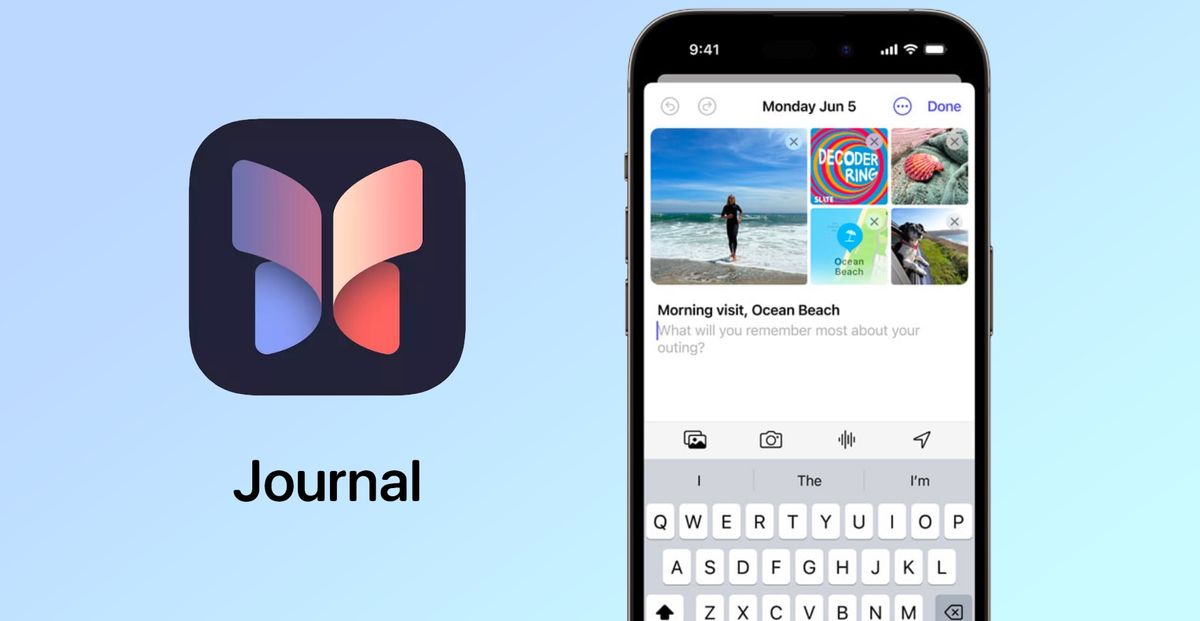
Apple's latest iPhone software update, iOS 17.2, has turned on a setting called "Discoverable by Others" by default, leading to concerns about privacy. The setting is related to the new Journal app, which offers personalized suggestions and prompts for journaling. While the setting uses Bluetooth to detect nearby contacts for improved prompts, it does not share specific personal information. Users can turn off the setting in the Privacy & Security section. Apple assures that journal entries are end-to-end encrypted when stored in iCloud, and the company may reconsider the feature's name due to user confusion and outcry.

technology1 year ago

"Exploring Spatial Video Playback on Apple's Vision Pro and Meta Quest 3: A User's Guide"

With the iPhone 15 Pro and Pro Max running iOS 17.2 or later, users can now capture Vision Pro spatial videos. By enabling the feature in the Camera settings, users can record 3D spatial videos, with tips provided by Apple for optimal results. The videos can be watched in 2D on an iPhone or in 3D on the Vision Pro headset, with specifications including 1080p resolution at 30 fps and approximately 130 MB per minute of video.

technology2 years ago

"Apple's iOS 17.2 Update Introduces Journal App and Exciting Features for iPhone Users"

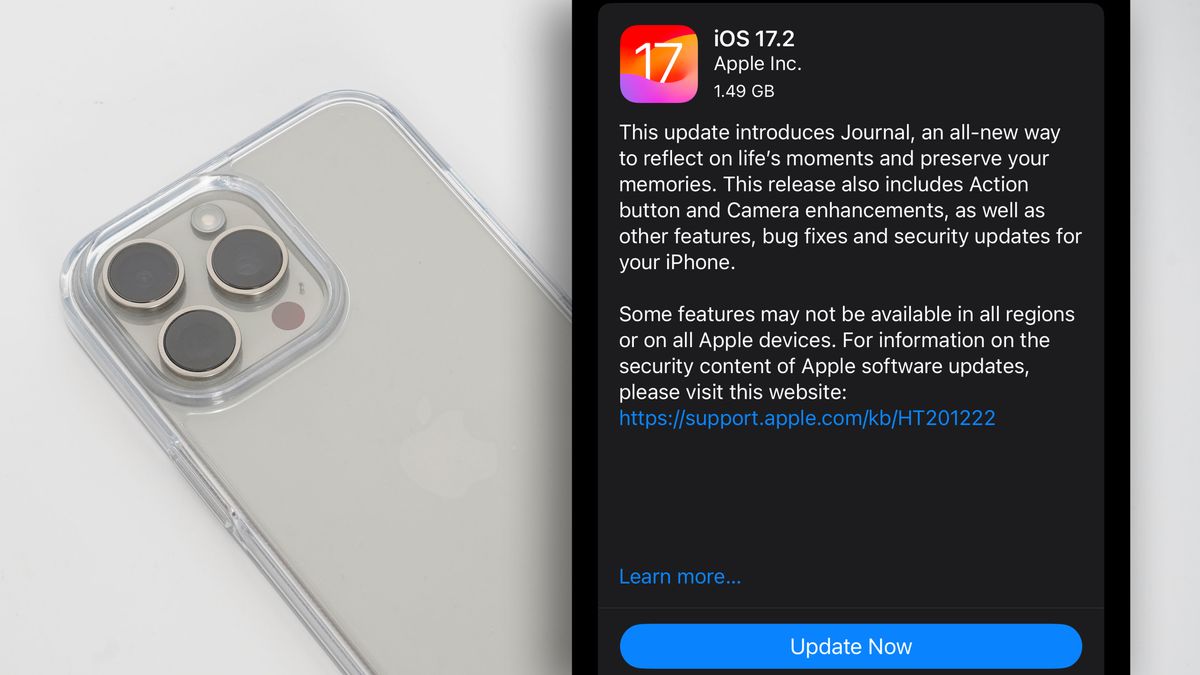
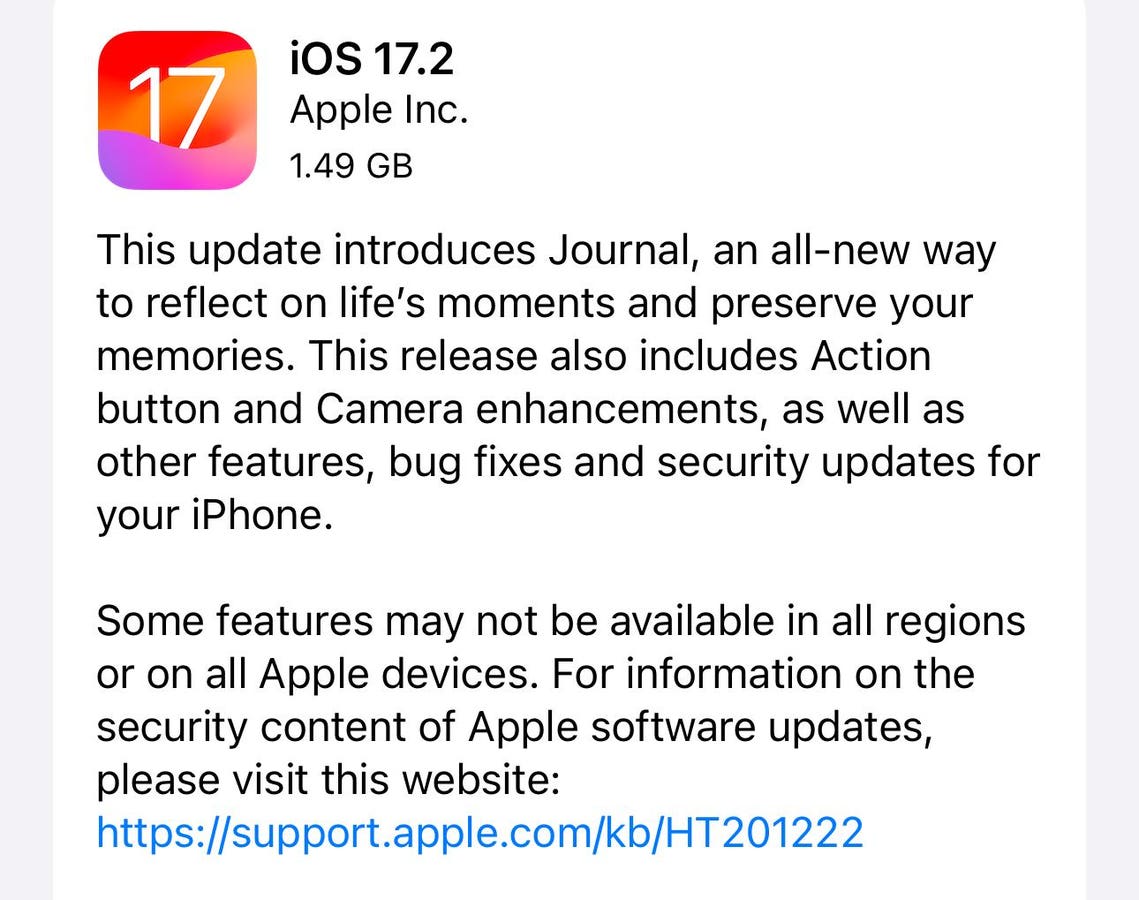
Apple has released iOS 17.2, the latest iPhone update, which includes the new Journal app for users to write down moments from their lives and improve their mental health. The update also introduces the ability to take videos for Apple's upcoming Vision Pro virtual reality headset, as well as improvements to the Messages, Music, and Weather apps. Other features include the option to turn the Action Button on the iPhone 15 Pro into a translation tool and the introduction of a new charging standard for older phones.

technology2 years ago

iOS 17.2: Camera Upgrades and New Features for iPhone Users

Apple's iOS 17.2 update for the iPhone 15 Pro introduces improved telephoto camera focusing speed, support for spatial video, and the new Journal app. The update enhances the focus speed when capturing small faraway objects on the 5x telephoto camera, as well as the 3x camera. Spatial videos are designed to look three-dimensional when viewed on the Apple Vision Pro headset. Users can check for the update in the Settings app and enable spatial video recording in the Camera settings.

technology2 years ago

"Apple's Latest Updates: iOS 17.2, Journal App, and iPhone 15 Pro's Spatial Video Capture"

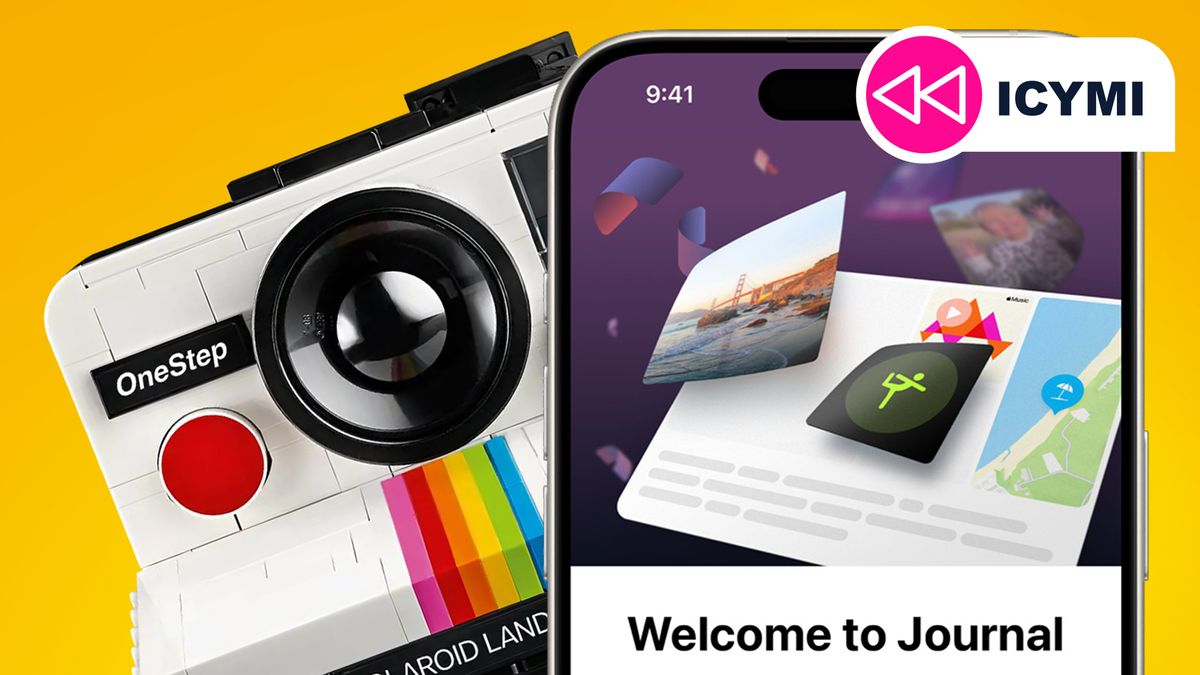
This week in tech news, iOS 17.2 was released, introducing the Apple Journal app and other features; Lego announced two retro camera sets for early 2024; Wi-Fi 7 is set to be finalized in early 2024, promising faster speeds; Microsoft rolled out Copilot AI to Windows 10; Apple blocked the Beeper Mini app, which brought iMessage functionality to Android; Samsung launched the Galaxy Book 4 series with Intel's new Core Ultra processors; and Google revealed the top searches of 2023, including the most hummed songs.

technology2 years ago

Apple resolves Flipper Zero's iPhone disruption with iOS 17.2 update

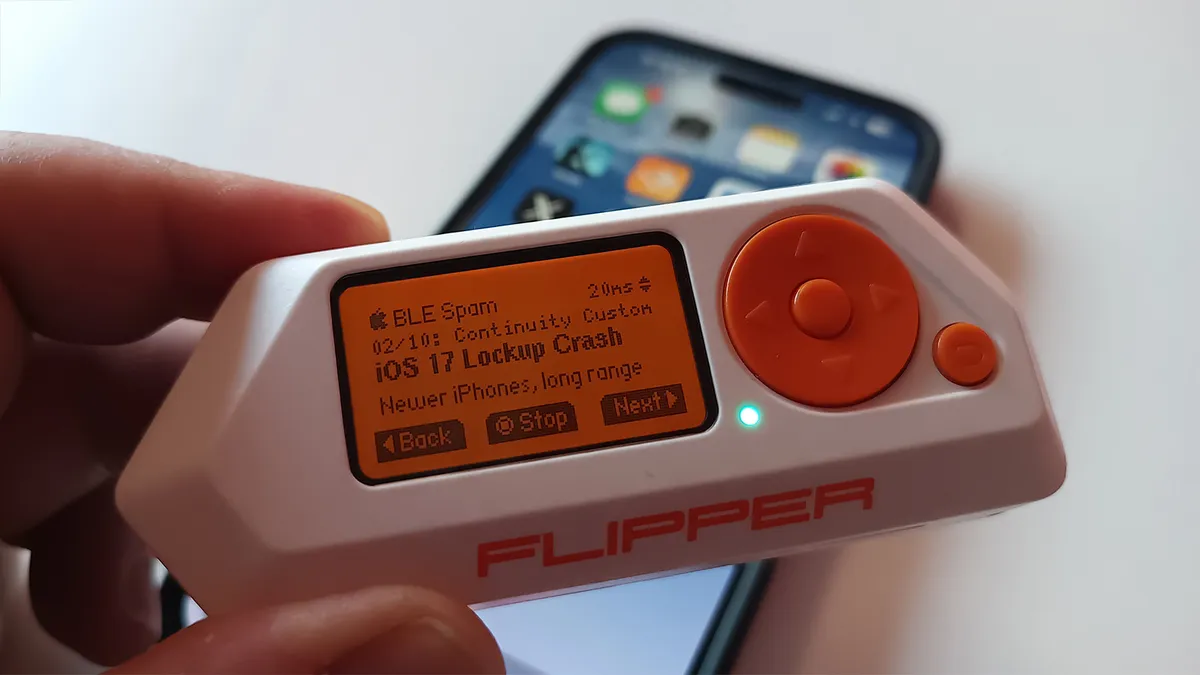
Apple has reportedly fixed a Bluetooth attack carried out with the Flipper Zero device that caused iPhones to lock up and crash. The fix appears to have been rolled out in iOS 17.2, preventing the barrage of pop-ups from overwhelming the devices. Previously, the only solution was to disable Bluetooth, but now users can update their iPhones to iOS 17.2 to protect against the vulnerability. The exact details of the fix have not been disclosed by Apple.

technology2 years ago

"Take Control: Prevent Apple Music from Auto-Adding 'Favorite' Songs to Your Library"

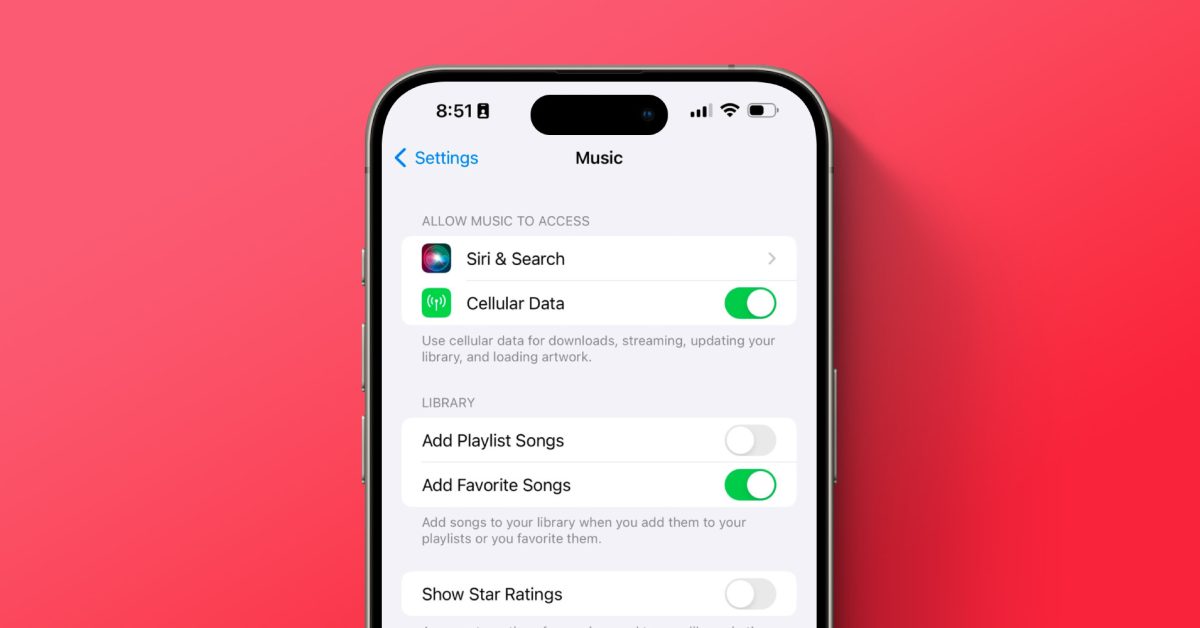
Apple Music's new feature automatically adds songs marked as "Favorite" to the user's library, but many iPhone users find this controversial. However, Apple has provided a simple solution to disable this feature. By going to the Settings app, navigating to the "Music" menu, and toggling off the "Add Favorite Songs" setting, users can prevent songs from being automatically added to their library while still being added to the "Favorites" playlist. This highlights the issue of app settings being located in the Settings app rather than within the app itself.

technology2 years ago

Apple Patches Flipper Zero's iPhone Exploits

Apple has released iOS 17.2 with safeguards to prevent Flipper Zero devices from causing denial of service (DoS) loops on nearby iPhones and iPads. The open-source pen-testing tool, when modified with third-party firmware, could overwhelm devices with Bluetooth connection notifications, causing them to freeze and reboot. The new iOS update likely includes a request timeout to mitigate this exploit.

technology2 years ago

"Apple's iOS 17.2 Update Introduces Journal App and New Features"

Experts and social media users have raised concerns about Apple's new app, Journal, which is automatically downloaded to iPhones as part of the iOS 17.2 update. The app uses on-device machine learning to provide personalized suggestions for journal entries, prompting worries about privacy and the impact on traditional self-reflection. Apple has addressed privacy concerns, stating that the app uses Bluetooth to detect nearby devices and contacts but does not store specific contact information or share data with Apple. Users can control their privacy settings within the app.

technology2 years ago

"Flipper Zero's iPhone shenanigans thwarted by iOS 17.2 update"

The iOS 17.2 update has put an end to the Flipper Zero pen-testing tool's ability to flood iPhones with popups, preventing a denial of service attack. While a few popups still appear, the deluge that previously overwhelmed the device has been stopped. The update also prevents the tool from targeting Android and Windows devices. Users can update their iPhone or iPad by going to Settings, General, and Software Update.

technology2 years ago

"Apple's Latest iOS 17.2 Update: New Features for iPhone and iPad Users"

Apple released iOS 17.2, which includes security fixes and over a dozen new features. Some notable additions include the long-awaited Journal app, Contact Key Verification for enhanced security in messaging, the ability to react to messages with Live Stickers, and new customization options for Memoji. Other updates include changes to Apple Music settings, default notification sounds and haptics, Photos integration with Apple Music, and improvements to Siri, Weather, and the Clock and News apps.

technology2 years ago

iPhone Users Report Battery Drain Issues After iOS 17.2 Update: How to Fix It

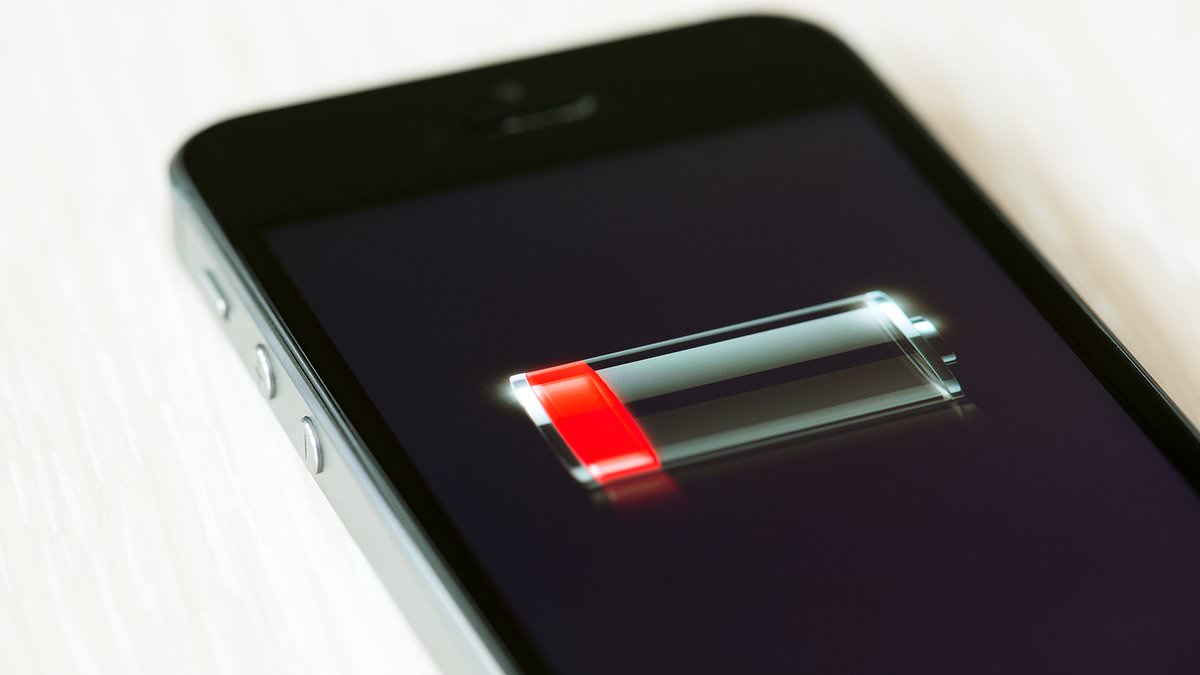
Apple's recent iOS 17.2 update is reportedly causing battery drain issues for many iPhone users, with some having to charge their devices multiple times a day. Frustrated users have taken to social media to express their concerns. However, experts suggest that the battery drain may be temporary due to background processes and recalibration triggered by the new update. Users are advised to check their battery health and monitor the situation. The update also introduces new features such as the Journal app, Action Button enhancements, camera system upgrades, and improvements to the Messages app, Weather app, and more.

technology2 years ago

"Apple's iOS 17.2 Update: Urgent Warning and Exciting Features for iPhone Users"

Apple has released an urgent update, iOS 17.2, for iPhone users, which includes new features and bug fixes. The update is compatible with iPhones released in 2018 or later and can be downloaded through the Settings app. Notable features include the new Journal app for personal reflection, the ability to shoot spatial videos for future compatibility with Apple's Vision Pro headset, and improvements to Messages, AirDrop, and default notification sounds. The update also introduces enhanced privacy measures for journaling and offers personalized suggestions for entries.