
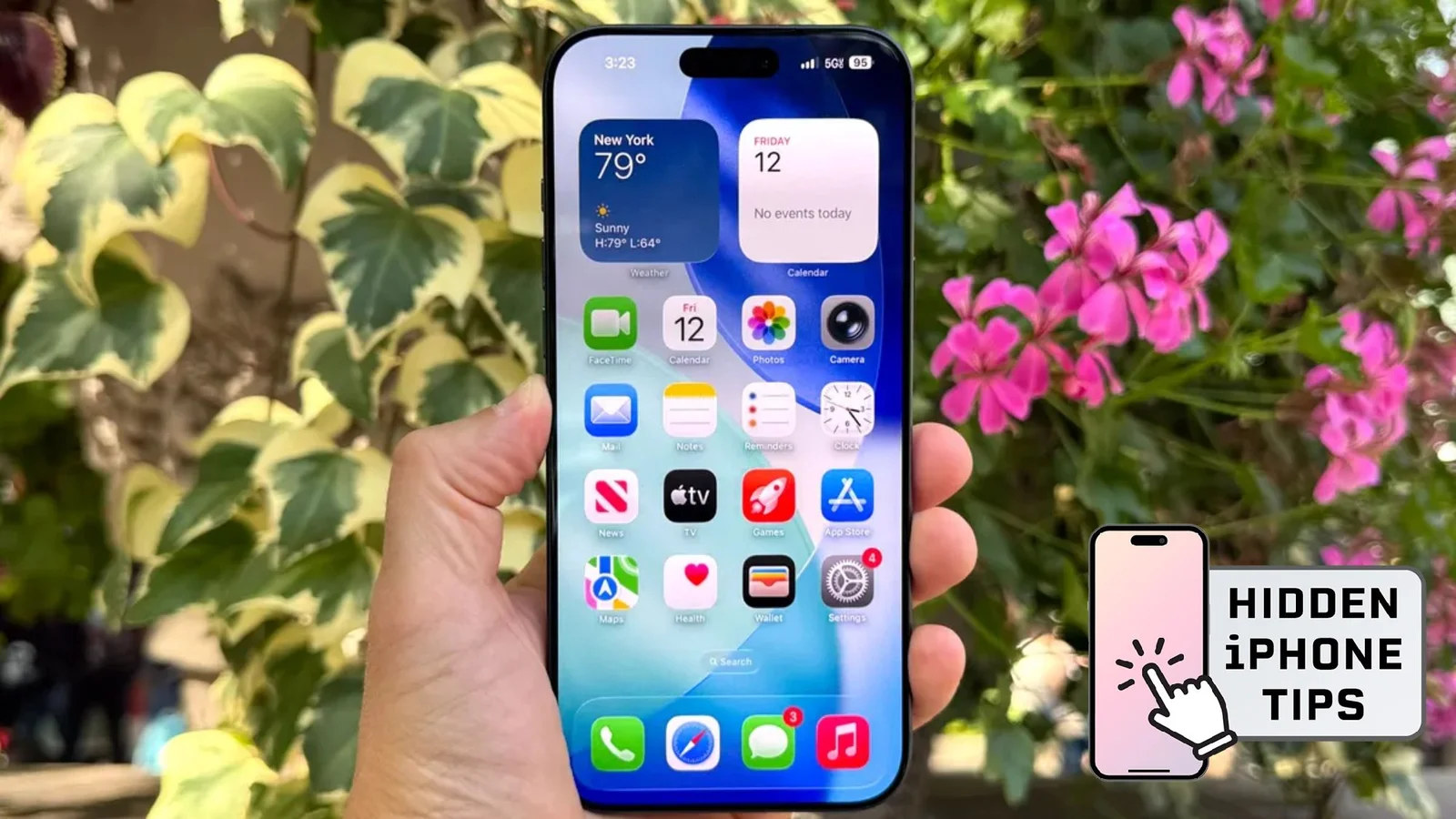
iPhone iMessage Handwritten Messages: Real-Time Drawings You Can Send
Tech writer Kaycee Hill reveals two iPhone Messages tricks: handwritten messages and animated Digital Touch sketches. In Messages, rotate your iPhone to landscape to reveal a handwriting canvas you can draw on with your finger; once you tap Done, your handwriting appears in real time in the chat, and saved phrases can be reused. For animated sketches, open the plus icon in Messages, choose Digital Touch, and send bursts, hearts, or sketches that animate as you draw. Note these features work only with iMessage (iPhone-to-iPhone), and by default handwritten and Digital Touch messages expire after two minutes unless you set Expire to Never in Settings. Android users won’t see the same effects.