The article reviews Google's Material 3 Expressive redesign, noting it as a successful visual update for Android devices but somewhat inconsistent and incremental in Google apps, resembling a Material 3.5 update rather than a full overhaul, with mixed feelings about usability and design cohesion.
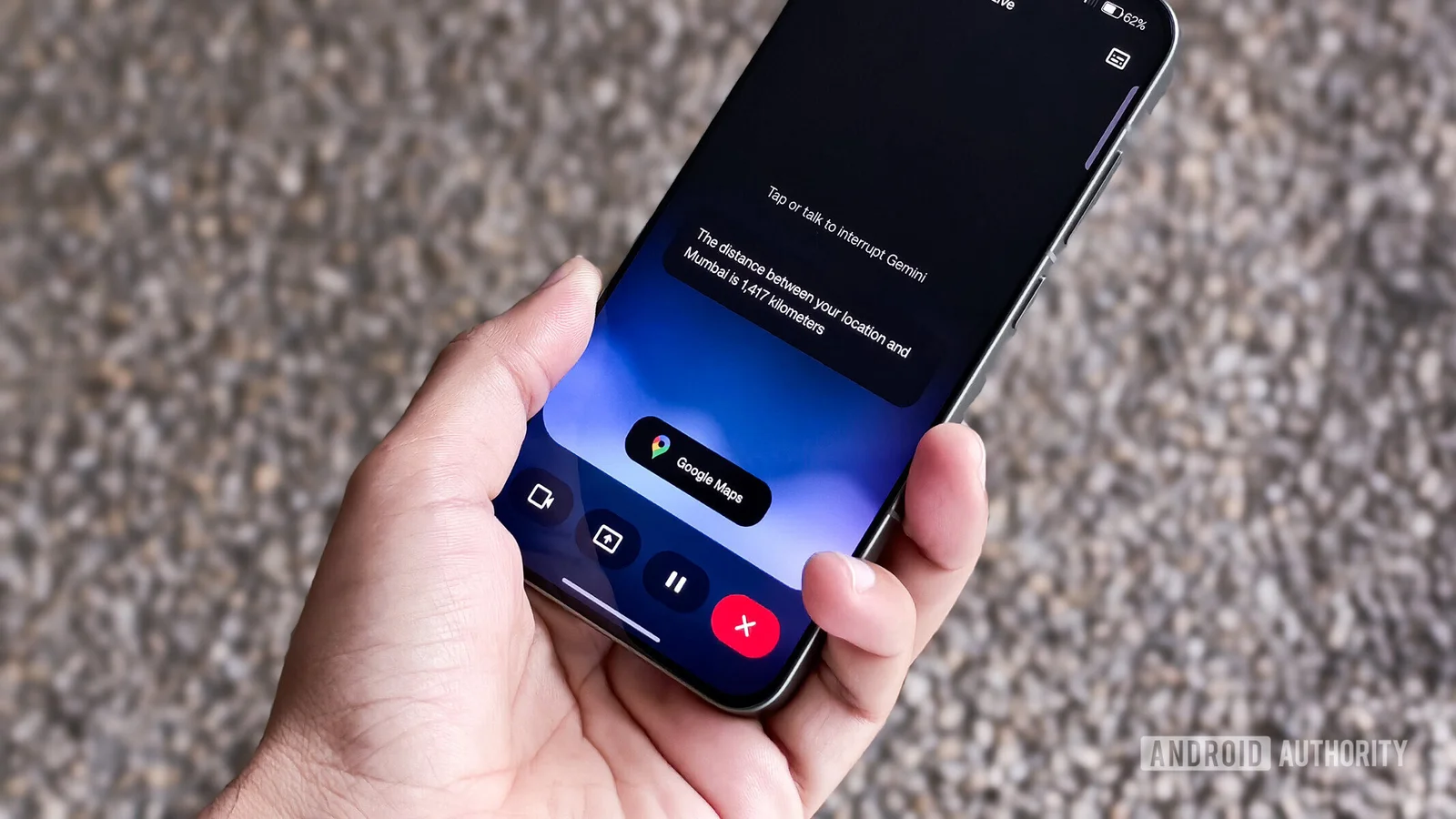
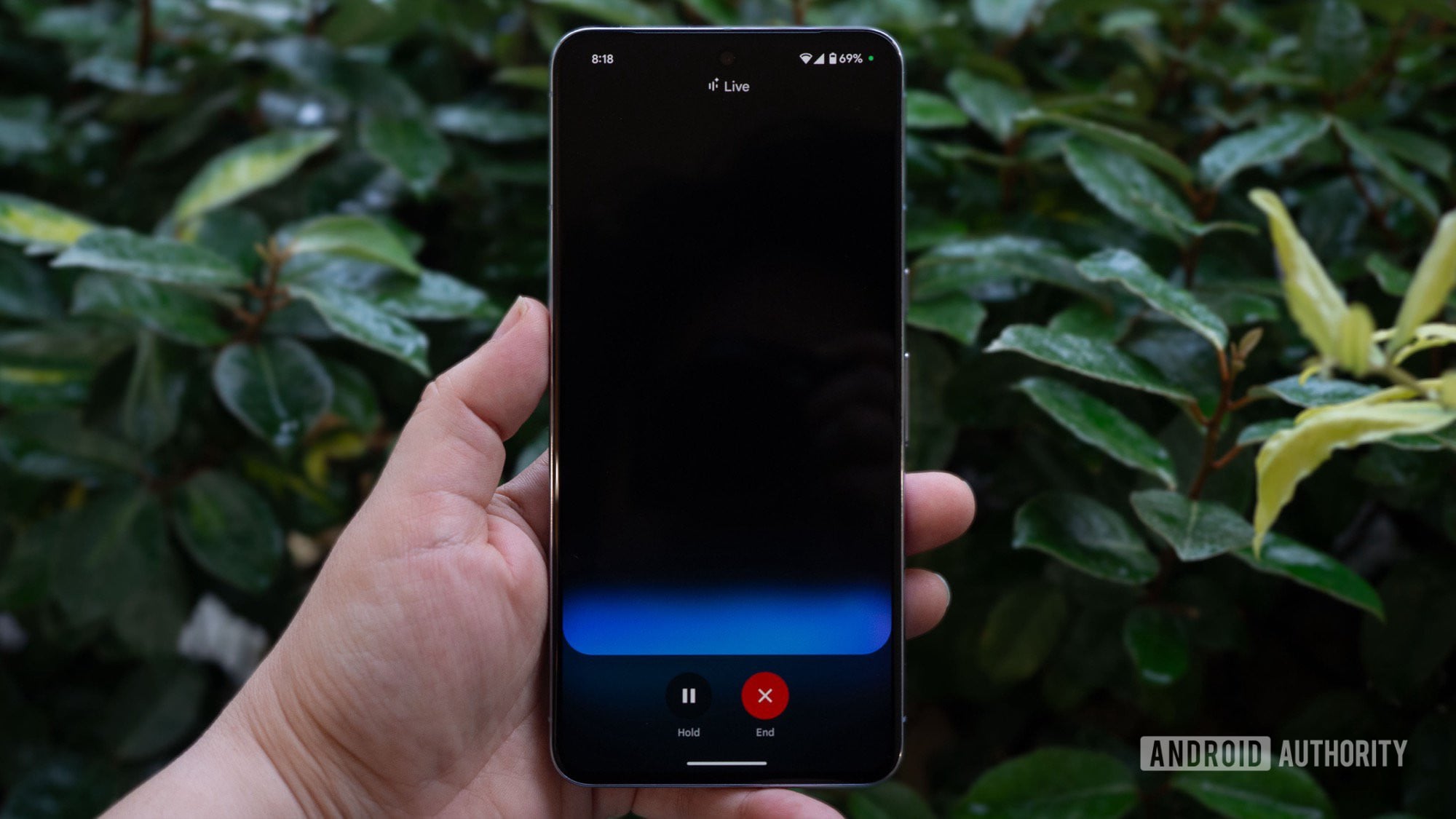
Gemini Live has received an update allowing it to interact with Google apps like Calendar, Keep, Maps, and Tasks in real-time, enabling more dynamic and flexible queries on both Android and iOS devices.
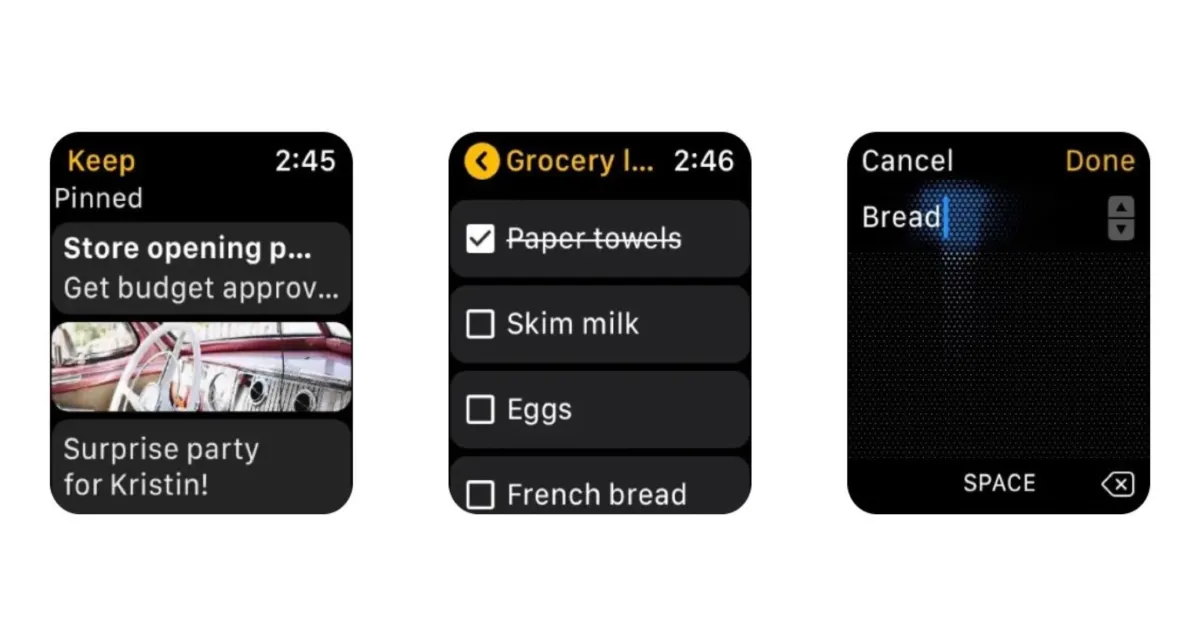
Google has removed the Apple Watch version of its Keep note-taking app, leaving only iPhone and iPad versions, and reducing the number of Google apps available on watchOS to three. The app, introduced in 2019, was largely neglected and lacked updates, and its removal confirms reports that Google planned to deprecate it. Users will need to wait for a native Notes app from Apple in watchOS 26 this fall.
Google's Gemini Live is expanding its app integration capabilities, with initial support for Maps, Calendar, Keep, and Tasks already rolling out, and a broader list of potential extensions in development, including popular services like Spotify and YouTube Music, indicating plans for extensive app interaction enhancements.
Google is updating the Pixel Camera app with a new Material 3 Expressive design, featuring warmer tones, rounded controls, and more intuitive toggles, starting with the Settings menu, as part of a broader redesign across its apps, expected to roll out with Android 16 later this year.
Google Drive is introducing a dark theme for its web version, allowing users to switch to a night-friendly look by accessing the settings and selecting the dark mode option. This feature currently only applies to the file view and is not yet widely available, but it joins other customization options for the platform. While Google Drive joins other Google services in offering a dark theme, the availability of night-friendly looks across Google's apps and services is still limited.
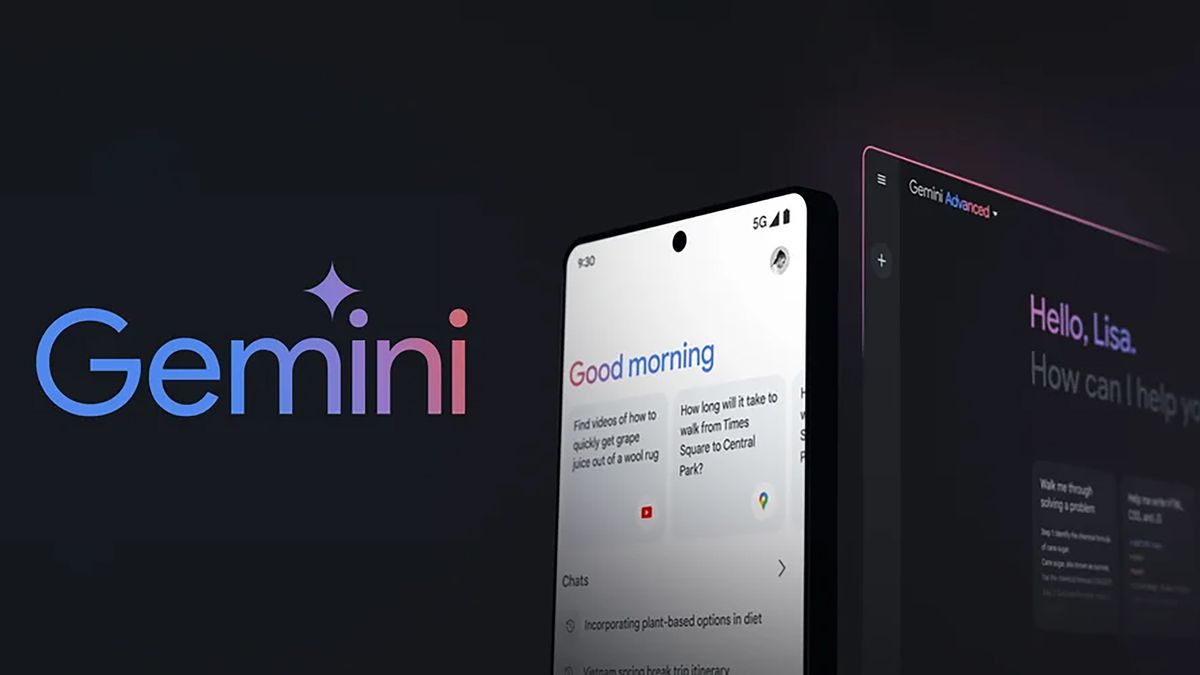
Google has introduced a new paid tier, Google One AI Premium, offering 2TB of storage and access to Gemini Advanced, its most powerful AI model, for $19.99 per month. The subscription includes priority support, Google Photos editing features, dark web monitoring, and a VPN. Gemini Advanced promises state-of-the-art performance and integration with Google's productivity apps, but its full potential is yet to be tested. A free two-month trial is available for early adopters.
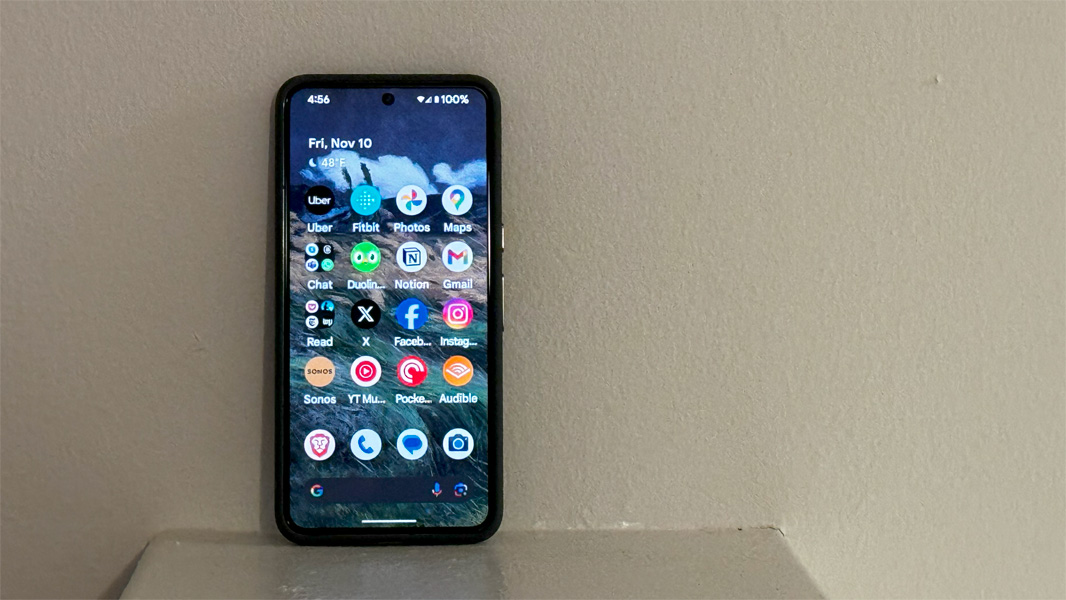
The author shares their experience transitioning to the Google Pixel 8 Pro, highlighting the initial configuration process, the convenience of using Google apps and services, and the improved camera system with features like Magic Editor. They also note the faster charging speed of the Pixel 8 Pro compared to previous models. While they appreciate Android's notification system, they mention missing certain features from the iPhone. Overall, the author is excited to explore the capabilities of the Pixel 8 Pro further.
The search bars in Gmail and other Google apps, including Google Chat, have been made bigger to comply with the latest Material 3 design guidelines. The new search bar is taller and 56dp in height, with more padding and altered coloring. While it doesn't result in a functional difference, it aligns with Material You's preference for more spacious components. Other Google apps are expected to follow suit in updating their search fields.
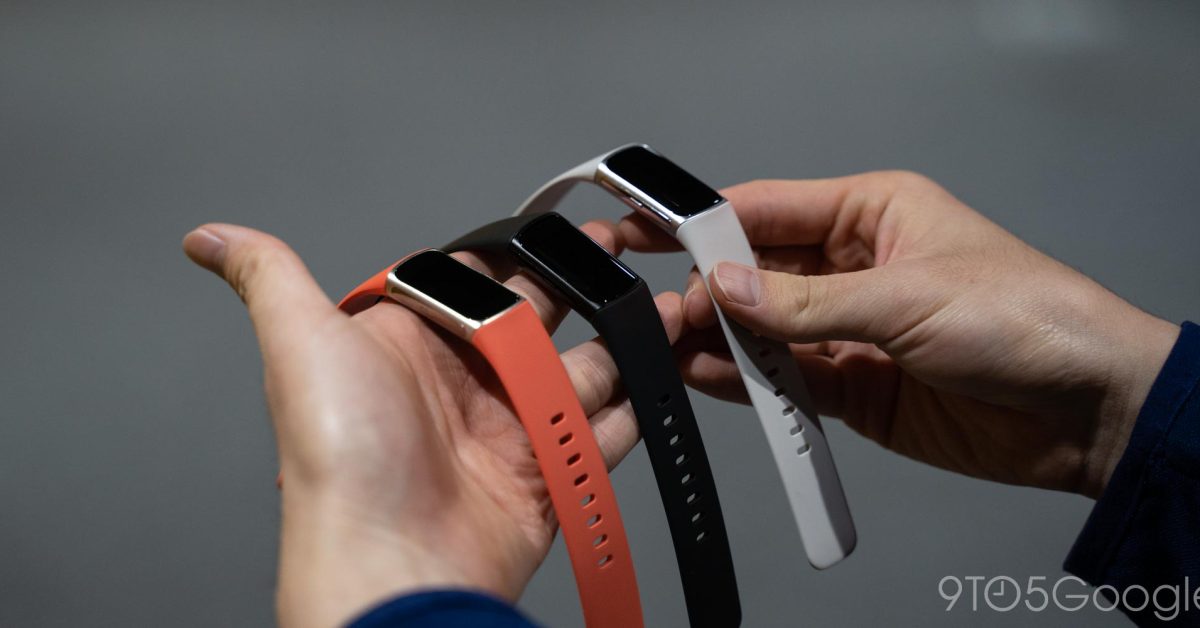
The Fitbit Charge 6 is being hailed as a "Pixel Watch Lite" due to its integration with Google apps and services. The fitness tracker features a sleek design with a haptic button for navigation, a non-full screen display, and a row of sensors on the underside. It runs on Fitbit OS and offers access to Google apps like YouTube Music and Google Maps. The Charge 6 provides accurate fitness and health tracking, including heart rate monitoring and exercise recognition. It has a responsive UI, good battery life, and is considered a more affordable alternative to a full-featured smartwatch.
YouTube for Android is testing a redesign that replaces the Library tab with a new "You" tab, which combines the functionality of the previous account menu and Library. The redesign moves the profile avatar to the bottom bar and introduces carousels for History and Playlists. If implemented, this redesign would further differentiate YouTube from other Google apps and break consistency in design.
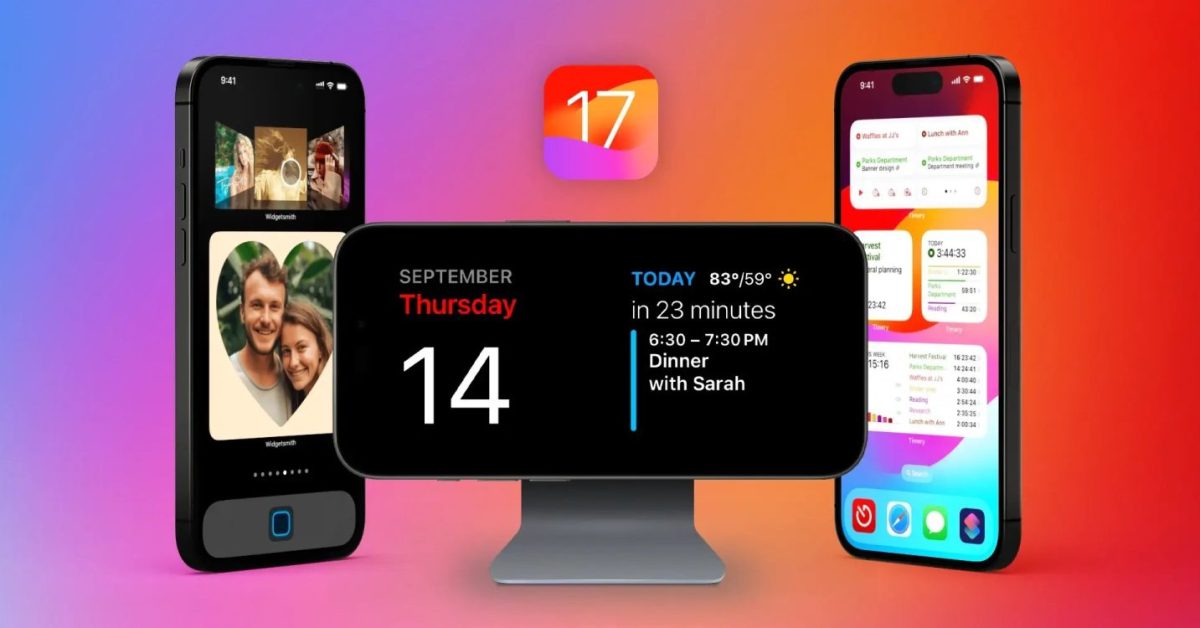
Developers release numerous app updates to support the latest platform features when Apple releases a major OS update like iOS 17, while Android updates are slower due to the fragmented nature of the ecosystem and lack of immediate adoption. However, Android users still receive frequent updates and new features through Google apps and Google Play services. The different update models of Apple and Google offer unique advantages, with Apple's annual big OS release being an enviable moment for apps and new features.
Google's artificial intelligence chatbot, Bard, can now integrate with and pull information from Google apps like Gmail, Docs, YouTube, and more. These "Bard Extensions" allow users to find information across multiple Google tools and apps within one conversation. Users can ask Bard to grab dates from Gmail, look up flight and hotel information, get Google Maps directions, and even watch YouTube videos, all while planning a trip. Google emphasizes user control over privacy settings and also introduces a "Google It" button for double-checking Bard's answers. The new capabilities are made possible through updates to Google's language processing system, PaLM 2.
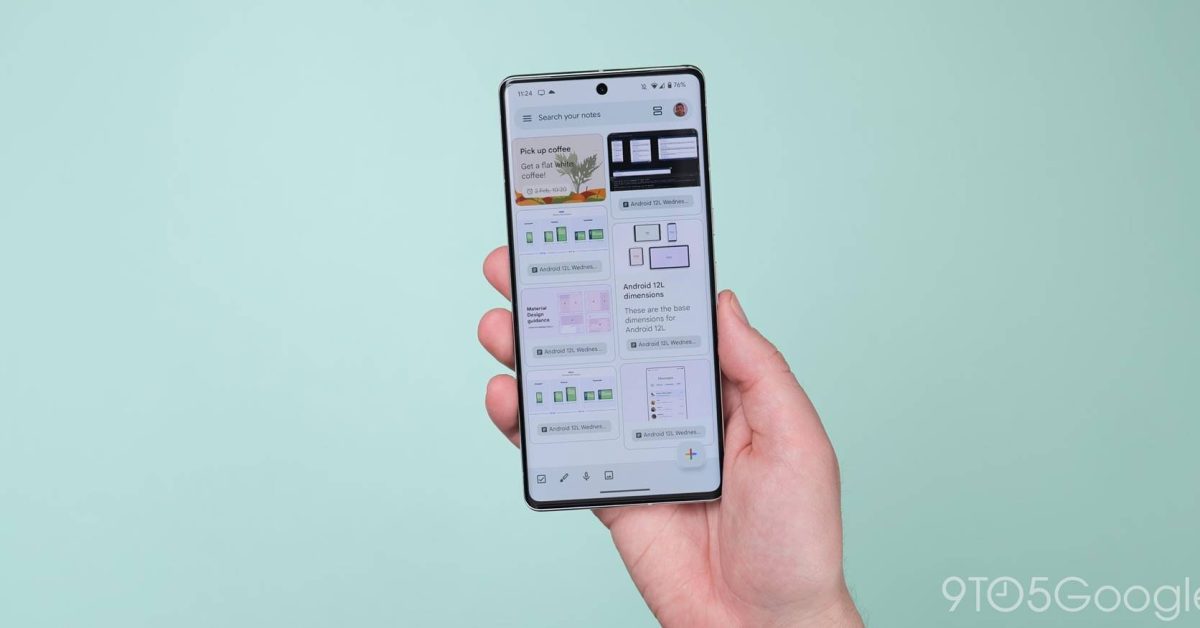
Google Keep has introduced a new text formatting feature that allows users to create more complex and organized notes. The feature includes options for bold, italicized, and underlined text, as well as headers. Users can easily format text by selecting the "A" symbol next to the color button in the app. This addition enhances the note-taking experience and allows for better organization within notes.