Tag

Standby

All articles tagged with #standby

technology2 years ago

Mastering iPhone's 'StandBy': A Guide to the Full-Screen Feature in iOS 17

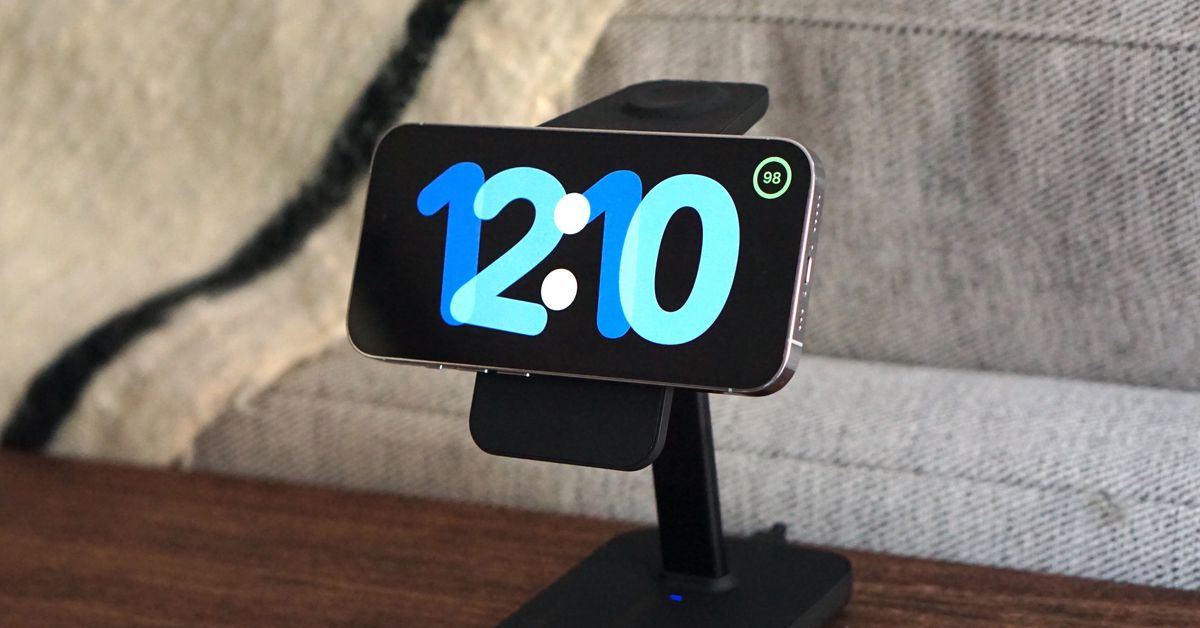
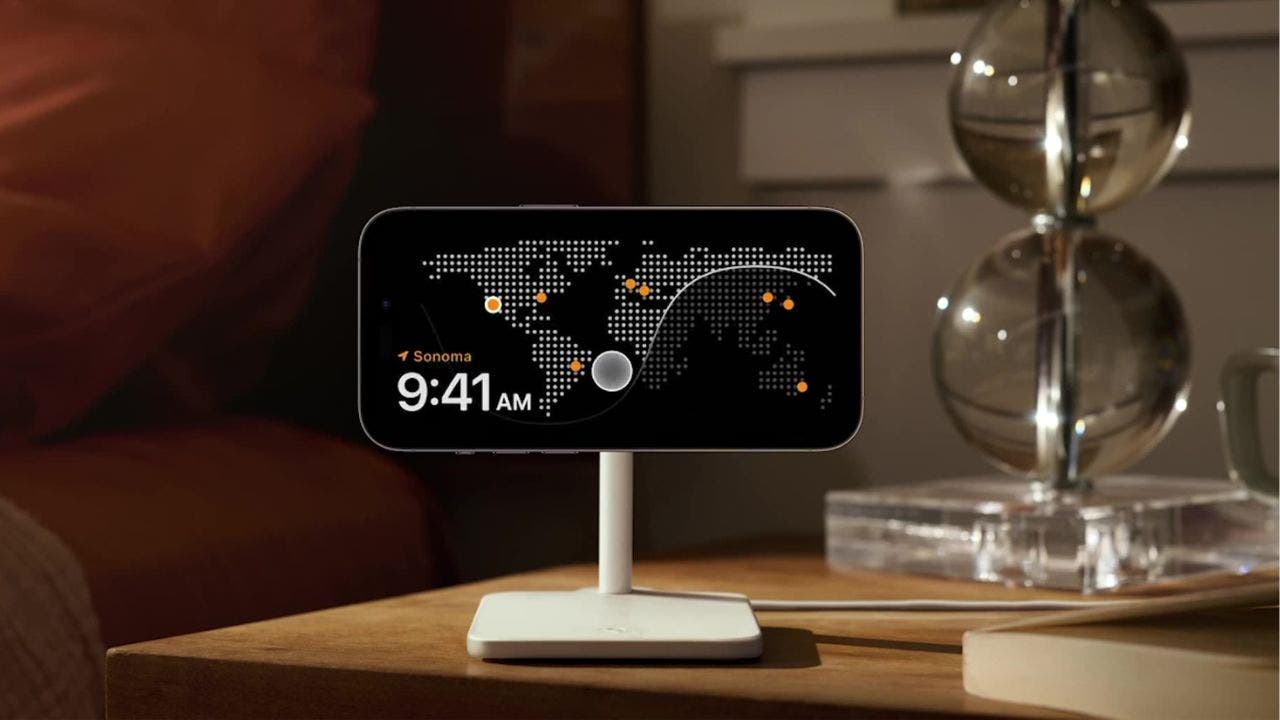
The latest iOS 17 update for iPhones introduces a new feature called StandBy, which turns the screen into a full-display while the device is charging horizontally. Users can customize their StandBy view by swiping left or right to switch between different views such as widgets, photos, and clock. Siri and incoming calls are supported, and StandBy adapts to the user's environment and preferences. The feature is activated by connecting the iPhone to a MagSafe charger or a Qi-based wireless charger while it's locked.

technology2 years ago

"iOS 17.1 Update: AirDrop, Music Features, and More!"

Apple has released the iOS 17.1 update, which includes new features for AirDrop, StandBy, and Apple Music. Users can now transfer photos and videos from their camera roll via AirDrop even if they are out of range but connected to the internet. The StandBy feature now offers new control options for when the display turns off. Apple Music users can access new cover art collections and expand their favorites section. The update also resolves bug issues. The iOS 17.1 update is available for newer generation iPhones.

technology2 years ago

"What's New in iOS 17.1: Release Notes and Updates"

iOS 17.1 introduces the ability for AirDrop transfers to continue over the internet, enhances StandBy and Apple Music, and includes bug fixes and security updates. The update also brings new options for controlling display turn-off time, expanded favorites in Apple Music, and a collection of cover art designs that change colors. Other improvements include the option to choose a specific album for Photo Shuffle, Home key support for Matter locks, and fixes for issues related to Significant Location privacy setting, incoming caller names, custom ringtones, keyboard responsiveness, and display image persistence.

technology2 years ago

"iOS 17: Unleashing the Best Features and Upgrades"

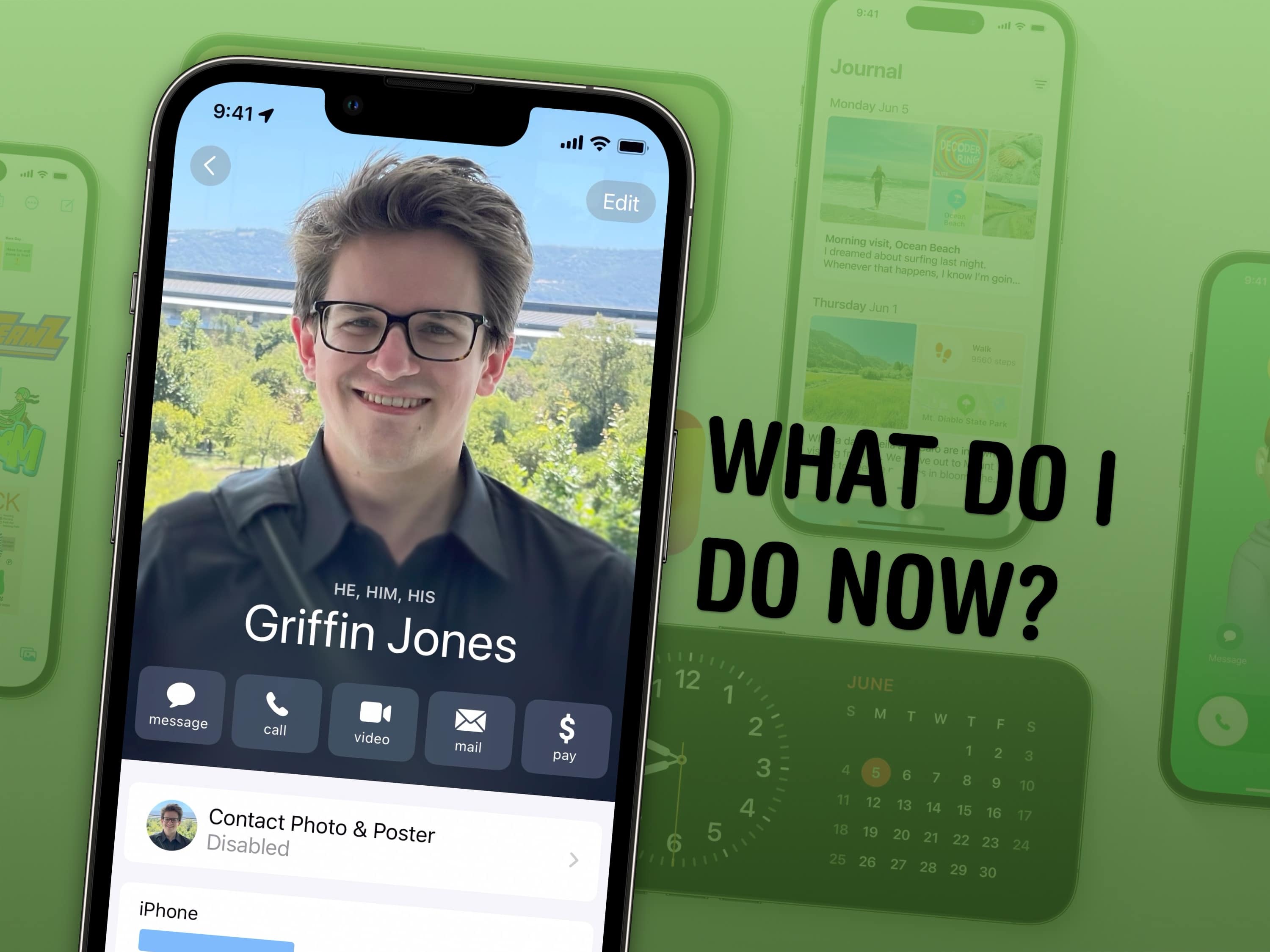
iOS 17 introduces several new features and tweaks that enhance the user experience. These include setting up Contact Posters to customize how you appear when calling someone, configuring StandBy mode to turn your iPhone into a smart display, naming pets in the Photos app for easy organization, using Reminders as a grocery list with automatic sorting, sharing passwords and AirTags with others, creating separate Safari profiles for different accounts, editing Apple Watch widgets for quick access, logging mental health in the Health app, and making stickers from photos. These are just a few of the many features available in iOS 17.

technology2 years ago

"Mastering iOS 17: How to Fix Annoying Features and Explore Exciting Updates"

Apple's iOS 17 update introduces new features to the iPhone, but not all users may appreciate them. Some annoying features include NameDrop automatically sharing contact information and StandBy displaying notifications. However, there are ways to disable these features. Users can turn off NameDrop in the AirDrop settings and hide notifications in StandBy mode. Additionally, Siri's new activation method can be changed back to "Hey Siri" in the Siri & Search settings.

technology2 years ago

"iOS 17: A Game-Changing Update for iPhone Users"

StandBy is a new docking mode in iOS 17 that turns the iPhone into a widget machine when it's charging and rotated to landscape orientation. It allows users to see a full-screen clock, calendar, photos slideshow, music controls, activity progress, weather, and more. While it doesn't require a special accessory to work, using a charger and a way to prop the phone upright on its side enhances the experience. StandBy is a promising feature, but it still needs improvement in terms of app support, landscape-to-portrait rendering, brightness control, and integration with the rest of the iPhone experience. Nonetheless, it is considered the most useful new iPhone feature in a long time and has the potential to inspire developers to create better widgets.

technology2 years ago

"Unlocking the Potential: A Sneak Peek into iOS 17's Lock Screen Upgrades"

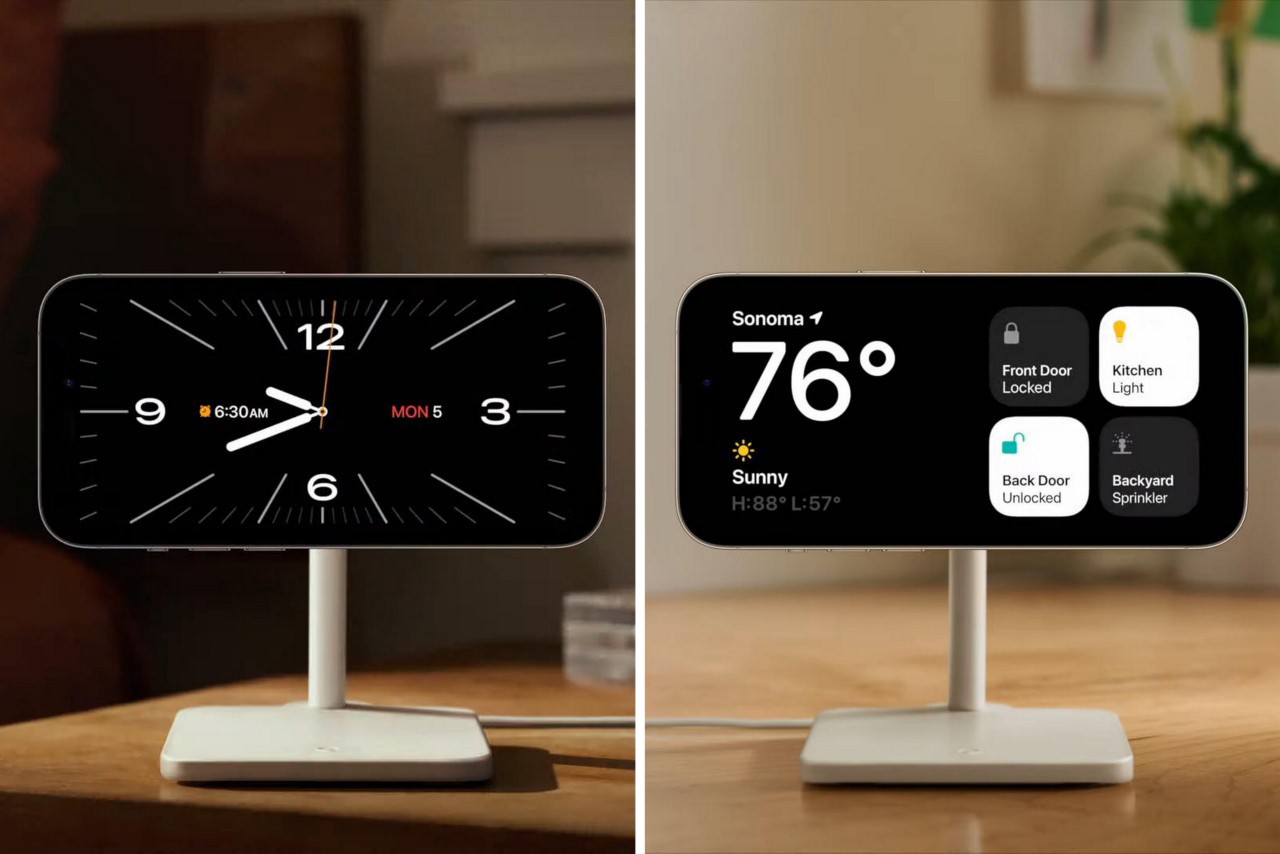
iOS 17 introduces new features and refinements to the Lock Screen. StandBy mode activates when the iPhone is plugged into a charger and positioned horizontally, offering customizable screens such as dual widget stacks, photo displays, and time screens. Notifications appear full screen in StandBy mode, and customization options allow users to personalize their Lock Screen experience. The always-on display enhances the StandBy experience on compatible devices. Additionally, interactive widgets on the Lock Screen and Home Screen provide more functionality without launching the accompanying app.

technology2 years ago

Maximizing the Potential of iOS 17 StandBy Mode with MagSafe Chargers and Customization Tips

Apple's new StandBy feature uses the iPhone's always-on display to turn it into an information hub while charging on a dock. It displays clock faces or widgets, including smart stacks that update in real-time, making it useful for things like music or game scorecard widgets. The feature responds to its surroundings by dimming itself in the dark and is power efficient. It will be available as an iOS 17 feature and works with wireless chargers, but it's unclear if it only works with Apple's chargers or any third-party wireless charging dock.