
Maximizing the Potential of iOS 17 StandBy Mode with MagSafe Chargers and Customization Tips
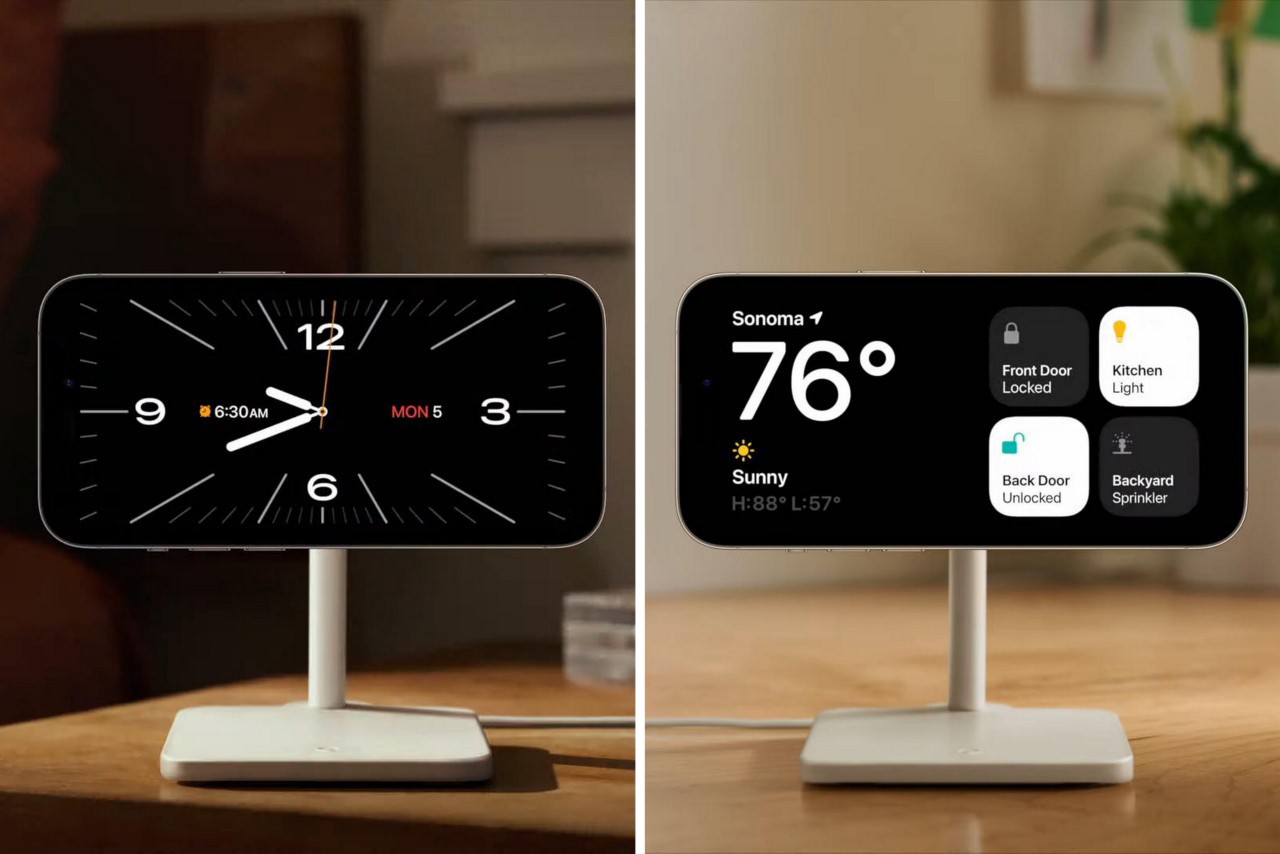
TL;DR Summary
Apple's new StandBy feature uses the iPhone's always-on display to turn it into an information hub while charging on a dock. It displays clock faces or widgets, including smart stacks that update in real-time, making it useful for things like music or game scorecard widgets. The feature responds to its surroundings by dimming itself in the dark and is power efficient. It will be available as an iOS 17 feature and works with wireless chargers, but it's unclear if it only works with Apple's chargers or any third-party wireless charging dock.
- Apple's New iOS Feature Cleverly Makes the iPhone Screen Useful Even When It's Not In Use Yanko Design
- Excited for iOS 17's StandBy mode? These MagSafe chargers are perfect for it Tom's Guide
- Make Your iPhone Stand Out: Step-by-Step Guide to Customizing the StandBy Screen on iOS 17 Softonic EN
- Best iPhone charging stands to try out the new iOS 17 StandBy feature Pocketnow
- iOS 17 StandBy Mode looks amazing — but it's also a missed opportunity Tom's Guide
Reading Insights
Total Reads
0
Unique Readers
5
Time Saved
2 min
vs 3 min read
Condensed
83%
530 → 91 words
Want the full story? Read the original article
Read on Yanko Design