
"Mastering iOS 17: How to Fix Annoying Features and Explore Exciting Updates"
TL;DR Summary
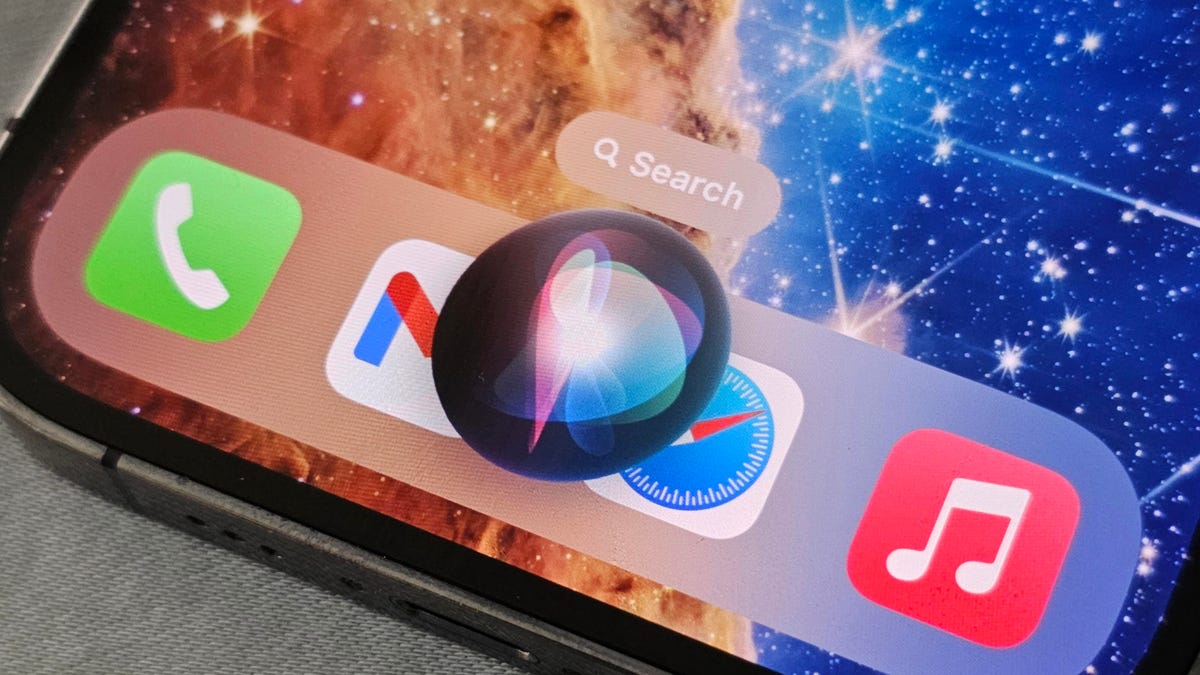
Apple's iOS 17 update introduces new features to the iPhone, but not all users may appreciate them. Some annoying features include NameDrop automatically sharing contact information and StandBy displaying notifications. However, there are ways to disable these features. Users can turn off NameDrop in the AirDrop settings and hide notifications in StandBy mode. Additionally, Siri's new activation method can be changed back to "Hey Siri" in the Siri & Search settings.
- You Can Fix the Most Annoying iOS 17 Features on Your iPhone. Here's How CNET
- iOS 17 release: See what’s new in iPhone features CNN
- Should you update your iPhone to iOS 17? 5 new features to check out The Washington Post
- iOS 17 is out now – here are the 7 features I'm most looking forward to TechRadar
- Apple Releases iOS 17 With StandBy, Live Voicemail, Improved Autocorrect, FaceTime Video Messages and Tons More MacRumors
Reading Insights
Total Reads
0
Unique Readers
6
Time Saved
4 min
vs 5 min read
Condensed
91%
814 → 71 words
Want the full story? Read the original article
Read on CNET