Microsoft is closing loopholes that allowed Windows 11 users to set up the OS with a local account without internet, requiring users to connect and sign in with a Microsoft account during setup in future versions. The company is also adding a way to customize the user folder name during setup, though currently via command line. These changes aim to ensure a fully configured device and reduce setup issues caused by previous workarounds.
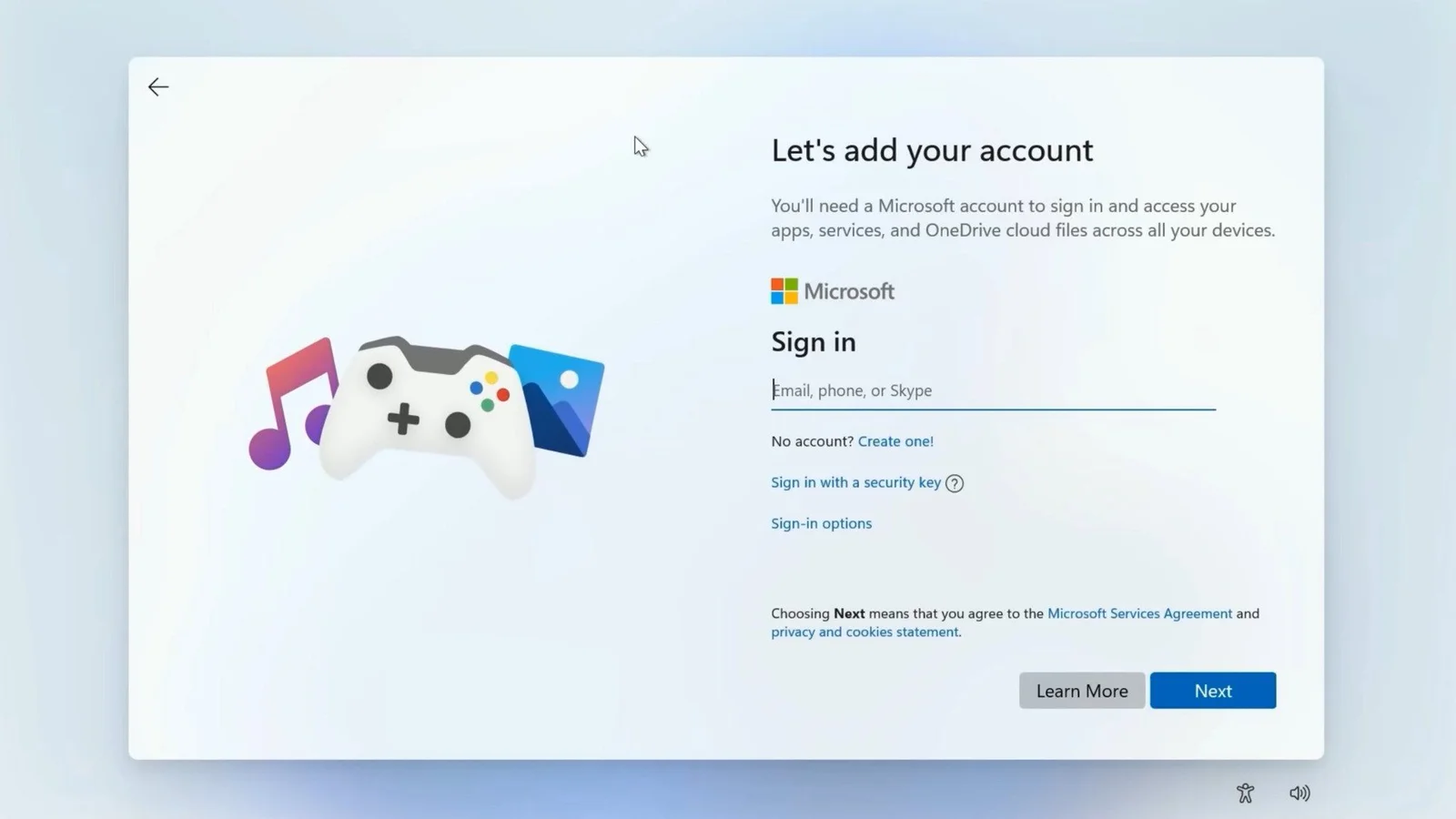
Microsoft is tightening security on Windows 11 by removing known methods to bypass signing in with a Microsoft account during initial setup, requiring users to complete setup with an internet connection and a Microsoft account, with only more complex bypasses remaining possible through editing Windows images.
Google TV has introduced a faster and simpler setup process that eliminates the need for the Google Home app, allowing users to set up new devices like Walmart's Onn 4K Plus in under five minutes by scanning a QR code and confirming preferences, significantly improving user experience.
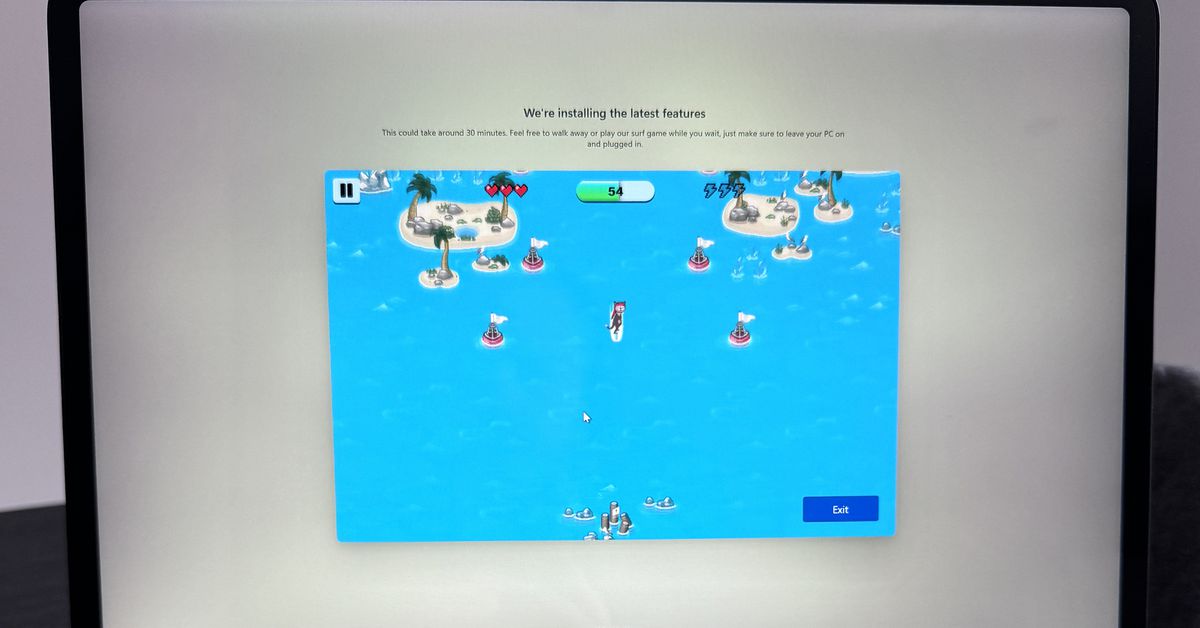
Microsoft has added a fun Easter egg to the Windows 11 setup process on some laptops, prompting users to play a modern version of its SkiFree game while waiting for updates. The game appears as an option during Windows updates or when restoring settings using Windows Backup. It is unclear if this addition is limited to new Surface devices or if it applies to the Windows 11 setup process in general. This entertaining addition improves the often boring Windows setup process and reflects Microsoft's efforts to simplify and modernize the out-of-box installation experience.
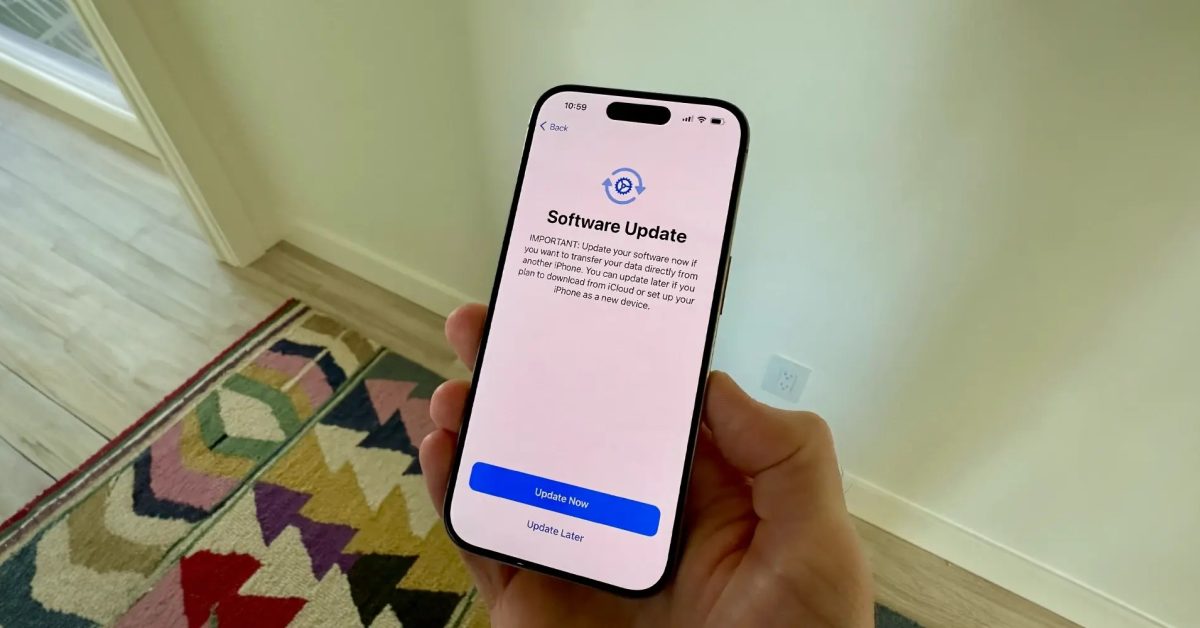
The iPhone 15 has a bug in the initial setup process that may prevent data transfer from old iPhones, causing the device to get stuck on the Apple logo. Apple has released iOS 17.0.2 to resolve this issue, but some users have reported not being prompted to update during setup. If the update is not installed, users can connect their iPhone 15 to a computer and restore it, or set it up as new and install the update later.