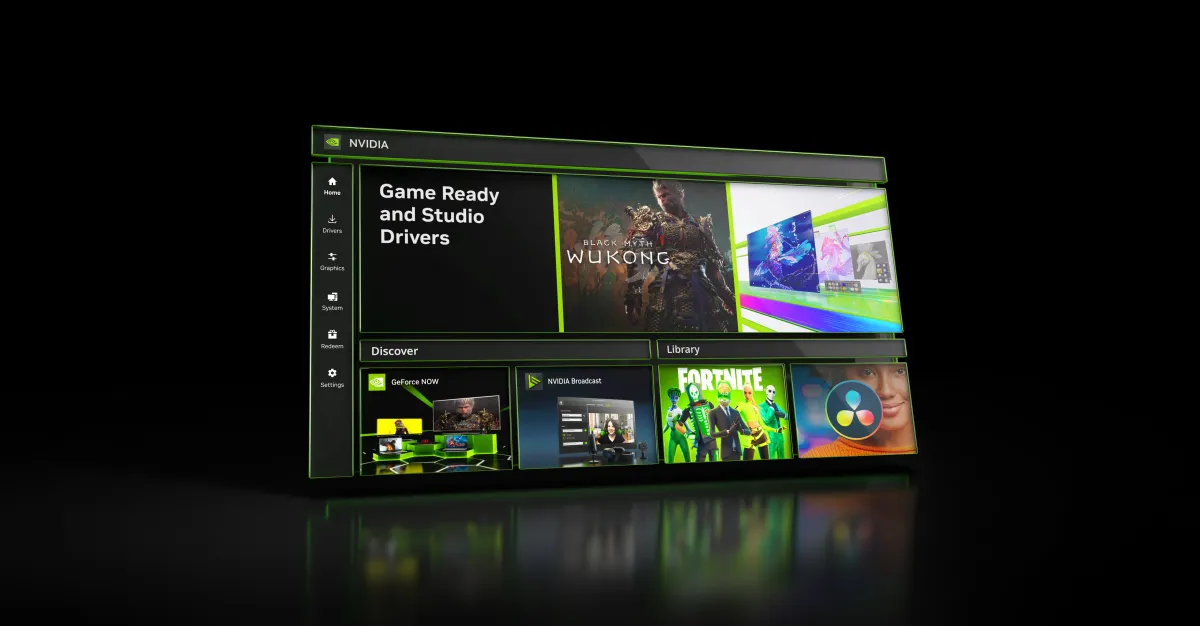
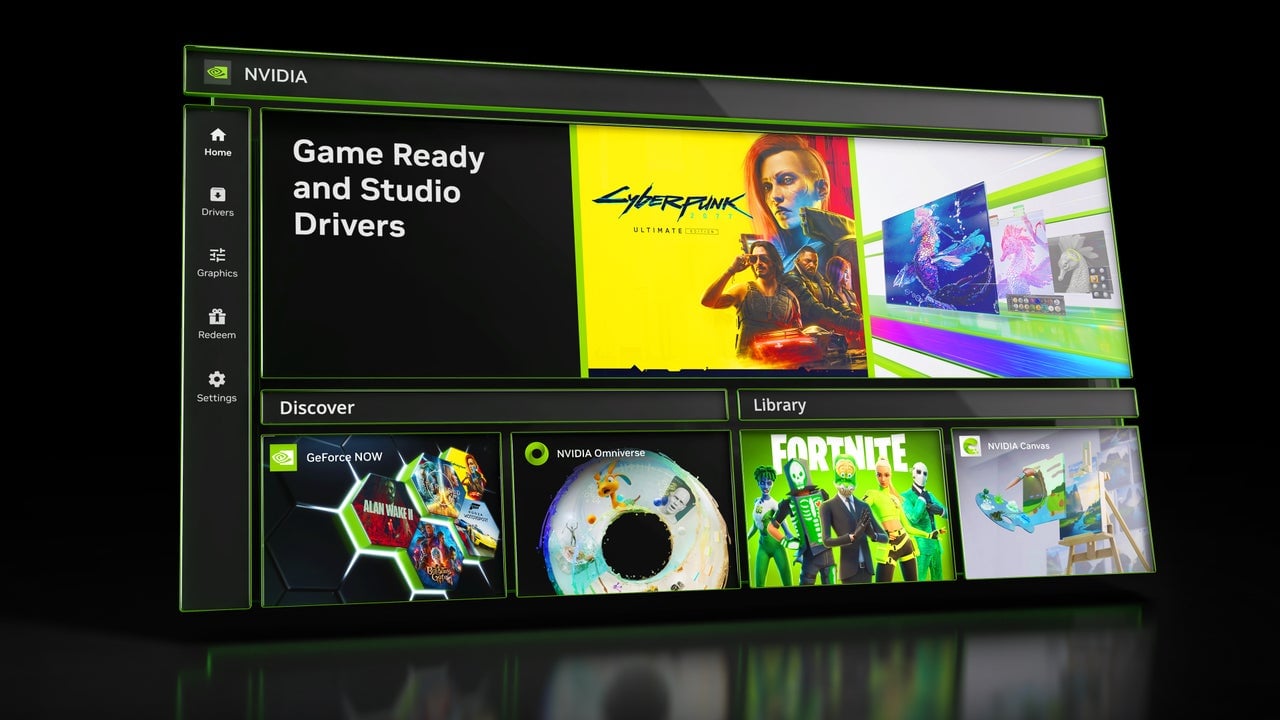
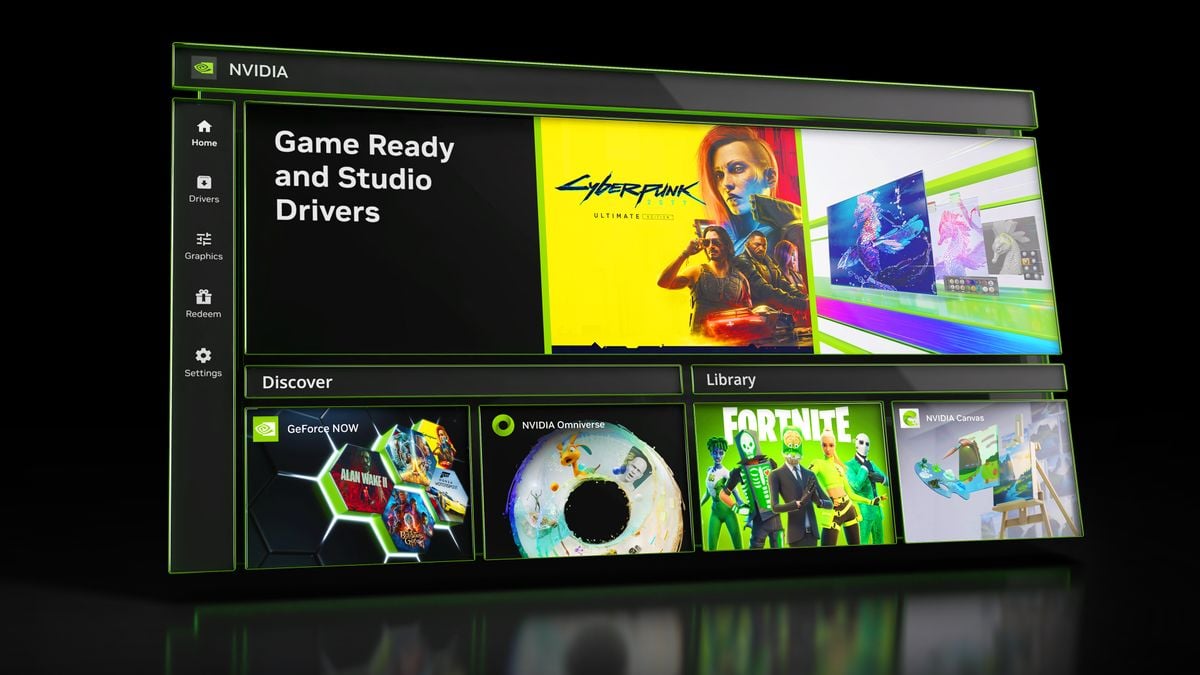
Nvidia's app is receiving updates that include global DLSS override, new control panel features like anisotropic filtering and ambient occlusion, and the addition of Smooth Motion for RTX 40-series GPUs, aiming to improve user control and gaming experience. These updates will be available to beta users on August 19th and to the general public next week.
Microsoft's latest Windows 11 25H2 preview builds introduce more Control Panel elements into the Settings app, along with new language, date/time options, bug fixes, and a redesigned mobile device companion for Insiders. The updates aim to modernize user experience and improve performance, though some known issues remain, which are being addressed in future updates.
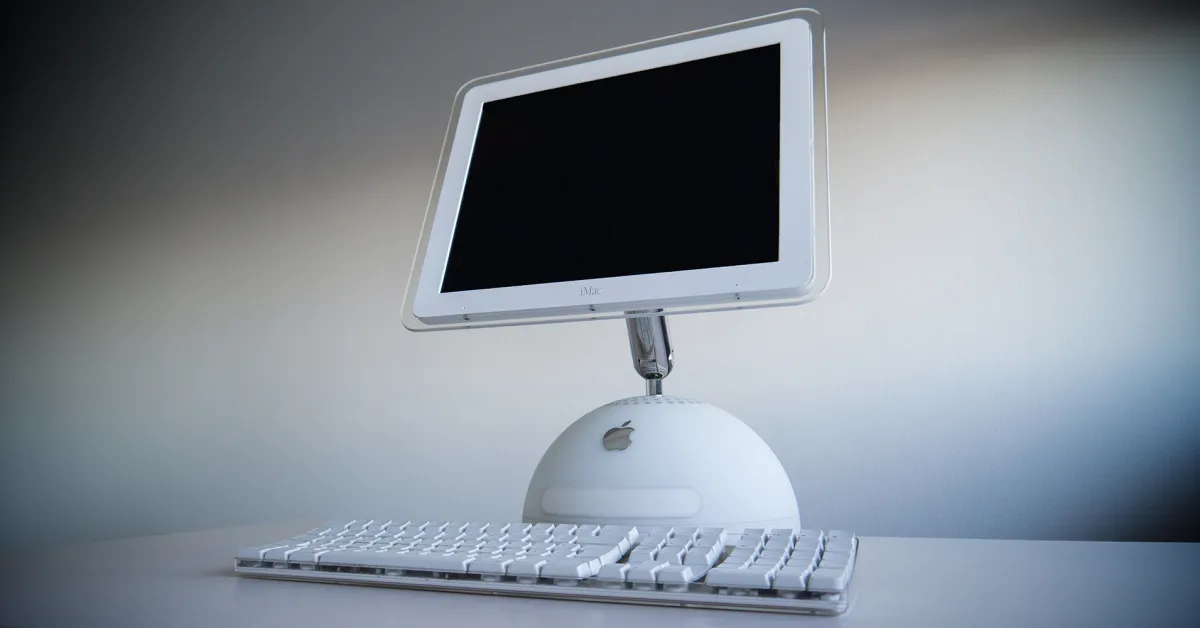
The article explores 20 years of Mac UI design through emulations of the Control Panel (now Settings), revealing its fascinating evolution and historical anecdotes, including insights into Apple's hardware and software development, with interactive experiences for users to explore the app's history.
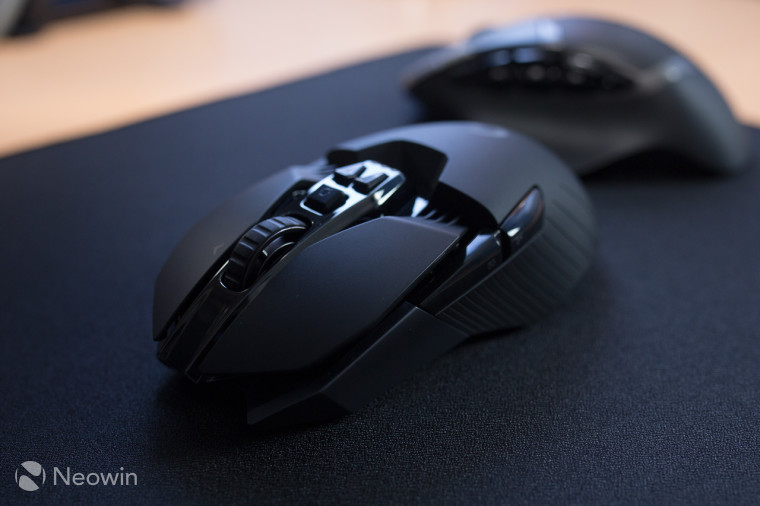
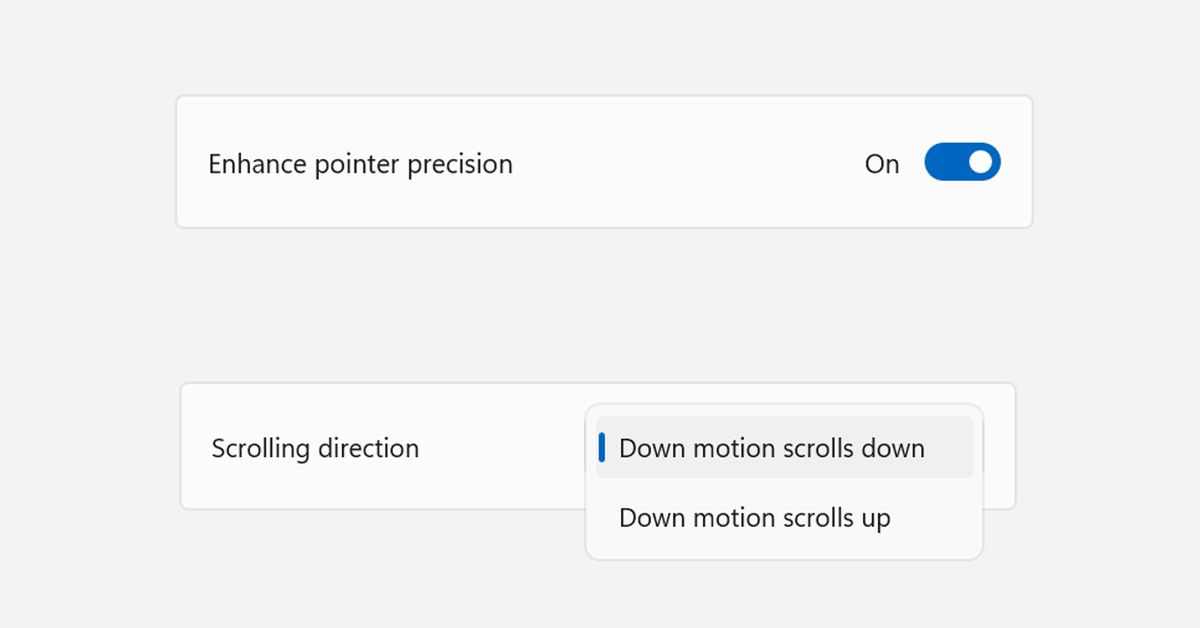
Microsoft has released Windows 11 build 26227 for insiders, which brings two popular mouse settings—"Enhance Pointer Precision" and "Scroll direction"—from the legacy Control Panel to the modern Settings app. These changes make it easier for users to adjust cursor acceleration and scroll direction without delving into the old Control Panel or system registry. Users can enable these features using the ViVeTool app.
Microsoft is adding long-awaited mouse settings to the Windows 11 Settings interface, allowing users to disable "enhance pointer precision" and reverse scroll direction without using the Control Panel or registry editor. These features are currently hidden in the latest Canary build but are expected to be available to all users later this year.
Nvidia has launched a new app that combines Control Panel and GeForce Experience, allowing users to modify game and driver settings without needing to log in. The app provides access to programs like Nvidia GeForce Now and Nvidia Broadcast, with login only required for redeeming rewards. It features a unified GPU control center for reviewing and customizing game optimizations, AI-powered enhancing filters for RTX GPU owners, and a revamped in-game overlay. While Twitch and YouTube broadcasting are not available in the beta version, Nvidia's future plans include AV1 support, additional DLSS controls, and integration of features from GeForce Experience and RTX Experience.
Nvidia has introduced a new 'Nvidia App' that combines the old Nvidia Control Panel and newer GeForce Experience into a single interface, aiming to modernize and unify its software suite. The beta version is available for download and offers a sleek interface with new features such as AI-powered filters and reworked gaming overlay. The long-term plan is to migrate features to the Nvidia App and eventually retire the Control Panel and GeForce Experience for GeForce customers.
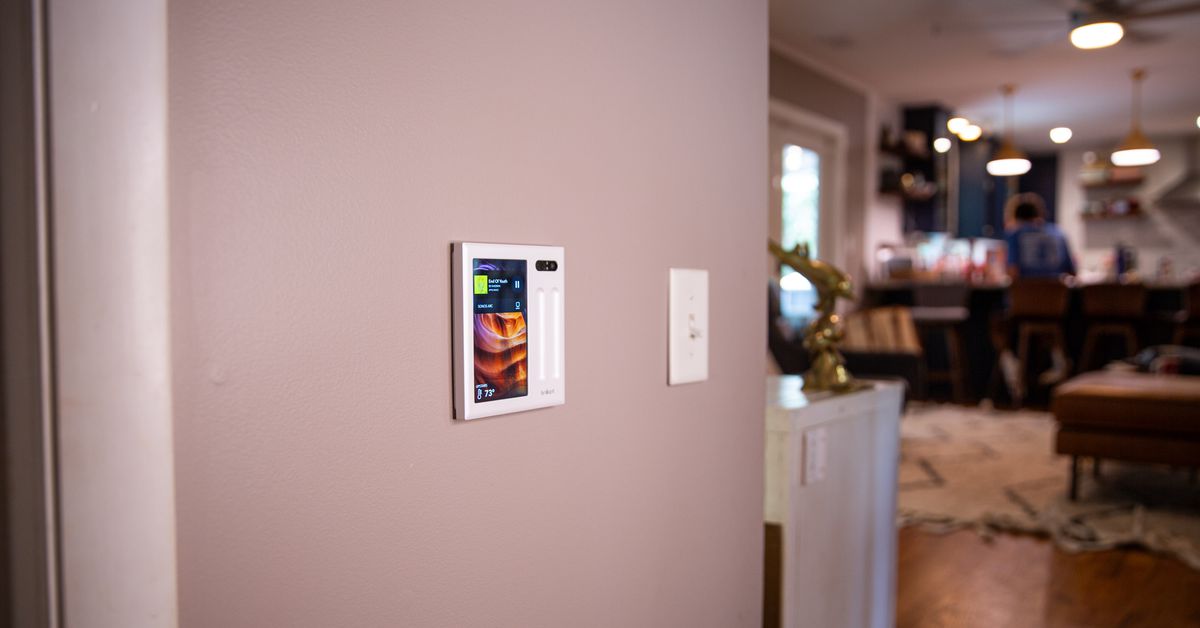
Brilliant has introduced a new smart home controller, the Plug-In Smart Home Control panel, which offers a simple and intuitive solution for controlling various smart devices in the home. The touchscreen panel can be attached to the wall and plugged into an outlet, eliminating the need for complex electrical wiring. It features customizable shortcuts, touch-sensitive sliders, a built-in microphone, speaker, camera, motion sensor, and onboard Alexa for voice control. While the device is on the expensive side at $400, it offers a convenient and efficient way to control lights, music, and other connected devices in the home. However, its compatibility with a limited range of devices and lack of support for popular platforms like Apple Home, Google Home, and Alexa may be a drawback for some users.