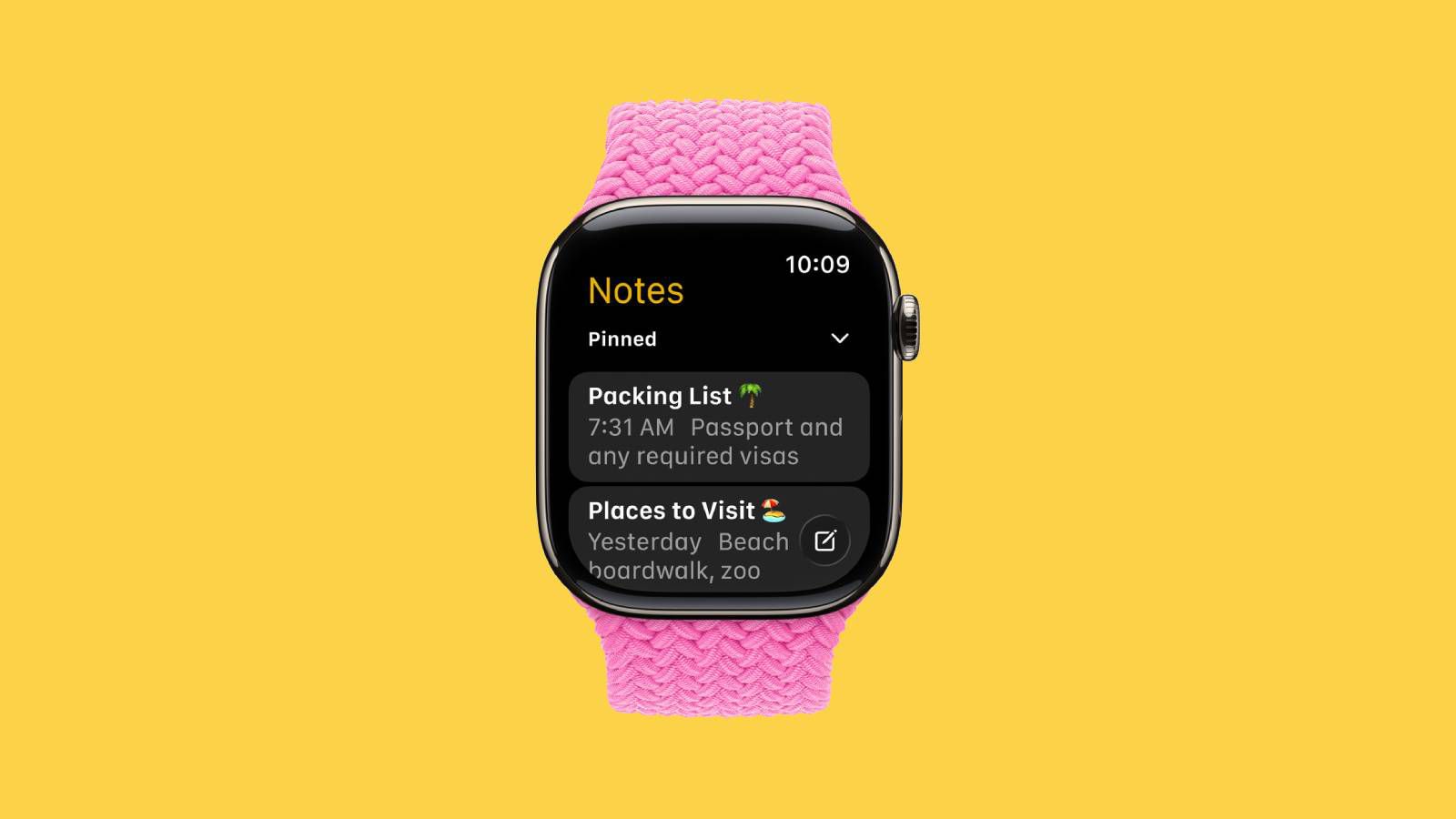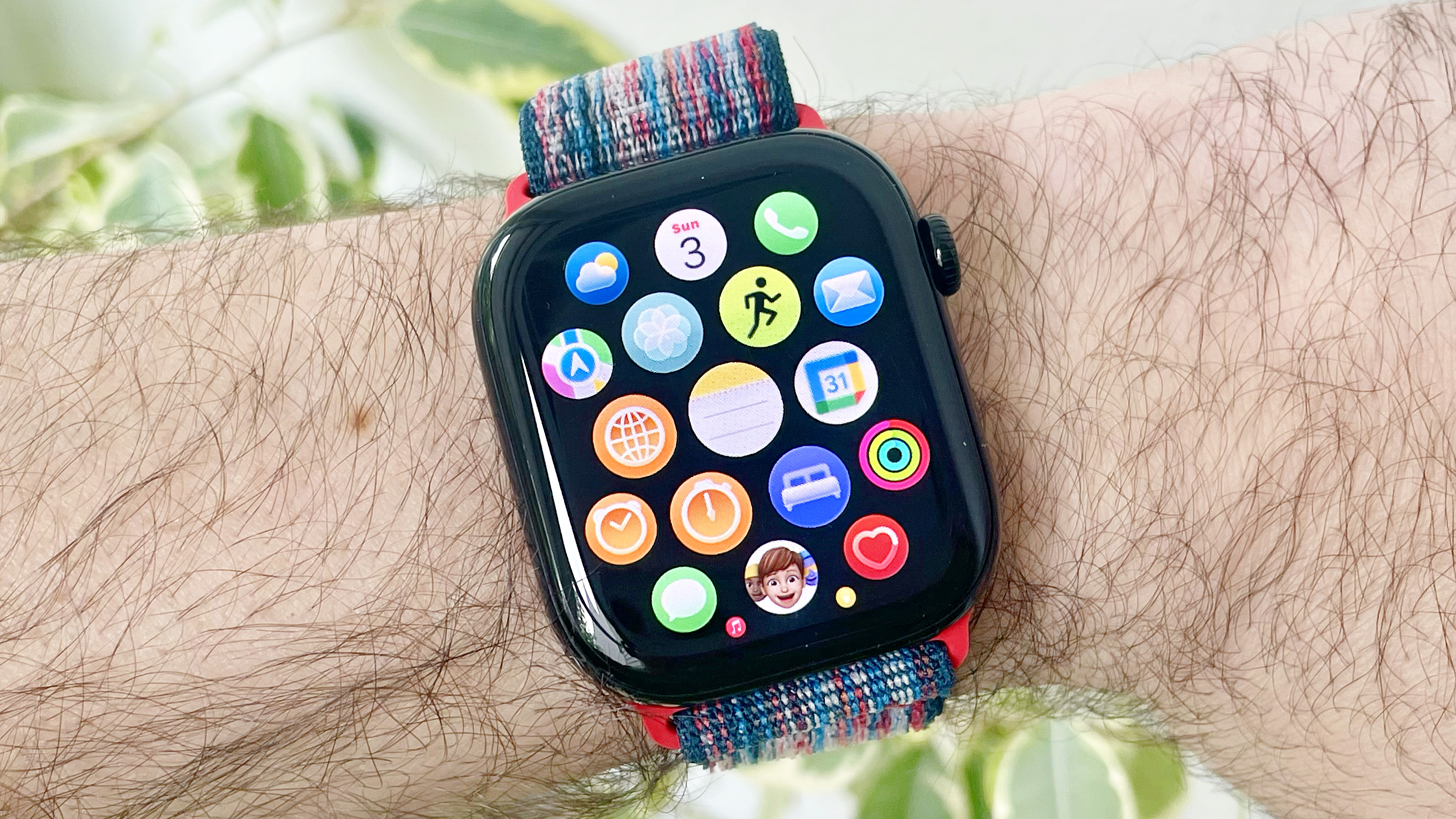
The article discusses the release of the Notes app on Apple Watch with the watchOS 26 beta, highlighting how to install it, its features like viewing and creating notes via dictation, drawing, or keyboard, and the current limitation of not being able to edit existing notes. It also covers other new features in the beta and provides a step-by-step guide for users to access and utilize the app on their Apple Watch.
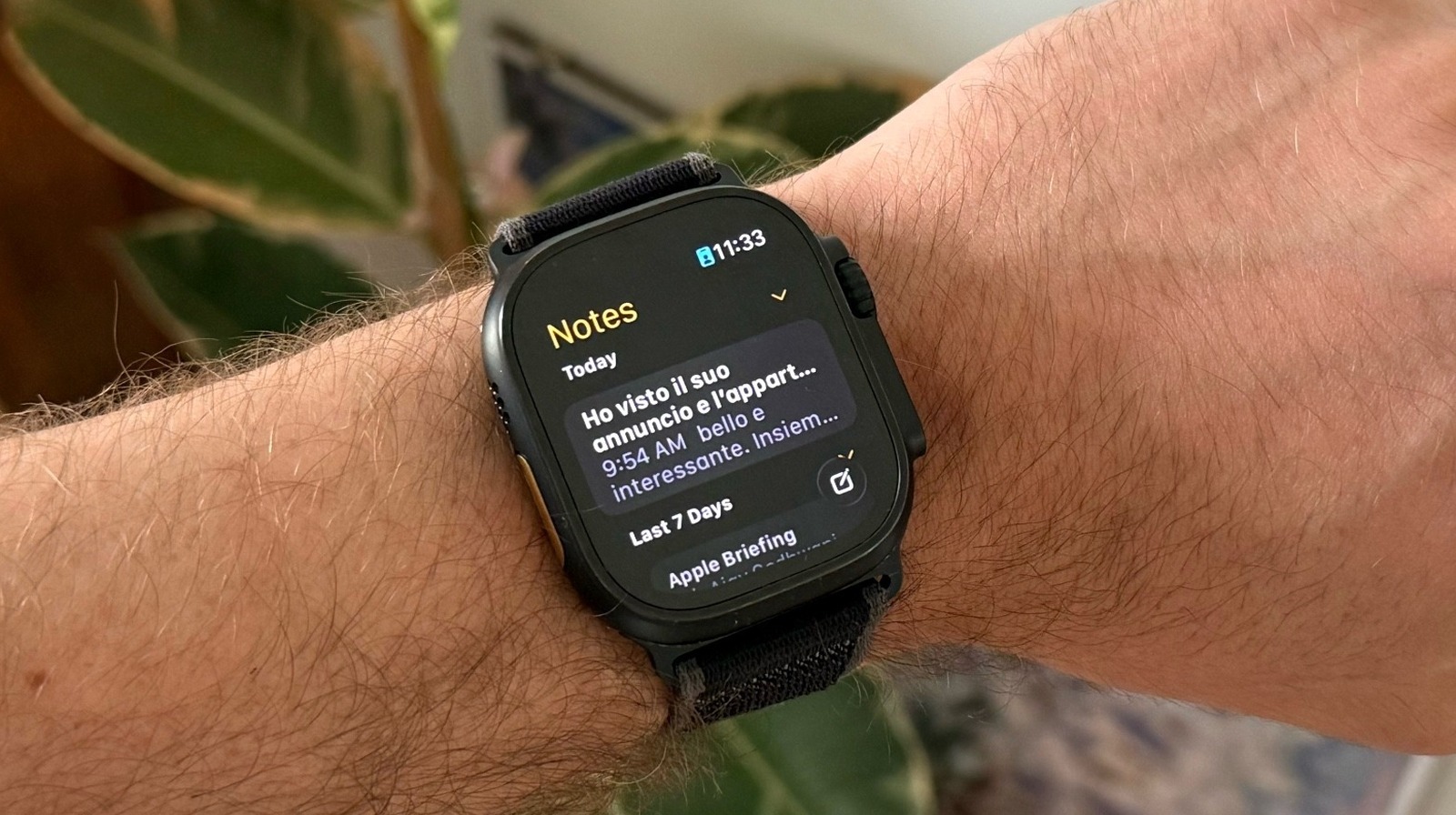
watchOS 26 introduces a new Notes app for Apple Watch, making it easier to quickly record and check notes directly from the wrist, enhancing convenience and functionality for users.
watchOS 26 introduces the Notes app to Apple Watch, allowing users to view, create, and manage notes directly on their wrist, with syncing across devices via iCloud. The update is part of a broader software overhaul announced at WWDC 2025, featuring a new Liquid Glass design language across Apple's platforms.
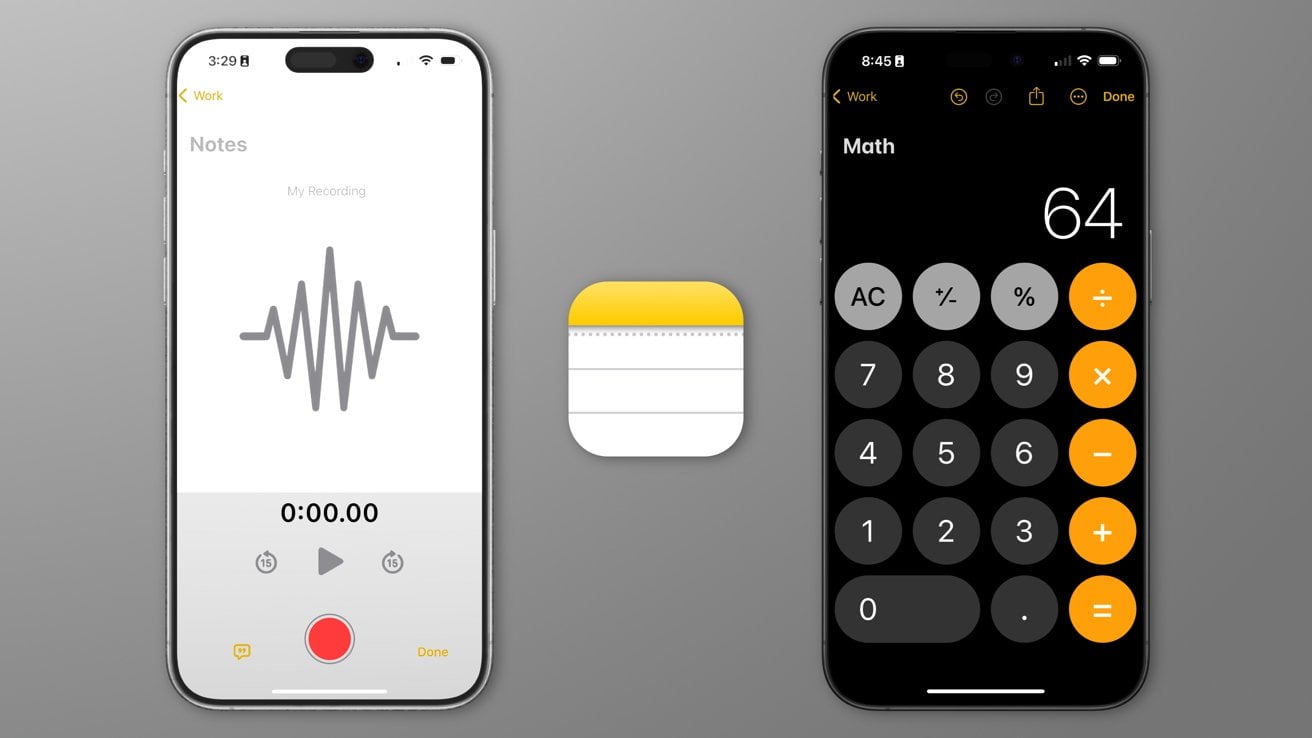
iOS 18 is rumored to bring new features to the Notes app, including the ability to record voice memos directly within the app and embed them in notes, as well as support for displaying mathematical notation. The update is expected to be unveiled at Apple's WWDC in June and released widely in September. Additionally, macOS 15 is said to feature a redesigned Calculator app.
Apple's upcoming iOS 18 is set to introduce new features to its Notes app, including in-app audio recording and "Math Notes" that integrates with the Calculator app. These features aim to rival Microsoft's OneNote and cater to a wide range of users, from students to professionals. The update is expected to be unveiled at WWDC 2024, with a focus on AI and potential enhancements to the default iOS apps.
The iPhone's Notes app, despite its simplicity and lack of advanced features compared to other note-taking apps, serves as a trusted repository for our hopes, dreams, and everyday thoughts. From shopping lists and funny quotes to drafts of texts and wedding vows, the Notes app captures the messy and authentic aspects of our lives. It allows us to be our most genuine selves, free from the pressure of performing for others. In a world filled with curated digital memories, Notes offers a glimpse into our true selves and serves as a reminder that life is imperfect but worth documenting.
Valve's new beta for the Steam client on PC added a Notes app, which is an overlay that can hover on your in-game window and store new notes on a per-game basis. The notes are synced across PCs that you're logged into, even when you're in offline mode. The new feature is great for jotting down to-do lists, safe codes, skill tree upgrades, and prioritizing relationships or activities in games. The Steam update also lets you pin game guides, Discussions forum, or a full web browser to your game window.
The latest Steam client update introduces a new Notes app, improved navigation, and a pin feature that allows players to watch movies or TV shows while gaming. The update also includes an overhauled in-game overlay with new utilities and customization options, an improved screenshot manager, and a more useful notifications tab. The Notes app comes with text formatting and opacity level and can be used to note down anything, including to-do lists, which can be viewed while playing the game.
Steam's latest update includes an integrated Notes app as part of a re-vamped in-game overlay tool, allowing users to write thoughts and tasks down about the game they're playing. The update also includes a revamped toolbar and overview, cleaned-up notifications, and improved screenshot features. These features are only available through the Steam Client Beta at the moment.