Tag

Note Taking App

All articles tagged with #note taking app

Google Keep's 2025 Highlights and Future Outlook

Originally Published 8 days ago — by 9to5Google

Featured image for Google Keep's 2025 Highlights and Future Outlook
Source: 9to5Google

In 2025, Google Keep received several updates including design refreshes with Material 3, new features like note sorting, and UI improvements, maintaining its simplicity and speed. The article explores the potential future of note-taking apps, especially with AI advancements, suggesting a more proactive, assistive, and integrated experience could be on the horizon, possibly evolving into a smarter, more powerful tool beyond the current basic functionality.
Google Keep to finally introduce a long-awaited search feature

Originally Published 6 months ago — by Android Authority

Featured image for Google Keep to finally introduce a long-awaited search feature
Source: Android Authority

Google Keep is potentially adding a 'Find in note' feature that would allow users to search within individual notes, addressing a long-standing user request. The feature was discovered in an APK teardown but is not yet functional, indicating it is still in development. This enhancement could improve the app's usability for long or detailed notes, similar to features available in Apple Notes and Samsung Notes.

Google's AI Note-Taking App, NotebookLM, Launches in the US

Originally Published 2 years ago — by Slashdot

Featured image for Google's AI Note-Taking App, NotebookLM, Launches in the US
Source: Slashdot

Google's AI-powered note-taking app, NotebookLM, is now available in the United States. The app can summarize documents, generate key points, answer questions, and transform notes into different formats such as outlines or study guides. It also offers suggested actions, the ability to save helpful responses as notes, share notes with others, and focus AI on select sources. NotebookLM now allows up to 20 sources with up to 200,000 words each.

Google's AI-powered NotebookLM note-taking app now available to all US users

Originally Published 2 years ago — by TechCrunch

Featured image for Google's AI-powered NotebookLM note-taking app now available to all US users
Source: TechCrunch

Google has announced that its AI-assisted note-taking app, NotebookLM, is now available to all users in the United States. The app, which uses Google's new large language model, Gemini Pro, can generate summaries and suggest follow-up questions based on uploaded documents. New features include tools to help users organize their notes into structured writing projects, the ability to pin quotes from chats or written notes, and the option to hide the source for a distraction-free experience. NotebookLM now supports up to 20 sources and a source can include up to 200,000 words.

"Get a Free GoodNotes Subscription with the Galaxy Tab S9!"

Originally Published 2 years ago — by SamMobile - Samsung news

Featured image for "Get a Free GoodNotes Subscription with the Galaxy Tab S9!"
Source: SamMobile - Samsung news

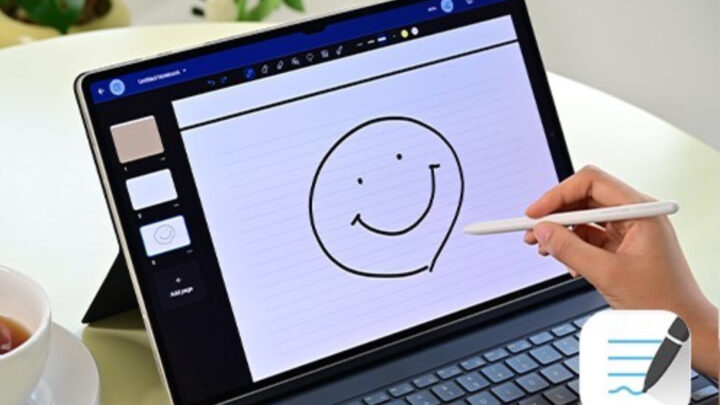
Samsung is offering a one-year subscription to the popular note-taking app, GoodNotes, for free with the pre-order of the Galaxy Tab S9 series. GoodNotes allows users to annotate PDFs, slides, images, and more, and is available on multiple platforms. The tablets' large screens, powerful processors, and bundled S-Pen stylus make them ideal for leveraging the app's functionalities. Pre-order offers will end soon.

"Android 14 Beta: Improved Stylus, Battery Life, and More for Pixel Users"

Originally Published 2 years ago — by Android Central

Featured image for "Android 14 Beta: Improved Stylus, Battery Life, and More for Pixel Users"
Source: Android Central

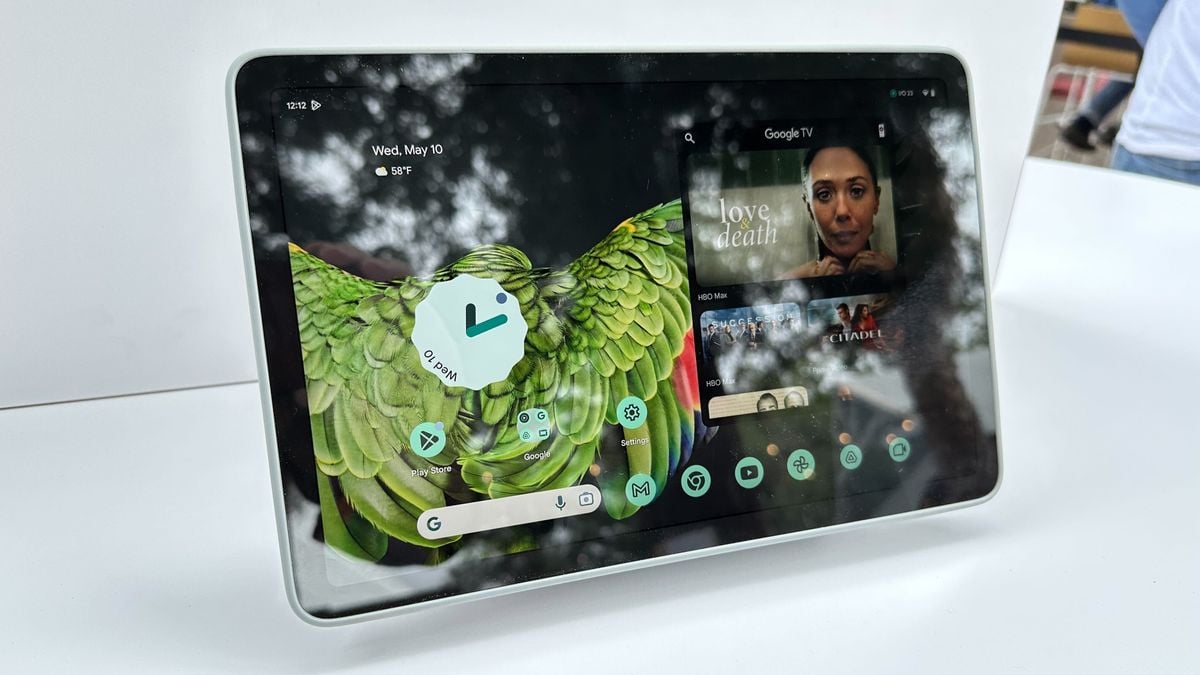
Android 14 Beta 3 contains code that suggests improved stylus capabilities, including the ability to assign different functions to the buttons on your stylus and set a default note-taking app when connecting a stylus to an Android 14-based device. This feature might become available on the Pixel Tablet, which supports USI 2.0 styluses. The new stylus-specific settings appear when connecting a stylus to your device on Android 14, and there's an option to ignore all stylus button presses.