Tag

Installation Guide

All articles tagged with #installation guide

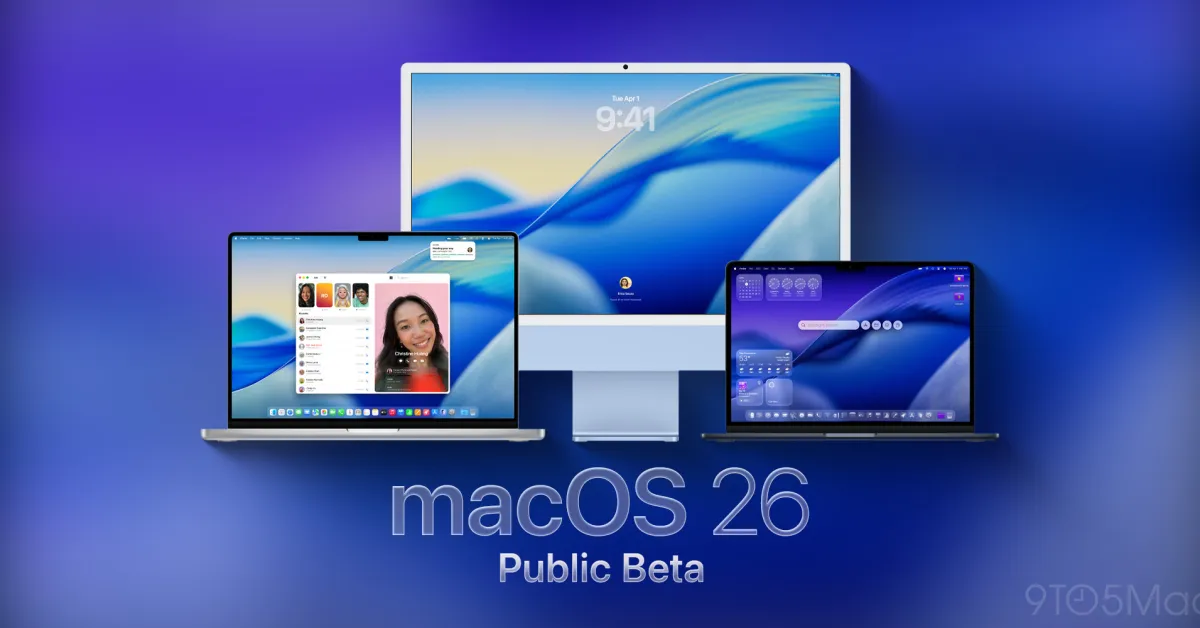
Apple Launches macOS Tahoe 26 Public Beta with New Features and Redesign

Originally Published 5 months ago — by 9to5Mac

Featured image for Apple Launches macOS Tahoe 26 Public Beta with New Features and Redesign
Source: 9to5Mac

Apple has released the public beta of macOS Tahoe 26, introducing a visual overhaul with Liquid Glass effects, customizable widgets, a redesigned Control Center, enhanced Spotlight, new apps like Journal and Apple Games, and expanded accessibility features. Users can install the beta via the Apple Beta Program, but should do so cautiously due to potential bugs and instability.
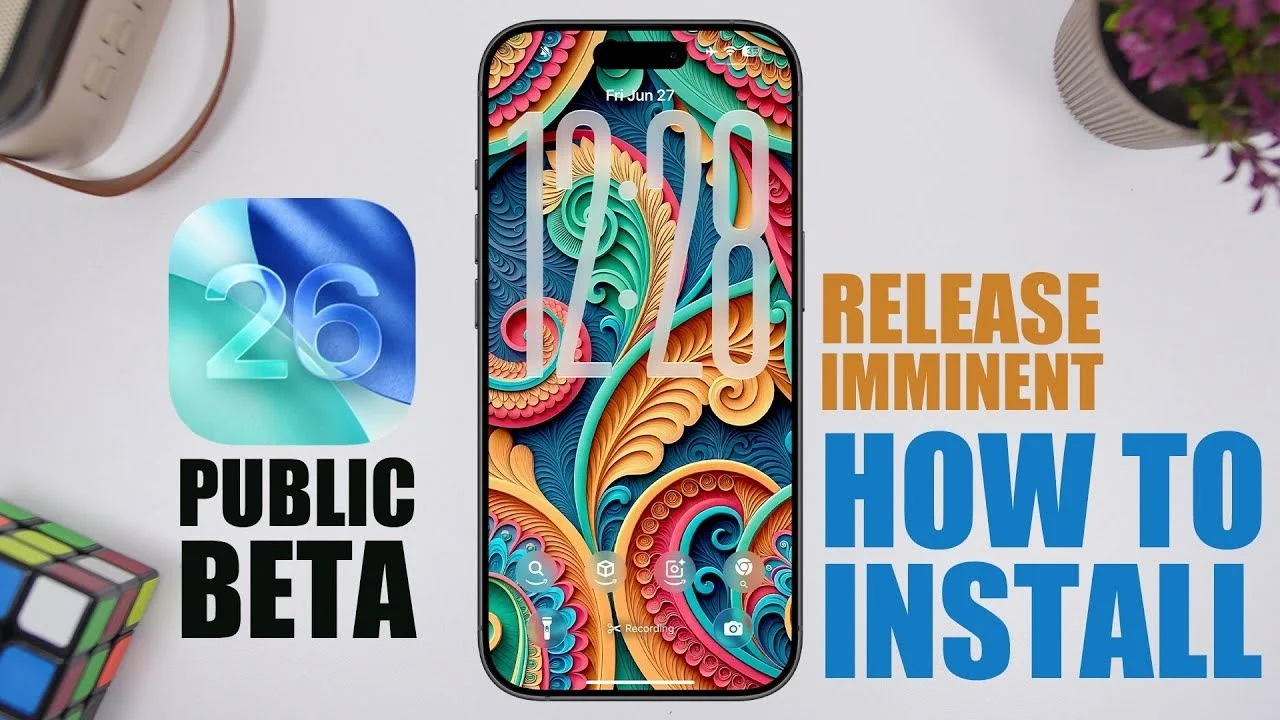
iOS 26 Beta: New Features, Compatibility, and App Additions

Originally Published 6 months ago — by Geeky Gadgets

Featured image for iOS 26 Beta: New Features, Compatibility, and App Additions
Source: Geeky Gadgets

The iOS 26 public beta is now available, offering early access to new features like an improved user interface, battery optimization, and better cloud integration. To install, users should back up their data, ensure sufficient storage, and follow a step-by-step process. While it provides a preview of upcoming innovations, beta software may have bugs and compatibility issues, so users should proceed with caution and provide feedback to Apple.

How to Download iOS 26 Developer Beta on Your iPhone

Originally Published 6 months ago — by CNET

Featured image for How to Download iOS 26 Developer Beta on Your iPhone
Source: CNET

Apple has released the iOS 26 developer beta, offering early access to major updates like Liquid Glass design, Live Translation, and Call Screening. Compatible with iPhone 11 and newer models, users can install it by signing up on the Apple Developer site and following the update process, but should be cautious as early builds may contain bugs.

Apple transforms iPad into a full-fledged computer with iPadOS 26

Originally Published 7 months ago — by The Verge

Featured image for Apple transforms iPad into a full-fledged computer with iPadOS 26
Source: The Verge

Apple has released the iOS 26 and iPadOS 26 developer betas, accessible to everyone for free, with new features like Liquid Glass, improved windowing for iPad, and updates to Messages and AI access. To install, users must sign up for the beta, enable Developer Mode, and download the update through Settings, with a warning that beta software may be unstable.

"Installing Android 15 Beta: Privacy Upgrades and Buzzword Resurgence"

Originally Published 1 year ago — by 9to5Google

Featured image for "Installing Android 15 Beta: Privacy Upgrades and Buzzword Resurgence"
Source: 9to5Google

Google has released the Android 15 Beta for Pixel devices, allowing users to install it through the Android Beta Program or via sideloading. The beta is available for Pixel devices powered by Tensor, including Pixel 6, 6 Pro, 6a, 7, 7 Pro, 7a, Fold, Tablet, 8, and 8 Pro. Users can opt in through the Android Beta Program website or follow a step-by-step guide to sideload the update. It's important to note that devices running certain builds will need to first update to specific builds before sideloading Android 15 Beta 1.

"Exploring the Exciting Features of Android 15 Developer Preview for Google Pixel"

Originally Published 1 year ago — by 9to5Google

Featured image for "Exploring the Exciting Features of Android 15 Developer Preview for Google Pixel"
Source: 9to5Google

The Android 15 Developer Preview is now available for select Google Pixel devices, but it's primarily intended for developers to test their apps on the updated OS version. Users are advised to wait for the Android 15 Beta program, which is set to begin in April, for a more stable experience. If you still want to proceed, the installation process involves downloading the necessary files, unlocking the bootloader, and flashing Android 15 manually, or using the Android Flash Tool. However, caution is advised as these processes can result in a factory reset of the device.