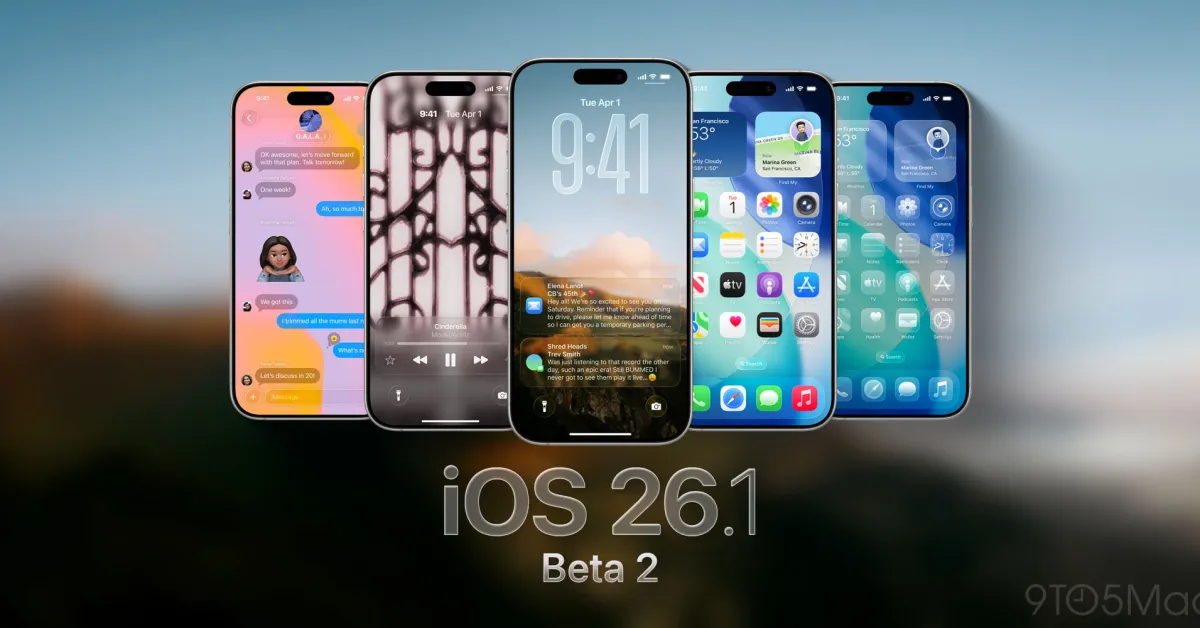
Apple has released the second beta of iOS 26.1 for developers, focusing on minor design tweaks, expanding Apple Intelligence to new languages, and other improvements, with a public beta expected soon.
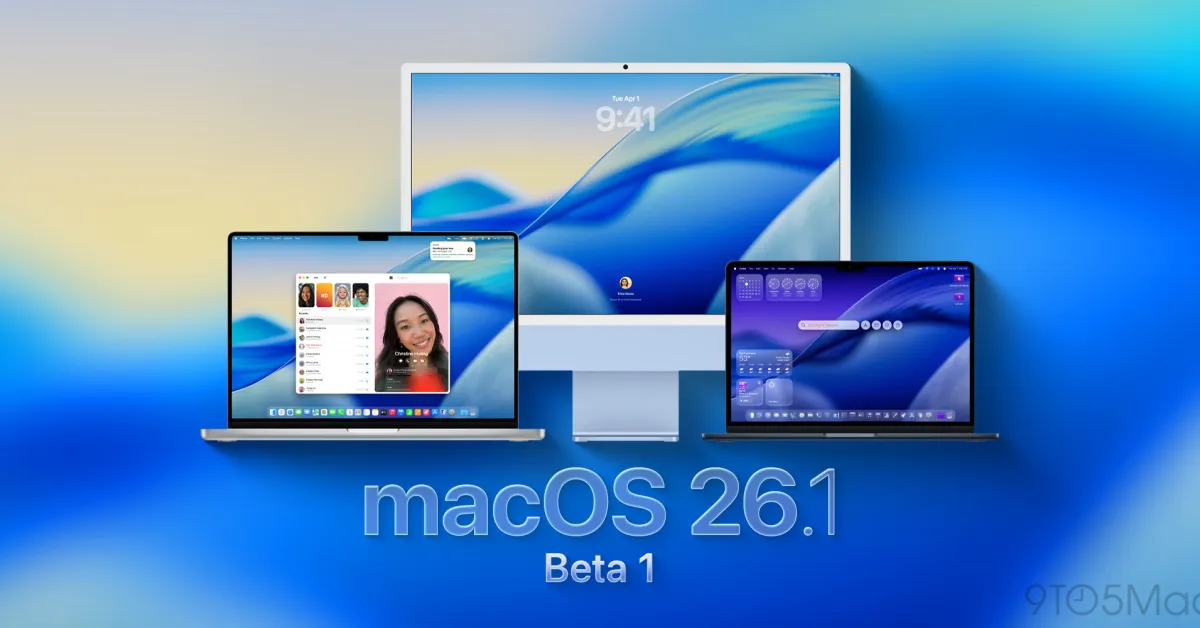
Apple has released the first developer beta of macOS Tahoe 26.1 following the official release of macOS 26, primarily expected to include bug fixes rather than new features, with instructions on how developers can install it.
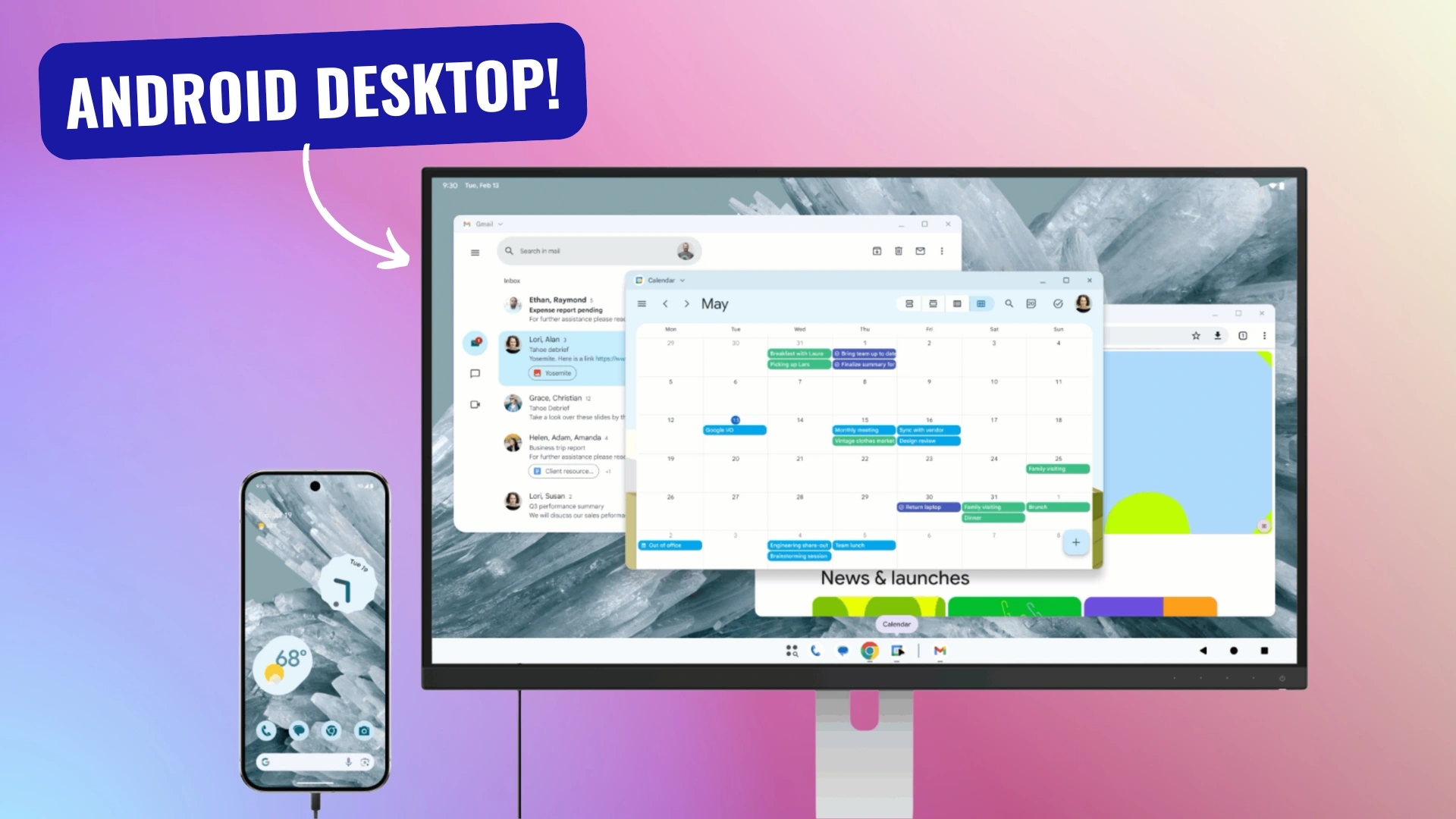
Google has announced a new native desktop mode for Android, now available as a Developer Preview on Pixel phones with Android 16 QPR1 Beta 2, offering a robust desktop experience with features like window management, multiple desktops, and extended workspace for tablets, signaling a major step forward in Android productivity.
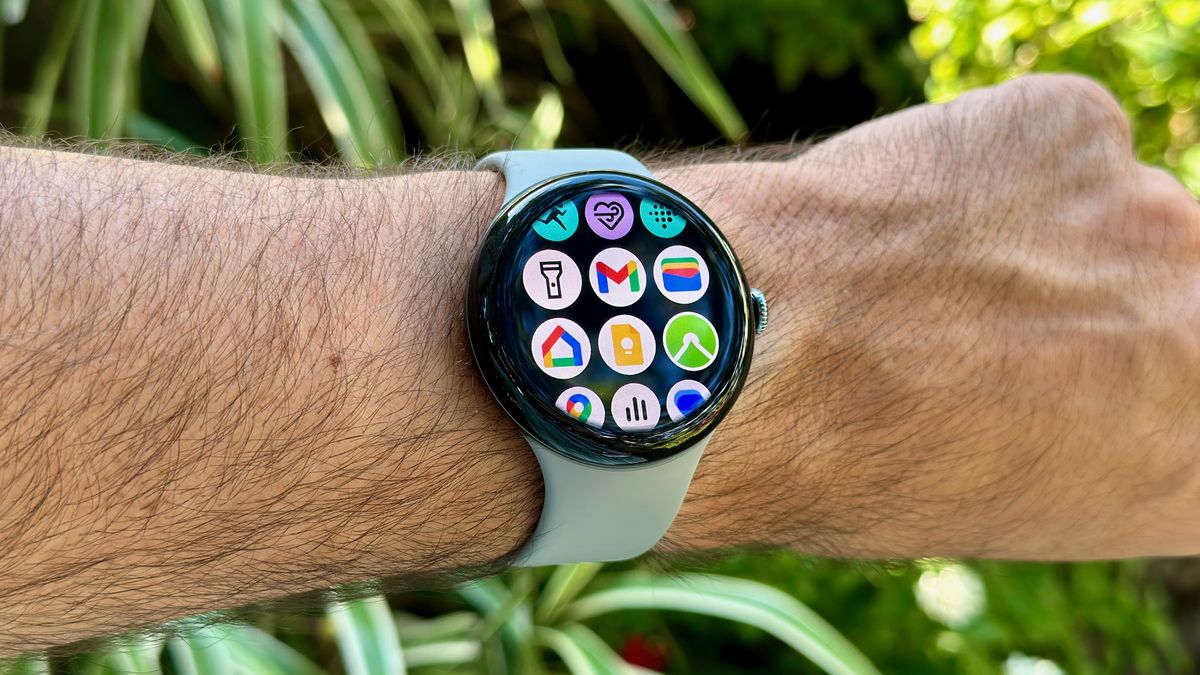
Google has released the developer preview of Wear OS 5.1, based on Android 15, for testing in the Android Studio emulator. Key features include audio playback through smartwatch speakers and support for the Credential Manager API, which handles passwords and sign-ins. Developers are encouraged to test their apps with this version, although some Android 15 features like Private Spaces won't be included. The update suggests a potential alignment of Wear OS with Android's versioning.
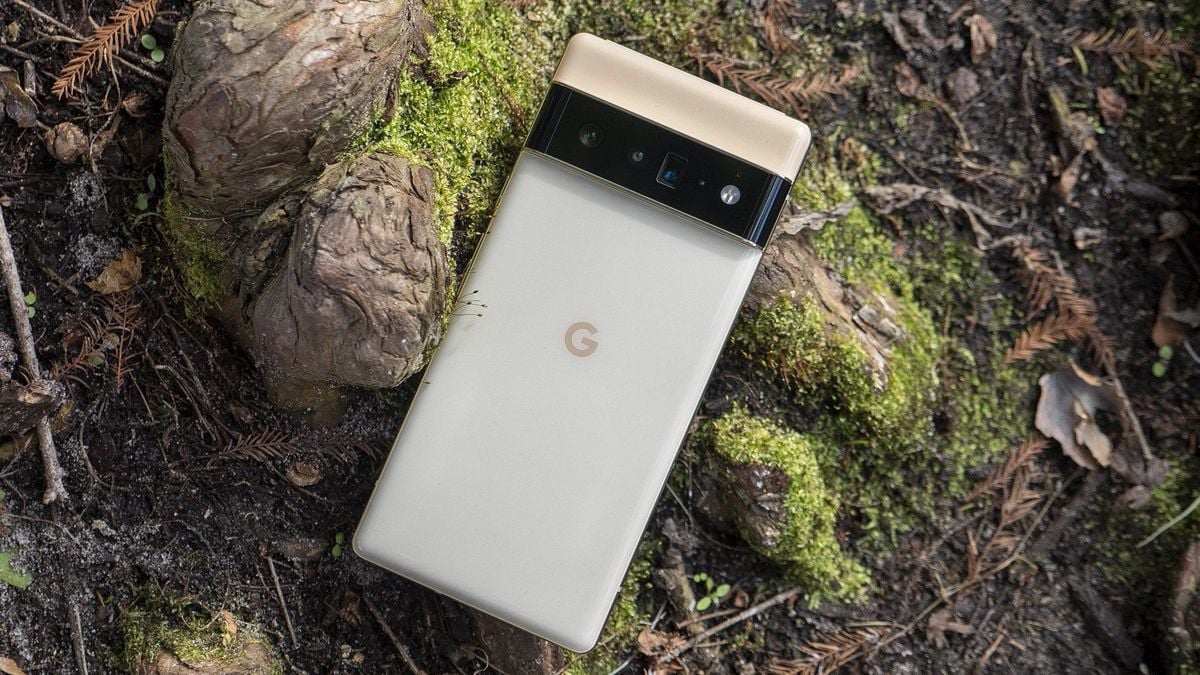
Google has released the first developer preview of Android 16, which surprisingly supports the Pixel 6 and Pixel 6 Pro, despite these models not being guaranteed updates beyond Android 15. This early support suggests a possibility that these phones might receive the full Android 16 release, although it is not yet confirmed. The Pixel 6 series, released in 2021, was promised OS updates through 2024, with security updates extending two more years. The inclusion in the developer preview is a positive sign for users hoping for continued support.
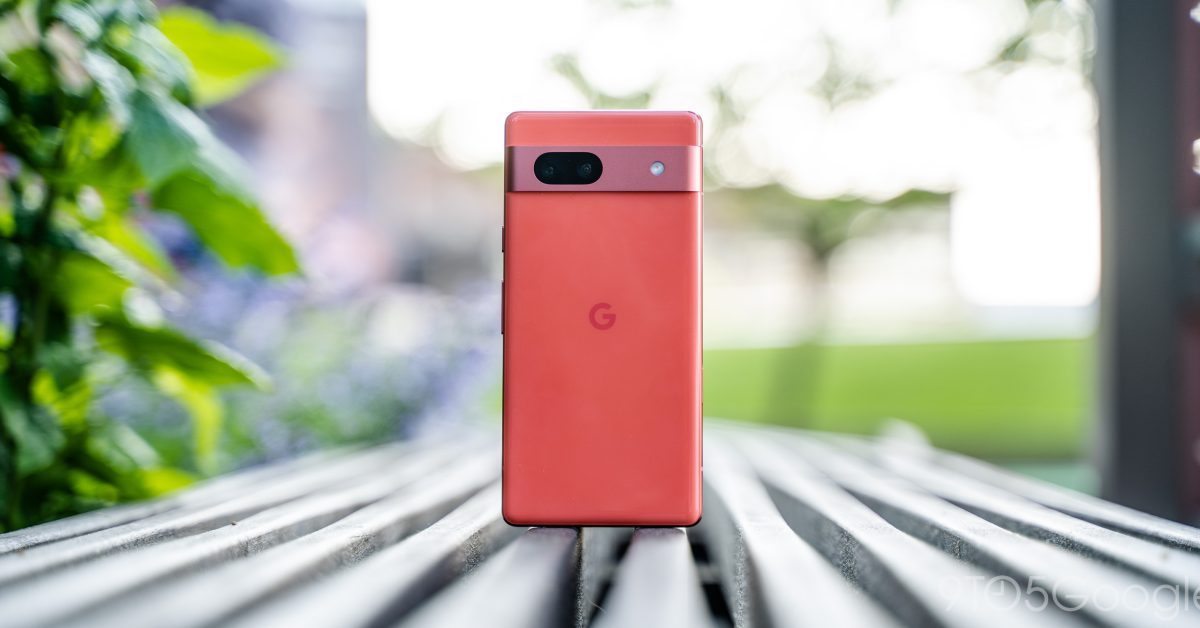
Google has released the Android 15 Beta for Pixel devices, allowing users to install it through the Android Beta Program or via sideloading. The beta is available for Pixel devices powered by Tensor, including Pixel 6, 6 Pro, 6a, 7, 7 Pro, 7a, Fold, Tablet, 8, and 8 Pro. Users can opt in through the Android Beta Program website or follow a step-by-step guide to sideload the update. It's important to note that devices running certain builds will need to first update to specific builds before sideloading Android 15 Beta 1.
Google is reportedly planning to revamp the status bar icons in the upcoming Android 15 update, potentially introducing a segmented design and displaying battery level within the icon. Additionally, haptic feedback may be added to the Quick Settings and volume panels, enhancing the user experience. These changes are not yet enabled in the public Developer Preview 2 release, but if implemented, they could be seen in the first or second public beta of Android 15.
Google has confirmed that the Gemini Nano on-device AI model will be available to all Pixel 8 users through Developer Options, enabling features such as Smart Reply in Gboard and summaries in the Recorder app. This comes after initial concerns about hardware limitations, with the AI model set to be included in the next Pixel Feature Drop as a developer preview.
With the release of Android 15, Google is raising the minimum requirement for app targeting to at least Android 7.1, potentially blocking the installation of some older apps that target Android 6.0. This change is already in effect in the Android 15 Developer Preview 2, where attempts to install Android 6.0-targeting apps are being blocked by the OS itself. While this may not affect most apps, developers of affected apps will need to raise the target version to allow installation on Android 15.
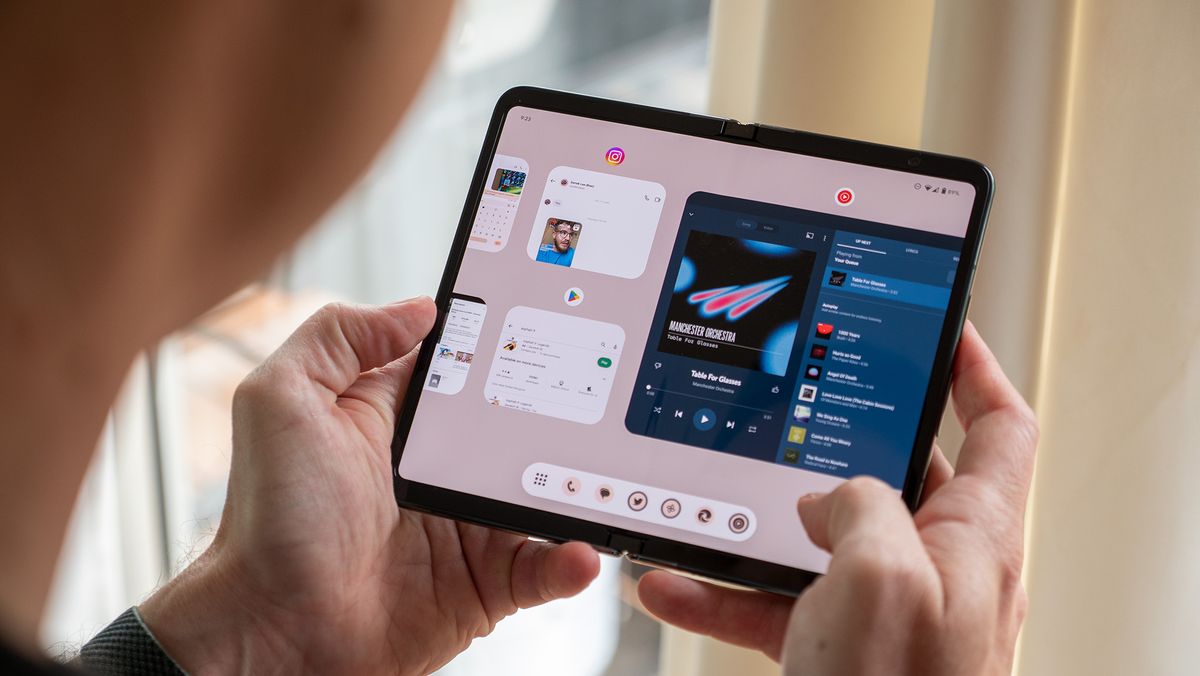
With the release of the second Android 15 Developer Preview, Pixel Fold and Pixel Tablet users now have the option to choose between a pinned or hidden taskbar, marking the return of the Android 12L-style taskbar. This change allows for better multitasking and screen real estate management on large-screened Pixel devices, giving users the flexibility to select the taskbar version that best suits their preferences.
Android 15, the upcoming Android update, introduces two hidden features that users will love. The "notification cooldown" feature gradually lowers notification volume for successive notifications from the same app, providing relief from notification overload. Additionally, Android 15 offers a "partial screen recording" tool that allows users to capture only specific app activity, enhancing privacy. Google is also experimenting with a "Private Space" feature for locking apps, and more details are expected to be revealed at the I/O 2024 event in May.
Android 15 Developer Preview 2 introduces a "HQ" toggle to improve the video quality when using a Pixel as a webcam, with a slight boost in sharpness, although the difference is more noticeable in actual capture than in screenshots. The impact on battery and heat while using the "HQ" feature was minimal, and now fingerprint/biometrics are required for authentication.
The Android 15 Developer Preview is now available for select Google Pixel devices, but it's primarily intended for developers to test their apps on the updated OS version. Users are advised to wait for the Android 15 Beta program, which is set to begin in April, for a more stable experience. If you still want to proceed, the installation process involves downloading the necessary files, unlocking the bootloader, and flashing Android 15 manually, or using the Android Flash Tool. However, caution is advised as these processes can result in a factory reset of the device.
Android 15 Developer Preview 2 introduces satellite messaging support for apps, but limits enhanced messaging with RCS to preloaded applications only. The update also includes improvements to the built-in PDF reader and aims to address the challenges posed by flip phone-style foldables by allowing apps to opt-in to supporting them. The second developer preview is available for select Pixel devices, with the stable release expected around October.
Google's second developer preview for Android 15 introduces support for satellite connectivity, improvements to contactless payments, multi-language recognition, volume consistency, and interaction with PDFs via apps. The preview also addresses nuisances and security concerns, including making apps more aware of satellite connectivity and introducing support for preloaded RCS applications to use satellite connectivity for messaging. Other updates include screen recording detection, improvements to contactless payments and multi-language audio recognition, enhanced support for small cover screens on flip phones, and substantial improvements to PDF features in apps.