Google Chrome's latest beta for Android introduces a "clear browsing data" shortcut in the overflow menu, making it easier for users to delete their browsing history with time filters ranging from the last minute to all time. This feature, available in version 121, aligns the Android version with its desktop and iOS counterparts, offering a user-friendly experience for managing privacy. The update simplifies the process of clearing cookies, cache, and other stored information to maintain user privacy and device performance.
Google has acknowledged that malware is abusing an undocumented Chrome API to generate new authentication cookies, but considers it a standard token theft issue rather than an API flaw. The malware, including operations named Lumma, Rhadamanthys, Stealc, Medusa, RisePro, and Whitesnake, uses the API to refresh expired Google authentication tokens, allowing prolonged unauthorized access to user accounts. Google advises affected users to log out of Chrome or kill active sessions to invalidate the refresh token and change their Google password. Despite the potential for ongoing abuse, Google has not indicated plans to restrict API access, and users often remain unaware of infections until their accounts are misused. Cybersecurity firm CloudSEK and BleepingComputer have highlighted the issue, but Google's response has been to recommend general security practices without addressing the specific API abuse.
Google has initiated the phase-out of third-party cookies in Chrome, affecting about one percent of users, with a broader rollout expected in the coming months. This move is part of Google's Privacy Sandbox initiative, which aims to replace cookies with a less invasive ad personalization system called "Ad Topics." Users who don't want to wait for Google's full phase-out can manually block third-party cookies in Chrome's settings under the 'Privacy and Security' tab. The transition may impact user experience on websites, as some conveniences like stored logins and preferences may be lost in favor of increased privacy.
Mozilla's Firefox, once a popular web browser, has seen a significant decline in market share, dropping to just 2.2% according to the US government's Digital Analytics Program. Despite its early success and peak market share of 34.1% in 2010, Firefox has been unable to keep up with competitors, particularly Google Chrome, which now dominates the market. Issues such as feature removal, poor memory management, and hidden telemetry have alienated users. Additionally, Mozilla's financial reliance on Google and high executive salaries have raised concerns among its user base. The future of Firefox appears uncertain as it continues to lose relevance in the web browser market.
Google has initiated the phase-out of third-party cookies in Chrome by disabling them for one percent of users as part of its Privacy Sandbox project. This change, which began on January 4, aims to enhance user privacy while still allowing targeted advertising. Users affected by this rollout will receive a notification and have the option to temporarily re-enable third-party cookies. The Privacy Sandbox will group users based on browsing activity for ad targeting, with all data processing done on-device. Google plans to disable third-party cookies for all Chrome users by mid-2024, amidst regulatory scrutiny over potential increased market dominance.
Google Chrome is set to begin blocking third-party cookies for 1% of its users starting January 4, with plans to expand this to all users by the end of 2024. This move, aimed at enhancing user privacy, follows similar actions by other major browsers but has been delayed multiple times. While third-party cookies have been used for both benign and invasive tracking purposes, Google is developing new tools, such as the Topics API, to balance privacy with the needs of advertisers and content providers. The gradual rollout reflects Google's cautious approach to reforming web tracking without disrupting the online advertising ecosystem.
Google Chrome has started testing a new feature that disables third-party cookies, aiming to enhance user privacy. This change, currently affecting 1% of global users, is part of a larger plan to phase out cookies later in the year. While Google promotes this as a move towards a more private internet, advertisers and some businesses express concerns about the impact on their revenue and the effectiveness of online advertising. Critics argue that Google's approach may not be beneficial to anyone but Google itself, and the UK's Competition and Markets Authority may intervene if the changes are deemed harmful to other businesses.
Google has initiated the first phase of its plan to phase out third-party cookies in Chrome by disabling them for 1% of users, impacting around 30 million people. This move is part of a broader effort to enhance user privacy while still allowing Google to track user data in a more privacy-conscious way through its Privacy Sandbox project. Users can identify if they're part of the test phase by looking for a popup about "Tracking Protection" or an eyeball logo in the URL bar. While third-party cookies are being phased out, first-party cookies will remain. The change has received mixed reactions, with some viewing it as an improvement in privacy and others as insufficient or monopolistic.
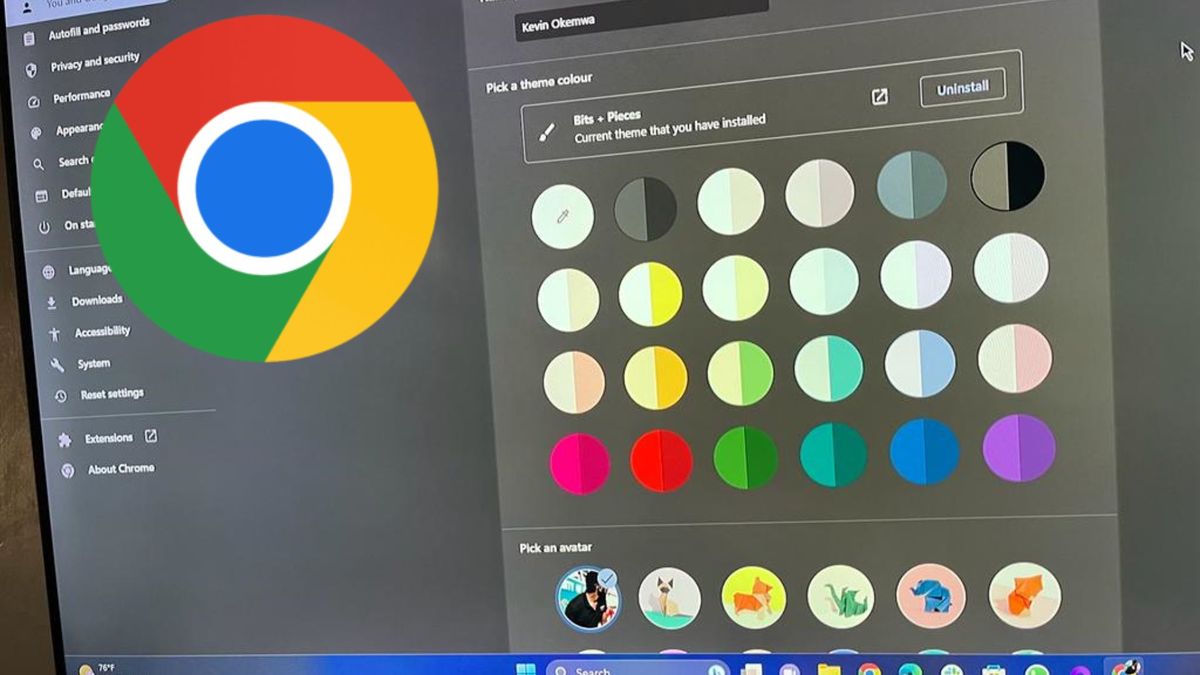
Google Chrome's recent Material You redesign, which includes rounded corners, a new search experience, and enhanced security features, has been met with mixed reactions from users. Some users prefer the old design and have expressed their dissatisfaction on social media. For those who want to revert to the previous design, Google has provided steps to disable the new look through the Chrome Flags menu. Despite the backlash, the update aims to improve usability and safety, with Google expecting a 25% improvement in protection from attacks with the new features.
Google Chrome on Android is introducing a Material You design update for its New Tab page, featuring a thicker search bar, bolder text, more prominent icons, and a new layout for frequently visited websites. Users can activate the new design by enabling a flag in the Chrome settings. This refresh aims to align Chrome's aesthetic with other Google apps that have already adopted Material You elements.