
"Discontent with Chrome's Material You Design? Learn How to Switch Back to Classic View"
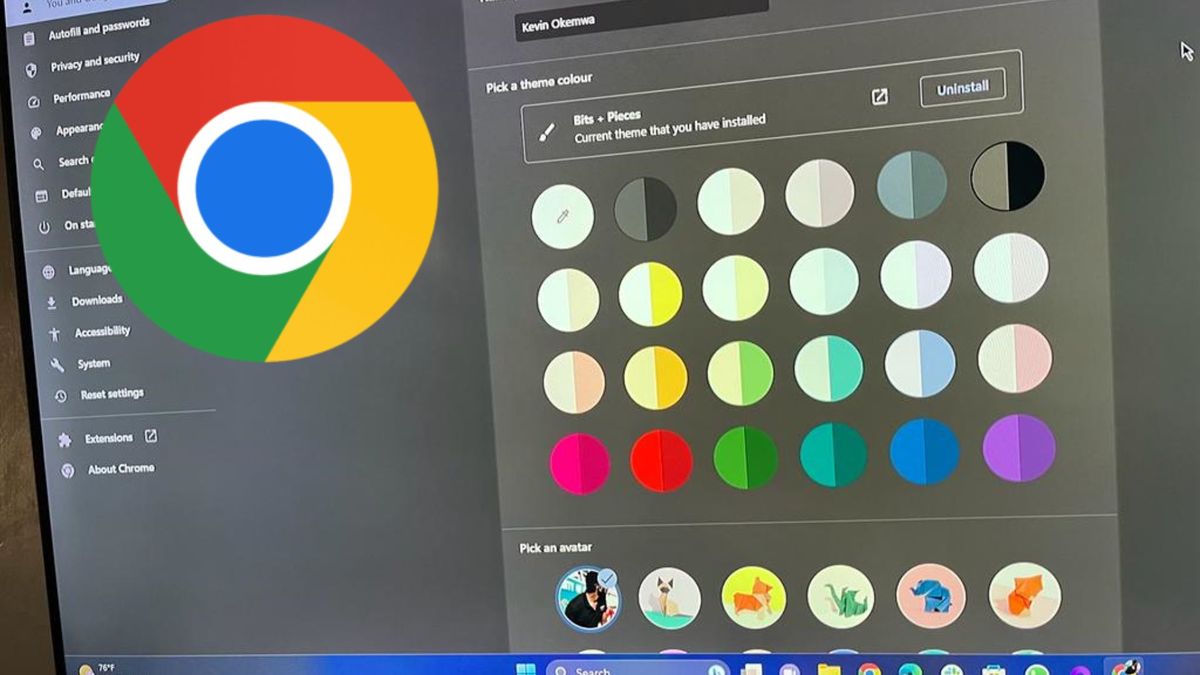
Google Chrome's recent Material You redesign, which includes rounded corners, a new search experience, and enhanced security features, has been met with mixed reactions from users. Some users prefer the old design and have expressed their dissatisfaction on social media. For those who want to revert to the previous design, Google has provided steps to disable the new look through the Chrome Flags menu. Despite the backlash, the update aims to improve usability and safety, with Google expecting a 25% improvement in protection from attacks with the new features.