Tag

Display Settings

All articles tagged with #display settings

Apple Releases iOS 26.1 and 26.2 with New Features and Security Updates

Originally Published 2 months ago — by CNET

Featured image for Apple Releases iOS 26.1 and 26.2 with New Features and Security Updates
Source: CNET

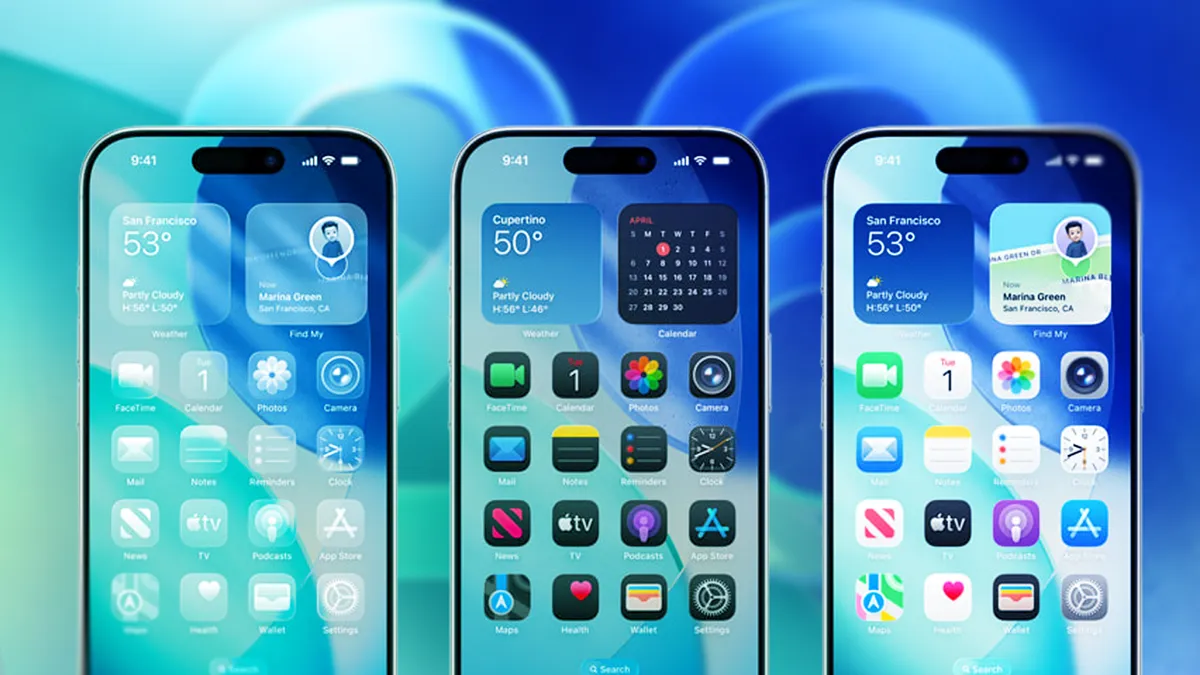
iOS 26.1 introduces a new setting allowing users to customize Liquid Glass elements on their iPhone, improving readability and aesthetic preferences by adjusting transparency and contrast without affecting overall display modes. The update offers options for Clear and Tinted Liquid Glass, enabling more personalized control over specific UI elements like Notification Center and search bars.
Top Tips and Settings to Optimize Your Google Pixel 10

Originally Published 4 months ago — by WIRED

Featured image for Top Tips and Settings to Optimize Your Google Pixel 10
Source: WIRED

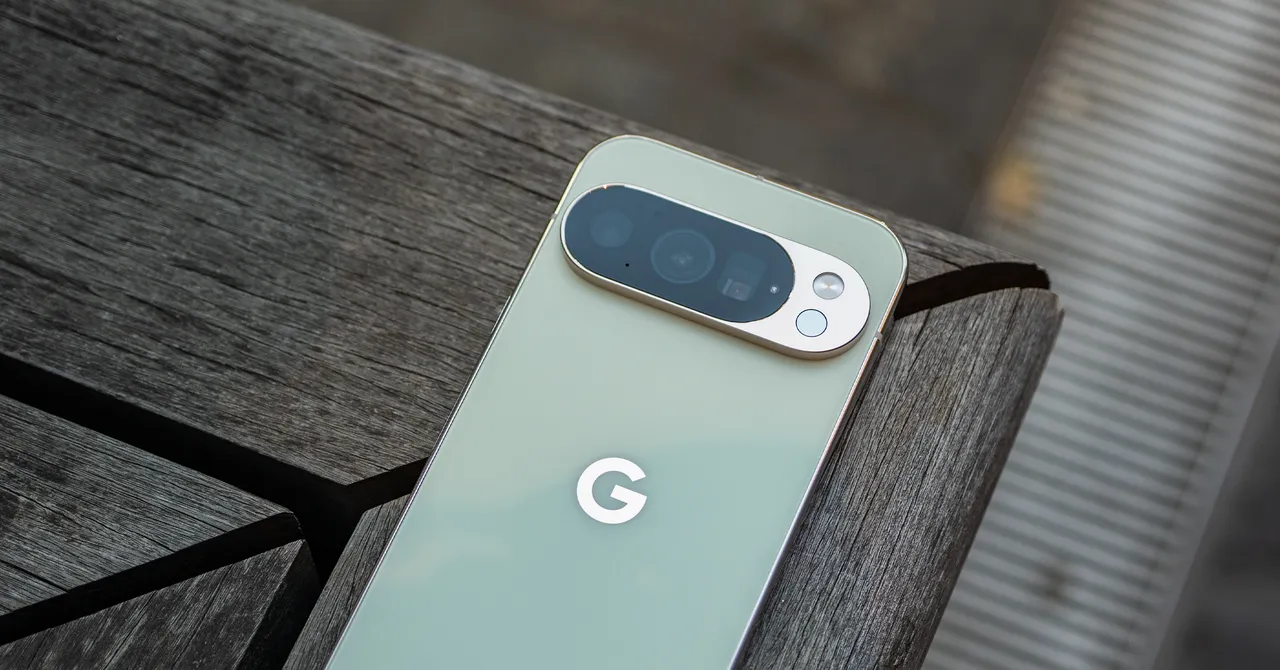
The article provides tips for optimizing your Google Pixel phone, including setting the highest display resolution, customizing the lock screen, changing power button behavior, switching to AV1 video codec, enabling Video Boost for enhanced video quality, and disabling features like Pro Res Zoom and Camera Coach on Pixel 10 models.

Unlock the Full Potential of Your Google Pixel 10's Display

Originally Published 4 months ago — by Android Authority

Featured image for Unlock the Full Potential of Your Google Pixel 10's Display
Source: Android Authority

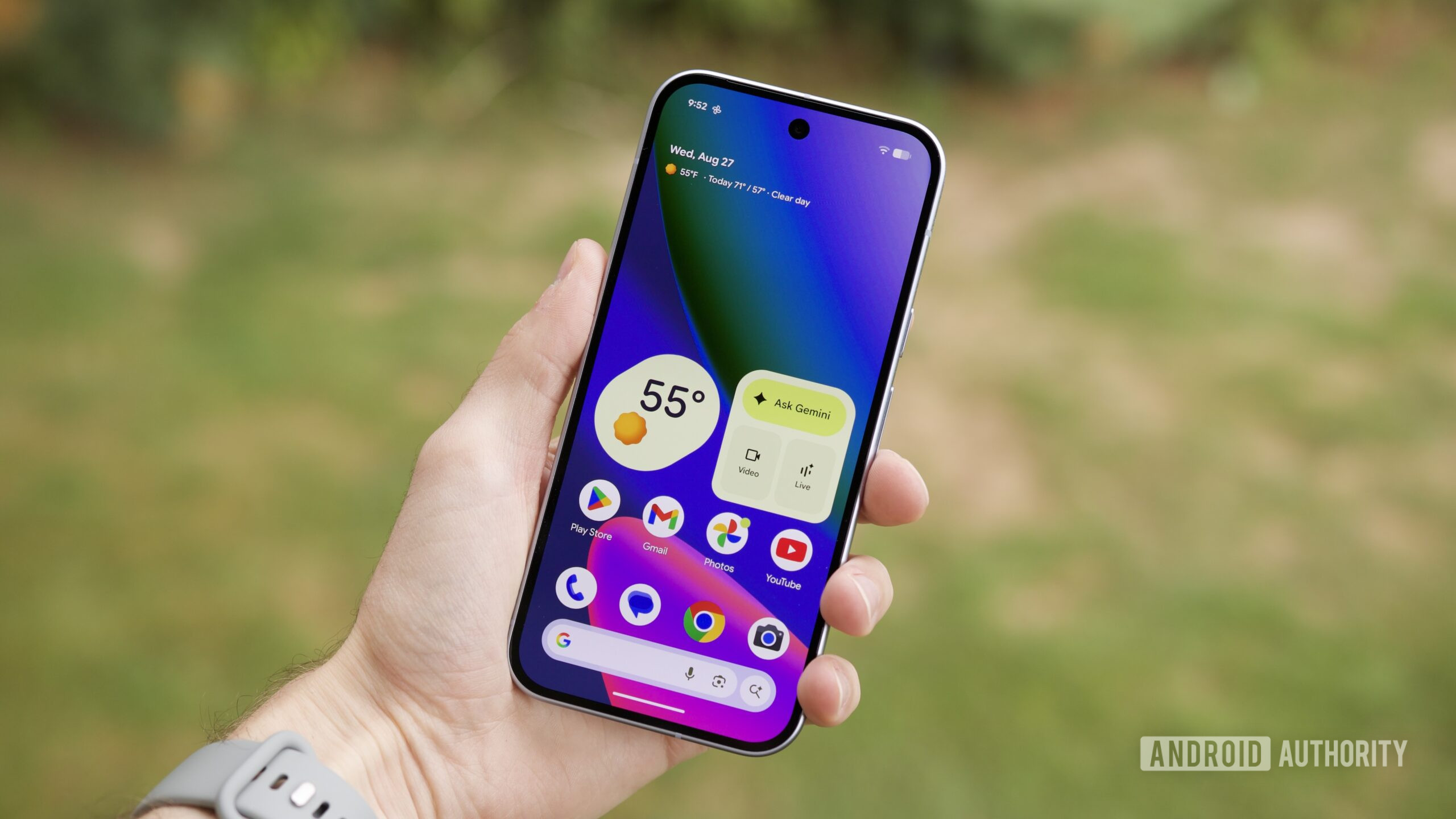
The Google Pixel 10's default display setting is at 60Hz, which affects animation smoothness, but users can easily enable the 120Hz refresh rate through settings. Google has historically disabled higher refresh rates on base models to conserve battery, but enabling 120Hz improves user experience despite increased power consumption. The article suggests Google should enable this feature by default or inform users during setup.

"Enhanced Display and Camera Updates for Samsung Galaxy S24 Series"

Originally Published 1 year ago — by SamMobile - Samsung news

Featured image for "Enhanced Display and Camera Updates for Samsung Galaxy S24 Series"
Source: SamMobile - Samsung news

Samsung's first software update for the Galaxy S24 series allows users to adjust the display's vividness, addressing concerns about dull-looking screens. However, to access the advanced settings for the Vivid screen mode, users must first disable the Adaptive Color Tone feature in the display settings. Once disabled, users can adjust the overall vividness and white balance using the RGB sliders to customize their display experience.

"Samsung's Galaxy S24 Update: Brighter Display and Camera Fixes"

Originally Published 1 year ago — by 9to5Google

Featured image for "Samsung's Galaxy S24 Update: Brighter Display and Camera Fixes"
Source: 9to5Google

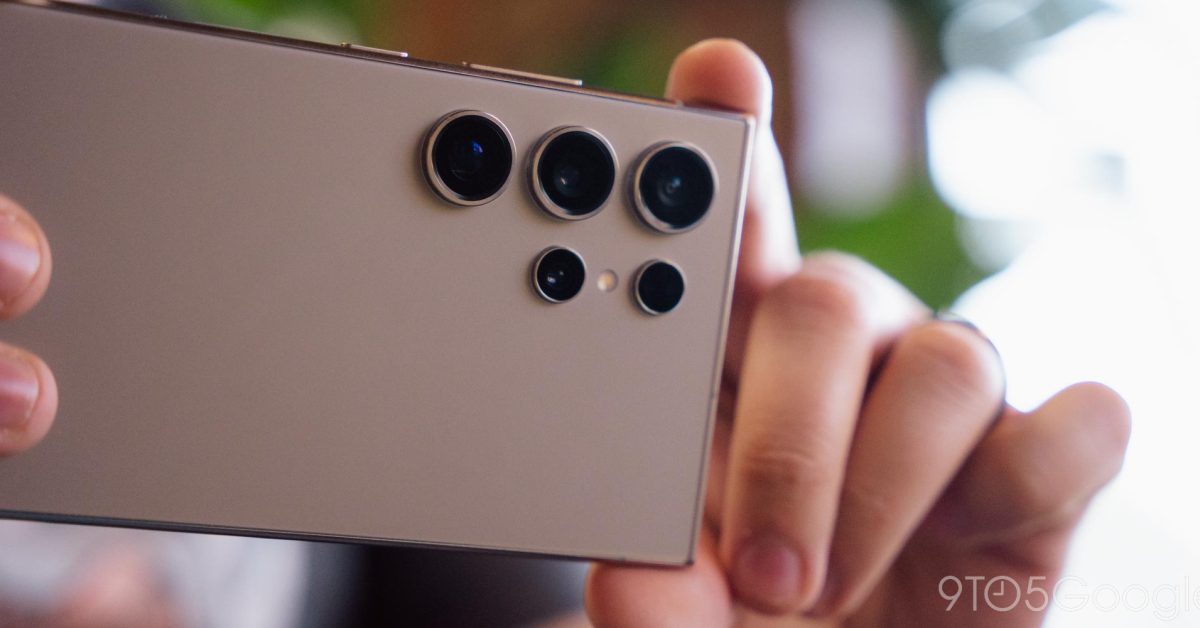
Samsung announces the first update for the Galaxy S24 series, introducing customizable display settings to address concerns about less saturated colors. The update also includes vague improvements to key camera functions and communication features. Users can adjust RGB white balance and "Vividness" for a more vibrant display. The update will be available starting on February 22.

"Windows 11 Introduces Sudo Command and Enhanced Color Management in Insider Preview"

Originally Published 1 year ago — by VideoCardz.com

Featured image for "Windows 11 Introduces Sudo Command and Enhanced Color Management in Insider Preview"
Source: VideoCardz.com

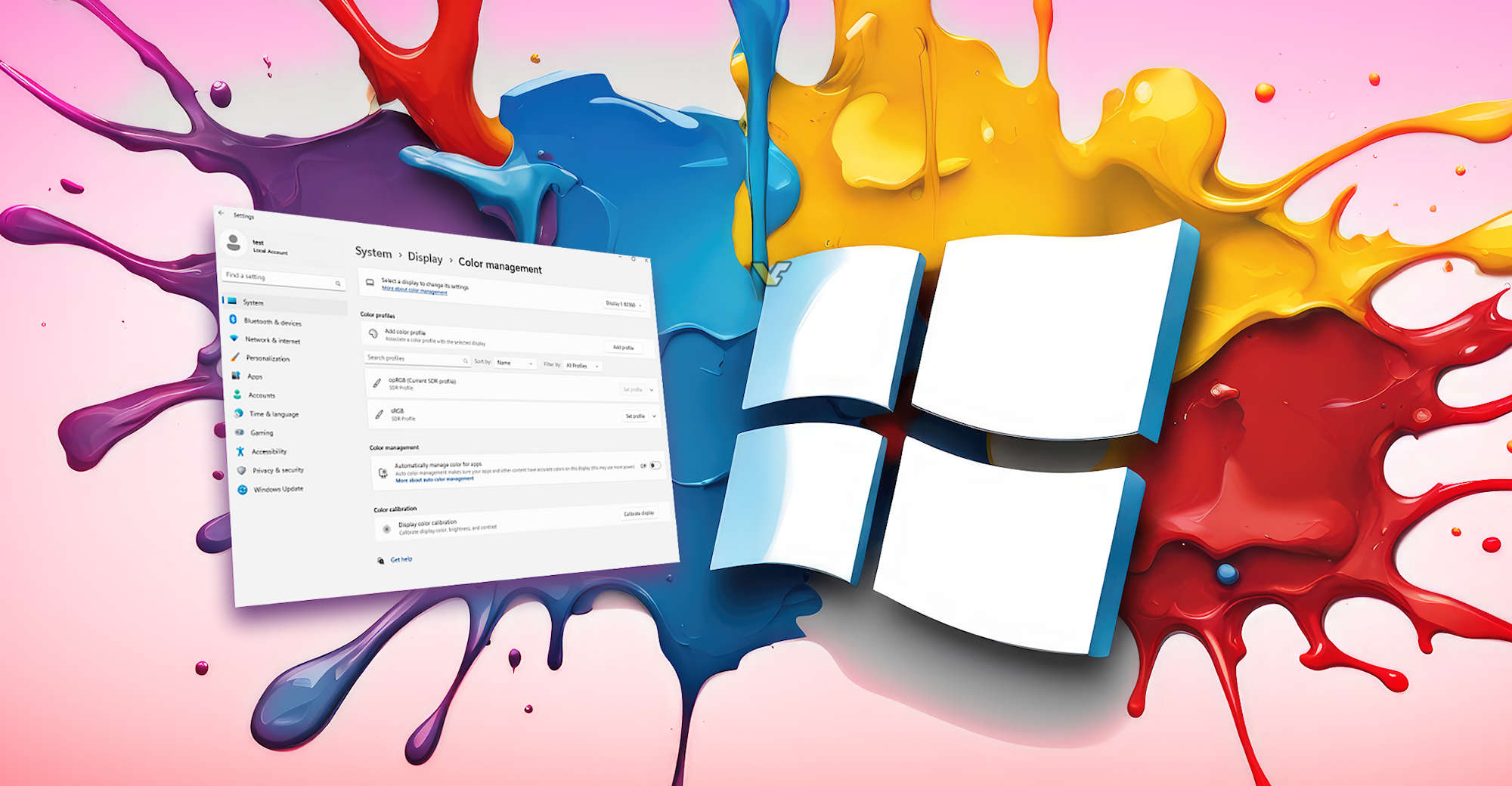
Windows 11 is set to introduce a significant update to its color management panel, with improved profiles management and simplified profile control, particularly beneficial for professionals requiring precise color reproduction. The new color management also includes a built-in color calibration option, and can automatically choose the best color profile for specific applications. However, these features are currently available only in the Canary and Dev builds, not intended for general use, and can be found in Settings > System > Display > Color management.

"Optimize Graphics Instantly on Xbox Series X with One Setting Change"

Originally Published 2 years ago — by GAMINGbible

Featured image for "Optimize Graphics Instantly on Xbox Series X with One Setting Change"
Source: GAMINGbible

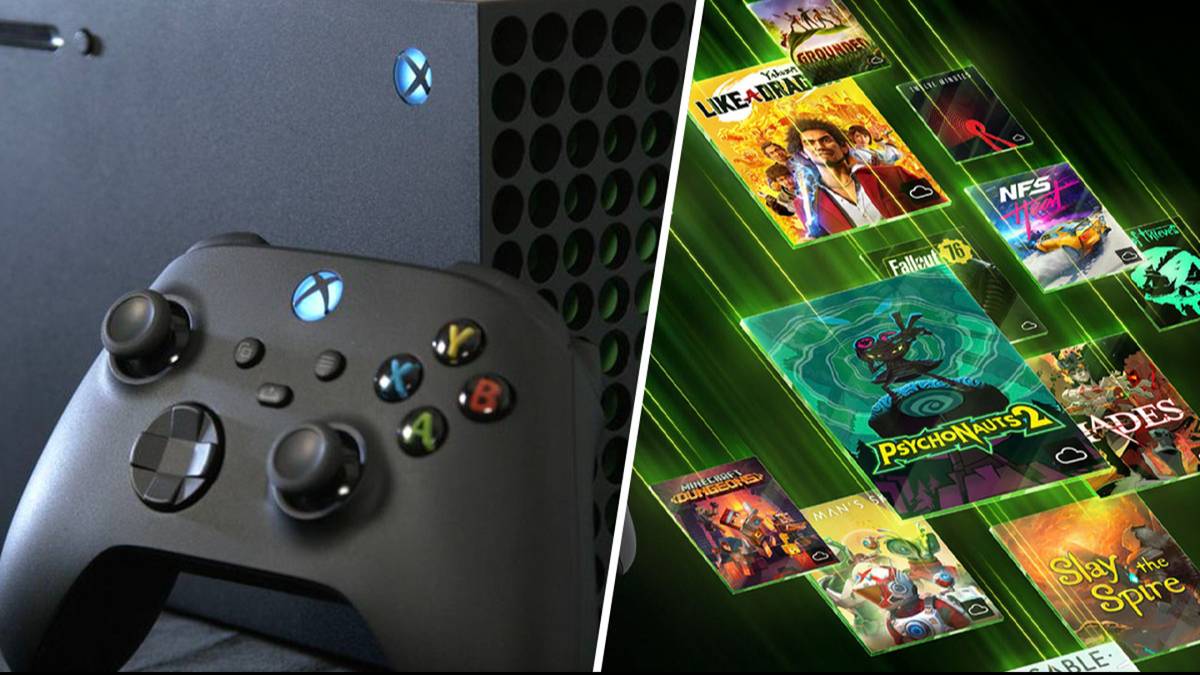
Xbox Series X users can significantly enhance their console's graphics by changing the display setting to 1080p, as demonstrated by YouTuber ChadReddings. Further improvements can be made for 4K TV owners by optimizing settings and calibrating the TV. However, it's important to note that the 1080p resolution change is only beneficial for those with a 1080p TV, and not for higher resolutions like 4K or 8K.

"Steam Deck's Latest Preview Showcases VRR, HDR, Starfield Enhancements, and ReactOS Compatibility"

Originally Published 2 years ago — by The Verge

Featured image for "Steam Deck's Latest Preview Showcases VRR, HDR, Starfield Enhancements, and ReactOS Compatibility"
Source: The Verge

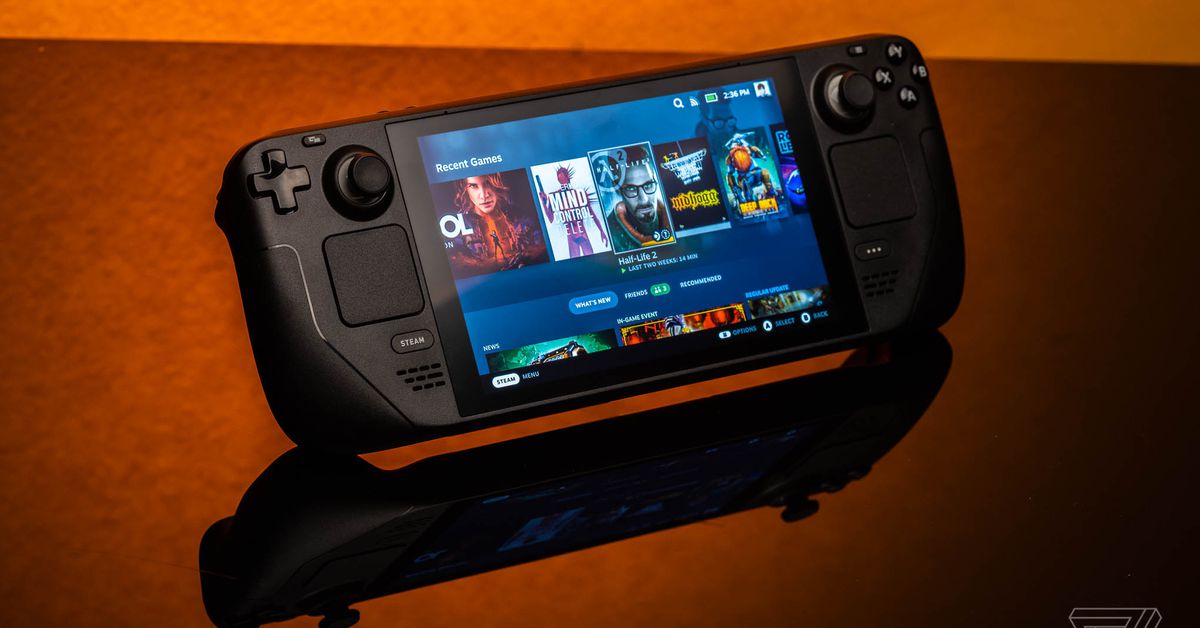
Valve's upcoming SteamOS 3.5 update for the Steam Deck introduces support for variable refresh rates (VRR) and HDR when using an external display, along with improved color rendering options. The update also includes updated graphics drivers with performance improvements, specifically for Starfield, and slightly improved sleep resume speed. Linux desktop mode users will benefit from an updated Arch Linux with a new Plasma desktop interface and an updated Discover app store. Additionally, the BIOS now has voltage offset settings for easier undervolting or overclocking.

"Quick Guide: Rotating Your Chromebook Screen"

Originally Published 2 years ago — by Chrome Unboxed

Featured image for "Quick Guide: Rotating Your Chromebook Screen"
Source: Chrome Unboxed

If you need to rotate your Chromebook screen, simply press Ctrl+Shift+Refresh key. This keyboard shortcut will rotate your display 90-degrees at a time. The feature is useful for collaboration and presentations. You can find the screen rotation option in the display settings menu.