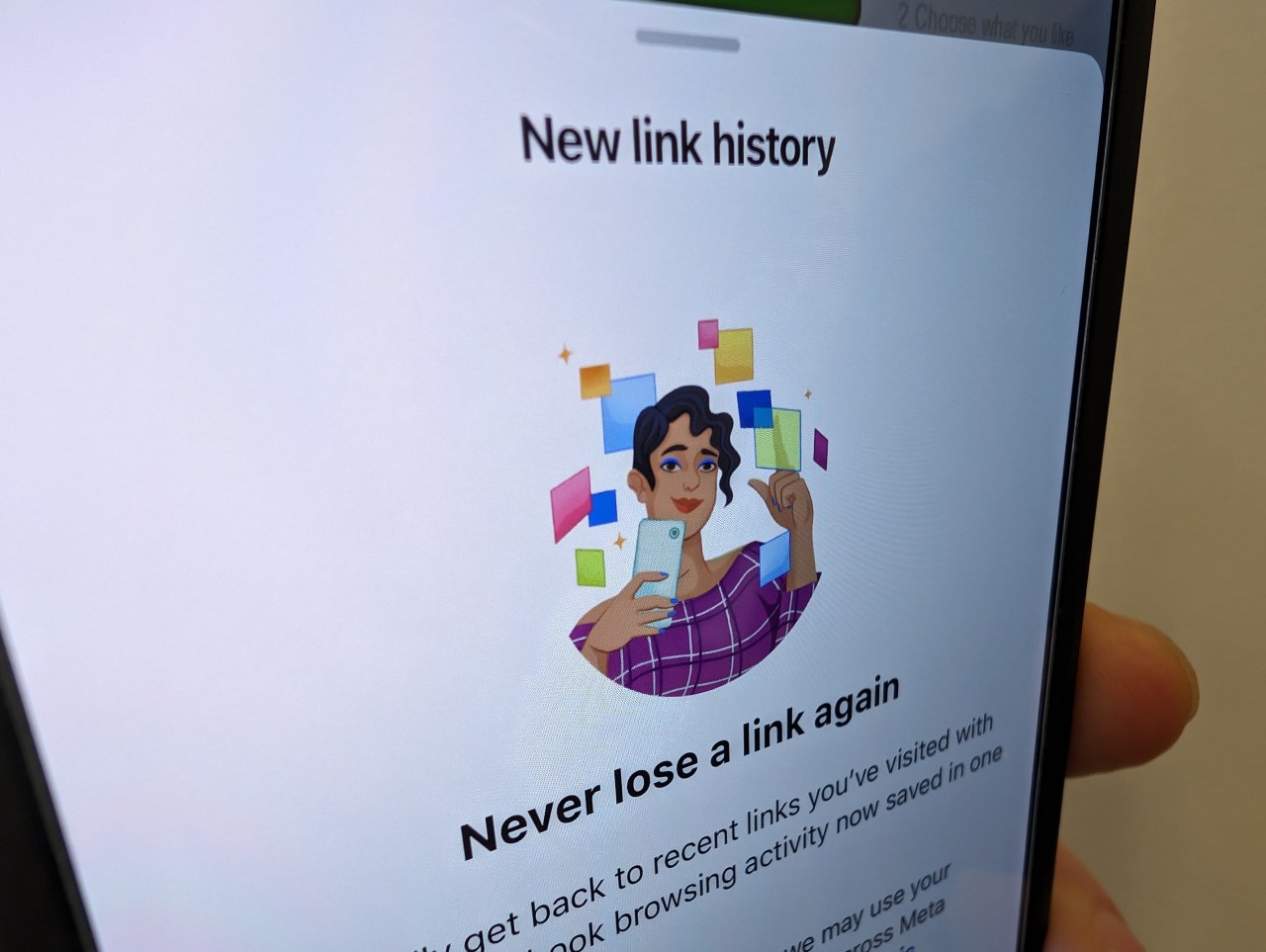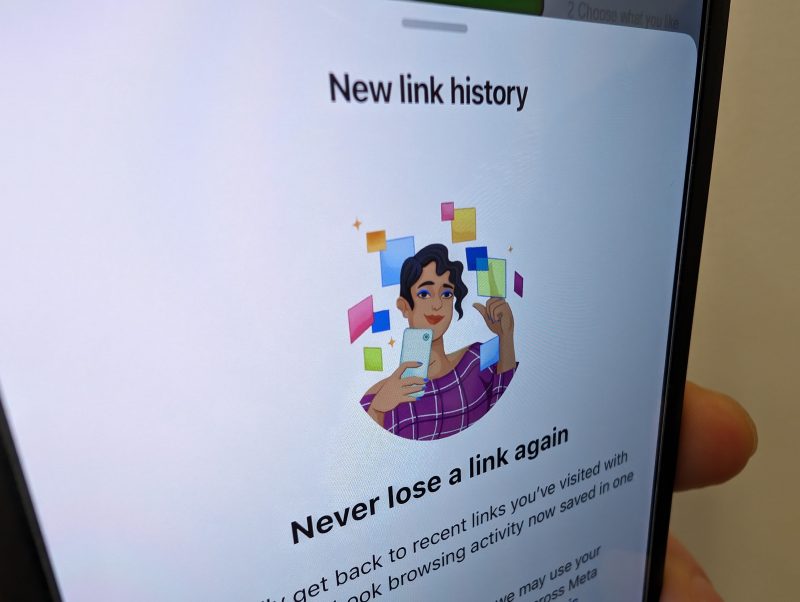
Facebook has introduced a "link history" feature that tracks the links users click within its in-app browser to gather data for targeted advertising. Users can disable this feature by navigating to the Browser settings within the Facebook app and toggling off "Allow link history." This move comes after Facebook faced legal challenges and a substantial settlement for privacy violations, as well as reduced data access due to Apple's App Tracking Transparency feature. Users now have more control over the extent of their data shared with Facebook.
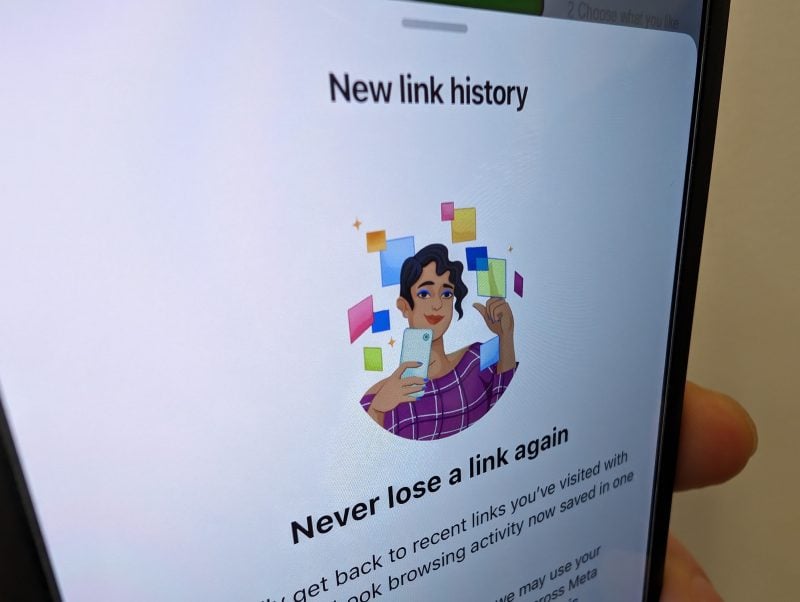
Facebook has introduced a "link history" feature that tracks the links users click within its in-app browser to gather data for targeted advertising. Users concerned about privacy can disable this feature by navigating to the Browser settings within the Facebook app and toggling off "Allow link history." This move comes after Facebook faced legal challenges and a substantial settlement for privacy violations, as well as reduced data access due to Apple's App Tracking Transparency feature.
Facebook has introduced a "link history" feature that tracks the links users click within its in-app browser to gather data for targeted advertising. Users can disable this feature by navigating to the Browser settings within the Facebook app and toggling off "Allow link history." This move comes after Facebook faced legal challenges and a substantial settlement for privacy violations, as well as reduced data access due to Apple's App Tracking Transparency feature. Users now have more control over the extent of their data shared with Facebook.
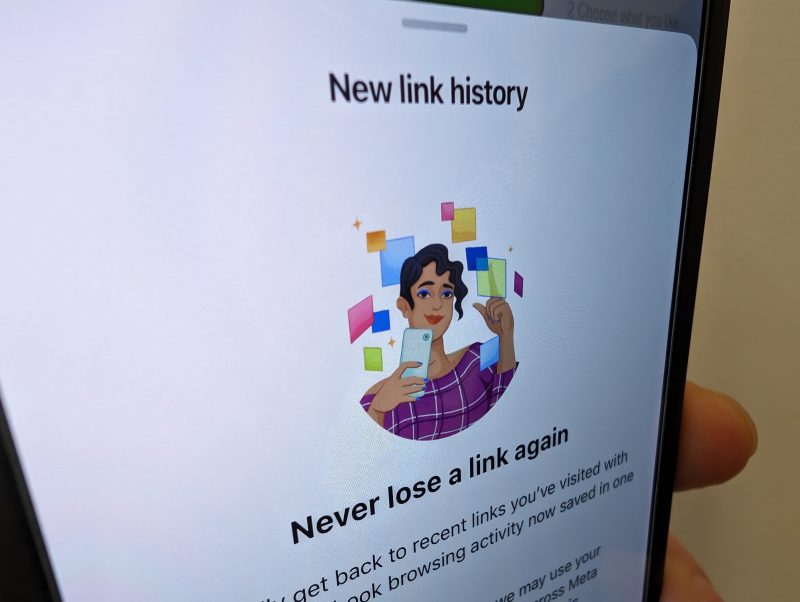
Facebook has introduced a "link history" feature that tracks the links users click within its app to improve ad targeting. Users concerned about privacy can disable this feature by navigating to the Browser settings within the Facebook app and toggling off "Allow link history." This move comes after Facebook's data collection capabilities were reduced by privacy features like Apple's App Tracking Transparency.