
"Protecting Your Privacy: Navigating Facebook's New Link History Tracking and Opt-Out Tips"
TL;DR Summary
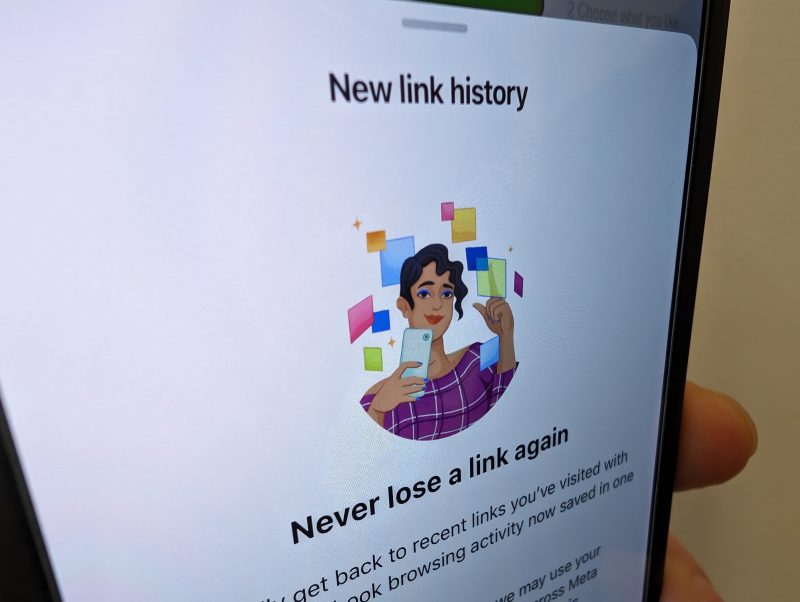
Facebook has introduced a "link history" feature that tracks the links users click within its in-app browser to gather data for targeted advertising. Users can disable this feature by navigating to the Browser settings within the Facebook app and toggling off "Allow link history." This move comes after Facebook faced legal challenges and a substantial settlement for privacy violations, as well as reduced data access due to Apple's App Tracking Transparency feature. Users now have more control over the extent of their data shared with Facebook.
- How to turn off Facebook’s latest way to track you WTNH.com
- Why You Shouldn't Opt In to Facebook's Link History Feature MUO - MakeUseOf
- Do You Suddenly Need To Delete Your Facebook App? Forbes
- Explained: Facebook Link History, how to use and more Times of India
- Facebook users urged to make 'immediate check' over new pop-up Birmingham Live
Reading Insights
Total Reads
0
Unique Readers
8
Time Saved
2 min
vs 3 min read
Condensed
80%
422 → 86 words
Want the full story? Read the original article
Read on WTNH.com