Tag

Command Prompt

All articles tagged with #command prompt

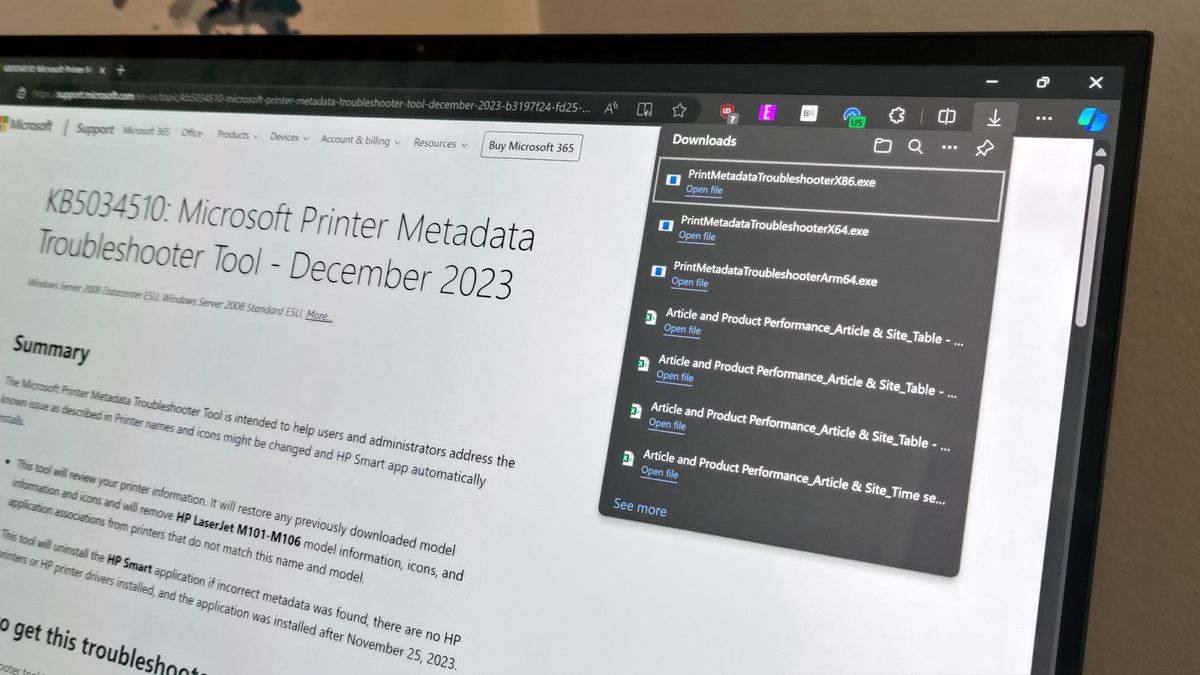
Microsoft's Surprising Solutions for Fixing Printer Issues

Originally Published 2 years ago — by Windows Central

Featured image for Microsoft's Surprising Solutions for Fixing Printer Issues
Source: Windows Central

Microsoft has released the Printer Metadata Troubleshooter Tool to fix a bug that installed the HP Smart app without permission and renamed printers to be listed as HP devices. The tool uninstalls the app and restores the correct printer names and icons. However, users need to download and install the tool, and apply the fix using Command Prompt as an administrator, which has raised concerns about the need for a separate tool and the reliance on Command Prompt to fix a Windows bug.

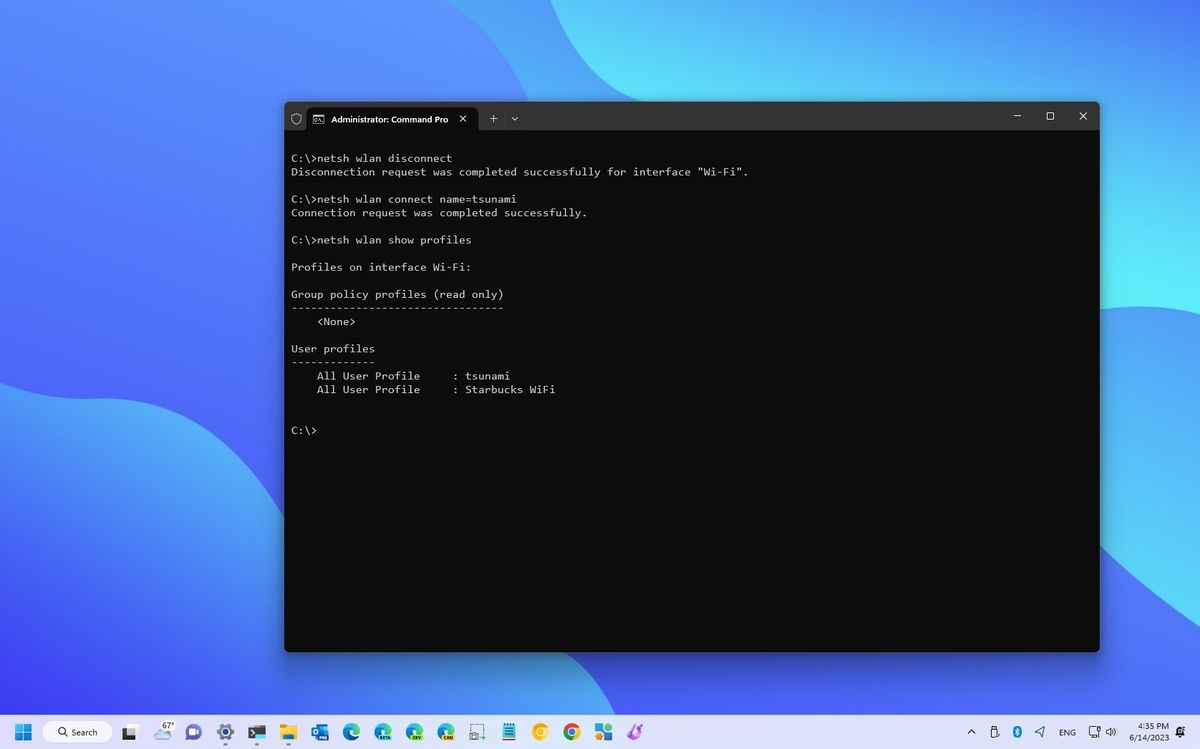
"Windows 11: Command Prompt Wi-Fi Control and Hidden Emergency Restart Button"

Originally Published 2 years ago — by Windows Central

Featured image for "Windows 11: Command Prompt Wi-Fi Control and Hidden Emergency Restart Button"
Source: Windows Central

Windows 11 users can manage wireless networks through Command Prompt using the "Network Shell" (netsh) command tool. This tool allows users to view and manage wireless profiles, driver details, adapter features, adapter configuration, security keys, and more. Users can also prevent automatic connections, change connection priority, delete profiles, and export/import wireless settings. Additionally, users can create a wireless adapter report and connect to a network manually using commands.

Windows 11 and 10 plagued by SATA and update bugs, Microsoft's patches fall short.

Originally Published 2 years ago — by Neowin

Featured image for Windows 11 and 10 plagued by SATA and update bugs, Microsoft's patches fall short.
Source: Neowin

Microsoft has confirmed that the age-old bug related to Serial Advanced Technology Attachment (SATA) affects Windows 11, as well as Windows 7, 8, 8.1, and 10. The bug is related to the firmware, where an internal SATA drive is misread as removable media in the Windows taskbar. Microsoft has provided a solution to fix this issue using elevated Command Prompt CLI, which also works on Windows 8, 8.1, and Windows 10.