
Microsoft's Surprising Solutions for Fixing Printer Issues
TL;DR Summary
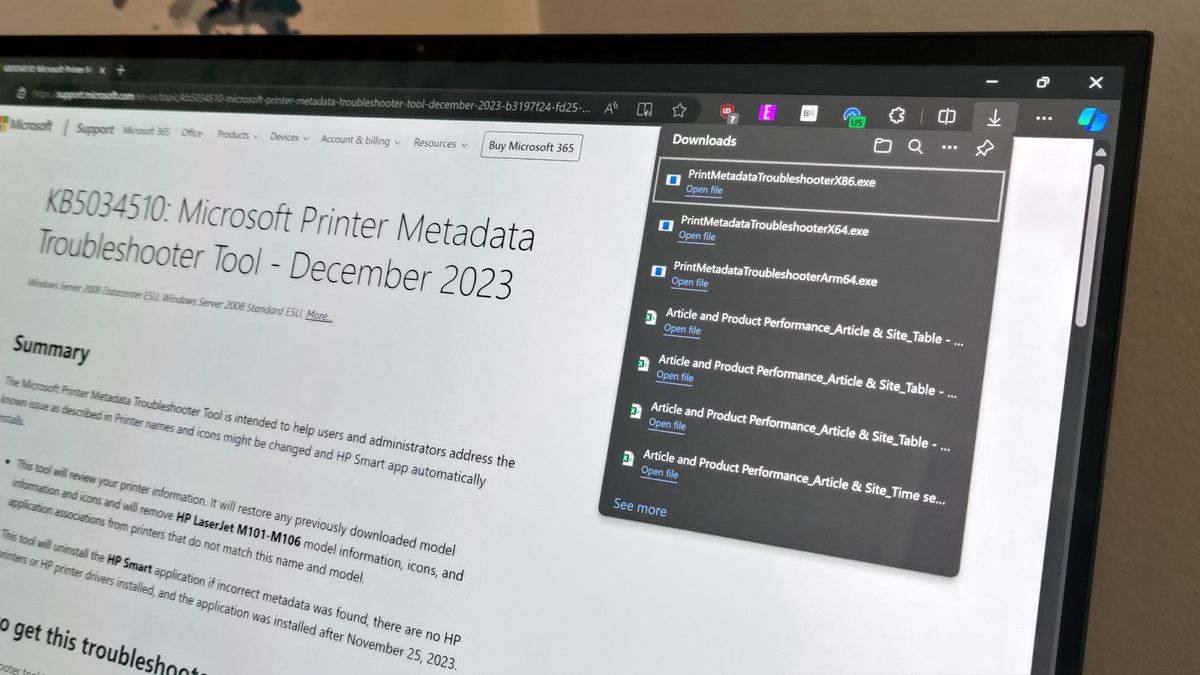
Microsoft has released the Printer Metadata Troubleshooter Tool to fix a bug that installed the HP Smart app without permission and renamed printers to be listed as HP devices. The tool uninstalls the app and restores the correct printer names and icons. However, users need to download and install the tool, and apply the fix using Command Prompt as an administrator, which has raised concerns about the need for a separate tool and the reliance on Command Prompt to fix a Windows bug.
Topics:top-news#command-prompt#hp-smart-app#microsoft#printer-metadata-troubleshooter-tool#technology#windows-bug
- Microsoft fixes HP Smart app with strange solution Windows Central
- Microsoft fixes Windows printer issues with new troubleshooter BleepingComputer
- Microsoft's fix for issue that renamed printers and installed extra utilities requires downloading another utility Tom's Hardware
- Microsoft releases Printer Metadata Troubleshooter Tool (KB5034510) to fix HP printer weirdness BetaNews
- Microsoft has cured this Windows 11 printer nightmare – but the fix might surprise you TechRadar
Reading Insights
Total Reads
0
Unique Readers
10
Time Saved
3 min
vs 4 min read
Condensed
87%
649 → 83 words
Want the full story? Read the original article
Read on Windows Central