Tag

Charging Tips

All articles tagged with #charging tips

Top Tips for Extending Your Android Phone's Battery Life

Originally Published 1 year ago — by Tom's Guide

Featured image for Top Tips for Extending Your Android Phone's Battery Life
Source: Tom's Guide

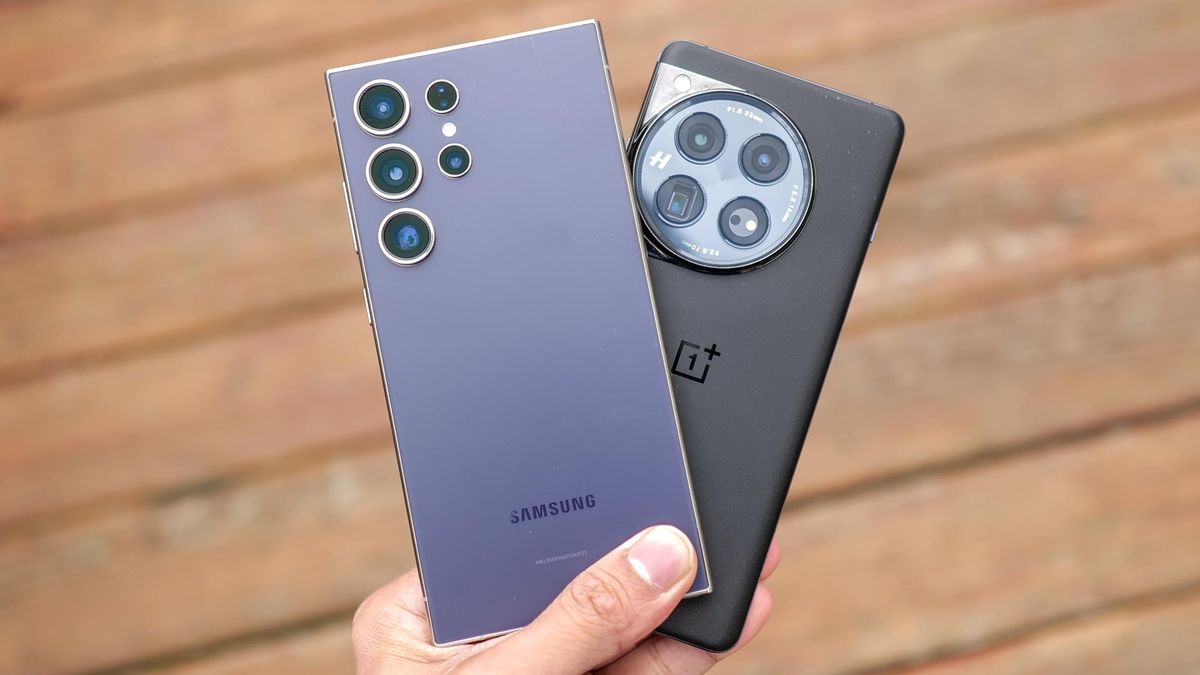
To maintain the health of your Android phone's battery, it's crucial to monitor its usage and avoid letting it drain completely or charge to 100% frequently. Use adaptive charging features, avoid extreme temperatures, and minimize parasitic loads by not using the phone while charging. Stick to official chargers and consider battery-saving features to extend battery life. When replacing a battery, use registered repair services and official parts to prevent damage.
"10 Clear Signs It's Time to Replace Your Smartphone"

Originally Published 1 year ago — by New York Post

Featured image for "10 Clear Signs It's Time to Replace Your Smartphone"
Source: New York Post

As phone batteries age, they exhibit signs such as rapid drainage, slow charging, overheating, and reduced capacity. iPhone users can check battery health in Settings, while Android users may need to use specific apps or codes. To prolong battery life, it's advised to use high-quality chargers, avoid battery-draining apps, refrain from using the phone while charging, and remove the phone case during charging to prevent overheating.

"10 Clear Signs It's Time to Replace Your Phone"

Originally Published 1 year ago — by Fox News

Featured image for "10 Clear Signs It's Time to Replace Your Phone"
Source: Fox News

As phones age, their battery performance degrades, leading to symptoms like rapid battery drain, slow charging, overheating, and physical bulging. Checking battery health on iPhone is straightforward, while Android users may need to use specific codes or apps. Tips to prolong battery life include using high-quality chargers, being cautious with power banks, avoiding battery-draining apps, refraining from using the phone while charging, and removing the phone case during charging.

"Insider Tips: Avoid These iPhone Battery Mistakes and Extend Your Device's Lifespan"

Originally Published 2 years ago — by Metro.co.uk

Featured image for "Insider Tips: Avoid These iPhone Battery Mistakes and Extend Your Device's Lifespan"
Source: Metro.co.uk

A former Apple worker warns that leaving iPhones plugged in all night and charging them to 100% can harm battery health. It is better to keep the battery between 30% and 80% for optimal performance. Other tips to extend battery life include turning off Bluetooth, disabling unnecessary background app refresh, and adjusting location services. While iOS no longer offers the option to limit charging beyond 80%, users can enable Optimized Battery Charging to hold the battery at 80% until it's needed.

Debunking Battery Myths: The Truth Revealed

Originally Published 2 years ago — by WIRED

Featured image for Debunking Battery Myths: The Truth Revealed
Source: WIRED

A battery expert debunks common myths about smartphone batteries. While it is possible to charge a battery beyond 100%, doing so can damage the internal structure and reduce its overall lifespan. Charging a phone on airplane mode may speed up charging slightly, but the difference is minimal. Wi-Fi and Bluetooth connections drain battery life, so it's better to connect to stable networks. Using unofficial chargers can damage the battery, so it's recommended to stick with official models. Charging a phone through a computer or laptop is fine and may even be better for the battery. Powering off a device occasionally does not significantly preserve battery life. Batteries perform better in cool temperatures, but extreme heat can degrade them. Leaving a charger plugged in at the wall does not waste much energy. The ideal charge level for a battery is around 50% to minimize strain and extend its lifespan. Charging past 100% is not harmful, but keeping the charge level at 100% for extended periods can strain the battery. Replacing a phone battery can give it a new lease of life, but it is becoming increasingly difficult due to manufacturers' restrictions.