Tag

Battery Health

All articles tagged with #battery health

The 100% Charge Myth: How to Keep Your Phone Battery Healthier Longer
technology10 days ago

The 100% Charge Myth: How to Keep Your Phone Battery Healthier Longer

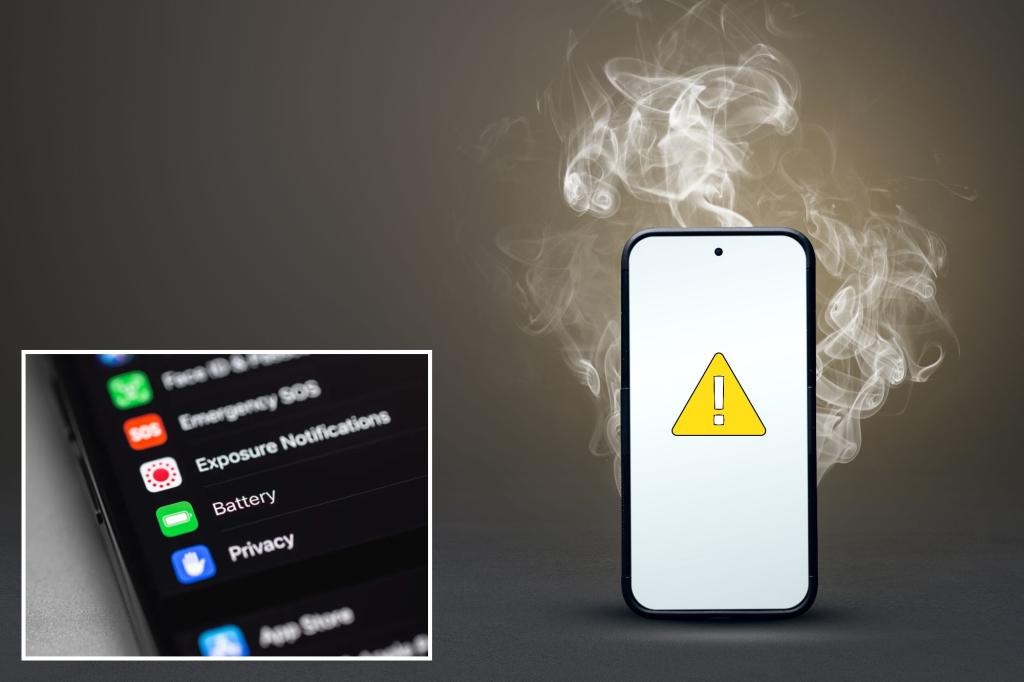
Charging to 100% overnight can slowly shorten battery life because it keeps the cell at high voltage, but the impact is gradual and modern phones are durable. For best longevity, aim for about 20–80% charge, avoid excessive heat, and prefer slower chargers; don’t regularly let the battery drop to 0%. Check battery health and replace the battery if it falls below around 80%, and you can charge to 100% when you need longer usage for travel or important days.
Why Wireless Charging Is Becoming a Must-Have Feature
technology2 months ago

Why Wireless Charging Is Becoming a Must-Have Feature

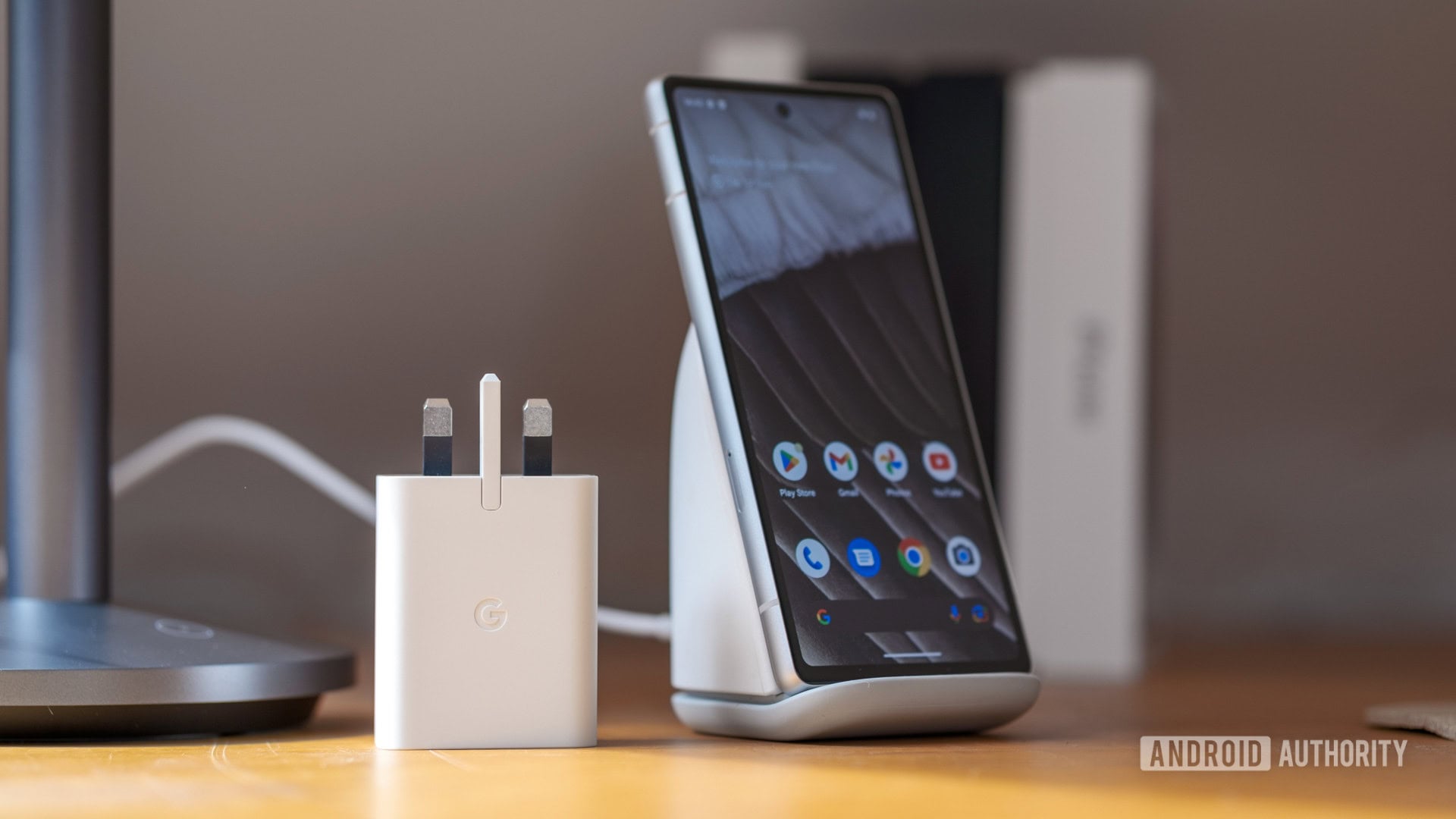
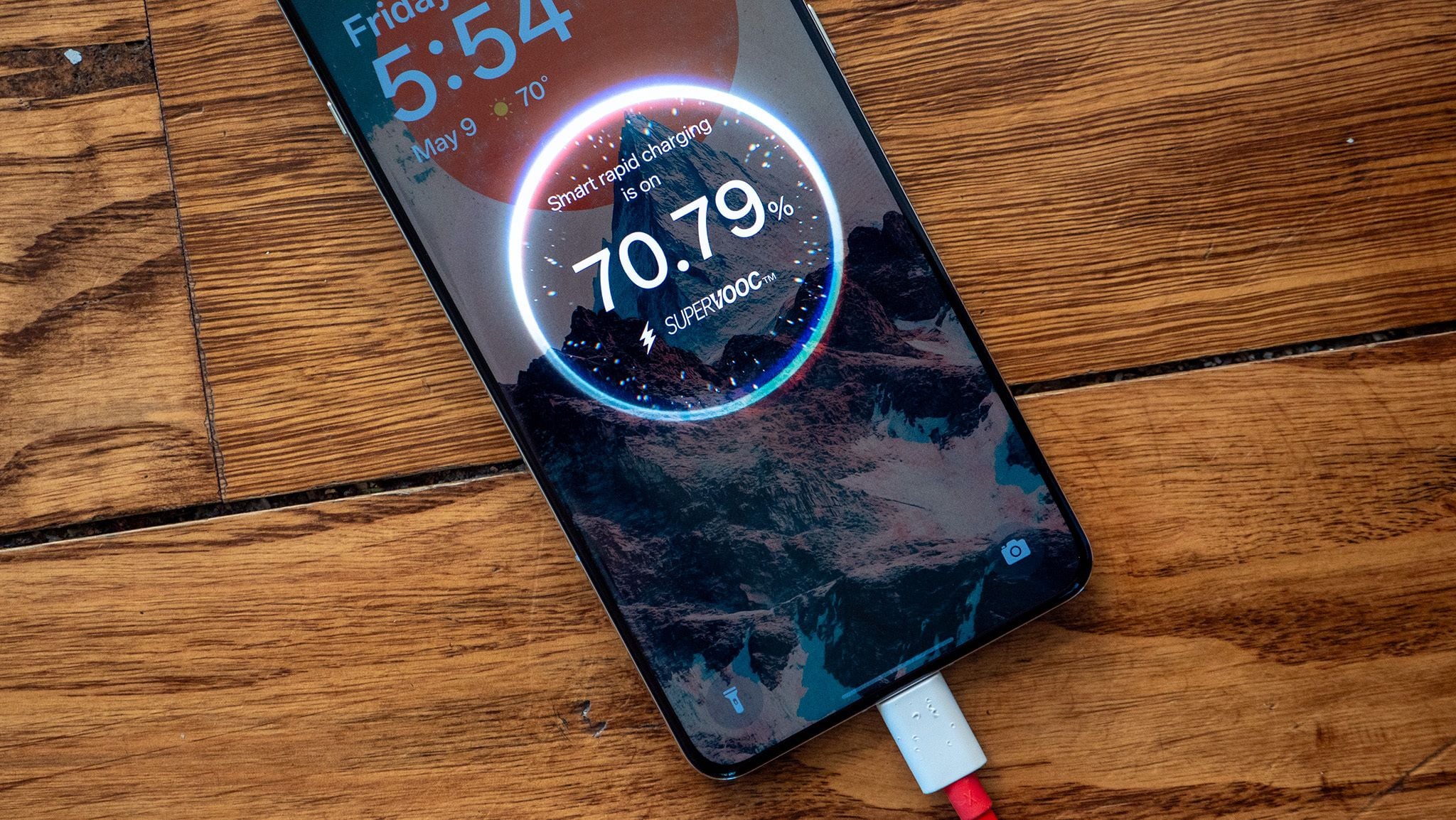
The author prefers wireless charging as a reliable backup due to frequent USB-C port failures in recent flagship phones, which can be costly to repair and degrade over time. Wireless charging, though slower and potentially harmful to battery health, offers a crucial fallback to keep devices powered when USB-C ports malfunction, making it a recommended feature for future smartphones.

Google Announces New Pixel Battery Health Feature
technology8 months ago

Google Announces New Pixel Battery Health Feature

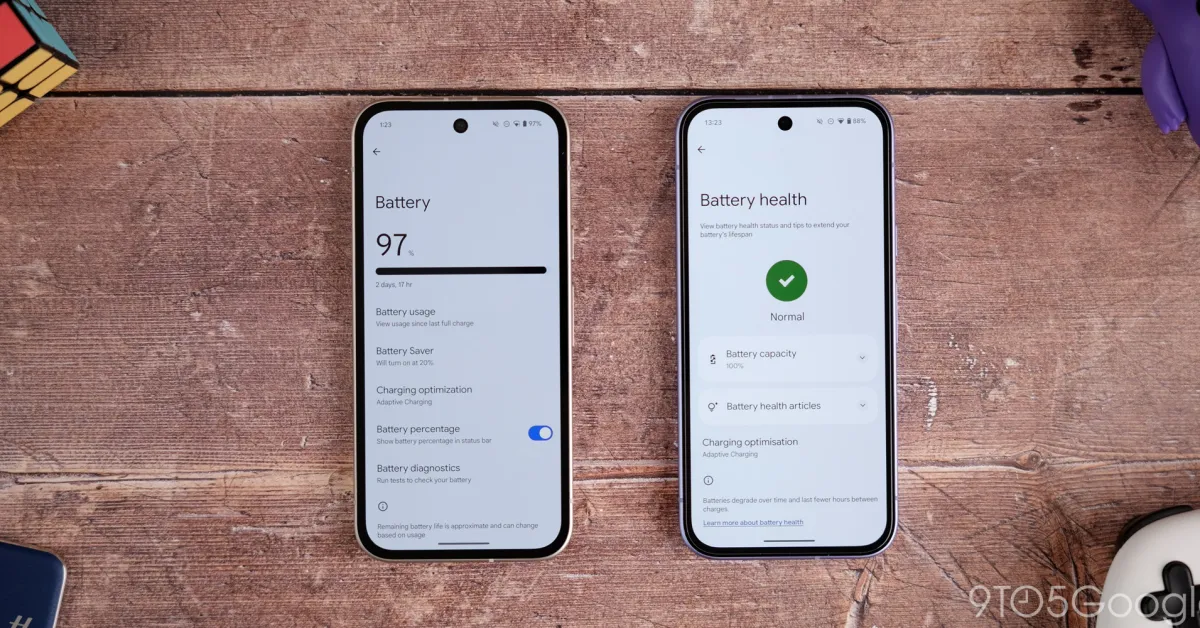
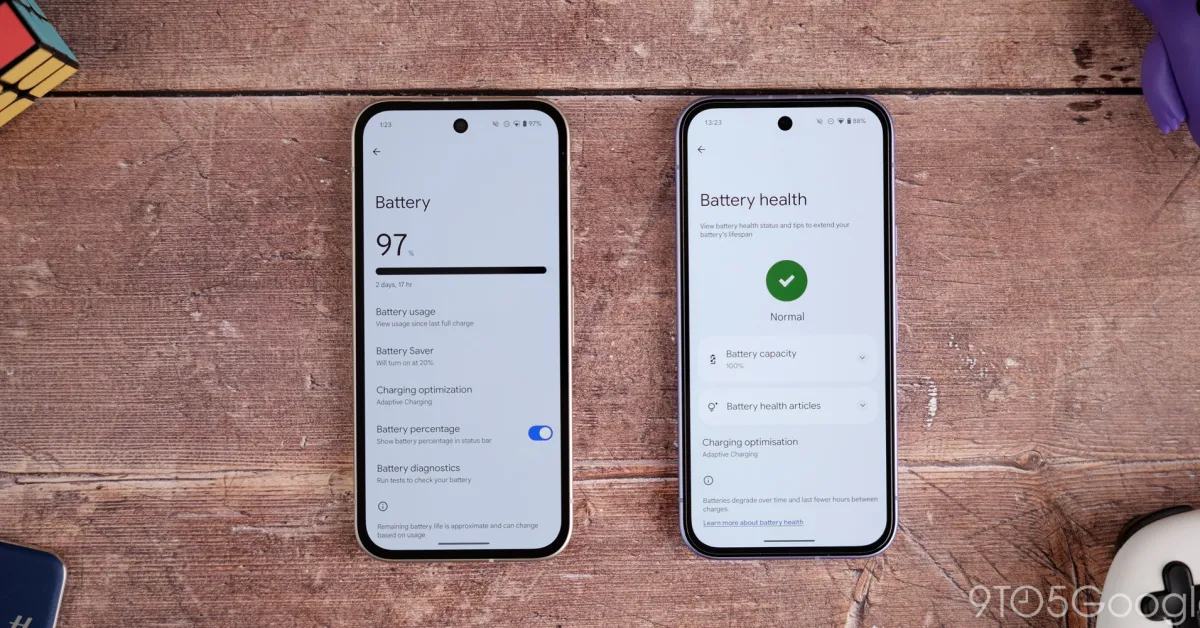
Google is preparing to introduce a 'Battery health assistance' setting for Pixel devices, starting with the Pixel 9a, to help extend battery lifespan by adjusting charging behavior and voltage over time. This feature, which will be enabled by default on the Pixel 9a and newer models, aims to maintain battery health but may slightly reduce battery runtime as the device ages. It will be available as an optional toggle for older devices and is expected to be included in upcoming Android updates.

Top Tips for Extending Your Android Phone's Battery Life
technology1 year ago

Top Tips for Extending Your Android Phone's Battery Life

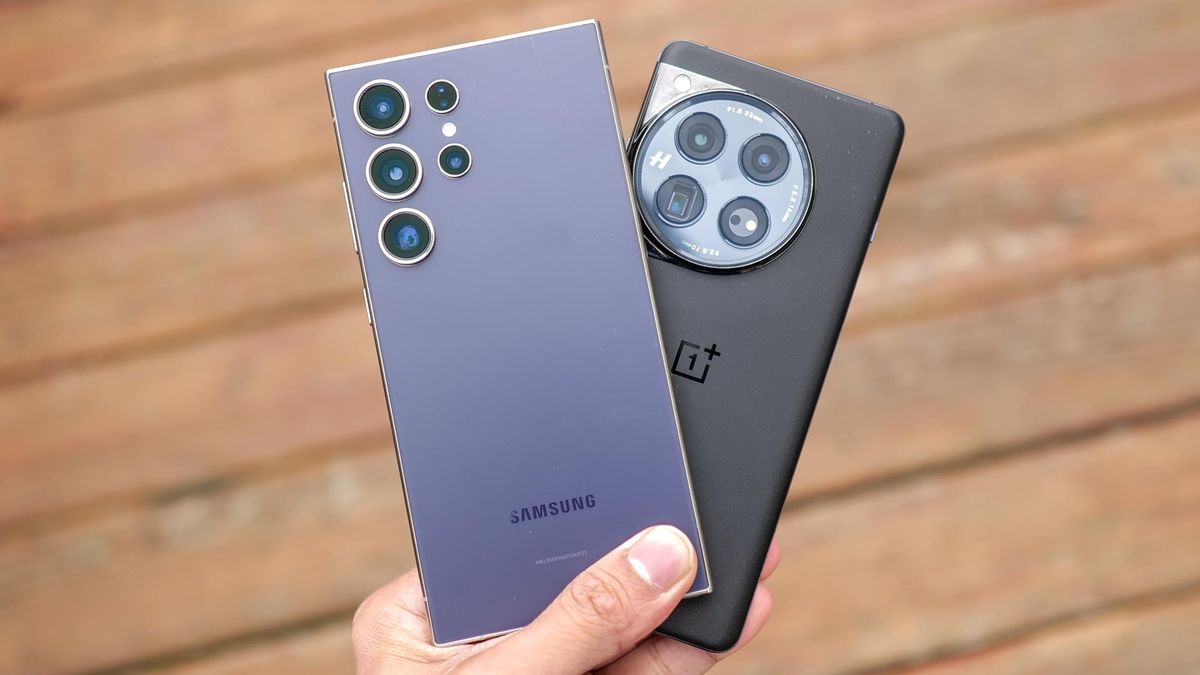
To maintain the health of your Android phone's battery, it's crucial to monitor its usage and avoid letting it drain completely or charge to 100% frequently. Use adaptive charging features, avoid extreme temperatures, and minimize parasitic loads by not using the phone while charging. Stick to official chargers and consider battery-saving features to extend battery life. When replacing a battery, use registered repair services and official parts to prevent damage.

"Apple's iPhone 15 Battery Upgrade Delivers Extended Lifespan and Improved Insights"
technology2 years ago

"Apple's iPhone 15 Battery Upgrade Delivers Extended Lifespan and Improved Insights"

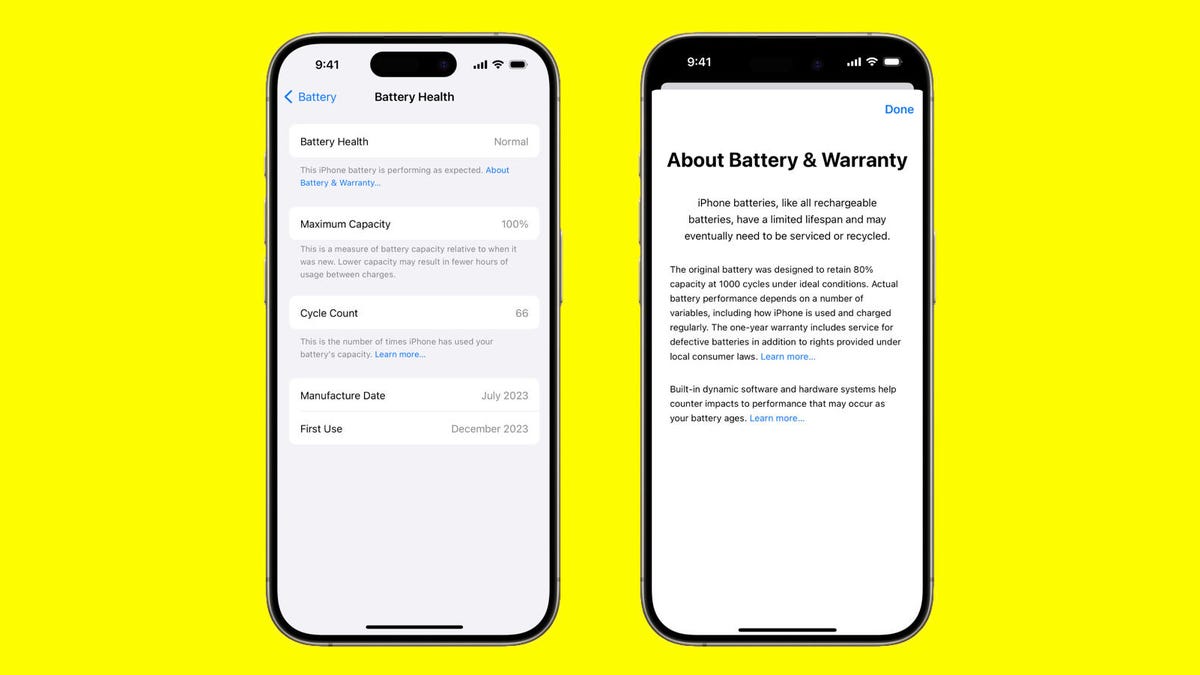
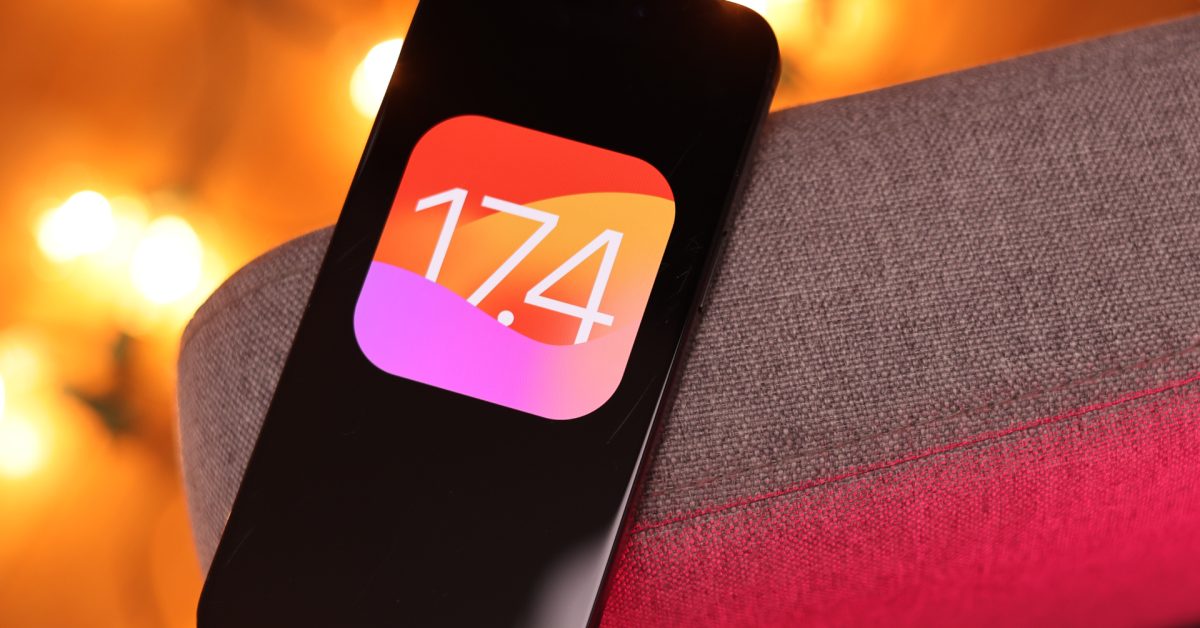
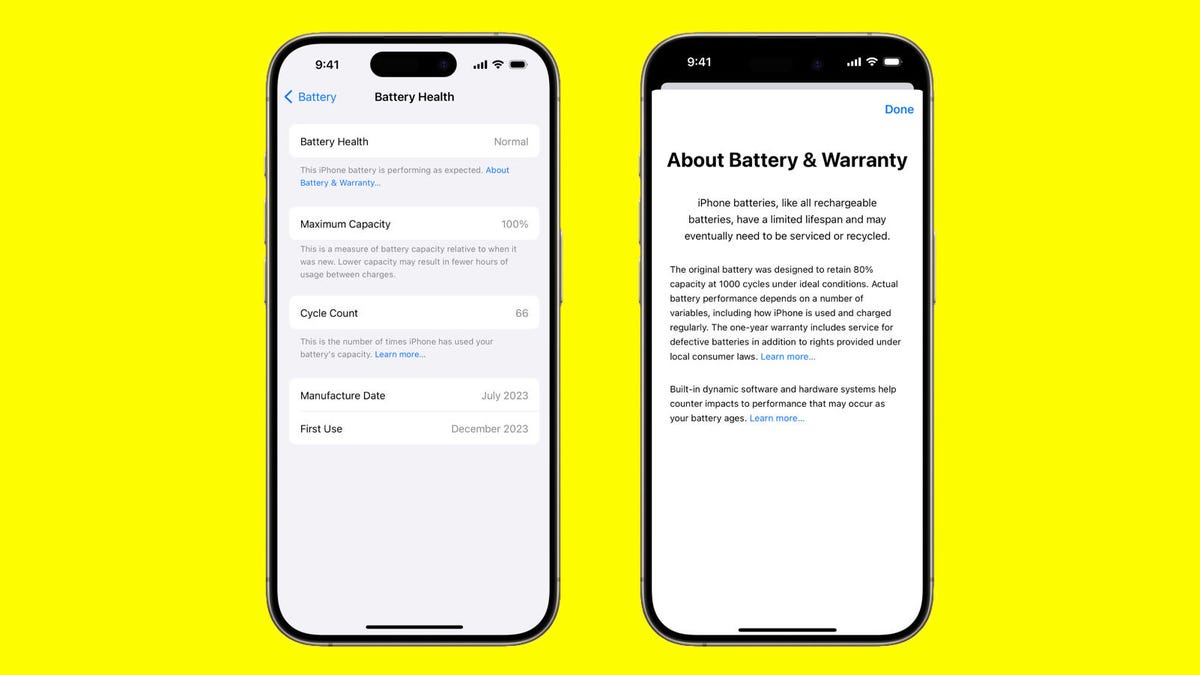
Apple's upcoming iOS 17.4 update for the iPhone 15 will revamp the Battery submenu in the Settings app, providing users with easier access to battery insights and health information. The update will include a new Battery Health menu that displays whether the battery is normal, along with details such as cycle count, manufacture date, and date of first use. Additionally, Apple has retested the iPhone 15 models and estimates that their batteries should retain over 80% capacity after 1,000 charge-and-drain cycles. This update aims to make it more intuitive for users to monitor their iPhone's battery health, with potential for further battery management additions in the future.

"Apple Boosts iPhone 15 Battery Lifespan Without User Intervention"
technology2 years ago

"Apple Boosts iPhone 15 Battery Lifespan Without User Intervention"

Apple retested the iPhone 15 series during work on iOS 17.4 and found that the battery’s maximum capacity meets a higher bar than originally stated, with both the iPhone 15 and iPhone 15 Pro handsets able to maintain at least 80% of their original capacity after 1,000 charging cycles, double the initial claim. The company is also looking into older iPhone models to see if they also perform better than originally stated, and has emphasized measures to maximize iPhone battery longevity.

"Exploring the Exciting Features of iOS 17.4 Update for iPhone"
technology2 years ago

"Exploring the Exciting Features of iOS 17.4 Update for iPhone"

Apple released the fourth beta for iOS 17.4, featuring quantum computer protection for iMessage, an updated 'Hello' screen, a new CarPlay instrument cluster experience for Apple Maps, and changes to Battery Health information. The update includes Apple’s post-quantum cryptographic protocol, PQ3, to secure iMessage, an updated Hello screen with the user’s Apple ID profile photo, and a new CarPlay instrument cluster experience for Apple Maps. Additionally, Battery Health and Charging optimization information is now decoupled, and pertinent battery information has been migrated to the Battery Health panel.

"Apple Boosts iPhone 15 Battery Lifespan, Details Remain Secret"
technology2 years ago

"Apple Boosts iPhone 15 Battery Lifespan, Details Remain Secret"

Apple has updated its claim on the iPhone 15's battery longevity, stating that it can now maintain at least 80 percent of its original capacity for 1,000 charging cycles, double its initial claim of 500 cycles. However, it's unclear whether the batteries have actually improved or if Apple has changed its testing and language. The company has shifted from advertising under "normal conditions" to "ideal conditions," leaving ambiguity about the actual improvements. While Apple's support pages mention software features to preserve battery life, the specific testing conditions for the new claim remain undisclosed.

"Apple's iPhone 15 Battery Lifespan Surprises Users with Double the Expected Longevity"
technology2 years ago

"Apple's iPhone 15 Battery Lifespan Surprises Users with Double the Expected Longevity"

With the upcoming iOS 17.4 update, Apple introduces a new tool to easily monitor the battery health of iPhone 15 models, displaying whether the battery is normal or not. The update also provides information on battery cycle count, manufacture date, and date of first use. Apple has retested the iPhone 15 models and estimates their batteries should retain 80% or higher capacity for 1,000 charge and drain cycles. This change aims to make it more intuitive for users to manage their iPhone's battery health, with CNET's battery tests showing the iPhone 15 series as some of the best in terms of battery life.

"10 Clear Signs It's Time to Replace Your Smartphone"
technology2 years ago

"10 Clear Signs It's Time to Replace Your Smartphone"

As phone batteries age, they exhibit signs such as rapid drainage, slow charging, overheating, and reduced capacity. iPhone users can check battery health in Settings, while Android users may need to use specific apps or codes. To prolong battery life, it's advised to use high-quality chargers, avoid battery-draining apps, refrain from using the phone while charging, and remove the phone case during charging to prevent overheating.

"10 Clear Signs It's Time to Replace Your Phone"
technology2 years ago

"10 Clear Signs It's Time to Replace Your Phone"

As phones age, their battery performance degrades, leading to symptoms like rapid battery drain, slow charging, overheating, and physical bulging. Checking battery health on iPhone is straightforward, while Android users may need to use specific codes or apps. Tips to prolong battery life include using high-quality chargers, being cautious with power banks, avoiding battery-draining apps, refraining from using the phone while charging, and removing the phone case during charging.