Tag

Camera Settings

All articles tagged with #camera settings

technology1 year ago

"Safe Ways to Capture and View the Solar Eclipse with Your Phone"

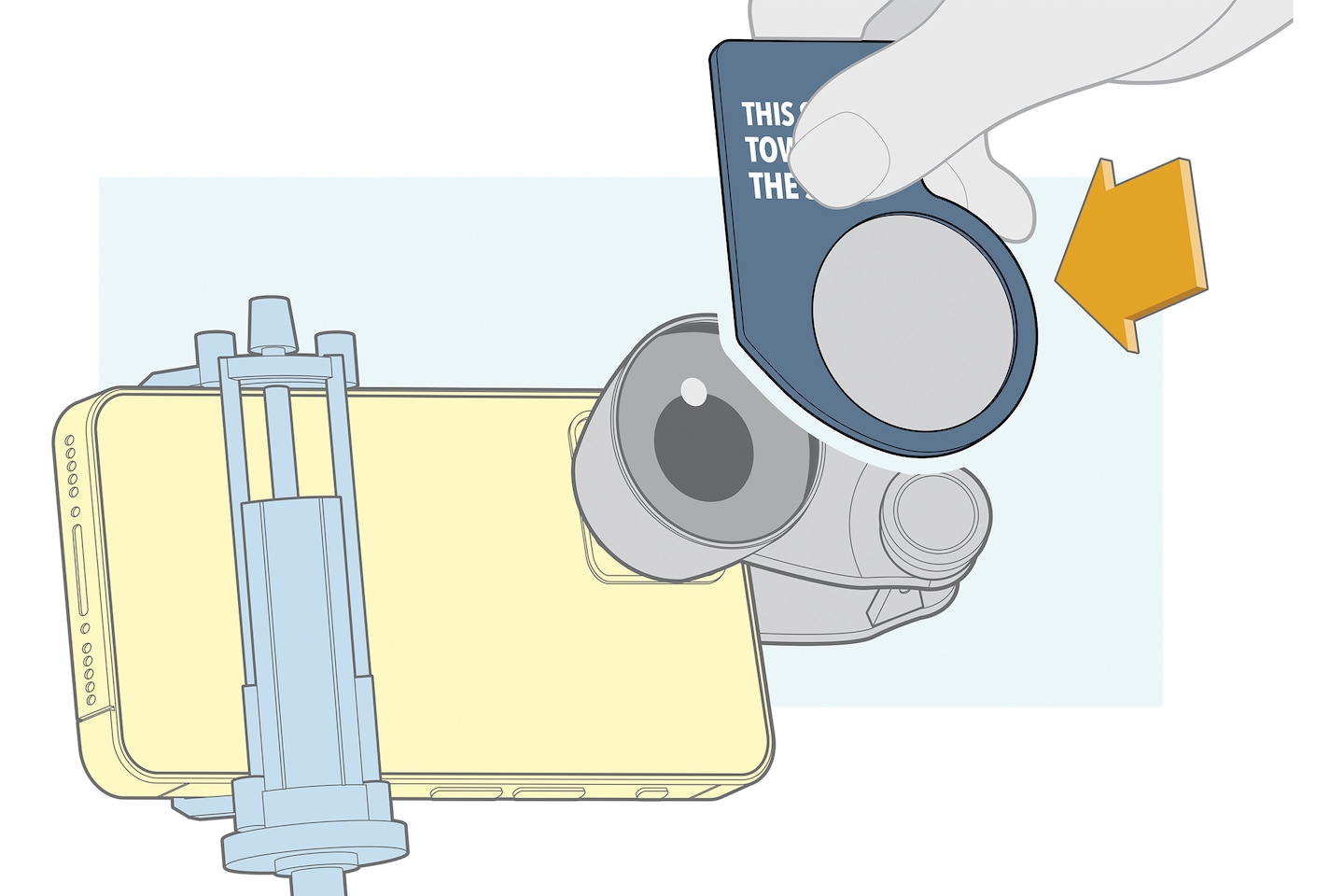
Capturing stunning photos of the solar eclipse with your smartphone is possible with the right equipment and preparation. You'll need a smartphone with a telephoto camera or a telephoto lens attachment, a tripod, and a solar filter to protect your phone's camera. Setting up and practicing ahead of time is crucial, and familiarizing yourself with your phone's camera settings, such as burst mode and focus lock, can help. During the eclipse, remember not to look directly at the sun and follow the steps to capture the moment while enjoying the experience.

technology1 year ago

"Mastering Moon Photography with Your iPhone: Essential Tips"

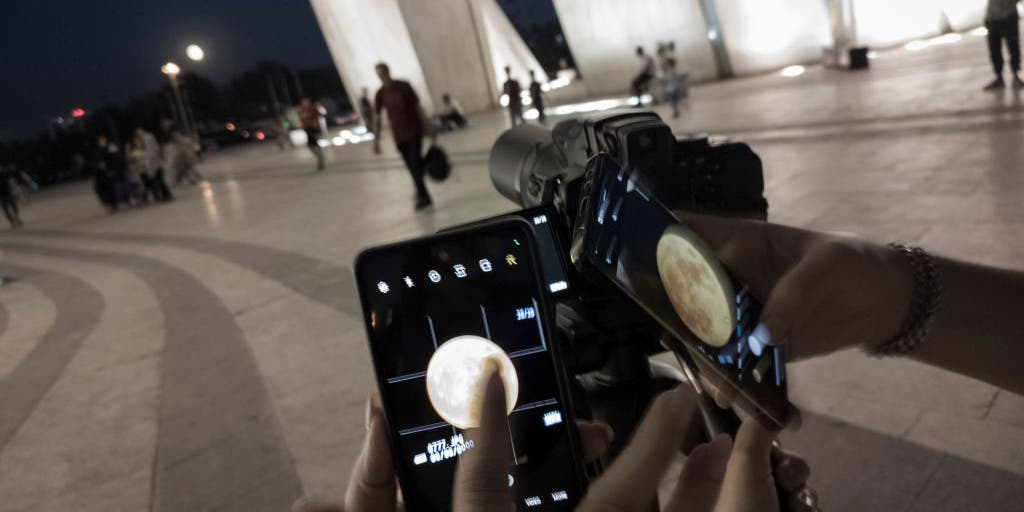
Capturing the Moon with a smartphone can be challenging due to overexposure and the Moon's movement, but there are tricks to improve your photos. Timing your shot during twilight, using zoom lenses, adjusting ISO and shutter speed, and utilizing photography apps can all enhance your results. Additionally, using a tripod and attaching your phone to binoculars or a small telescope can help capture clearer and more detailed images of the Moon.

photography2 years ago

"From Classroom to Camera: Unleashing the Power of Basic Science in Photography"

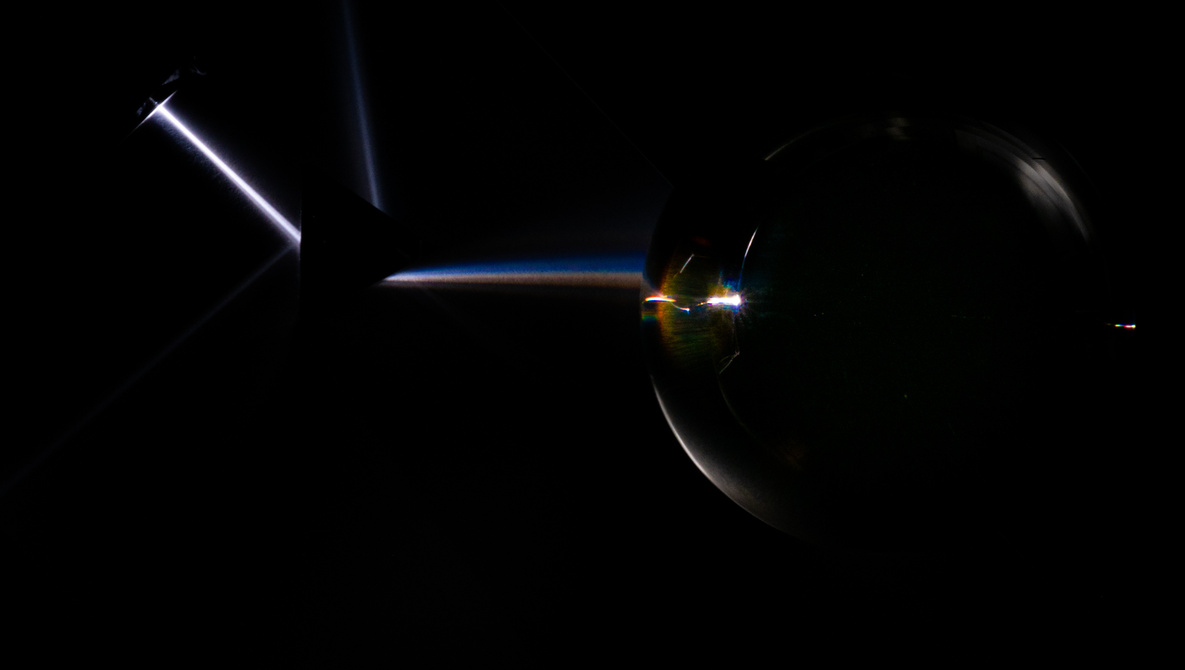
Understanding the basic science of light can greatly improve our photography. Knowing concepts such as dynamic range, visible spectrum, light bending, small apertures, and the reason behind the blue sky can help us achieve better results. Additionally, using a CPL filter can reduce scattered light and enhance colors, while understanding the physics behind sunsets can help capture their warm hues. It's important to consider color management and calibrate screens for accurate reproduction of colors in prints.

photography2 years ago

Optimizing Your Camera's Settings for Better Photos

Photographer Jan Wegener shares some important camera settings that photographers should consider changing from their default to improve their workflow and image quality. One of the recommended settings is the highlight alert, which blinks to inform if any highlights are blown in a photo, making it easy to evaluate the quality of an exposure. This feature is especially useful on a mirrorless camera with image preview function enabled.