
"Unlock Better Sleep with Hidden iPhone and Android Settings"
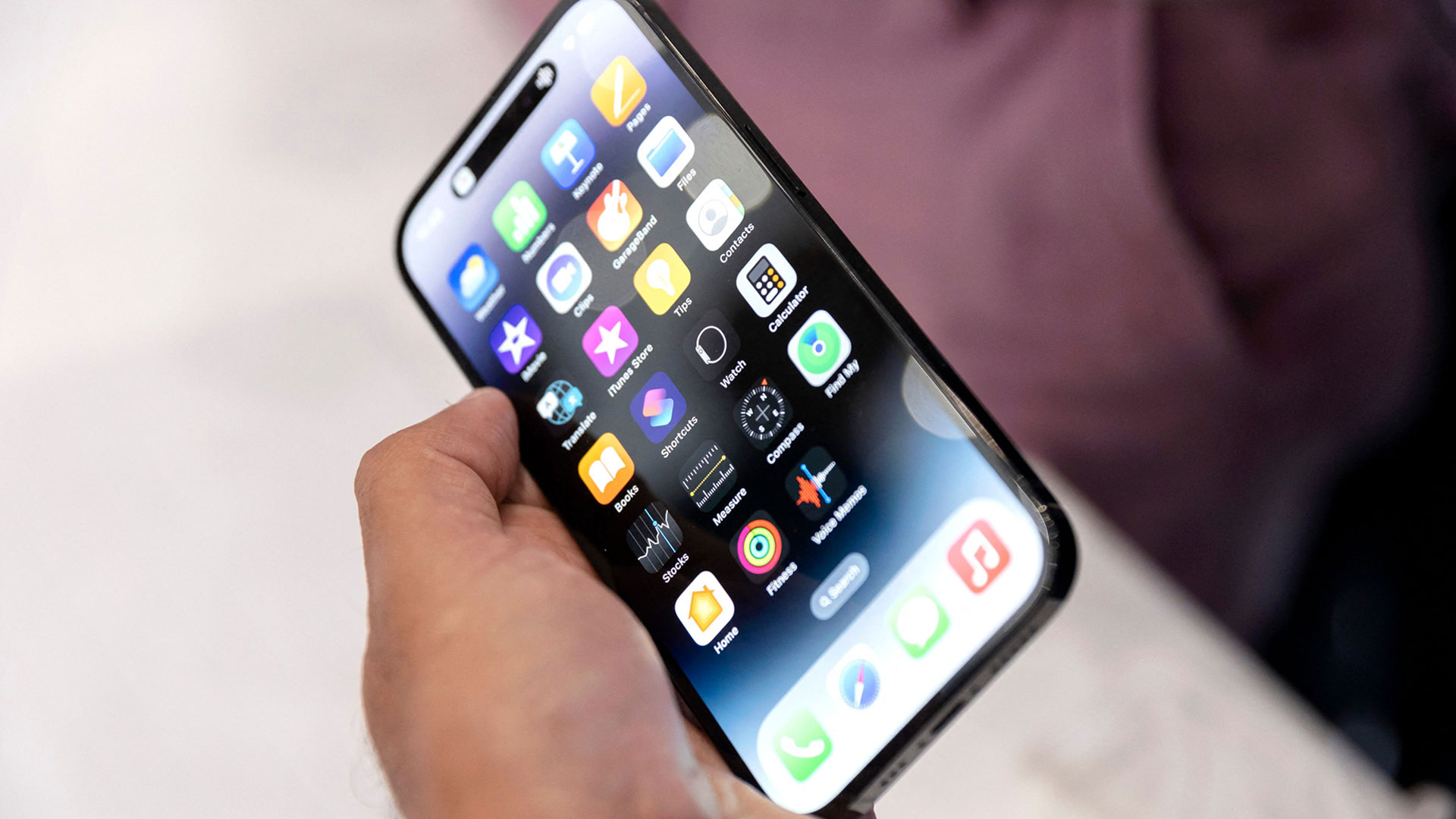
TL;DR Summary
Three iPhone settings can help you fall asleep by reducing blue light emitted from the screen. Night Mode adjusts the display to warmer colors during nighttime and returns to normal in the morning. Users can also reduce the intensity of colors by lowering the white point and dimming the screen's brightness.
- People are just realizing iPhone has three ‘power sleep’ buttons – hidden tricks will have you asleep in no... The US Sun
- Trouble Falling Asleep? Change These iPhone Settings to Speed Up the Process CNET
- Sleep problems? Change these settings on your Android phone right now The Indian Express
- People are just realising iPhones have three secret buttons which help you sleep... The Sun
- Is Your iPhone's Display Too Bright? Here's How to Dim It Lower Than Usual CNET
- View Full Coverage on Google News
Reading Insights
Total Reads
0
Unique Readers
0
Time Saved
1 min
vs 2 min read
Condensed
84%
316 → 51 words
Want the full story? Read the original article
Read on The US Sun