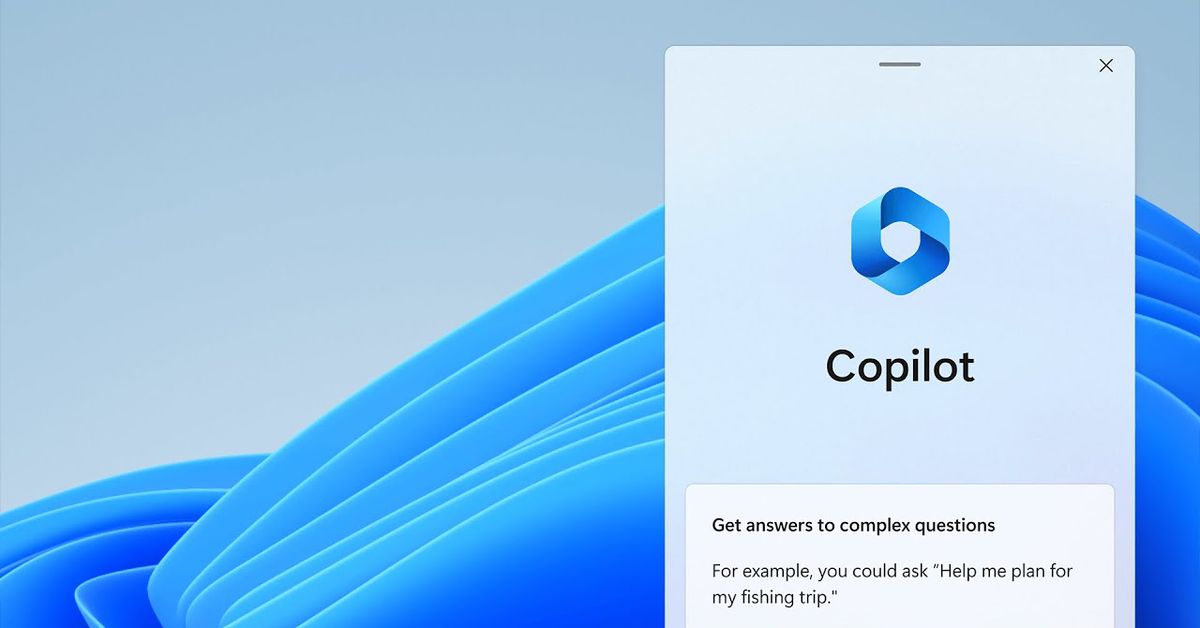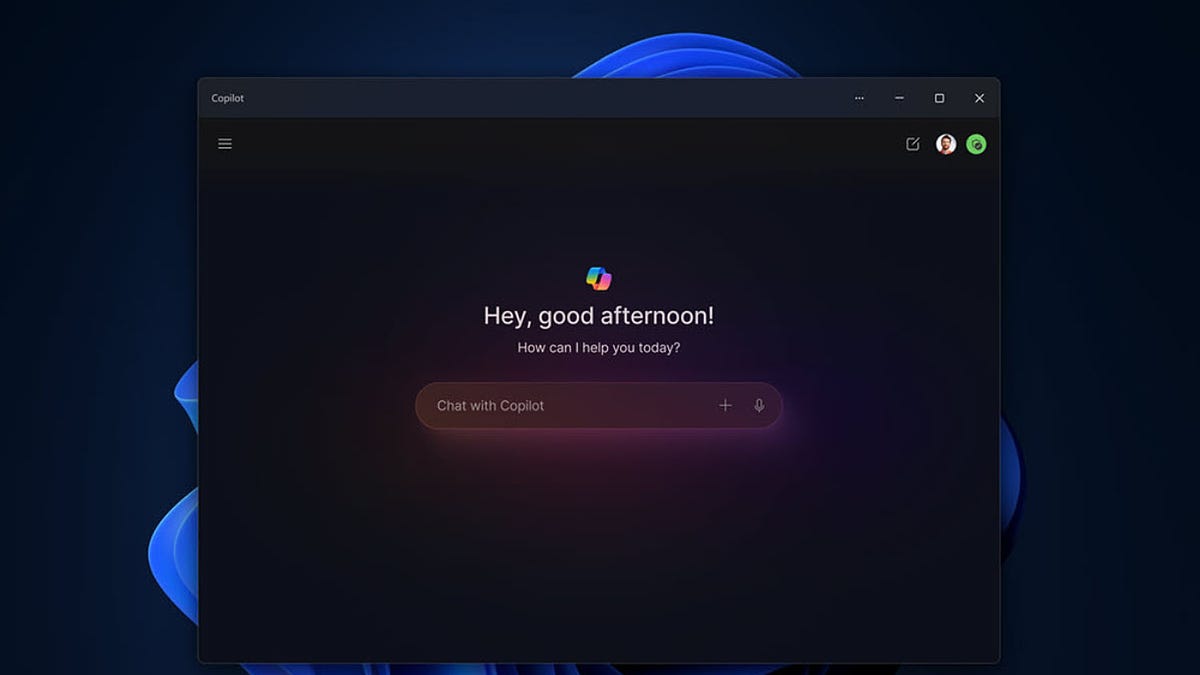
Microsoft is redesigning Windows Copilot to function as a regular, resizable, and movable app, making it easier to use and integrate into workflows. The update, part of the Windows 11 2024 Update, will allow users to launch Copilot from the Taskbar and benefit from traditional app features. The rollout is phased and already appearing in the latest Windows 11 Insider build.
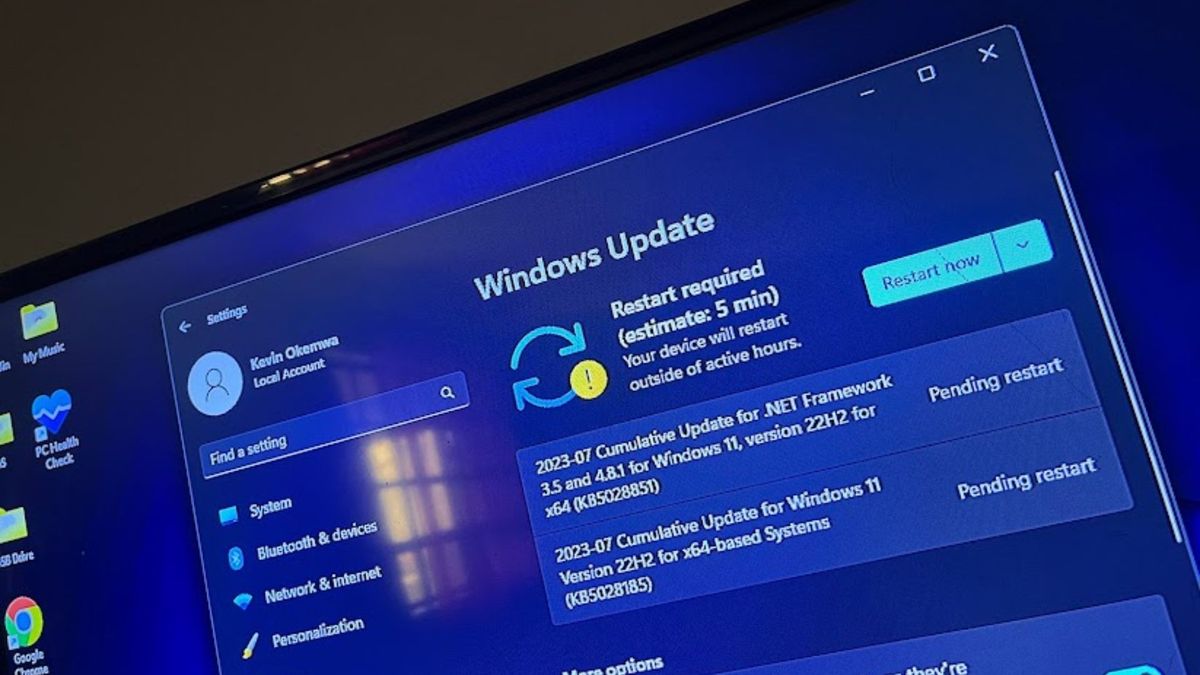
Tiny11, the lightweight version of Windows 11 designed for older PCs, has received a new update, bringing it to version Tiny11 2311. The update includes the Windows 11 2023 Update (23H2) features, bug fixes, and cumulative updates for improved security and stability. The new version is 20% smaller than the previous release and introduces features such as Windows Copilot. Despite Windows 11's slow adoption rate, Tiny11 offers a solution for running the operating system on PCs that don't meet the strict system requirements. However, users may encounter setbacks such as blue screen errors and system instability.
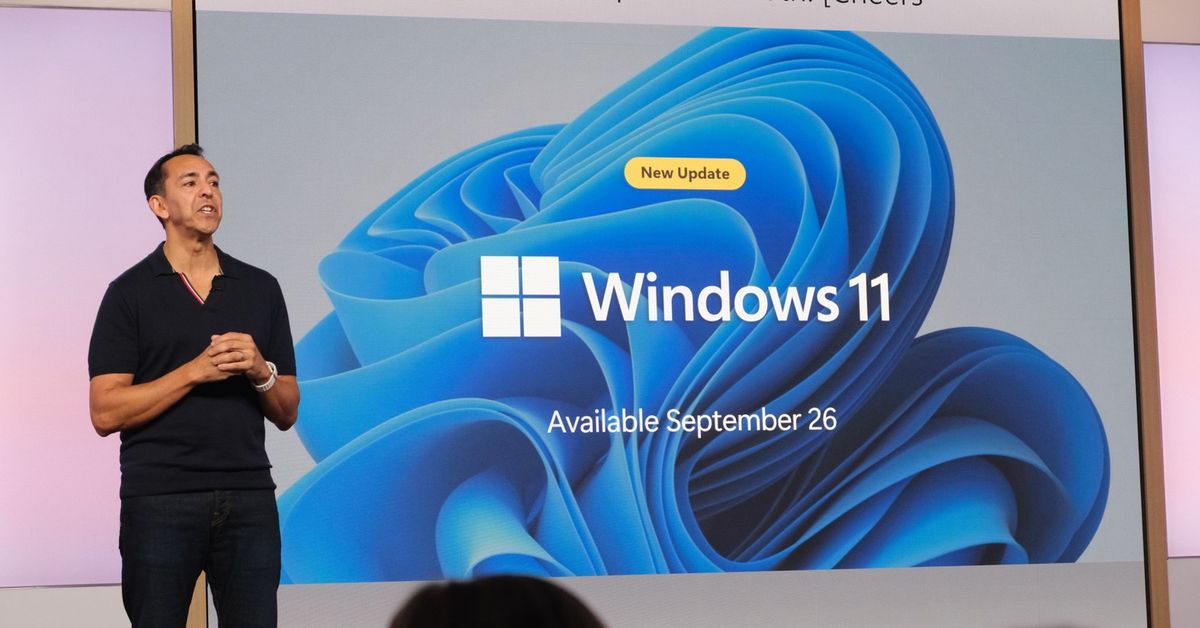
Microsoft is set to release its next major update for Windows 11, 23H2, on September 26th. The update will introduce several new features, including Windows Copilot, an AI-powered assistant integrated into the operating system, a redesigned File Explorer with a modern interface, native RAR and 7-zip file support, a new volume mixer for audio control, Ink Anywhere for stylus users, and native RGB lighting controls for PC gamers. Other improvements include an enhanced Windows Backup app for easy migration to new devices, the restoration of app labels and ungrouping on the taskbar, and a dark mode for Microsoft Paint.
Microsoft is preparing to release Windows 11 version 23H2, which introduces substantial changes and addresses user complaints. New features include Windows Copilot, a replacement for Cortana that allows users to perform various actions within Windows 11; taskbar upgrades such as ungrouping and the "show labels" option; a redesigned File Explorer with a modernized "Details" pane and tab improvements; support for more archive types; a redesigned Volume Mixer; a new Windows Backup app for easy data transfer between devices; and improvements for developers with Dev Drive and the Dev Home app. Other changes include a new Home page in the Settings app, Dynamic Lightning for managing RGB devices, and easier access to Wi-Fi passwords. Accessibility improvements and a bonus wallpaper are also included in the update.
Microsoft has announced that Windows Copilot, a centralized AI assistant, will be introduced with the Windows 11 23H2 update in the fall. Currently in the preview stage, Copilot offers basic features such as dark mode and do not disturb. It aims to enhance user productivity by providing assistance with tasks, settings customization, and seamless app connections. Integrated with Bing Chat and various plugins, Windows Copilot aims to turn every user into a power user and offers developers new opportunities for innovation.
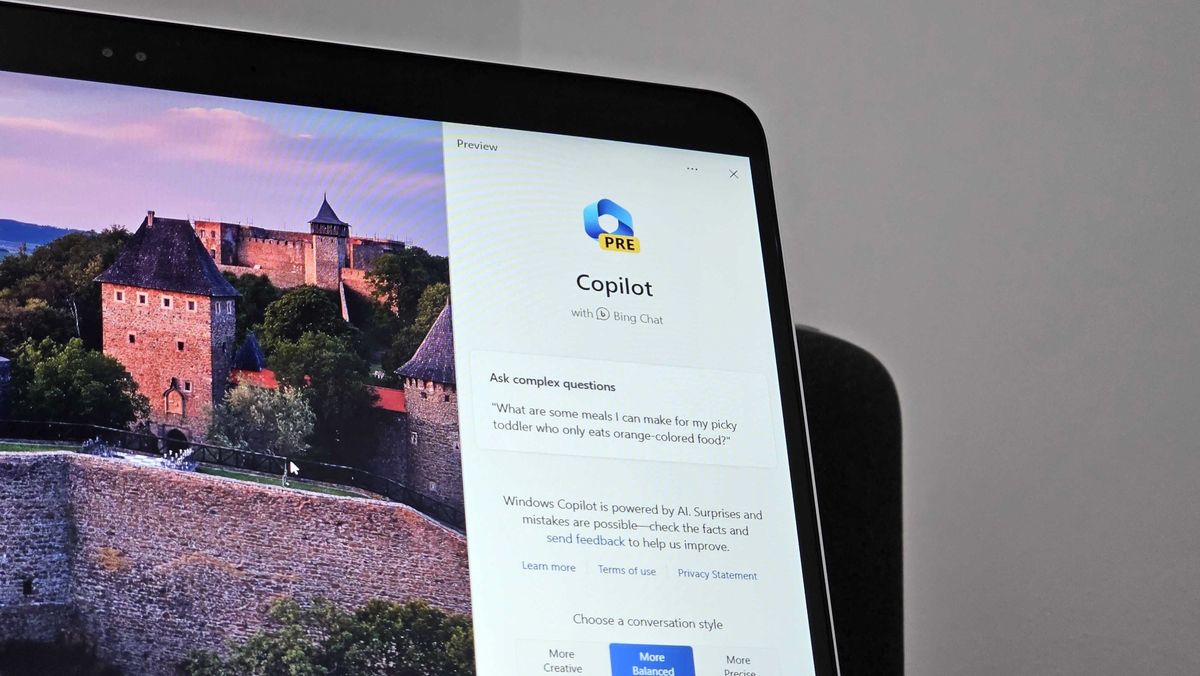
Microsoft has released the first preview build of Windows 11 with the new Windows Copilot feature, which is essentially an AI assistant for Windows. However, the initial preview is lacking in Windows integration as the Windows Copilot interface is actually the Bing Chat website delivered through Microsoft Edge. It currently has limited capabilities and can only configure basic Windows settings. The Windows Copilot is slow and not as efficient as manually performing tasks. Additionally, it lacks voice interaction and cannot analyze content outside of Edge. The fact that it is not a native Windows feature and relies on Edge is disappointing to users.
Microsoft has released an early preview of Windows Copilot, a sidebar AI assistant for Windows 11 that can answer questions and perform system commands. The update also includes native support for RAR and 7-Zip files, an improved volume mixer UI, a new Settings homepage, and a suggestions feature for Snap Layouts. Windows Copilot is still in development and lacks full functionality, while the archive format support may have initial performance issues. These features are currently available for testing by Windows Insiders.
Microsoft has introduced Bing's voice mode to Edge on desktop, allowing users to ask questions using their voice and receive a response in a voice of its own. The chatbot currently supports English, Japanese, French, German, and Mandarin, with additional languages on the way. This move comes as Microsoft looks to discontinue Cortana on Windows and replace it with Bing and its AI-powered Copilot, which will be built into Windows 11 and offer more capabilities.
Microsoft's new Windows Copilot, an AI built into the operating system, has the potential to be a powerful accessibility tool. The Copilot can be controlled entirely through voice or text, making it easier for those with dexterity problems or who prefer alternative modes of input to operate their computer. Additionally, the Copilot can help users discover and enable accessibility features already built into Windows, such as Magnifier, Color Filters, Narrator, Live Captions, Translation, or Sticky Keys.
Microsoft is set to launch Windows Copilot, an AI-powered chatbot that will serve as a central assistant accessible from the Windows taskbar. Copilot will be integrated with a variety of other apps, allowing users to launch apps like Adobe, Spotify, Teams, computer settings and more while using its chat feature in an on-screen sidebar. It will also be capable of taking pasted text or documents and explaining, rewriting or summarizing the content to help the user complete tasks. Windows Copilot will be available for Windows 11 users to preview the next-generation virtual assistant starting in June.