Rossen Reports: Essential iPhone Settings to Prevent Hackers
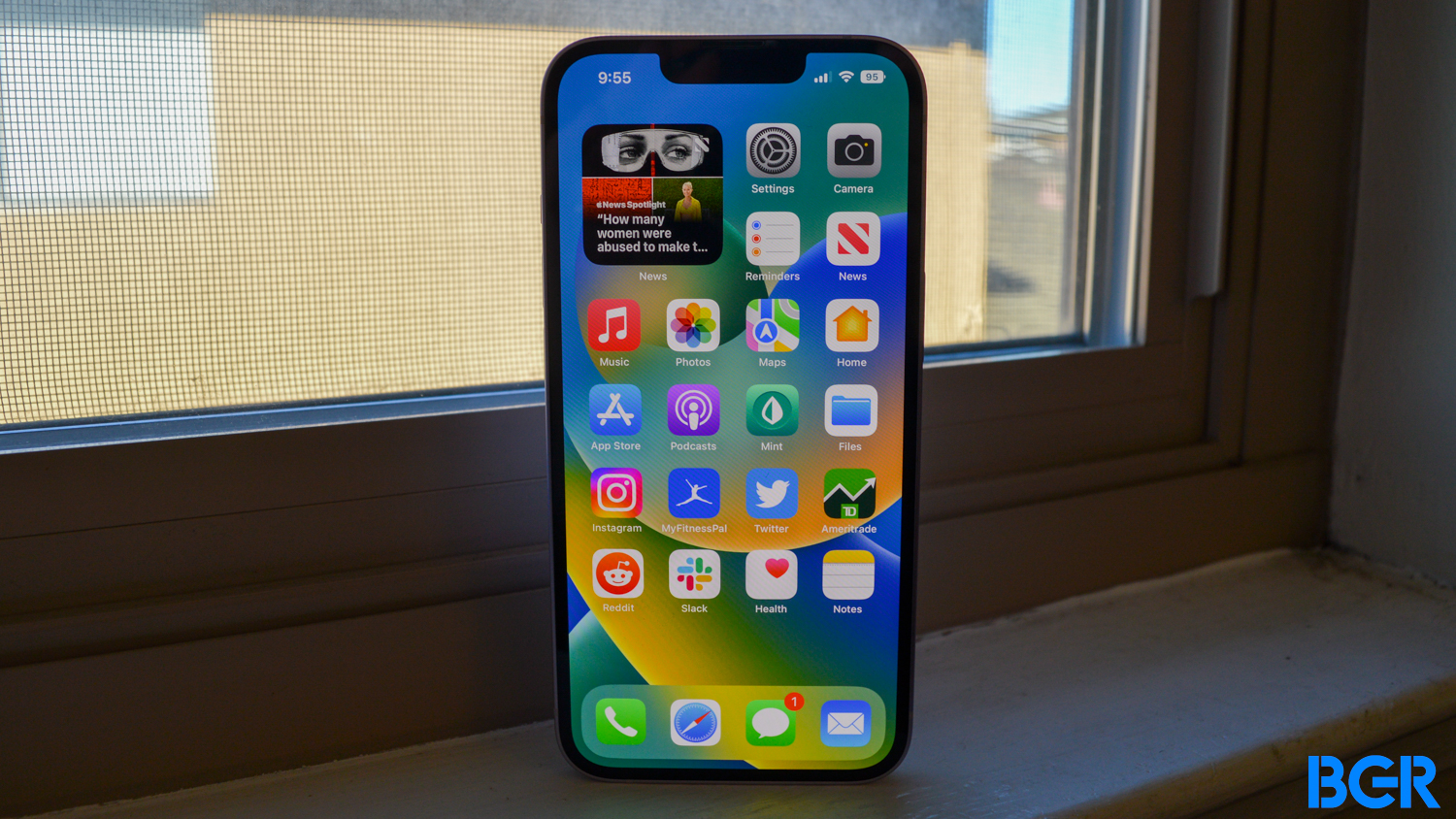
To protect your iPhone from hackers, disable 'Auto-Join Wi-Fi' by turning off 'Ask to Join Networks' in Wi-Fi settings, and adjust 'Automatically AirPlay' to 'Ask' or 'Never' in AirPlay & Continuity settings to prevent unauthorized screen sharing. These quick changes enhance your privacy and security.