15 Hidden Apple Watch Tips to Master Everyday Use
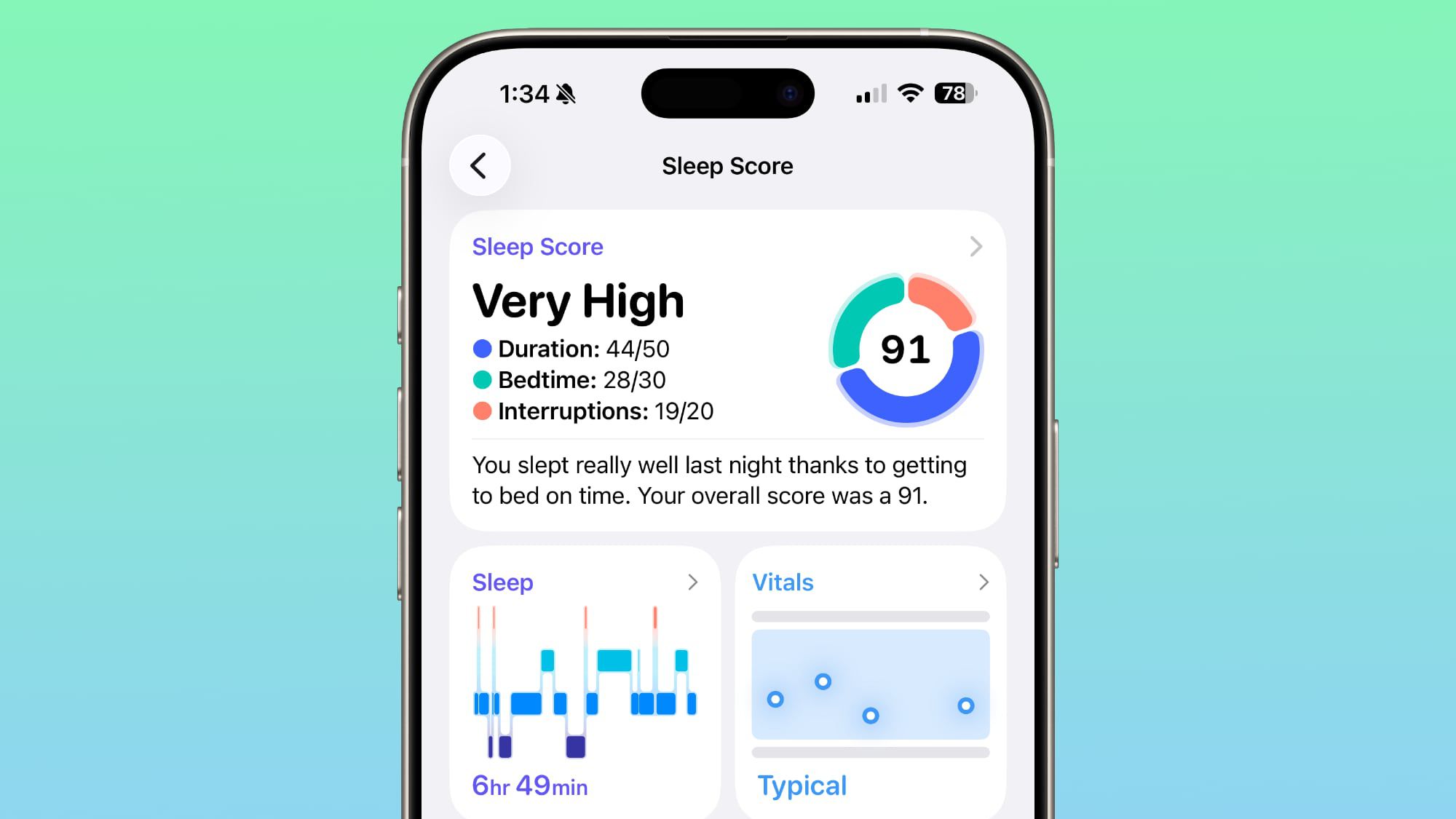
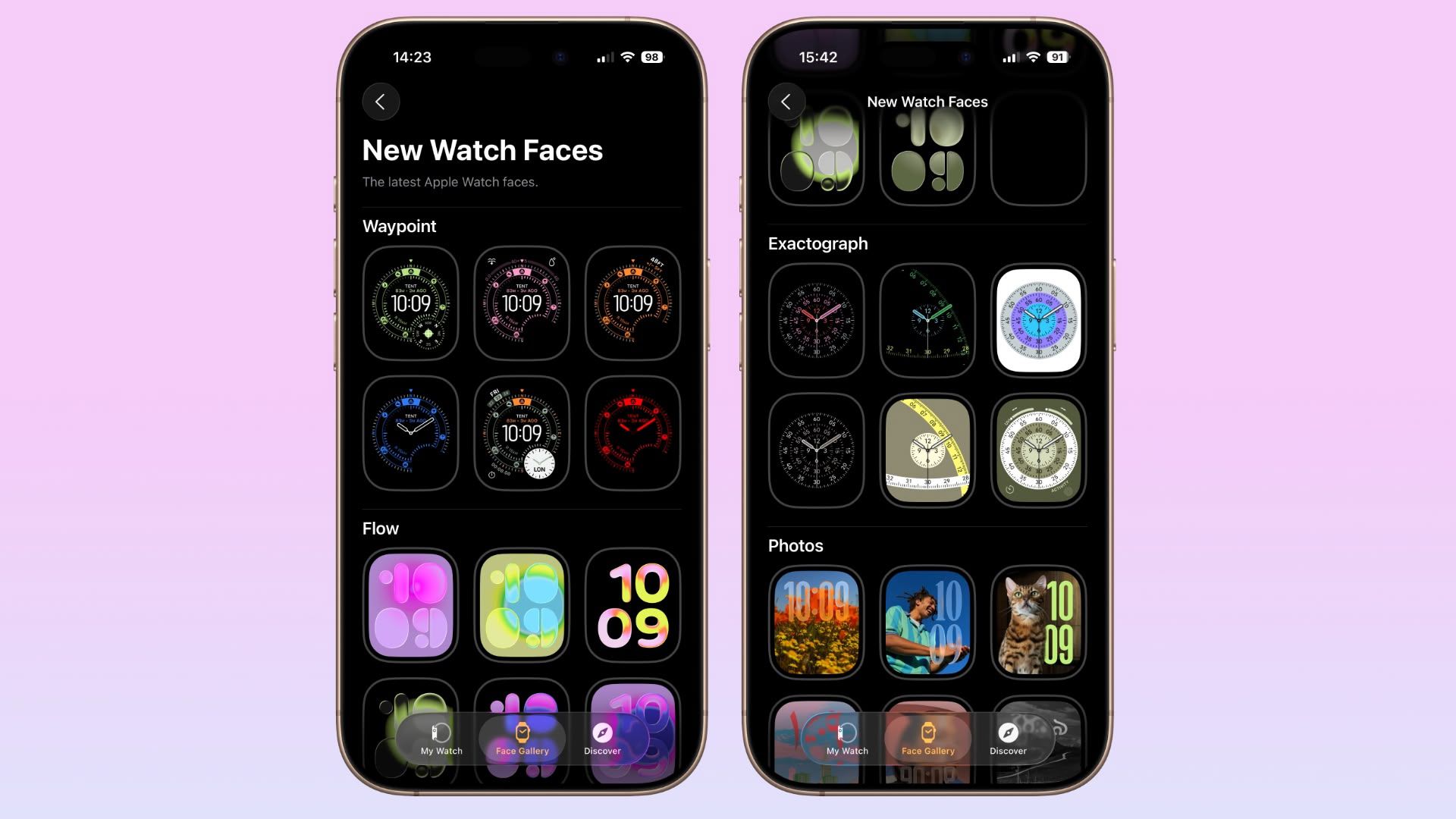
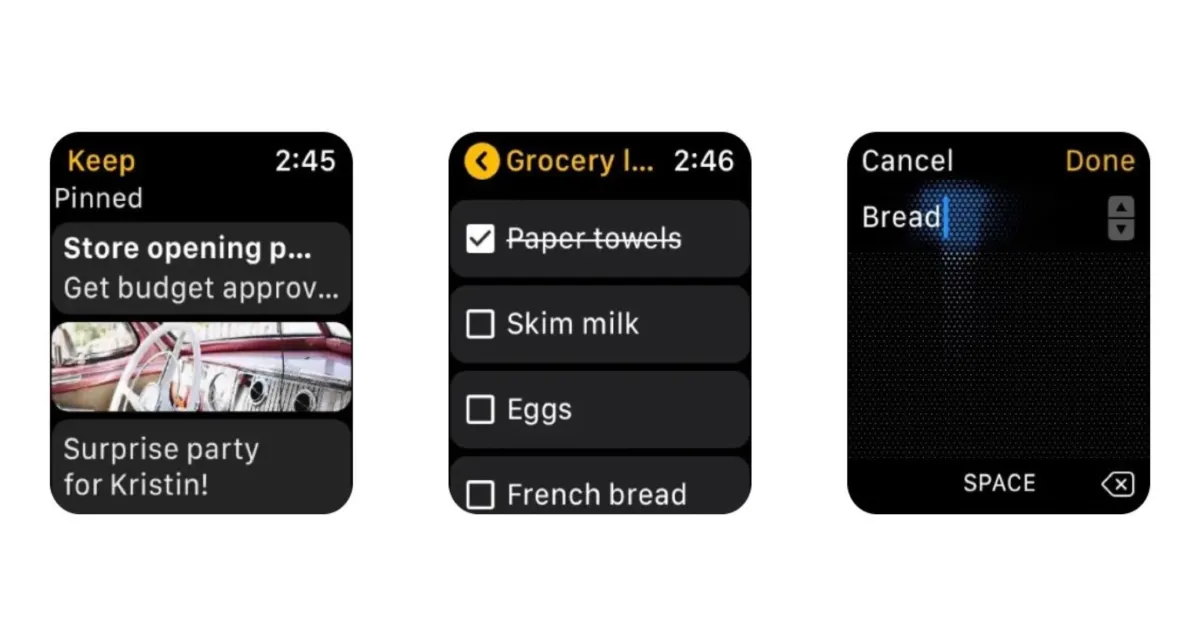
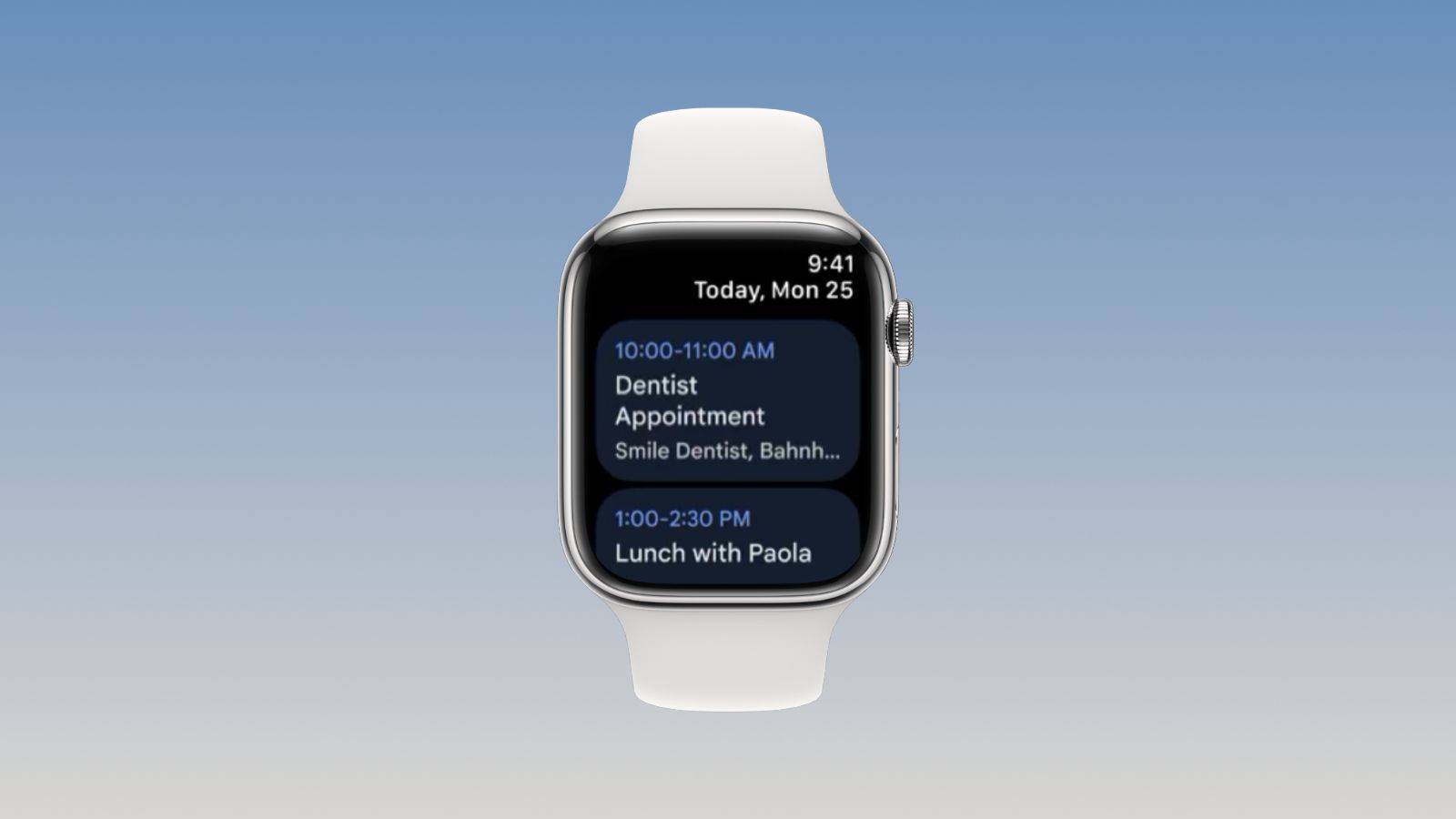
MacRumors’ roundup presents 15 practical Apple Watch tips to boost everyday use, including how to quickly switch between apps with the Digital Crown or by using List View, rearrange apps, ping your iPhone, skip workout countdowns with Precision Start, adjust haptics, use the Chronograph Pro, jump back to the top of long screens, remove unused apps, customize Control Center, have Mickey/Minnie faces (or Siri) read the time, tailor Smart Replies, pause Activity rings, create notes in watchOS 26, and mute/dismiss alerts with a wrist gesture—with note that some features depend on model and watchOS version.