
"Apple Investigates iOS 17 Privacy Settings Reset Issue"
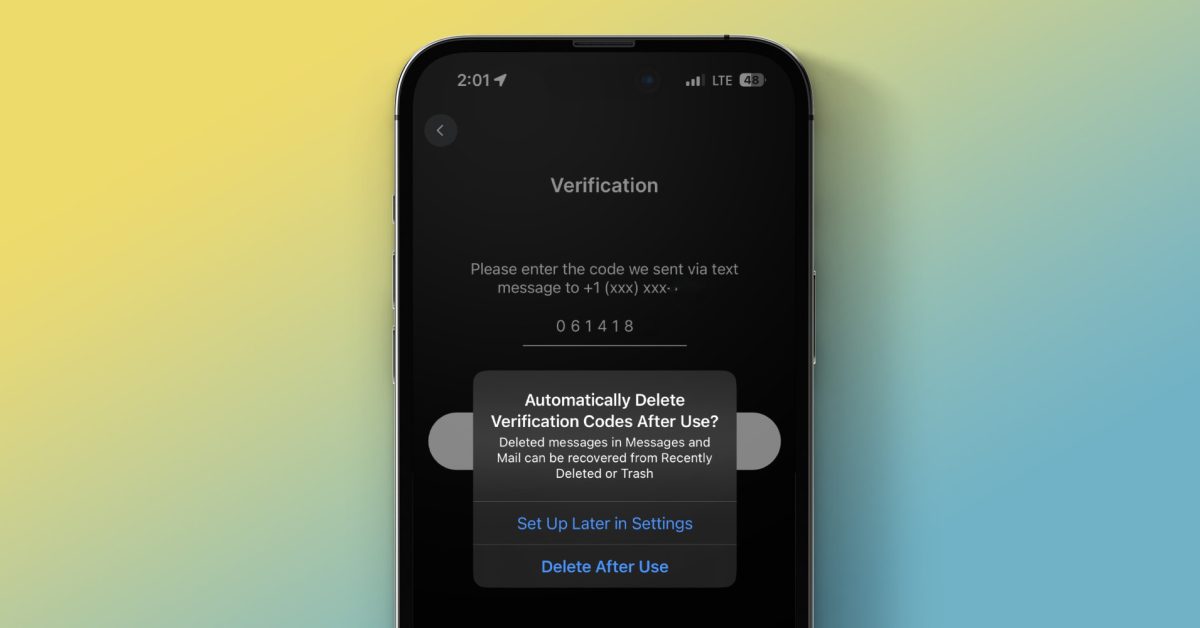
iOS 17 introduces a new feature that allows iPhone users to automatically delete verification codes after they have been used. This feature is particularly useful for services that do not offer two-factor authentication (2FA) through dedicated authentication code-generating apps. Users can enable this feature by going to Settings > Passwords > Password Options and toggling on "Clean Up Automatically." If needed, users can still view recently deleted verification codes by accessing the Messages app and selecting "Show Recently Deleted."