
"Apple Investigates iOS 17 Privacy Settings Reset Issue"
TL;DR Summary
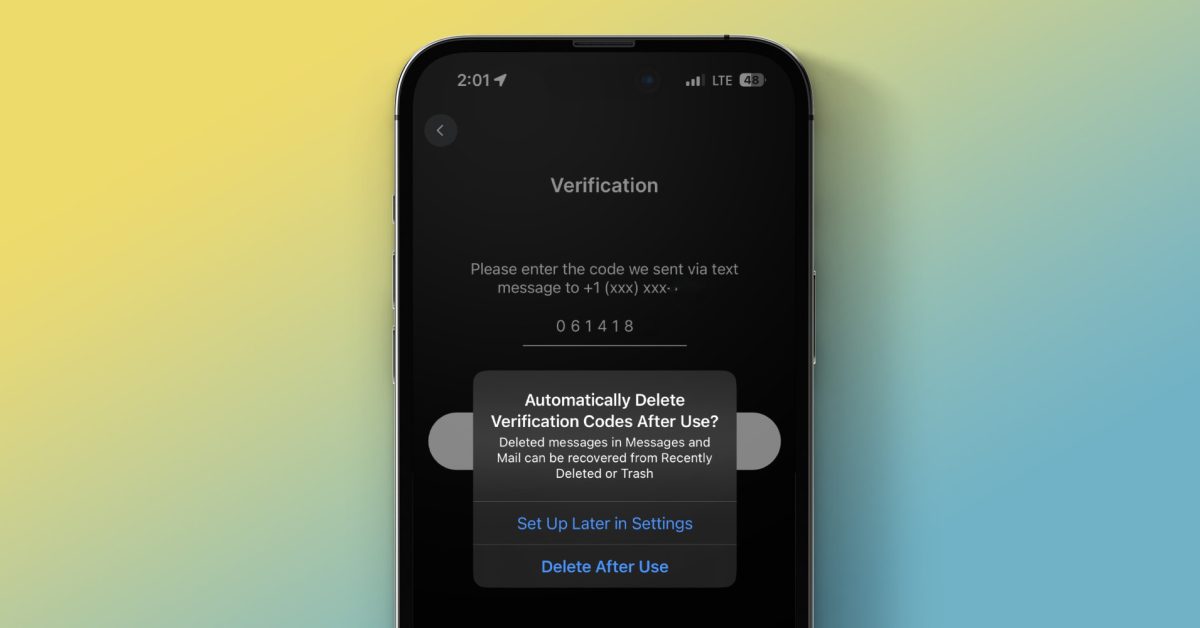
iOS 17 introduces a new feature that allows iPhone users to automatically delete verification codes after they have been used. This feature is particularly useful for services that do not offer two-factor authentication (2FA) through dedicated authentication code-generating apps. Users can enable this feature by going to Settings > Passwords > Password Options and toggling on "Clean Up Automatically." If needed, users can still view recently deleted verification codes by accessing the Messages app and selecting "Show Recently Deleted."
Reading Insights
Total Reads
0
Unique Readers
5
Time Saved
1 min
vs 2 min read
Condensed
77%
339 → 79 words
Want the full story? Read the original article
Read on 9to5Mac