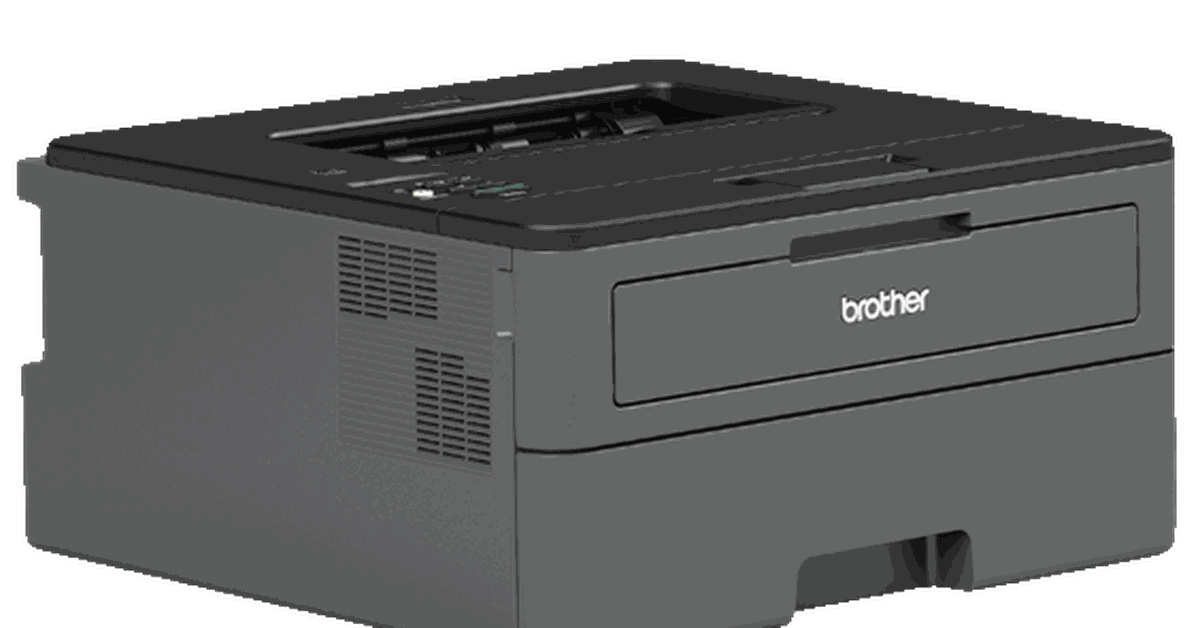
The best printer for 2024 remains a Brother laser printer, known for its reliability, cost-effectiveness, and sharp text quality. While it may not be the absolute best for everyone, it excels in high-volume black and white printing needs and is ideal for offices or frequent users. Consider your specific needs and priorities, such as printing volume, color requirements, budget, and available space, before making a decision.
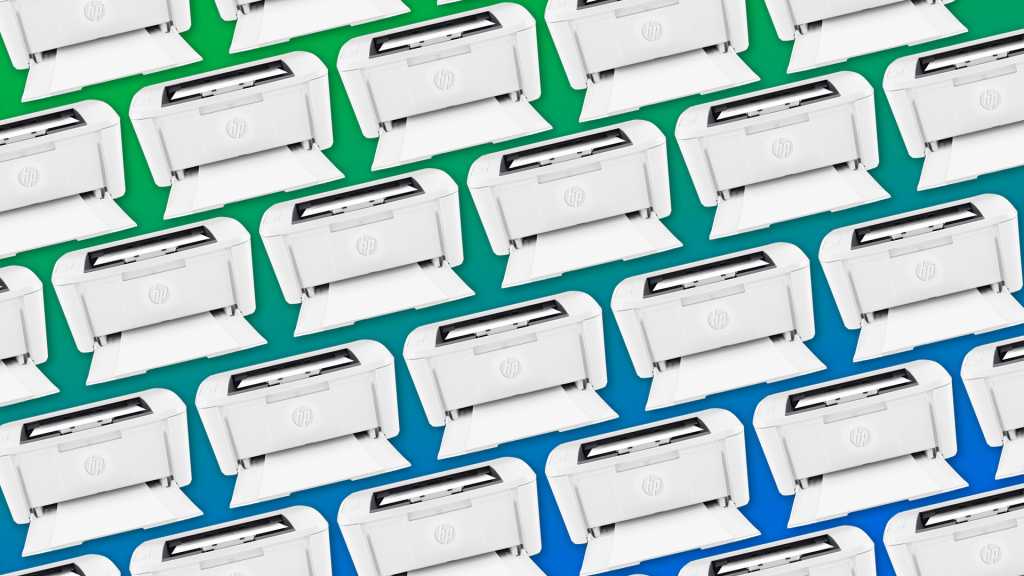
HP has introduced the All-In Plan, a printer subscription service that offers a limited number of printed pages per month for a monthly fee with a two-year commitment and potential overage charges. Customers can choose from three printer models and enjoy benefits such as free ink and round-the-clock support. However, after the initial 30-day period, customers are locked into the subscription and may face cancellation fees if they want to opt out.
Wizards of the Coast plans to release revised versions of the Player’s Handbook, Dungeon Master’s Guide, and Monster Manual in 2024 to celebrate the 50th anniversary of Dungeons & Dragons. However, the company is struggling to find a printing partner to handle the massive print runs for all three books at the same time. The staggered release is being considered, but the existing 2014 editions will still be compatible with the game. Wizards has also been expanding into the digital space, but it's too soon to say if the revised books will have digital pre-release copies.
The easiest way to print iPhone text messages is to take screenshots of the conversation and print the screenshots. It's also possible to use third-party software to print full transcripts. To take a screenshot on an iPhone, press and hold the Power + Volume Up keys, or Power + Home button. Once you have all your screenshots, open the “Photos” app on your iPhone, select the screenshots, and tap the share icon to print. For printing a transcript of an iPhone text message conversation, third-party software like AnyTrans can be used.