Despite Microsoft's efforts to promote Windows 11, its market share has slightly declined from 35.6% to 34.9% globally, with a more significant drop in the US, while Windows 10 has seen a modest increase to 61.8%. This trend occurs amid Microsoft's aggressive advertising and hardware compatibility issues that limit Windows 11 upgrades. Statcounter's data, based on extensive web usage, suggests a delay in the anticipated shift to Windows 11 before Windows 10 support ends in 2025.
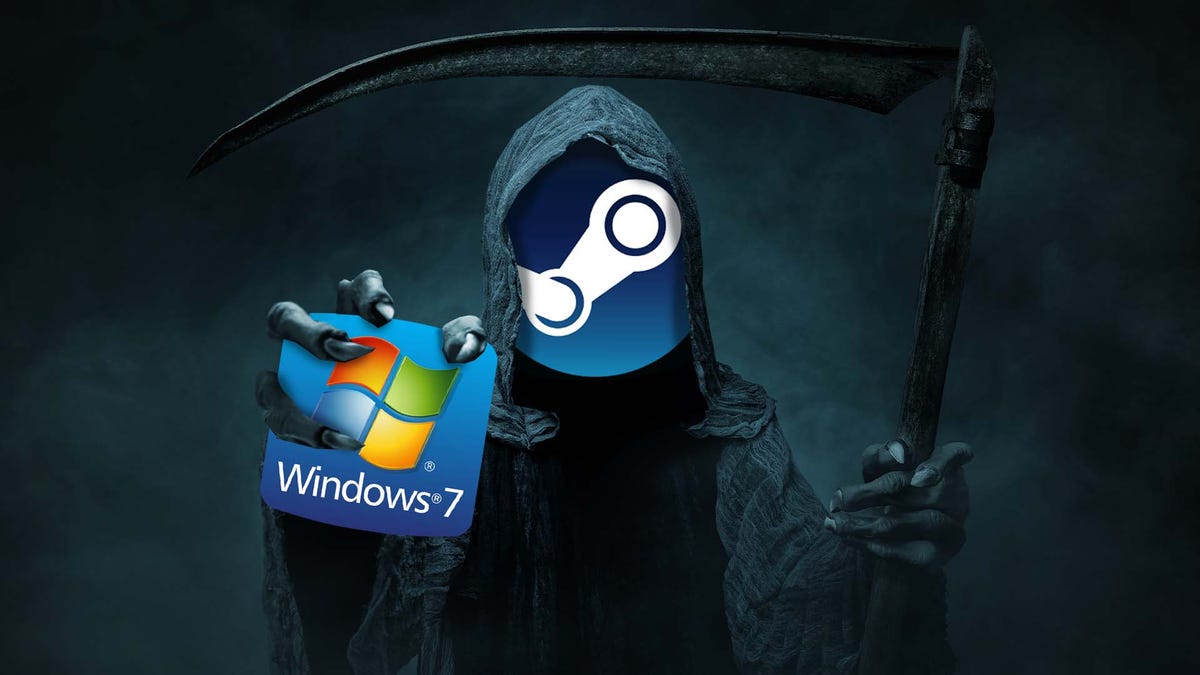
Valve has announced that Steam will no longer officially support Windows 7, 8, or 8.1 starting January 1, 2024. Users on these operating systems will not receive new client updates, including security fixes, and Valve will not offer technical support for issues on these OSs. The decision is partly due to Google Chrome ending support for these systems, affecting Steam's embedded browser version. Valve recommends upgrading to Windows 10 or 11 to avoid security risks and ensure continued functionality, although they expect Steam to run without updates for some time post-cutoff. Users of Windows 10 are also advised to prepare for an upgrade as Microsoft will end security support for it in October 2025.
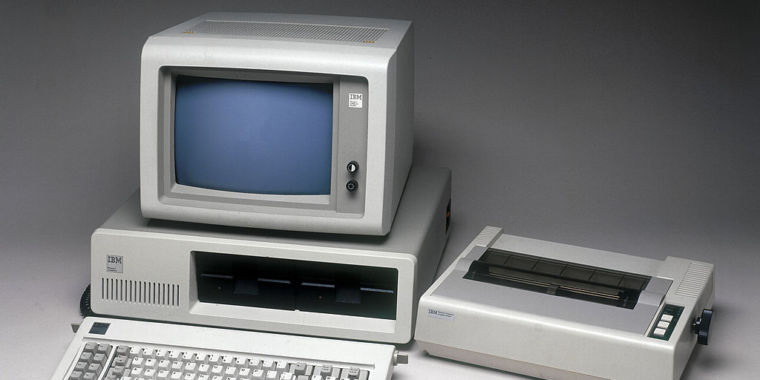
A previously unknown early version (0.1-C) of 86-DOS, the precursor to Microsoft's MS-DOS, has been discovered and uploaded to the Internet Archive by a user named f15sim. This version dates back to August 1980 and is available for download and use with an emulator. It offers a glimpse into the rudimentary beginnings of what would become the foundation for the majority of PCs in the 1980s and the underlying system for Windows in the 1990s. Microsoft later purchased 86-DOS from Seattle Computer Products and developed it into MS-DOS, which, along with its IBM-branded counterpart PC DOS, played a significant role in the rise of the PC market.
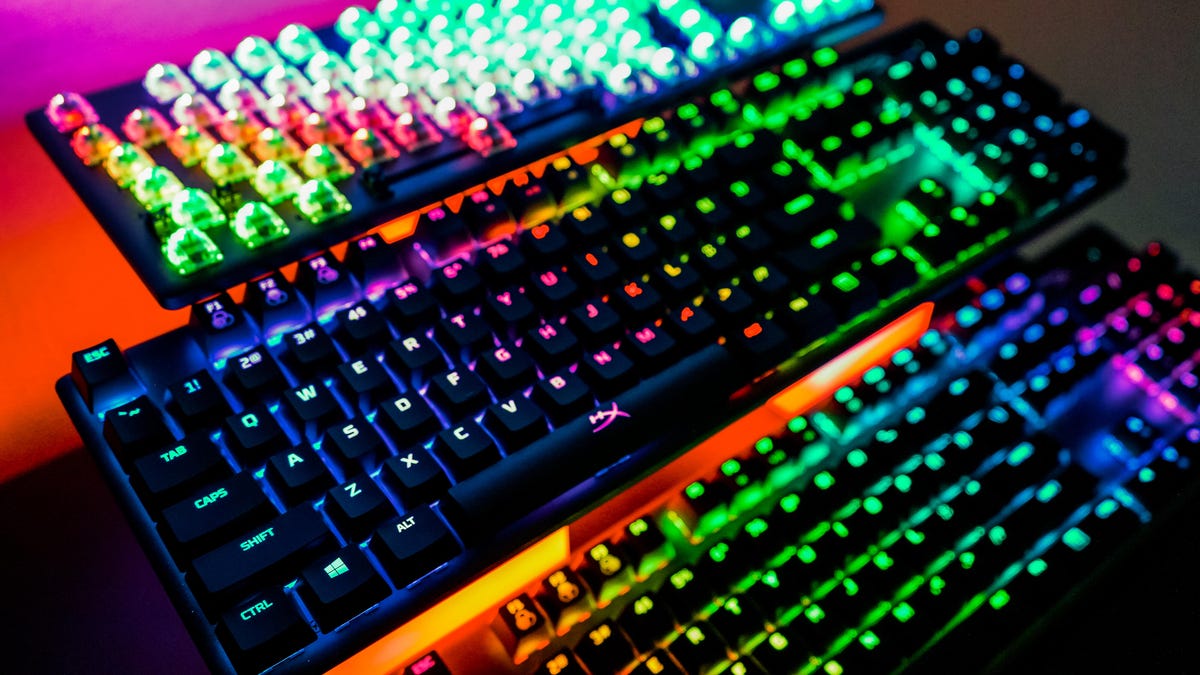
The article provides an extensive list of keyboard shortcuts for Windows 11, which can enhance user productivity and efficiency. These shortcuts include basic commands for copying, pasting, and undoing actions, as well as more advanced functions like managing windows, taking screenshots, and using virtual desktops. The shortcuts utilize combinations of the Ctrl, Alt, Shift, Windows key, and F keys, and are designed to help users navigate and control their system more effectively without relying solely on a mouse.