

Tag

Ios Updates

All articles tagged with #ios updates

Apple WWDC 2025 Preview: Anticipated iOS, macOS, and AI Announcements

Originally Published 7 months ago — by Engadget

Featured image for Apple WWDC 2025 Preview: Anticipated iOS, macOS, and AI Announcements
Source: Engadget

Apple's WWDC 2025 will showcase major updates across its software ecosystem, including a significant visual redesign inspired by its mixed reality headset, a unified naming scheme for its operating systems, and enhancements in AI and productivity features for iOS, iPadOS, macOS, and more. Notable rumors include a new iPhone Air with AI-powered battery management, a virtual health coach, and a centralized gaming app, with hardware updates expected to be minimal.

Apple WWDC 2025: Anticipated Updates and AI Strategy

Originally Published 7 months ago — by Engadget

Featured image for Apple WWDC 2025: Anticipated Updates and AI Strategy
Source: Engadget

Apple's WWDC 2025 is expected to showcase a major visual redesign across its operating systems, a unified naming scheme, enhanced iPadOS productivity features, AI-driven updates including Siri improvements and a virtual health coach, and new device concepts like the iPhone Air, with hardware updates unlikely. The event will also feature playful presentations from Craig Federighi and release timelines for beta and final software versions.

"Unraveling the Mystery: The Decline of iPhone Battery Longevity"

Originally Published 2 years ago — by ZDNet

Featured image for "Unraveling the Mystery: The Decline of iPhone Battery Longevity"
Source: ZDNet

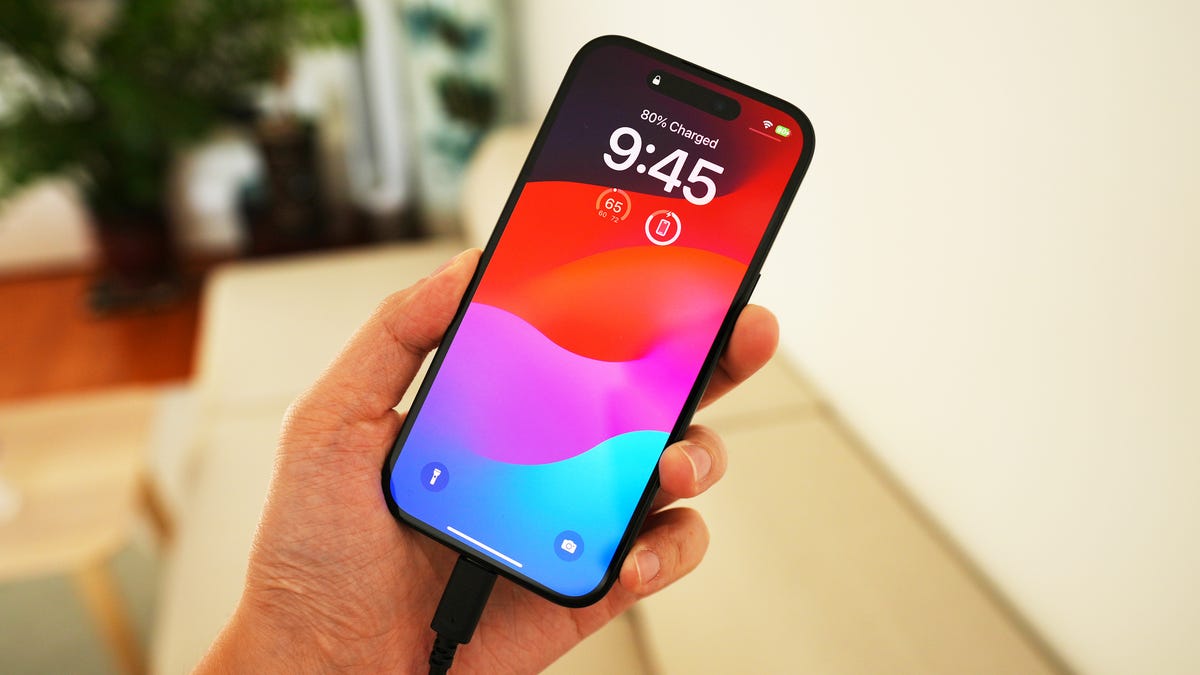
The gradual decrease in an iPhone's battery life from 100% to 99% is a normal part of battery wear and is not a cause for concern. Every charge/discharge cycle wears the battery a little, and after around 500 complete charge cycles, the battery is designed to retain up to 80% of its original capacity. The more you use your phone, the more it wears the battery. Additionally, the battery's actual capacity is slightly higher than what Apple claims, which allows it to stay at 100% for longer when the battery is new. However, there are steps you can take to reduce additional wear, such as using a good-quality charger, keeping the phone at room temperature, not leaving it on the charger all the time, and keeping the phone updated with iOS updates. Signs of a dying battery include rapid discharging, crashing under load, failure to charge to 100%, and physical damage.