"Quick Steps to Disable Find My iPhone and Remove Devices"
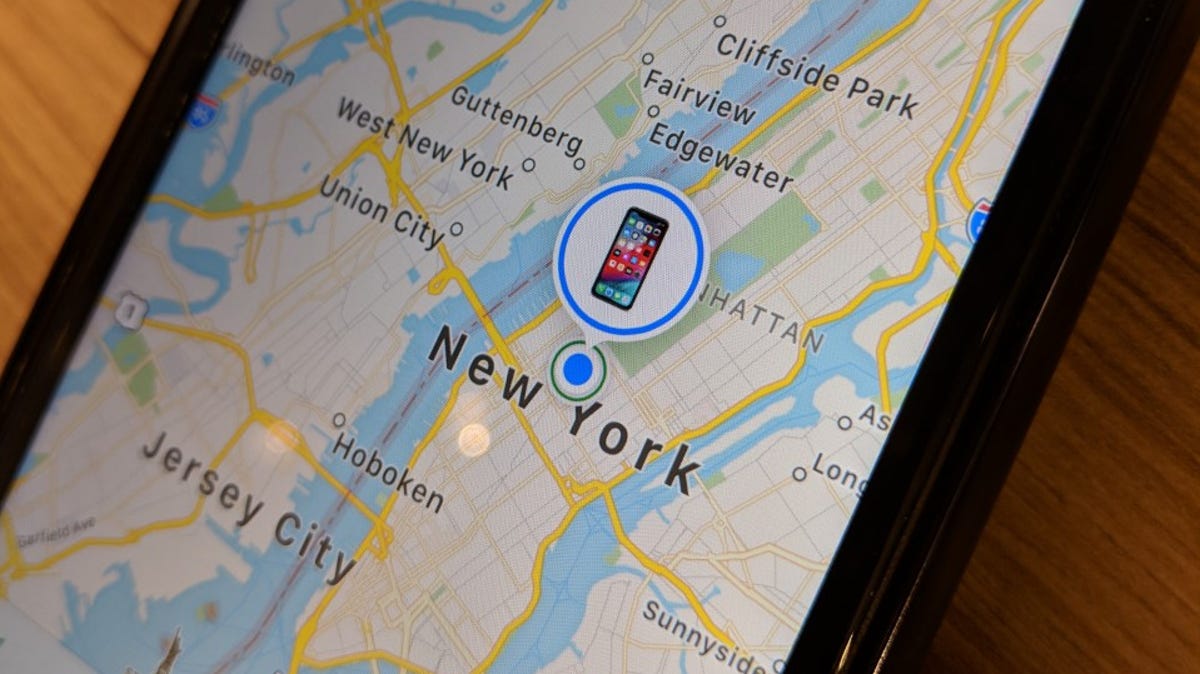
Apple's "Find My" setting helps locate lost devices and friends' devices, but if you want to turn it off, go to the Settings app, tap your name, and scroll down to the “Find My” settings. To remove a device from Find My iPhone, go to the "Find My" app, select "Devices," choose the device you want to erase, and hit "Remove This Device" or swipe left and click the trash can icon.