Tag

End Call Button

All articles tagged with #end call button

technology2 years ago

"Apple's iOS 17 Beta: End Call Button Returns to Center Screen"

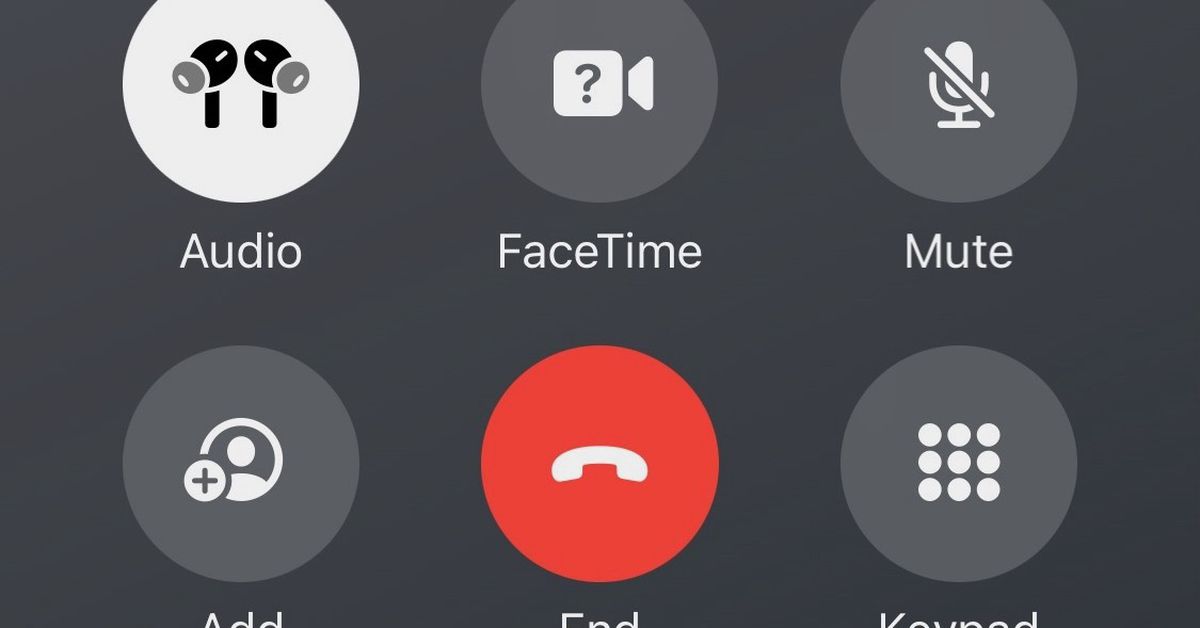
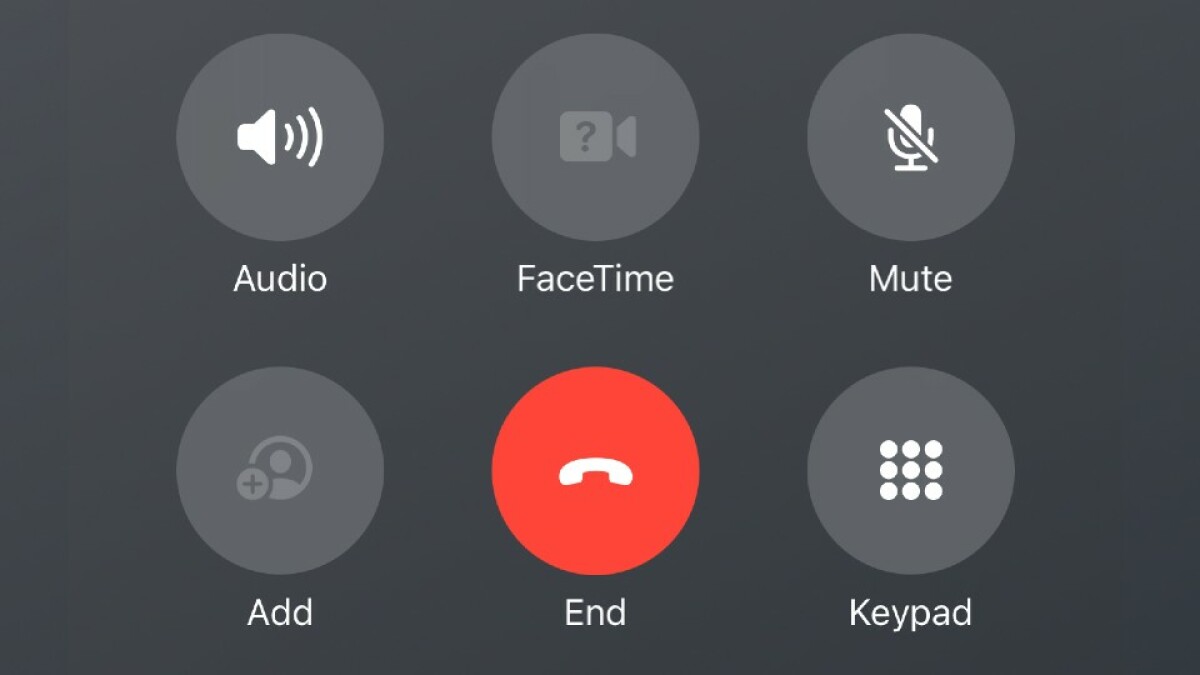
Apple is testing a new placement for the "End Call" button in the latest iOS 17 beta, moving it to the center of the screen surrounded by other apps. This comes after negative feedback when the button was placed at the bottom right during phone calls. The new placement may cause accidental presses of other buttons. Apple is expected to release more details about iOS 17 and its upcoming iPhone 17 and Apple Watch Series 9 next month.
technology2 years ago

"Apple Relents: End Call Button Position Adjusted in iOS 17 Beta"

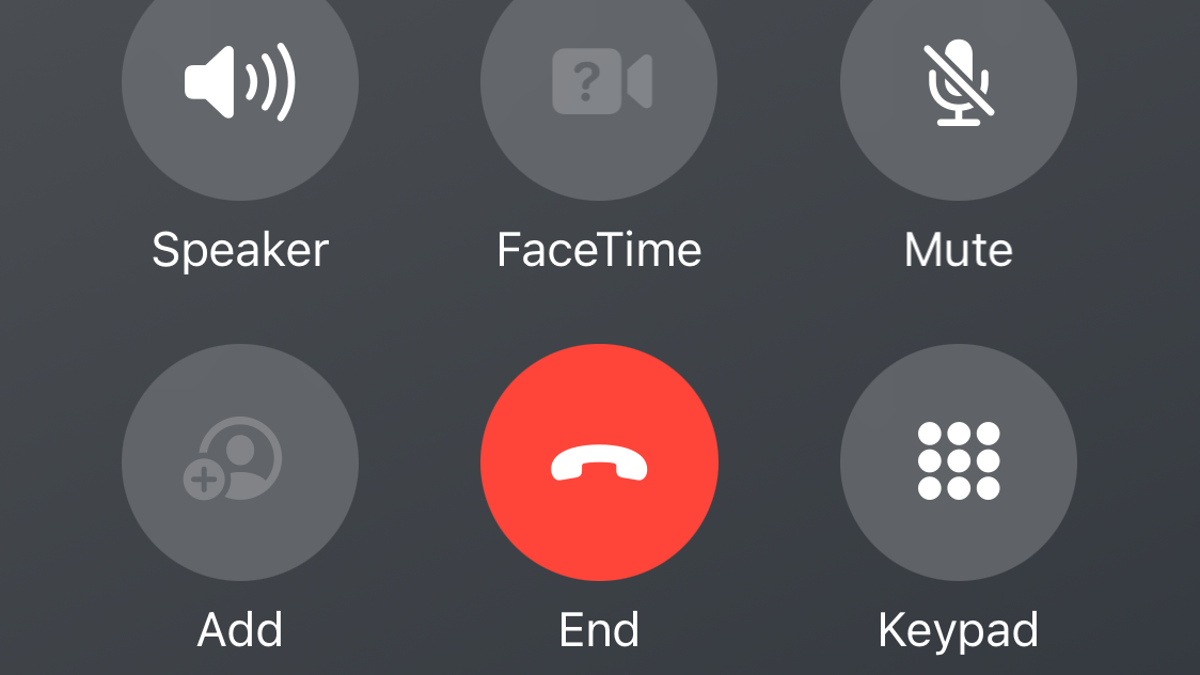
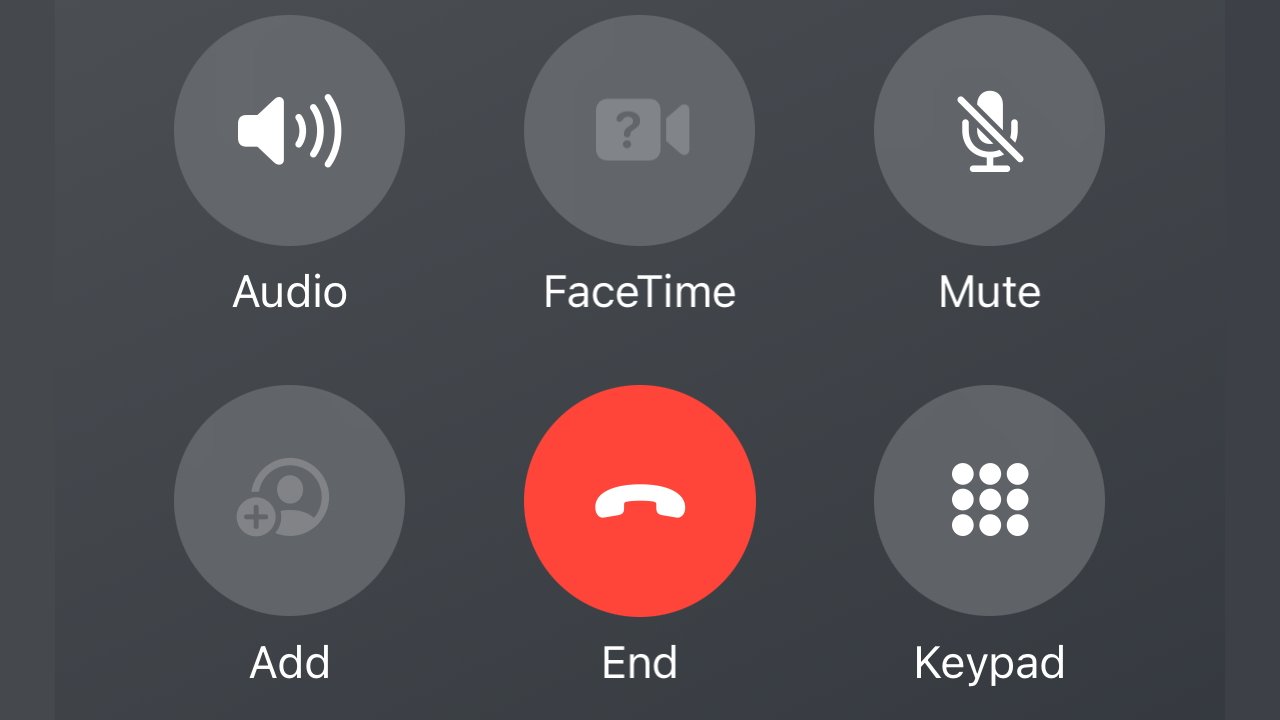
Apple has moved the End Call button back to its original centered position in the latest iOS 17 beta, after receiving complaints about its previous placement on the right side of the screen. The button has been swapped with another button in the group of six controls, but it remains to be seen if users will have any issues with the new arrangement. The updated position is expected to be included in a public beta before the official launch of iOS 17.

technology2 years ago

Apple Restores 'End Call' Button to Original Position in iOS Update

Apple has reversed its decision to move the 'end call' button to the right side of the screen in the iOS 17 beta and has placed it back in the middle, nested within other buttons. This change, which affects users who have installed the public iOS beta versions, is likely due to user feedback and muscle memory. The final version of iOS 17 is expected to be released in September alongside the launch of the iPhone 15.

technology2 years ago

iOS 17: Crazy Changes, End Call Button Move, New Now Playing Screen, and More!

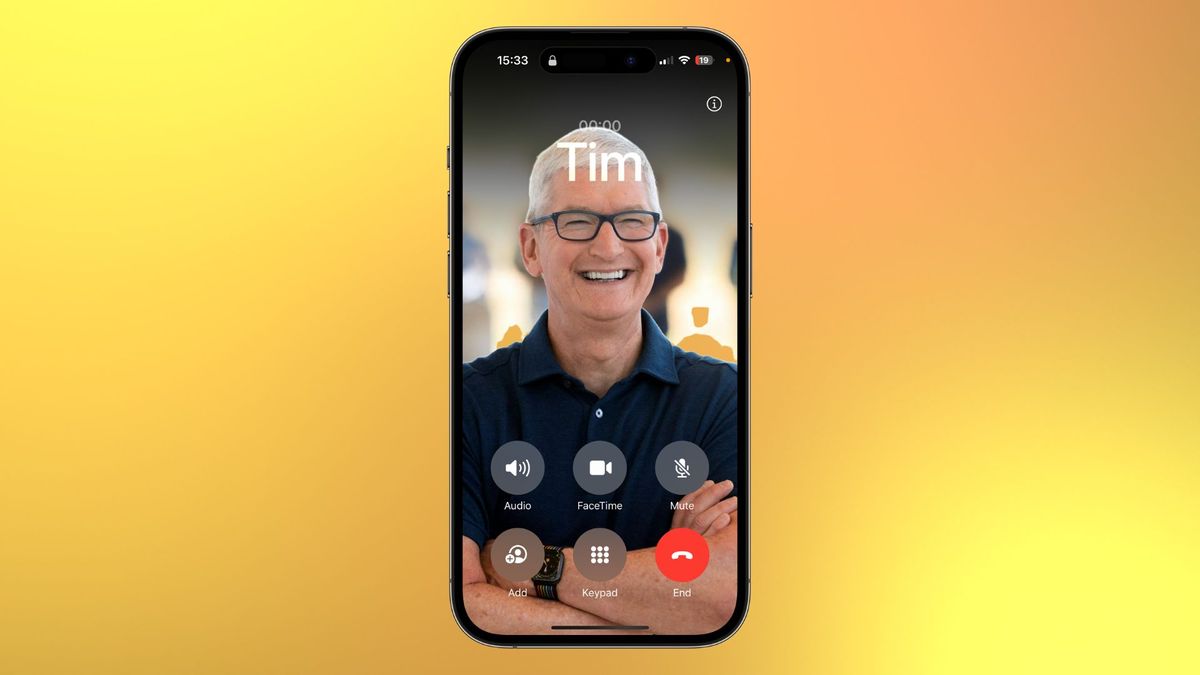
The upcoming release of iOS 17 will feature a change in the placement of the end-call button during phone calls, causing some users to feel disoriented. The button has been moved from the center of the screen to the right, merging it with other phone call controls. This change allows for a better view of the Contact Posters feature, which allows users to customize their full-screen contact images. While some may find the change inconvenient, it offers a fresh look to the Phone app and enhances customization options.