Microsoft is ending support for Windows 10 on October 14, affecting around 200 million PCs, and users are advised to back up their data before upgrading to Windows 11, enrolling in security updates, or risking security vulnerabilities and data loss.
In celebration of World Backup Day, consider investing in a network attached storage (NAS) for data protection, with Synology offering three recommended models: DS223j, DS224+, and DS1522+. NAS provides cost-effective ownership of storage and supports the 3-2-1 backup rule. Synology's NAS are known for their reliability, ease of use, and robust app support. World Backup Day also brings discounts on hard drives and SSDs, making it the perfect time to invest in storage solutions.
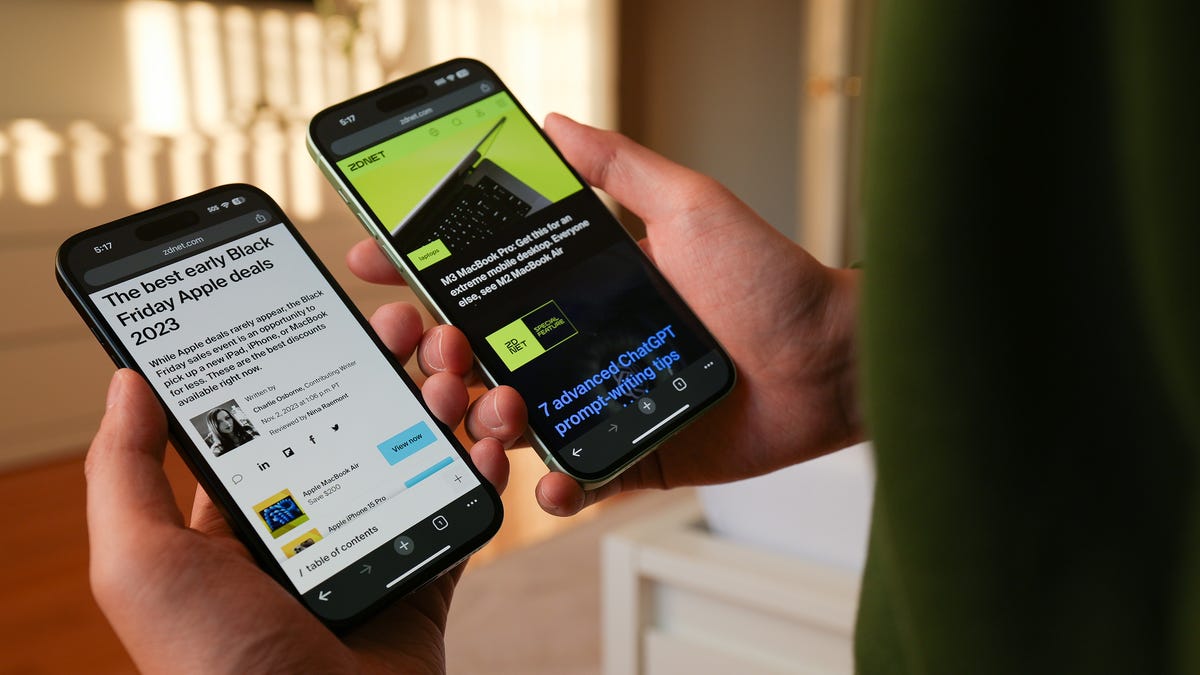
Apple's upcoming iOS 17.4 update, set to meet EU regulatory requirements by March 6, introduces the ability to sideload apps for the first time in compliance with the EU's Digital Markets Act. To prepare for the update, iPhone users are advised to check if their device is compatible, consider updating apps and freeing up space, make backups, ensure access to iCloud password, and charge their device and check connectivity before downloading and installing the update.
Over a hundred Romanian healthcare facilities, including children's and emergency hospitals, were hit by a ransomware attack, forcing some to resort to pen and paper. The cyber extortionists demanded 3.5 Bitcoin to unlock vital files, but officials stated that data had been recently backed up, reducing the impact. While investigations are ongoing, it is expected that the facilities should be able to recover rapidly. However, the impact on patients is likely to be profound as dozens of hospitals have had to switch off internet-connected devices as a precaution.
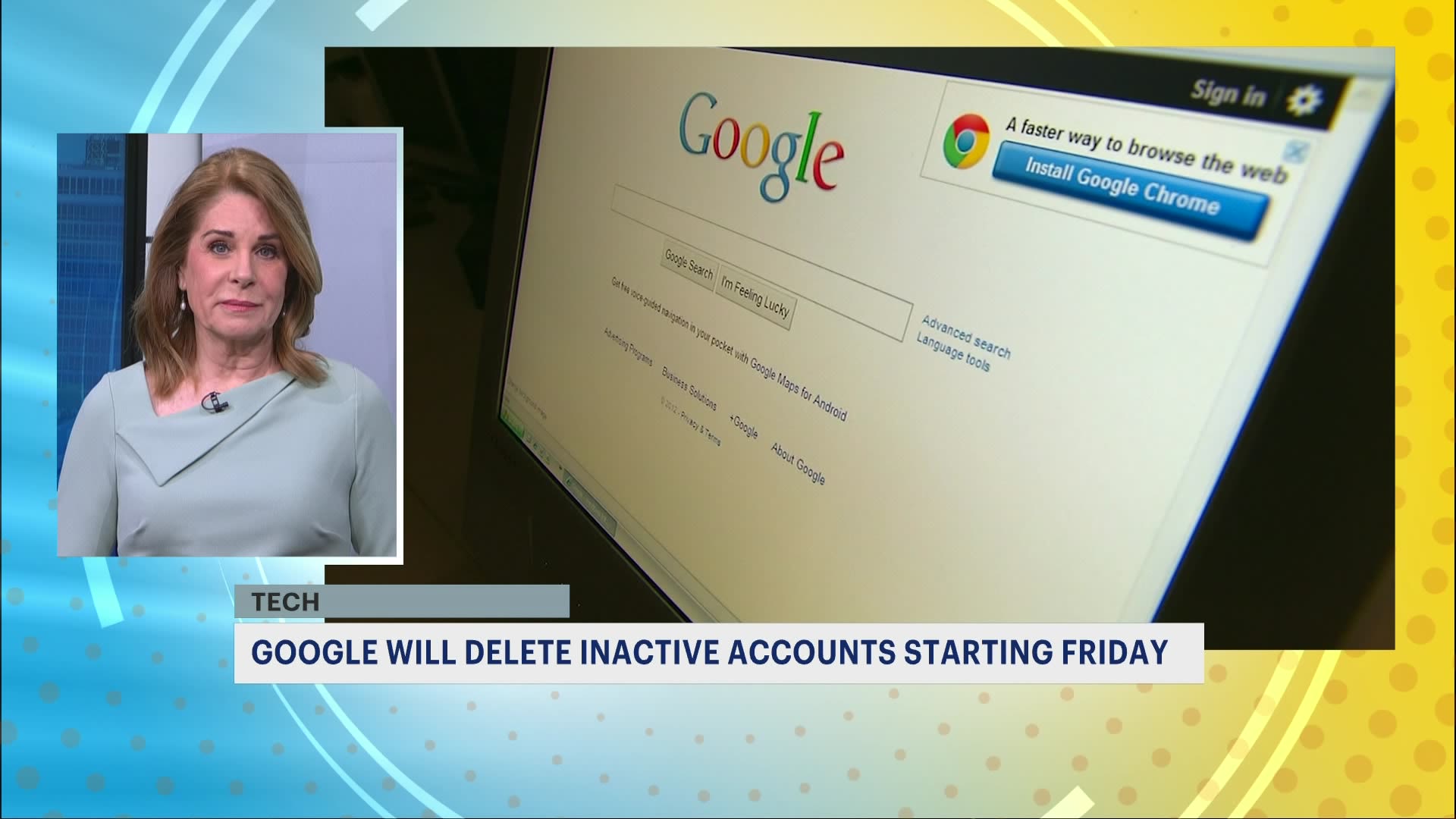
Google will begin deleting inactive accounts that haven't been used in at least two years starting in December. The company implemented this policy to address security concerns, as inactive accounts are more likely to be compromised. To prevent account deletion, users should sign in at least once every two years or engage in account activity such as sending emails, using Google search, or watching YouTube videos while signed in. Google accounts created for organizations, accounts managing active minor accounts, and accounts with ongoing subscriptions or gift card balances are exempt from this policy. Users can use tools like Google Takeout and Inactive Account Manager to manage and backup their data.
Google will begin deleting inactive accounts and their contents, including photos, emails, and documents, starting from December 1. The purge aims to protect users from security threats. Inactive accounts are more likely to be compromised due to old or reused passwords and lack of security measures. Users will receive multiple notifications before their accounts are deleted. To keep an account active, users should engage with Google services such as Gmail, Google Drive, and YouTube. Those who want to save their data can use Google Takeout to download or back up their information.
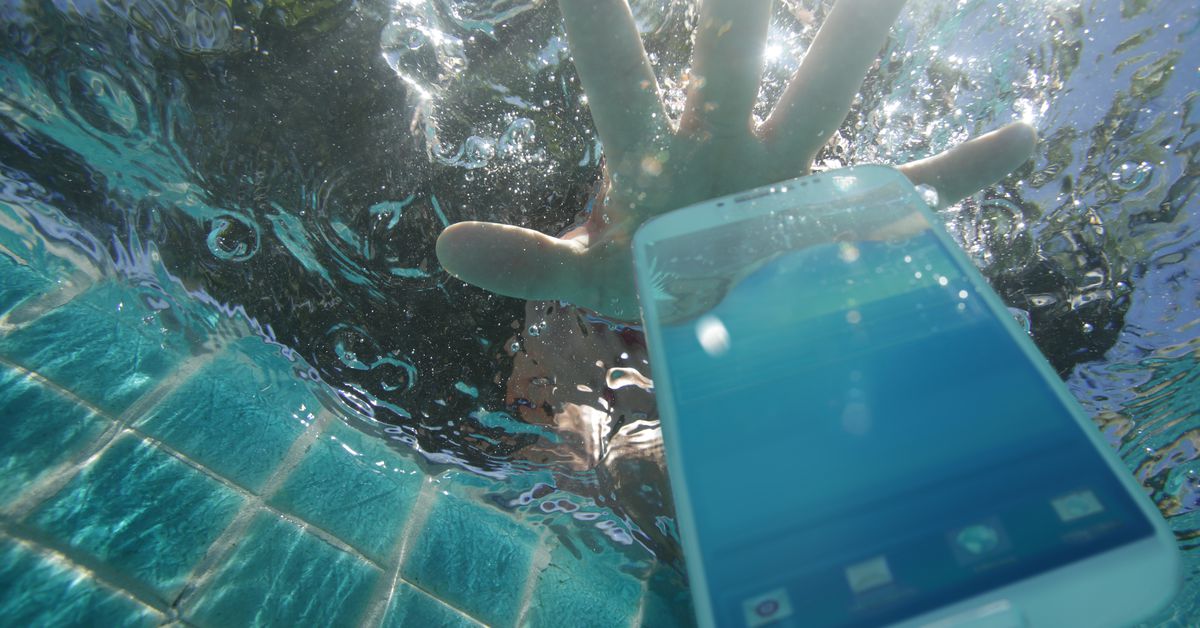
Losing your phone can be a devastating experience, especially if you haven't taken the necessary precautions to protect your digital life. It is crucial to regularly back up your phone's data, either through your computer or to the cloud, to ensure that you have something to restore if your phone is lost or broken. Additionally, activating locator services like Apple's "Find My" can help you track and potentially recover your phone. It is also important to use unique and strong passwords for all your accounts and consider using a password manager to securely store them. Implementing multifactor authentication adds an extra layer of security, but make sure you have a backup plan in case you lose access to your phone. Finally, consider adding app-specific locks to protect sensitive information on your phone.
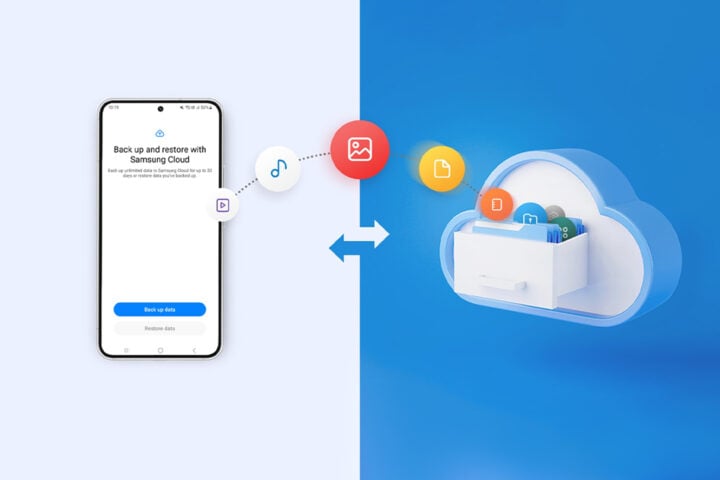
Samsung is introducing a new feature called Temporary Cloud Backup in its upcoming One UI 6.0 update for Galaxy devices. This feature allows users to store unlimited data on Samsung's cloud servers for 30 days at a time, providing peace of mind in case of phone replacement or repairs. Users can back up and restore various types of data, including calls, contacts, messages, apps, images, videos, and documents. However, there are limitations, such as a maximum file size of 100GB and certain data types that cannot be backed up. Temporary Cloud Backup will be accessible through the device settings menu and will be available in select markets for One UI 6.0 smartphones and tablets.
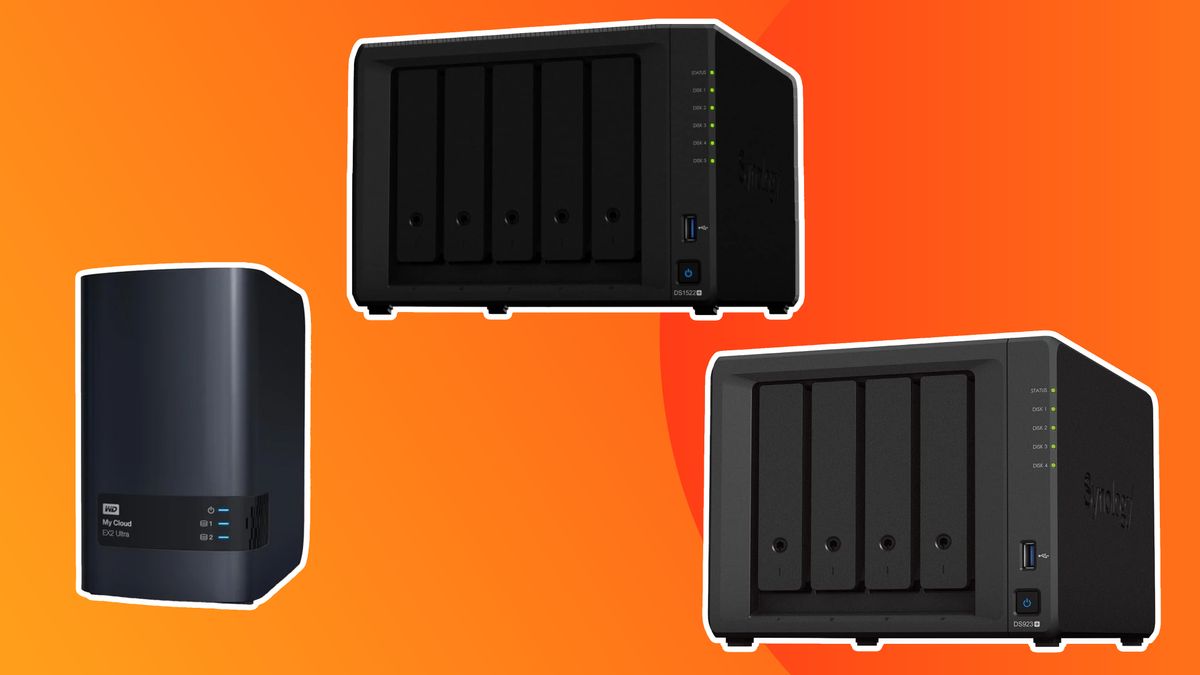
Networked Attached Storage (NAS) drives are a reliable and convenient solution for creative professionals to back up and store their files. The Synology DiskStation DS1522+ is recommended as the best NAS drive overall, offering excellent speed and expansion options. For those on a budget, the Western Digital My Cloud EX2 Ultra provides an affordable yet reliable option. The Synology DS923+ is ideal for professionals with its easy installation and scalability. The ASUSTOR AS1002T is a beginner-friendly NAS drive with a stylish design. The Synology DiskStation DS3622xs+ is the most powerful NAS drive suitable for resource-intensive tasks. The Buffalo LinkStation LS220D is the easiest to use with its plug-and-play setup. The Terramaster F2-223 offers good value for money with flexible storage configurations. NAS drives provide a versatile and expandable alternative to cloud storage, with brands like Synology, QNAP, Western Digital, ASUSTOR, and Buffalo being reputable options.
Google's Album Archive will be shut down on July 19, 2021, and all data will be deleted. Inactive accounts that haven't been accessed for two years will also have their photos removed from December 2023 onwards. To save your data, log in to Google Photos regularly and use Google Takeout to download your media from Album Archive before it's deleted.
Google is discontinuing Album Archive, where images or videos shared on older Google services are saved. Certain content only available in Album Archive will be removed starting on July 19, including some Google Hangouts data stored in Album Archive, background images uploaded in the Gmail theme picker before 2018, and small thumbnail photos, album comments, and likes. Google recommends downloading the data on Album Archive using Google Takeout to have a backup of your data. Although some data will be permanently deleted after July 19, users can still access it through other Google services.
Google is shutting down its Album Archive feature on July 19, 2023, which allows users to view and manage content from different Google products. Users are recommended to use Google Takeout to download a copy of their data before the shutdown. Some content that's only available in Album Archive will be deleted, including small thumbnail photos, album comments or likes, some Google Hangouts data, and background images uploaded in the Gmail theme picker prior to 2018. Users can transfer data to cloud storage services like Google Drive, IDrive, OneDrive, or Dropbox.
Google is shutting down Album Archive, a gallery of images or videos shared on older Google services, on July 19, 2023. Users are urged to download a copy of their Album Archive data via Google Takeout or transfer it to one of the best cloud storage services like Google Drive, IDrive, OneDrive, or Dropbox. Some content that's only available in Album Archive will be deleted starting July 19, including some Google Hangouts data, background images uploaded in the Gmail theme picker before 2018, and small thumbnail photos, album comments, and likes. However, users may still be able to access their content through other Google services like Blogger, Hangouts (now Chat), Google Photos, and their default Google Account.
Google has announced that it will shut down its Album Archive service on July 19, 2023. The service allows users to view and manage album content from some Google products. Users are advised to use Google Takeout to download a copy of their Album Archive data before the shutdown. Some content that's only available in Album Archive will be deleted, including small thumbnail photos, album comments or likes, some Google Hangouts data, and background images uploaded in the Gmail theme picker prior to 2018.
When disposing of an old Android phone, it is important to back up any data and recycle the device properly. If the phone is still functioning, data can be transferred to a new device or backed up manually or through a cloud service. If the phone is non-functioning, it should not be thrown in the trash due to the lithium battery. Instead, it can be recycled for free at electronics stores or through online programs like Amazon or Google. Trade-in programs are also available for functioning devices.