Tag

Control Center

All articles tagged with #control center

iOS 26 Beta 2: New Ringtone, Control Center Tweaks, and Interface Improvements

Originally Published 6 months ago — by AppleInsider

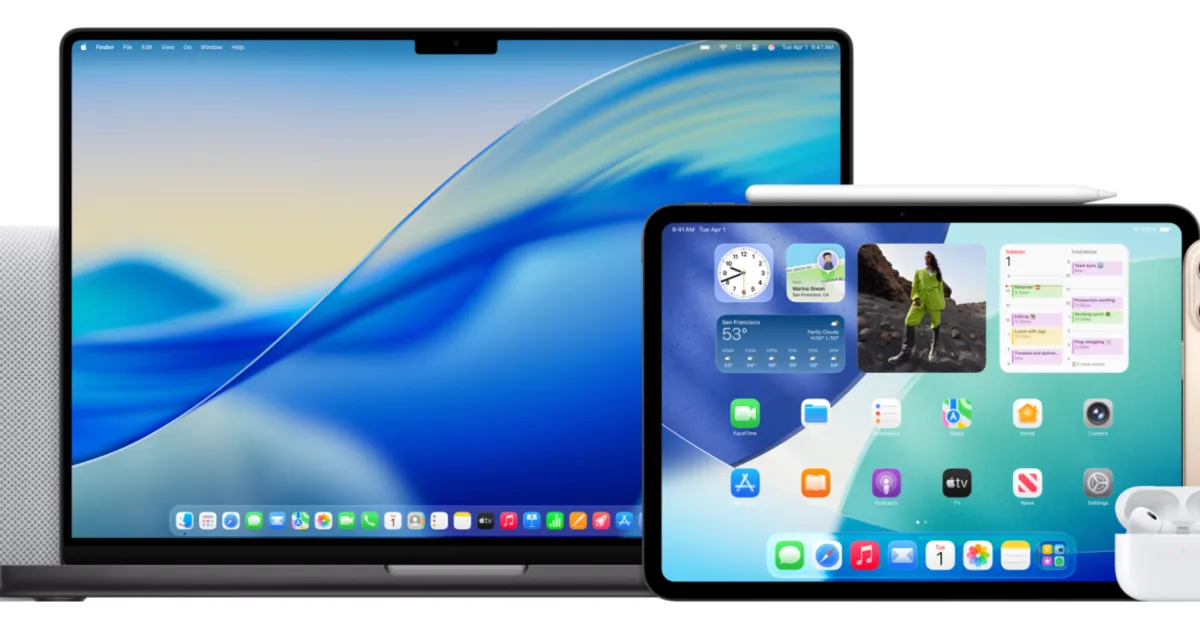
Featured image for iOS 26 Beta 2: New Ringtone, Control Center Tweaks, and Interface Improvements
Source: AppleInsider

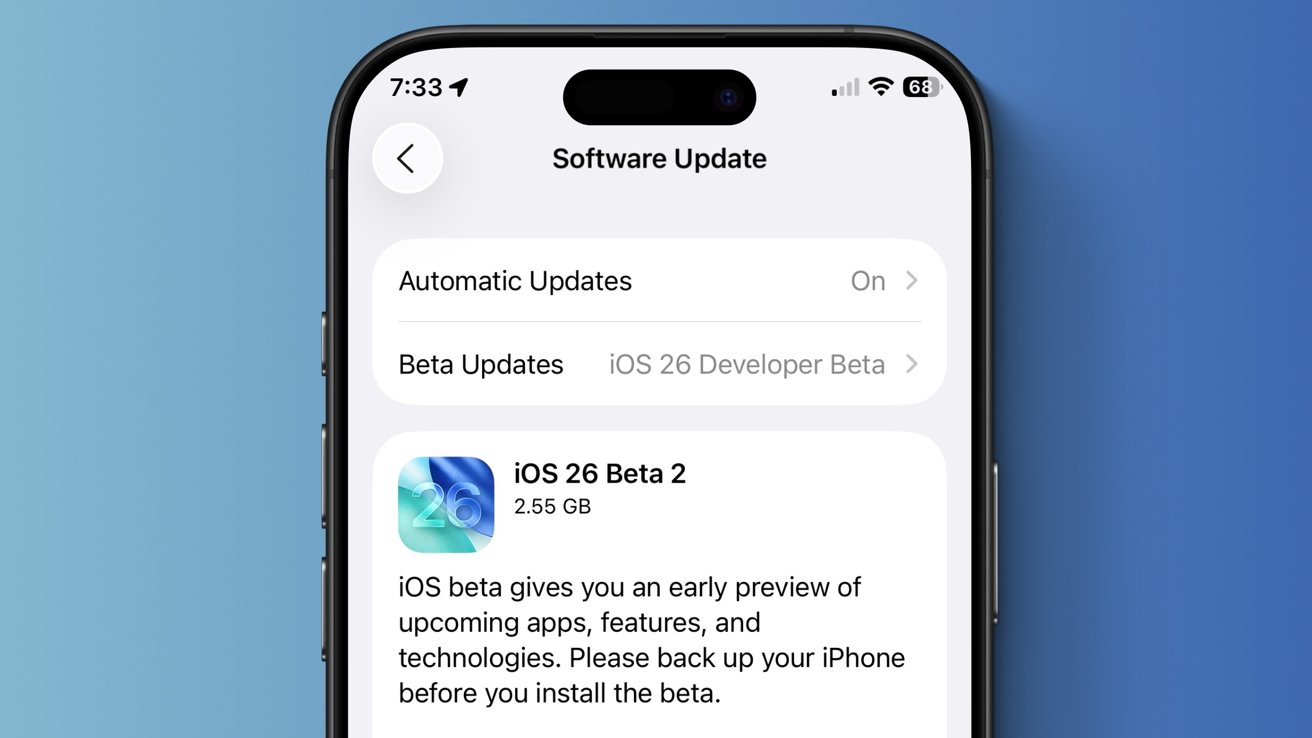
The second developer beta of iOS 26 introduces a new 'Reflection' ringtone variant, visual tweaks to Control Center and Safari, the return of model-specific wallpapers, a new Apple Music widget for live radio, and a new Recovery Assistant feature for diagnosing and resolving device issues, with minor design and functionality improvements overall.

Exciting New Features and Upgrades Coming to Your Apple Watch in watchOS 26

Originally Published 6 months ago — by Gear Patrol

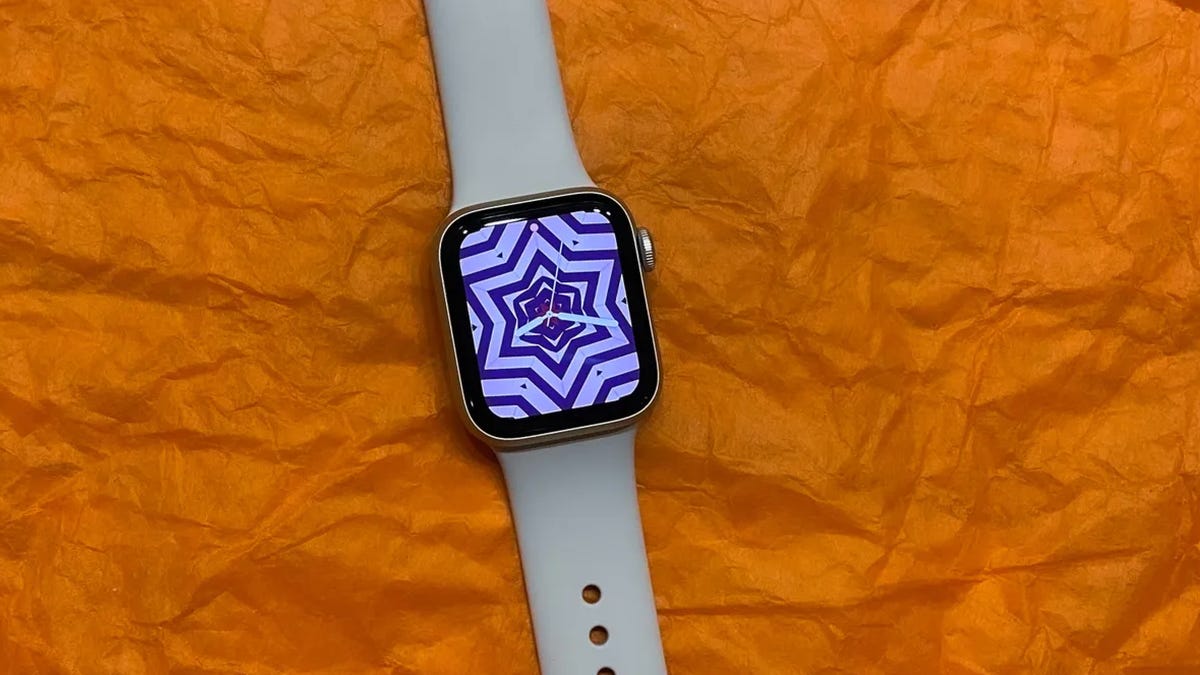
Featured image for Exciting New Features and Upgrades Coming to Your Apple Watch in watchOS 26
Source: Gear Patrol

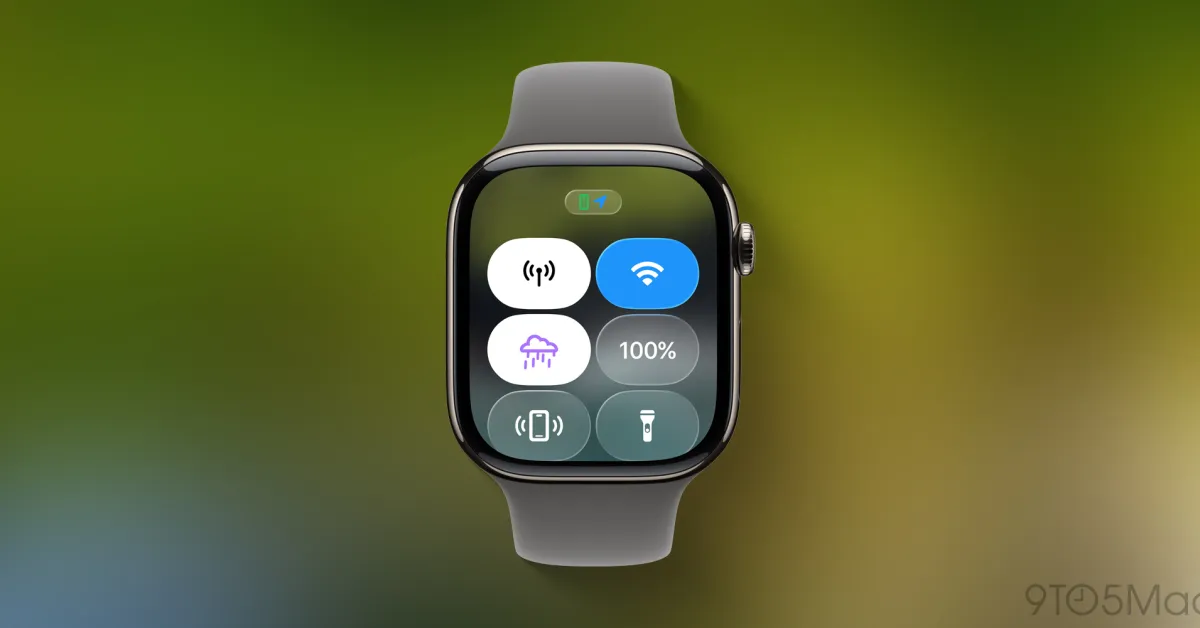
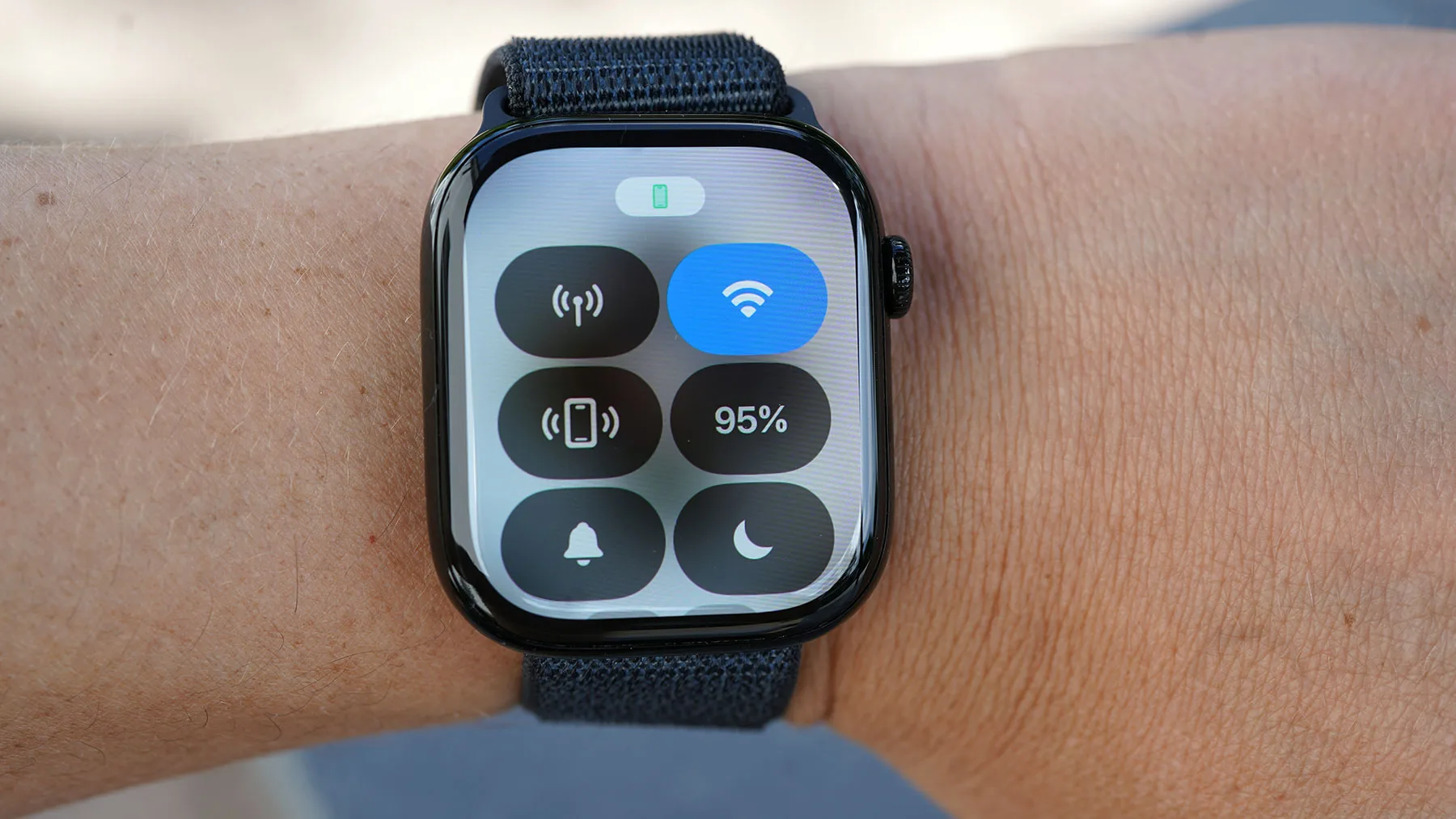
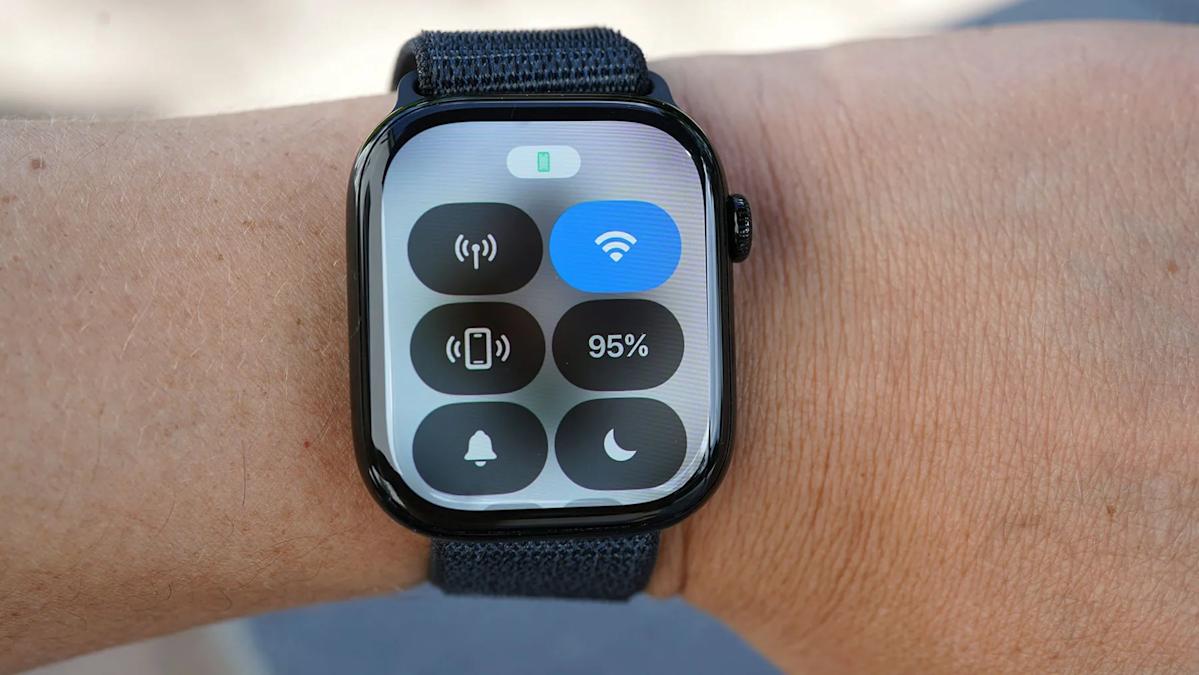
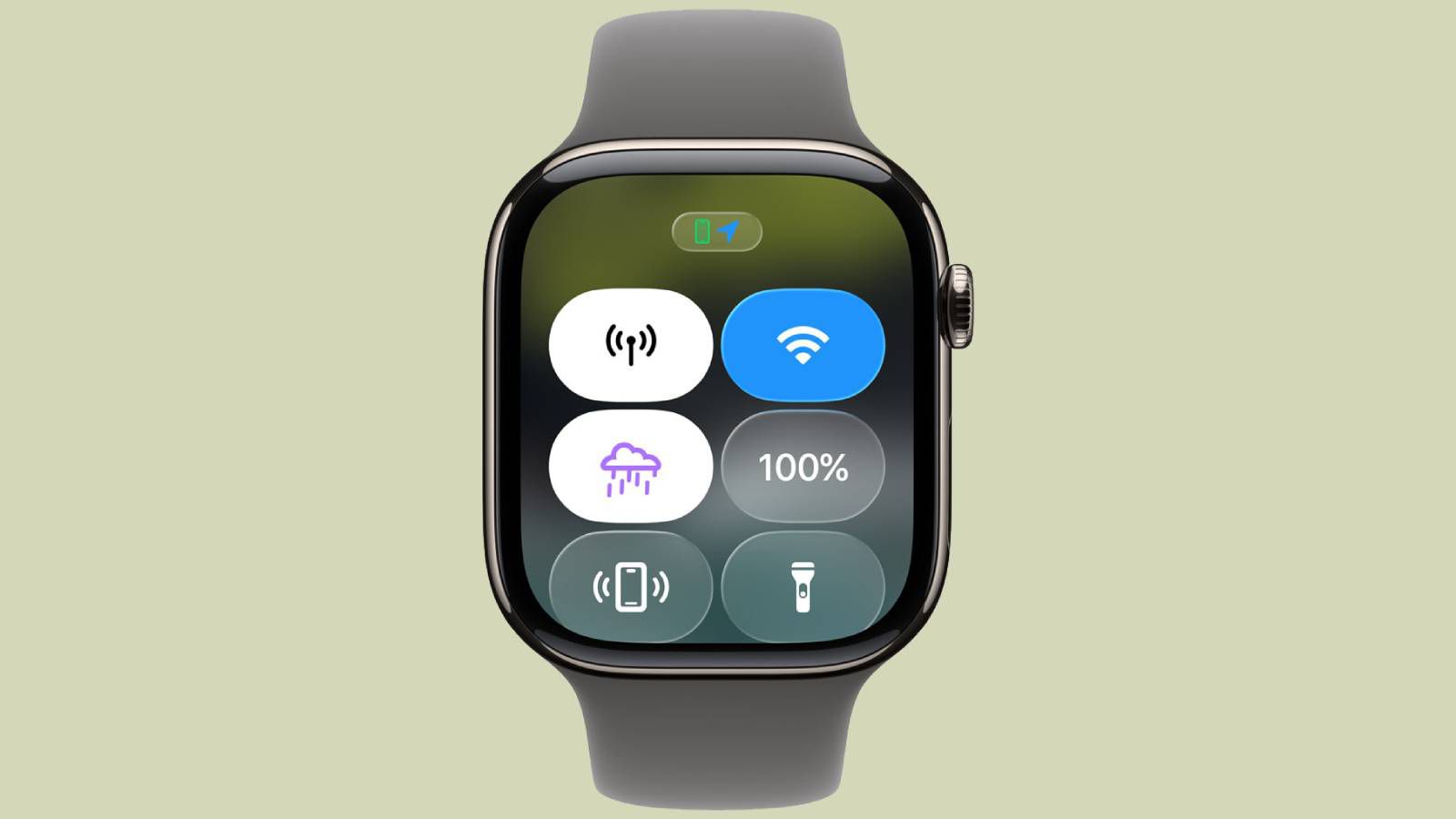
Apple is set to enhance the Apple Watch with watchOS 26, introducing a customizable Control Center that now allows users to control their iPhone from their wrist and access third-party app controls, along with new features like Wrist Flick and Workout Buddy, expected to launch in early September.

Apple Watch to Receive Exciting New Feature

Originally Published 6 months ago — by Yahoo

Featured image for Apple Watch to Receive Exciting New Feature
Source: Yahoo

Apple is set to enhance the Apple Watch with watchOS 26, introducing the ability to customize its Control Center similarly to the iPhone, allowing users to control and monitor their iPhone from their wrist and access third-party app controls, along with new features like Wrist Flick and Workout Buddy.

"iOS 18 to Feature Customizable Control Center Layout"

Originally Published 1 year ago — by MacRumors

Featured image for "iOS 18 to Feature Customizable Control Center Layout"
Source: MacRumors

Apple is reportedly testing a redesigned Control Center with a customizable layout for iOS 18, allowing users to reorganize controls via a drag-and-drop system. This would be the most significant update to Control Center since iOS 11. The new feature's confirmation is expected during Apple's WWDC keynote on June 10, with the first beta likely available to developers immediately after.

"iOS 18: Siri AI, Control Center Makeover, and More"

Originally Published 1 year ago — by 9to5Mac

Featured image for "iOS 18: Siri AI, Control Center Makeover, and More"
Source: 9to5Mac

iOS 18 will introduce several new features including the ability to freely place app icons and widgets on the home screen, customize app icon colors, create custom routes in Apple Maps, a revamped Control Center, text effects in Messages, and a redesigned Settings app. These updates aim to enhance user customization and functionality.

iOS 18: Redesigned Control Center, Settings, and iMessage Text Effects

Originally Published 1 year ago — by 9to5Mac

Featured image for iOS 18: Redesigned Control Center, Settings, and iMessage Text Effects
Source: 9to5Mac

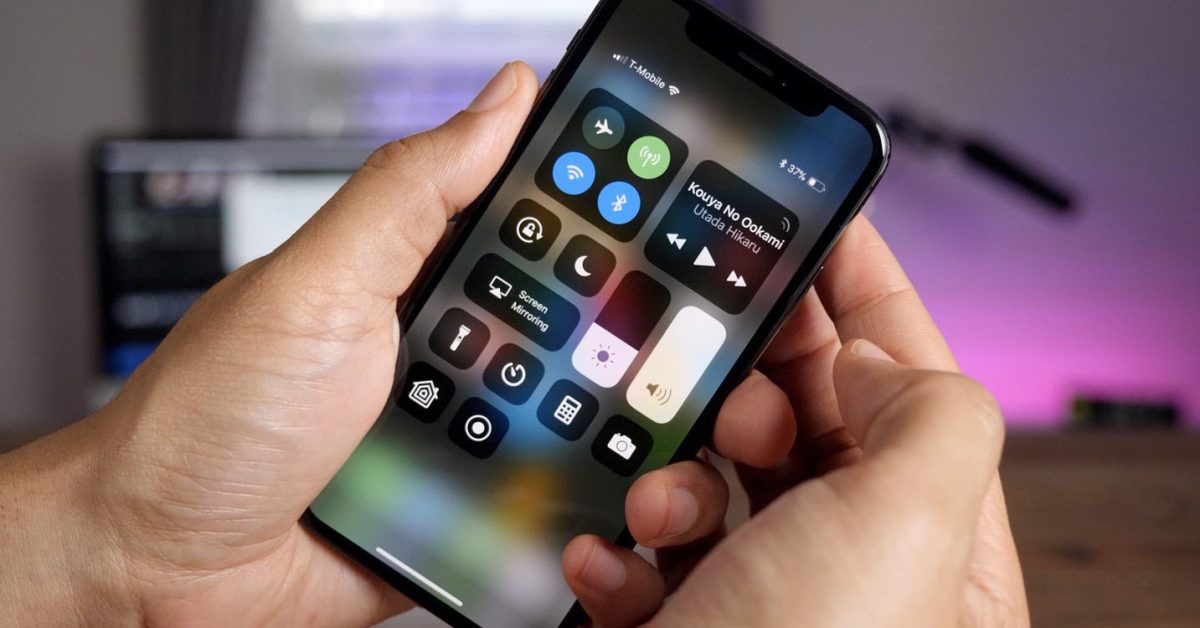
iOS 18 will feature a redesigned Control Center with updates to the music widget and HomeKit controls, including a revamped Settings app with better organization and search. The new Control Center will offer a larger Now Playing UI and improved smart home appliance controls, addressing user frustrations with the current automatic layout.

"Unlocking Hidden AirPods Pro 2 Features and Tips"

Originally Published 1 year ago — by CNET

Featured image for "Unlocking Hidden AirPods Pro 2 Features and Tips"
Source: CNET

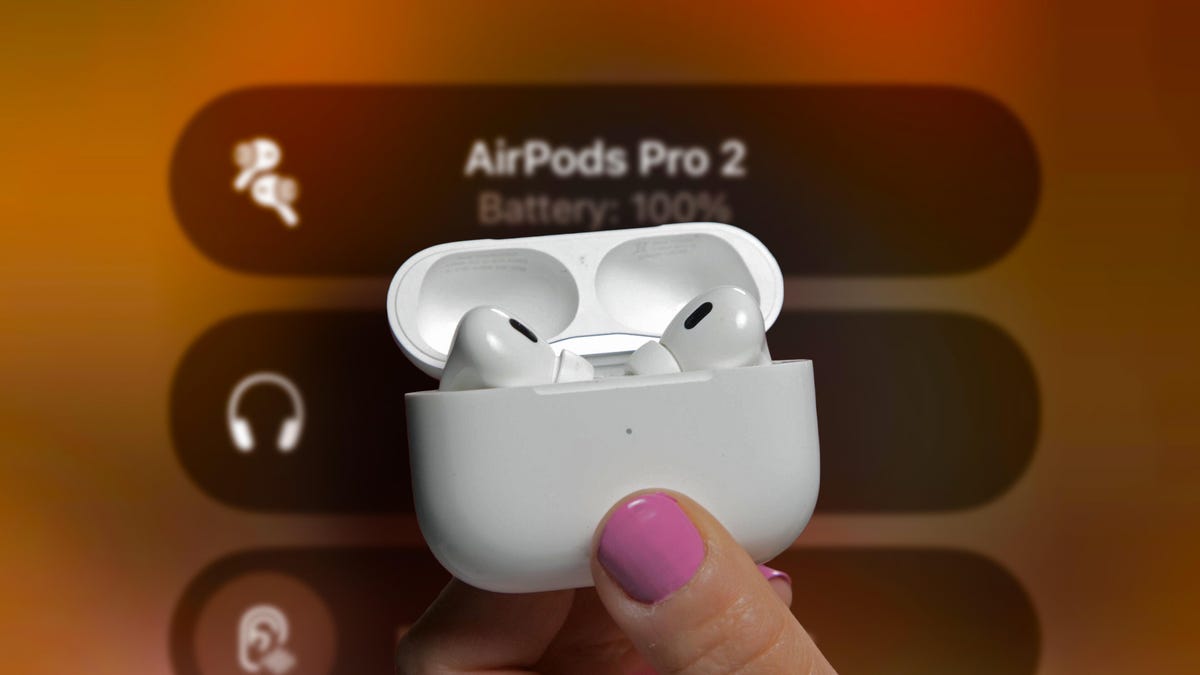
The AirPods Pro 2 have new features in iOS 17, and users can access hidden options in the Control Center, customize audio with Headphone Accommodations, personalize spatial audio, share audio with a friend, and use Siri to describe photos received in Messages. The Shortcuts app can also unlock more settings for the AirPods. Additional features may be announced at Apple's Worldwide Developers Conference in June.

The Side Button Change in WatchOS 10: A Near Ruin for Apple Watch

Originally Published 2 years ago — by CNET

Featured image for The Side Button Change in WatchOS 10: A Near Ruin for Apple Watch
Source: CNET

The release of WatchOS 10 brought a major change to the side button on Apple Watches, moving the Control Center to the button without an option to remap it. This change has caused frustration for users, especially those with broken side buttons. The author highlights the limitations of the side button's new functionality and suggests that Apple should make it customizable like the Action button on higher-end models. The article also discusses the author's personal experience with a broken side button and the challenges of Apple Watch repairs. Ultimately, the author advises caution when updating to WatchOS 10 and hopes for better customization options in future updates.

Beware: $70 Device Can Steal iPhone Passwords via Bluetooth

Originally Published 2 years ago — by Tom's Guide

Featured image for Beware: $70 Device Can Steal iPhone Passwords via Bluetooth
Source: Tom's Guide

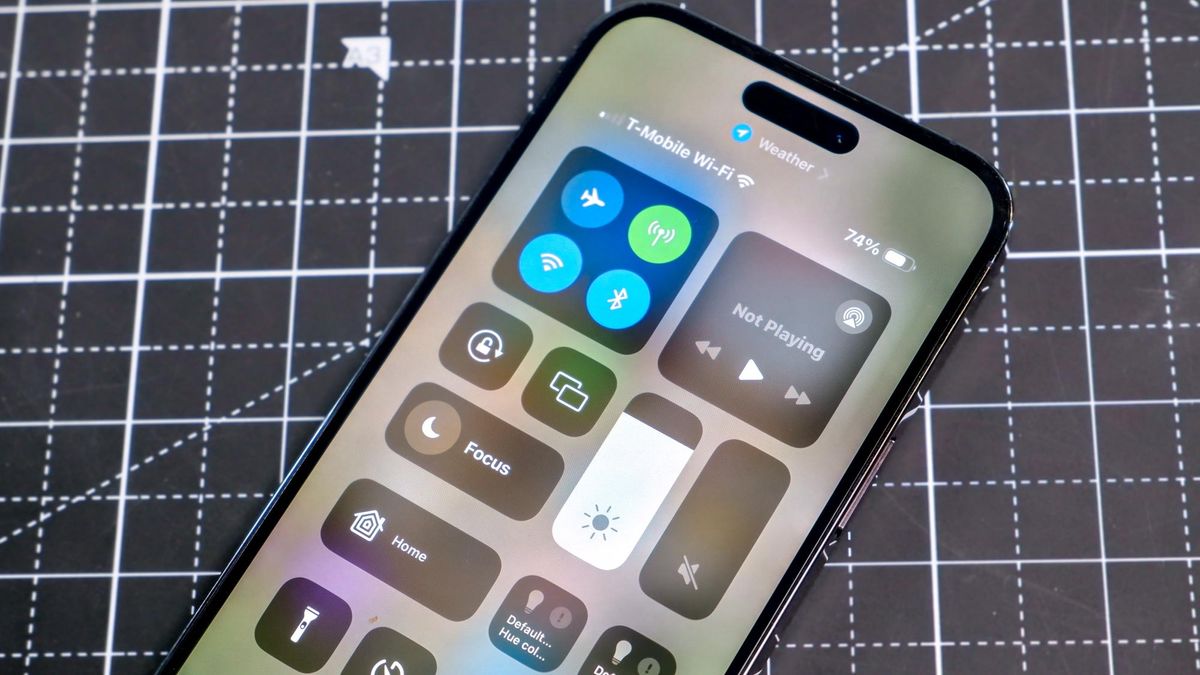
A security researcher demonstrated at Def Con that using Control Center on iPhones to disable Bluetooth and Wi-Fi doesn't actually turn them off. Instead, it only disconnects connected devices. To fully disable these services, users need to go to the Settings app. This raises concerns about battery life and potential security risks, as leaving Bluetooth and Wi-Fi enabled drains the battery and provides hackers with entry points to iPhones.