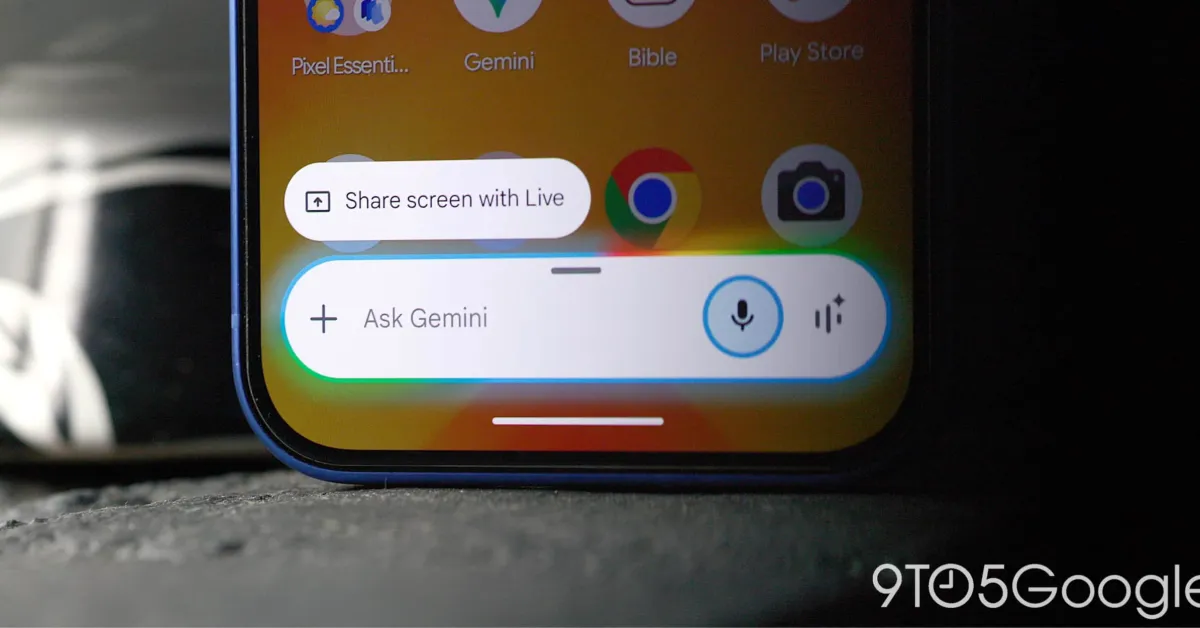
Google Chrome for Android has introduced a new Gemini overlay feature that allows users to quickly generate concise summaries of web pages through a new 'Summarize page' shortcut, enhancing browsing efficiency with integrated AI-powered summaries accessible directly within the browser.
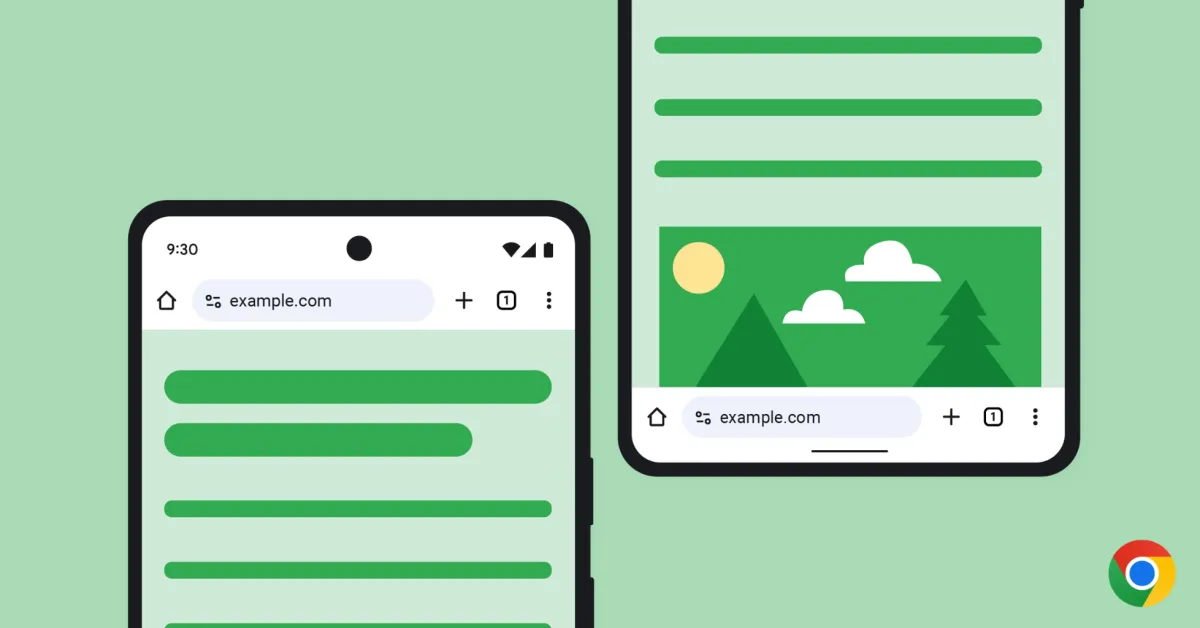
Google Chrome for Android has started rolling out a new feature allowing users to move the address bar to the bottom of the screen for easier navigation, with options to switch between top and bottom placement through notifications or settings, enhancing customization for mobile browsing.
Google is rolling out a new feature for Chrome on Android that allows users to move the address bar to the bottom of the screen for easier one-handed browsing, providing a customizable option to enhance user comfort and accessibility.
Google Chrome for Android now allows users to move the address bar to the bottom of the screen, offering a customizable and more ergonomic browsing experience, similar to recent iOS updates, with the feature rolling out gradually.
Chrome for Android is adding a new "Autofill options" menu that allows users to select their preferred password manager. Currently, if Google Chrome finds a matching login for a website, it takes over the display and prompts users to sign in with Google's password manager, which can be frustrating for those using a different password manager. The new option will allow users to choose "Use other providers" and input passwords from their preferred password manager. This feature is currently available in Chrome Dev via "field trials" and its arrival in stable releases is uncertain.
Some Android users are experiencing a bug in Chrome for Android where a red arrow prompts them to update the browser, even though there is no new version available. Tapping the prompt opens the Chrome Beta Play Store listing, even for users on the latest stable release. There is no danger to users, and Google is expected to resolve the issue soon.