
Tag

Browser Tabs

All articles tagged with #browser tabs

technology2 years ago

Maximize Your Productivity with These Tab Management Tips

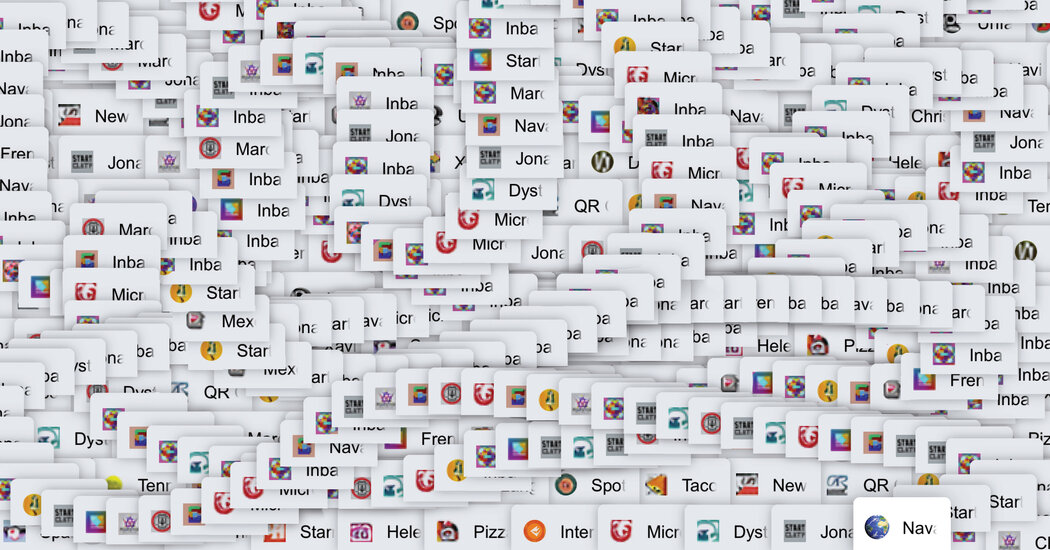
The author reflects on their attachment to browser tabs, with 72 open on their computer and 263 on their phone, seeing them as a connection to their intentions and a reflection of their desires, memories, and goals. While some people find too many tabs stressful and distracting, the author finds comfort and a sense of control in the chaos of their tabs. They view tabs as personal and private, akin to a journal, and cherish them as a reminder of a simpler time in internet browsing.
technology2 years ago

"Maximize iPhone Efficiency with Two-Second Trick"

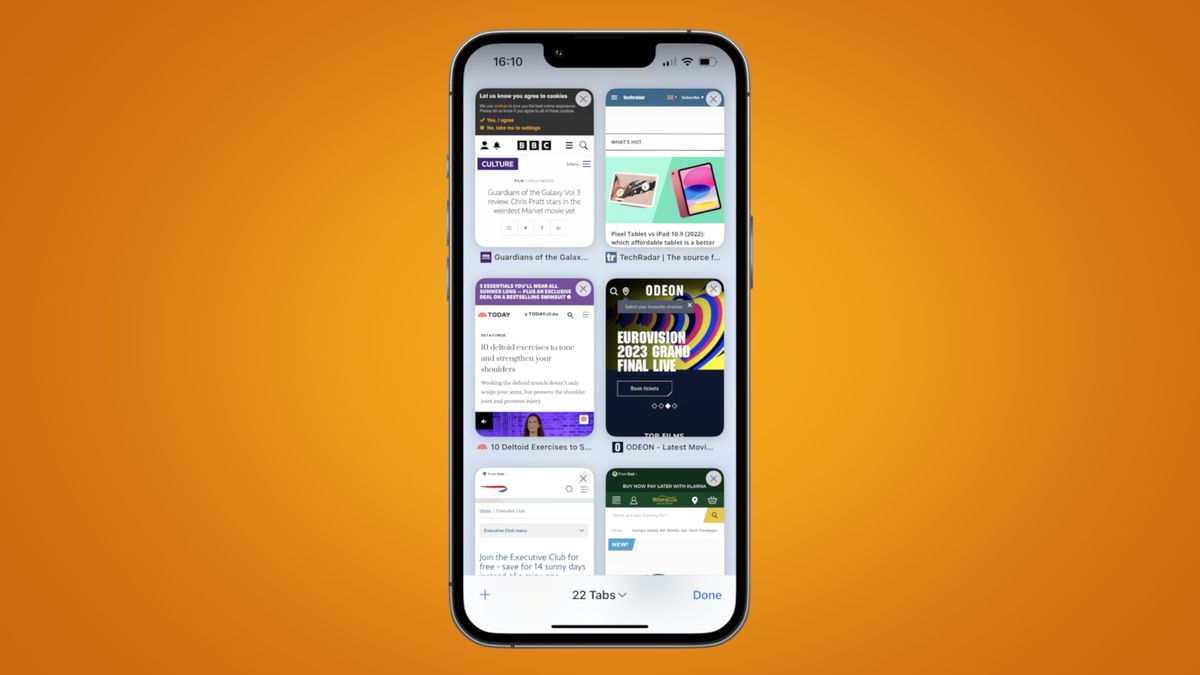
A two-second trick for iPhone users to delete Safari tabs en masse has been highlighted by Today Years Old. Users can navigate to the bottom right-hand corner of Safari and hold down the open tabs icon to bring up a menu that contains an option to delete all open tabs in one go. Alternatively, users can set their iPhone to automatically close open Safari tabs after a chosen amount of time by selecting the “Close Tabs” menu in the Safari options page in Settings.

technology2 years ago

"Effortlessly Save Time on Your iPhone with This Two-Second Trick"

A two-second iPhone trick has been revealed that lets you delete Safari tabs en masse. By holding down the open tabs icon in the bottom right-hand corner of Safari, a menu appears that contains an option to delete all open tabs in one go. Additionally, iPhone users can choose to have open tabs close automatically after one day, one week or one month by navigating to the Safari options page in Settings. To revisit a closed Safari tab, long-press the Plus icon in the bottom left-hand corner of the tabs preview screen to bring up a list of recently closed tabs.

technology2 years ago

Microsoft Edge introduces collaborative Workspaces for sharing browser tabs.

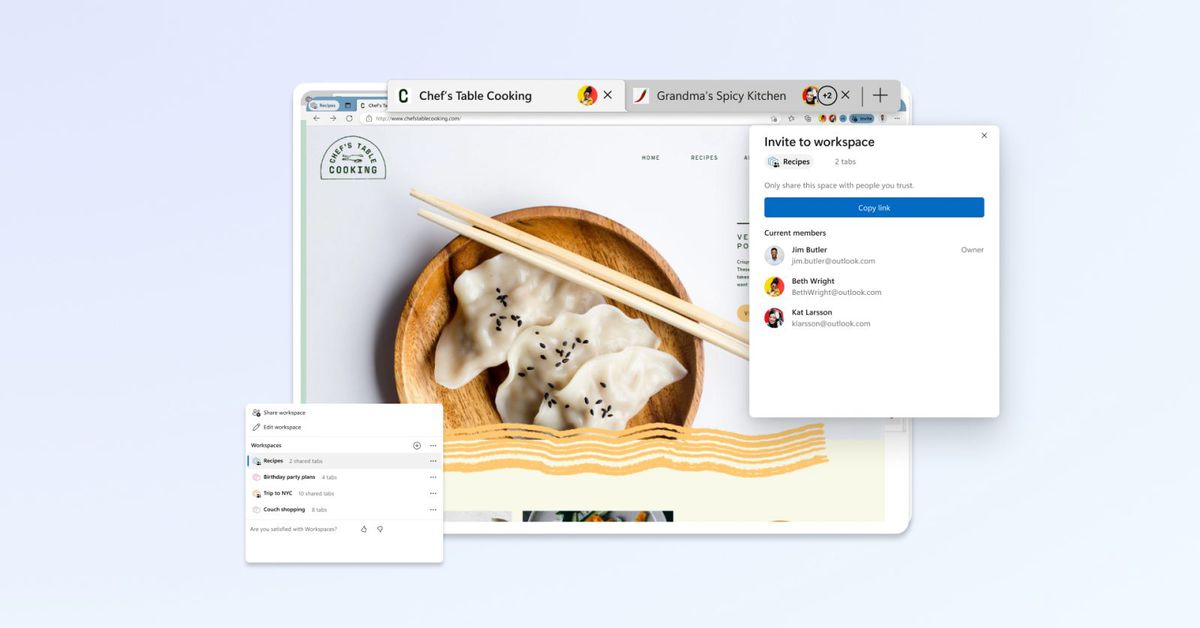
Microsoft Edge is launching a limited public preview of its Workspaces feature, which allows users to save and share sets of browser tabs using a single link. Workspaces lets users gather a bunch of tabs on a particular topic and save them into neatly labeled groups within Edge. Users can share these saved tabs with colleagues, who can then add or make changes to the tabs in real-time. Microsoft notes that it won’t share private information when using Workspaces with others, including passwords, downloads, collections, extensions, or cookies.